
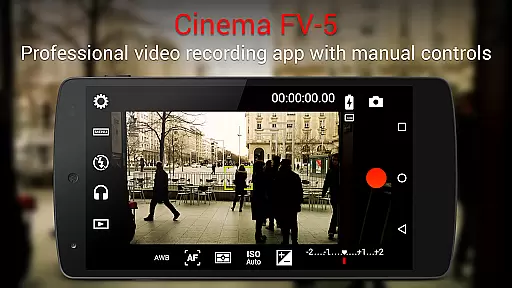
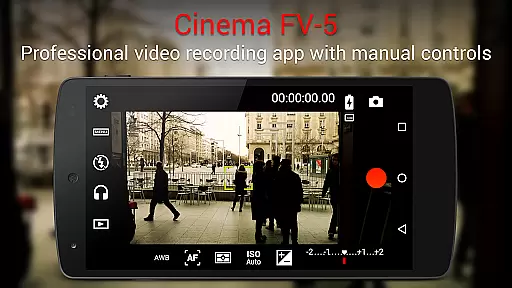
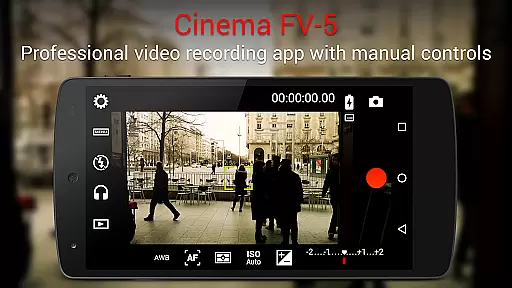
Cinema FV-5 is a professional-grade video camera application designed for mobile devices, offering advanced manual controls that empower videographers to capture high-quality footage. With its comprehensive suite of features, this app caters to both amateur enthusiasts and professional filmmakers who demand precise control over their video recording process.
The app provides users with the ability to adjust critical image sensor parameters such as ISO, exposure compensation, focus modes, and white balance, even during active recording sessions. Additionally, it supports 4K UHD video recording on compatible devices, ensuring top-tier video quality. Cinema FV-5 also includes professional sound metering options and versatile audio input choices, making it an ideal tool for capturing broadcast-ready content.
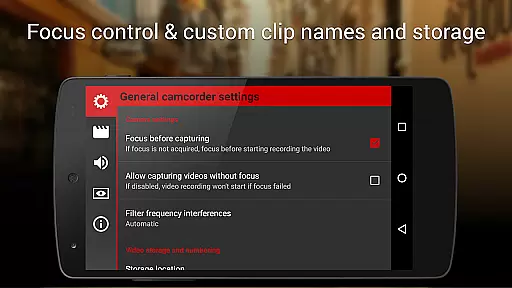
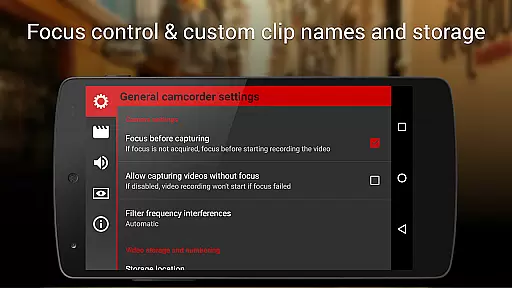
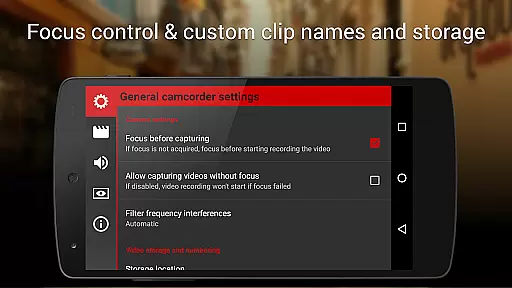
Whether you're shooting a short film or creating content for a documentary, Cinema FV-5 allows for unparalleled creative freedom. Its powerful post-production capabilities are complemented by advanced video clip organization features, customizable file naming conventions, and support for various storage locations, enabling seamless integration into any professional workflow.
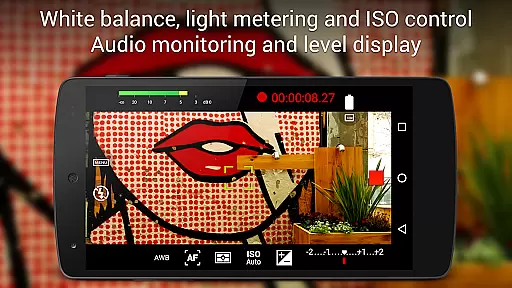
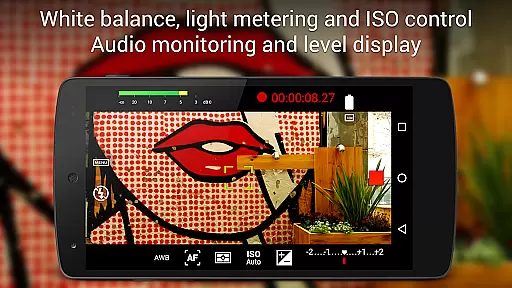
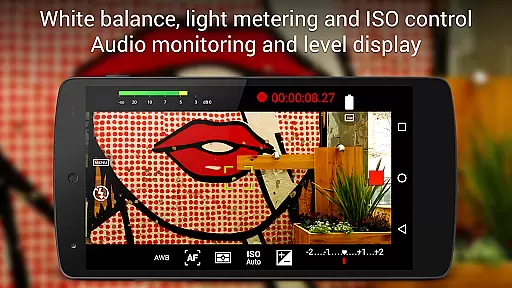
Cinema FV-5 stands out with its extensive array of features tailored for professional videography. The app offers complete control over essential camera settings, including ISO, exposure compensation, light metering modes (matrix/center/spot), focus adjustments, and white balance modifications, all of which can be fine-tuned in real-time during recording.
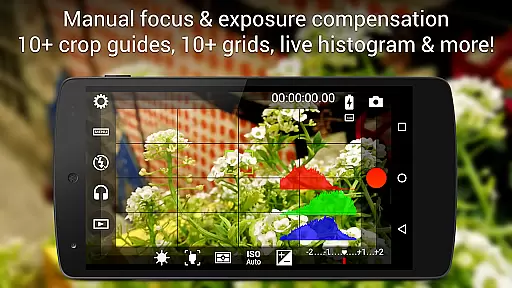
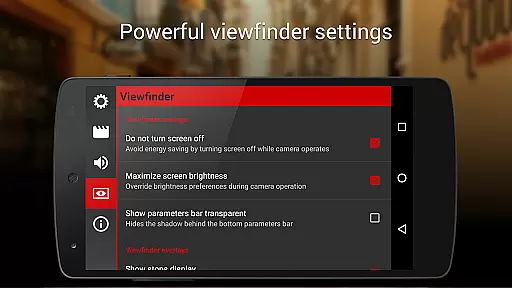
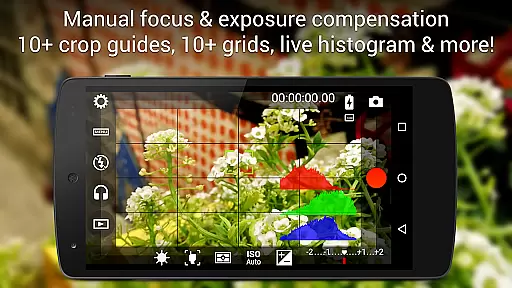
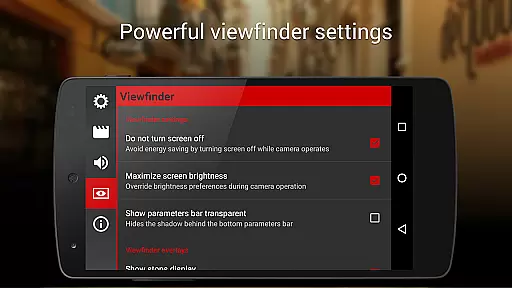
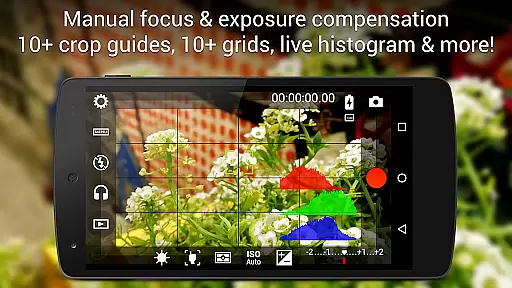
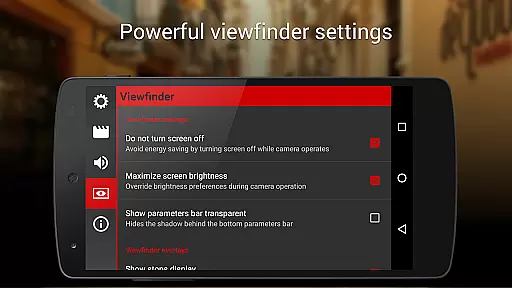
One of the standout features is the professional viewfinder, equipped with over 10 compositing grids, crop guides, and safe area displays. The electronic viewfinder provides live RGB and luminance histograms, aiding in achieving perfect exposure levels. Additionally, the app supports professional sound metering, displaying audio peaks and clipping warnings, ensuring optimal audio capture alongside stunning visuals.
For those seeking flexibility, Cinema FV-5 allows users to assign camera functions to volume keys, facilitating quick adjustments to EV, ISO, color temperature, zoom, and more. The app's support for video geotagging, multiple focus modes, and autoexposure locks further enhances its utility. Moreover, the ability to organize video clips with customizable file names and storage locations makes managing large projects effortless.
Real-time capture and preview functionality is essential for videographers who need precise control over their footage. Cinema FV-5 offers users the ability to adjust all image sensor parameters, including exposure compensation, ISO, light metering modes, focus, and white balance in real time. This ensures that videographers can fine-tune every aspect of their recording before and during the shoot.
The application provides professional tools such as live RGB and luminance histograms, which are available even during recording. These features allow users to monitor their video's exposure and brightness levels accurately. Additionally, focus adjustments can be made during recording, enabling videographers to lock focus on subjects or change focus planes seamlessly.
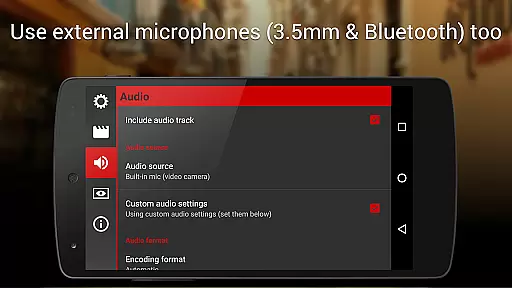
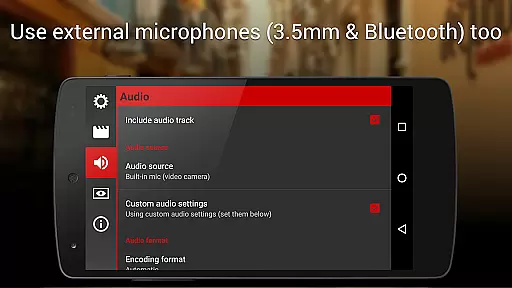
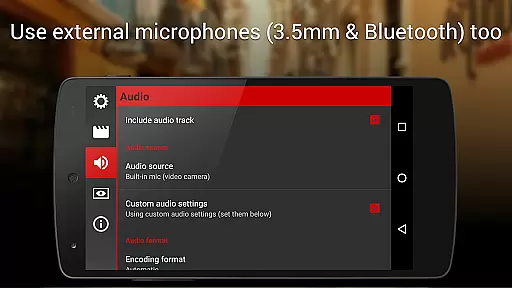
With Cinema FV-5, videographers can leverage advanced sound metering options, displaying audio peaks and sound clipping warnings while recording. This feature ensures optimal audio quality alongside stunning visuals. The app supports various audio input sources, including built-in microphones, external wired microphones, and wireless Bluetooth headsets, providing flexibility in capturing high-quality audio.
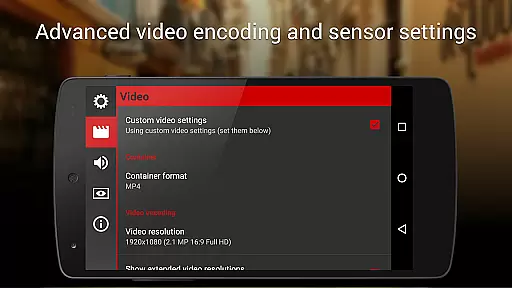
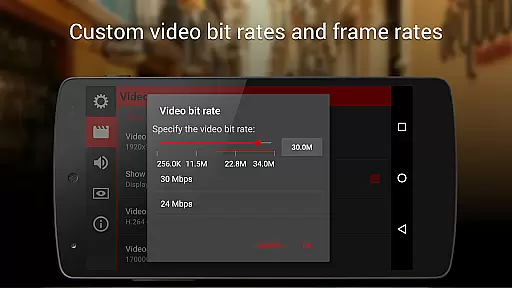
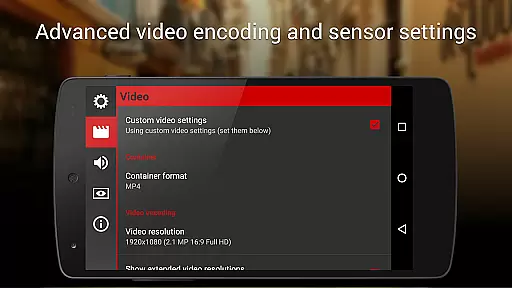
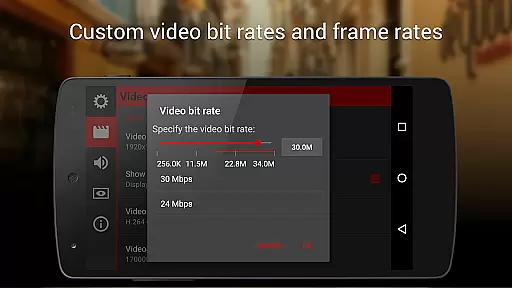
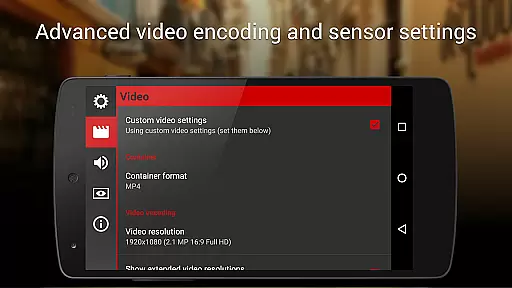
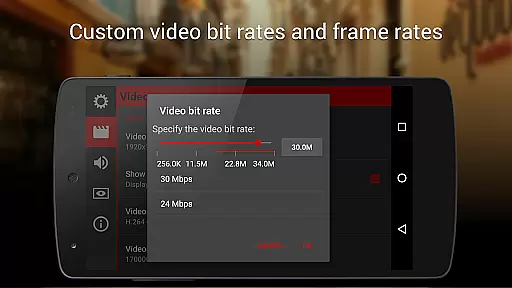
While primarily focused on professional videography, Cinema FV-5 also includes features that enhance video quality through advanced settings rather than AI-based beautification. Users can choose between different video and audio codecs, adjust bitrates, audio sampling rates, and select the number of channels. These options ensure that the captured footage meets industry standards and maintains natural visual and audio fidelity.
Cinema FV-5 allows recording in 4K UHD resolution on supported devices, ensuring that videos retain exceptional detail and clarity. The app's professional viewfinder includes over 10 compositing grids and crop guides, aiding videographers in composing shots with precision. Safe area displays help ensure that critical elements remain within the frame, enhancing the overall composition without artificial enhancements.
All camera functions can be assigned to volume keys, allowing users to adjust EV, ISO, color temperature, zoom, and more using easily accessible controls. This intuitive interface facilitates smooth operation and enhances the user experience by providing tactile feedback and quick access to essential settings. Devices with hardware camera shutter keys are supported, further expanding the range of control options available to videographers.
Advanced manual controls
Real-time parameter adjustments
Professional sound metering
Customizable file naming
Supports 4K UHD video
Complex for beginners
Requires high-end device
No built-in editing tools
Premium price point
Limited automated features

Long exposure camera with computational photography
 2.60
2.60
Safe & smart flight with Go Fly drone controller for 40+ drone camera, zone map
4.50
HD Photo gallery and photo manager to edit, hide private photos, videos & albums
4.0
All-in-One Editor & AI Photo Enhancer, Collage, Cartoonify, Funny Stickers & BGS
4.10
A reflected light meter with spot metering and incident light metering.
4.40
See your baby AI baby face generator AI baby maker Face generator babymaker fun!
4.70
AI photo enhancer with Sora 2! Enhance, descratch, and colorize your old photos.
4.50
Transform Photos: Edit, Beautify and Craft Memories & Make Collages!
4.10
Pro version: AR sun/moon tracker for any date. Tool for photographers & planners
4.90
Your personal guide to the sun and moon. Plan ahead, visualize and predict!
4.70
Light-weight Media Gallery app for Android made with Jetpack Compose
4.60
Add Watermark - Sign your pictures with a text or logo. Effective, quick, easy!
4.50
Create AI photos & videos with Enhancer; restore, fix, beautify, enhance photos
4.50
All-in-One Editor & AI Photo Enhancer, Beautify & Retouch, Collage, Cartoonify
4.20
Photo editor: face & body editor, beauty cam, filters and quality enhancer.
4.00
USB Storage Access for Photos, Videos, Music and Documents
3.80
Perfect photos with body shaping, BG changer and object remover.
3.70
Create amazing frames with up to five photos. Rounded corners, effects and more!
3.60
An interval timer to automate photo taking process for timelapse
2.90


User Reviews