
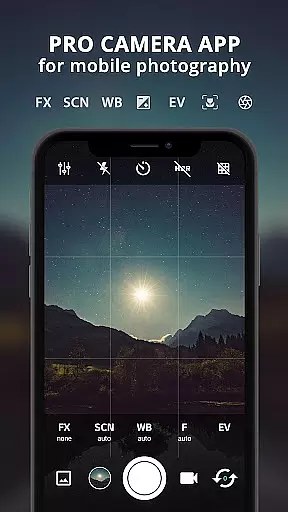
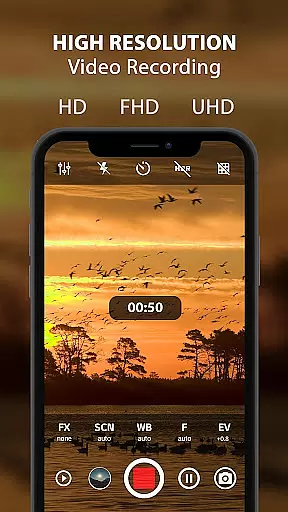
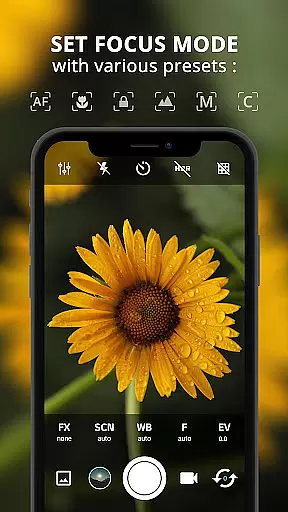
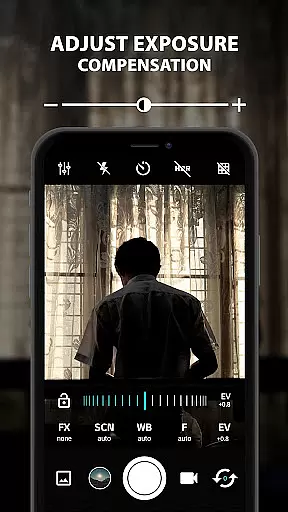
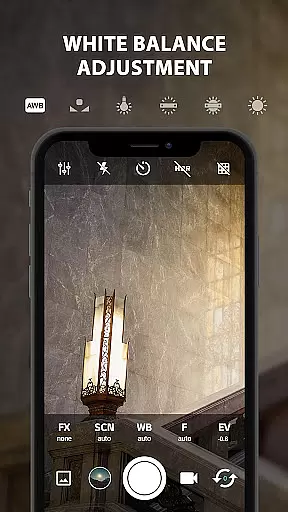
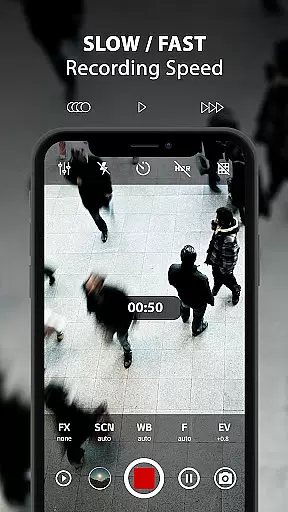
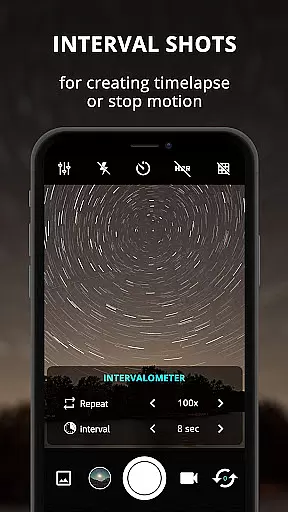
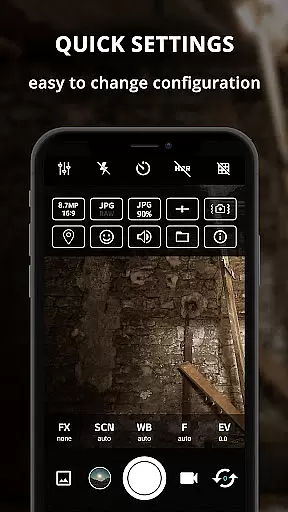
ProCam X transforms your smartphone into a professional-grade camera, offering full manual control over essential photography parameters. With precise adjustments for exposure, focus, white balance, ISO, and shutter speed, it caters to both amateur photographers and seasoned professionals. The app supports advanced features like 4K video recording, real-time filters, geotagging, and anti-shake functionality, ensuring high-quality results in any scenario.
Beyond basic shooting modes, ProCam X includes creative tools such as burst mode, intervalometer, and facial recognition. These features make it ideal for capturing dynamic scenes or creating time-lapse videos. Whether you're shooting landscapes, portraits, or action sequences, this app provides the flexibility and performance needed to elevate your mobile photography to new heights.
ProCam X stands out with its extensive range of professional camera features designed for maximum creative control. Users can manually adjust ISO, shutter speed, focus, and white balance, mimicking the functionality of DSLR cameras. Advanced options like RAW (DNG) file support and customizable grid views allow photographers to fine-tune their compositions while maintaining optimal image quality.
The app also includes practical tools that enhance usability. Features such as geotagging, date/time stamps, and external microphone support cater to specific photography needs. Additionally, ProCam X offers unique capabilities like silent shutter mode, gesture-based controls, and adjustable volume key functions, making it versatile enough for various shooting environments and styles.
Real-time capture and preview functionality is essential for any photography application as it allows users to frame their shots accurately before capturing. ProCam X excels in this area by providing a responsive and accurate live view that mirrors the real-world scene with precision.
The app achieves this through its advanced integration with the device's camera system, ensuring minimal lag between the action and what users see on their screen. This immediacy is crucial for capturing fleeting moments and making real-time adjustments to settings such as exposure and focus.
Users benefit from this feature by being able to make precise adjustments to their shot composition and camera settings instantly. This capability ensures that photographers can capture high-quality images without missing critical moments, enhancing both amateur and professional photography experiences.
Ultimately, the real-time capture and preview feature of ProCam X empowers users to take full control of their photography, offering them the tools needed to produce exceptional results consistently.
AI beauty and enhancement features are increasingly popular in photography apps, allowing users to refine and beautify their photos effortlessly. ProCam X incorporates sophisticated AI algorithms that enhance image quality while maintaining a natural look, avoiding the over-processed appearance common in lesser applications.
This is achieved through intelligent analysis of facial features and skin tones, applying enhancements that are subtle yet effective. The app provides options to adjust levels of beautification, catering to individual preferences and ensuring that each photo retains its unique character.
Photographers using ProCam X will appreciate how these enhancements do not detract from the authenticity of their images. Instead, they highlight the subject's best features, resulting in photos that look polished but not artificial, which is particularly beneficial for portrait photography.
In summary, the AI beauty and enhancement capabilities of ProCam X offer users a powerful toolset for elevating their photography, ensuring that every image captured is both beautiful and true to life.
Full manual controls
4K video recording
Real-time filters
Geotagging support
Anti-shake feature
Complex for beginners
Requires Camera2 API
Some features device-specific
No free version
Occasional bugs

Effortlessly organize, view and share your photos & videos with Gallery app!
 4.40
4.40
Long exposure camera with computational photography
2.60
Virtual makeup, hair filters & body tuner—edit from face to full body!
4.20
Be your best in every shot! Fix, edit and retouch your face in selfies & photos.
3.70
HD Camera Pro with HD Video shooting, Panorama, Photo editor , Beauty Camera.
4.50
Create amazing frames with up to five photos. Rounded corners, effects and more!
3.60
Luminar: Photo Editor - easy picture editing with AI
4.20
Catch sunlight, sunrise sunset times and sun phases with the AR sun tracker.
4.10
Discover & download millions of art for The Frame TV or Hisense CanvasTV
4.60
A collection of tools and reference tables for DPs, ACs, DITs and Operators.
4.70
Viewfinder, Light meter, Reciprocity failure time, DOF & Bellows Extension
4.60
Automatically backup your photos and videos to computer, NAS and Cloud services
4.60
Add Watermark - Sign your pictures with a text or logo. Effective, quick, easy!
4.50
All-in-One Editor & AI Photo Enhancer, Beautify & Retouch, Collage, Cartoonify
4.20
All-in-One Editor & AI Photo Enhancer, Collage, Cartoonify, Funny Stickers & BGS
4.10
Photo editor: face & body editor, beauty cam, filters and quality enhancer.
4.00
How would you look like with a differently shaped nose, chin or lips?
3.90
Pet Camera
3.70
Snap photos remotely using your Garmin watch as the camera trigger
4.2


User Reviews