
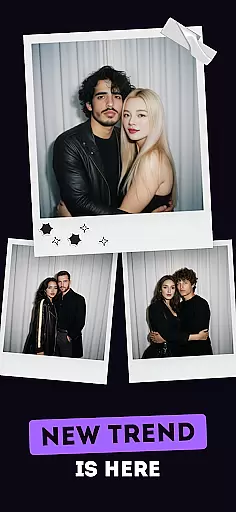
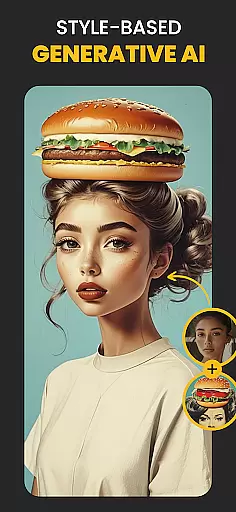
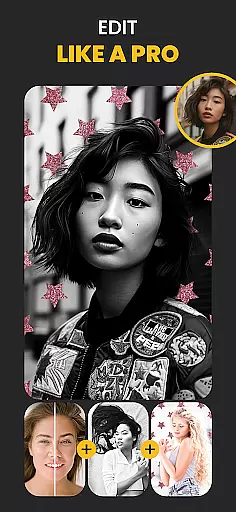
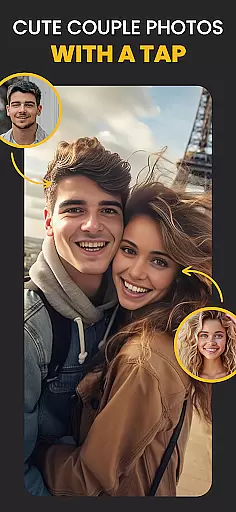
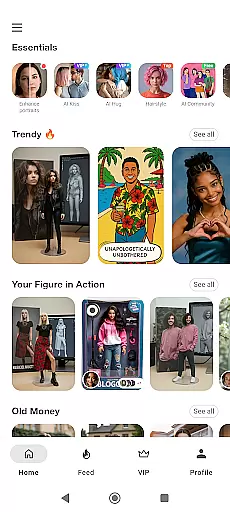
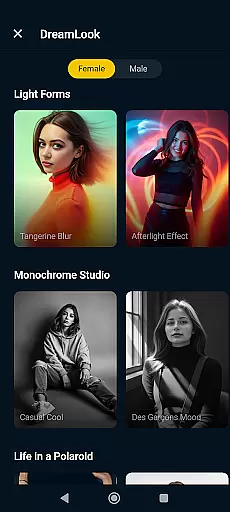
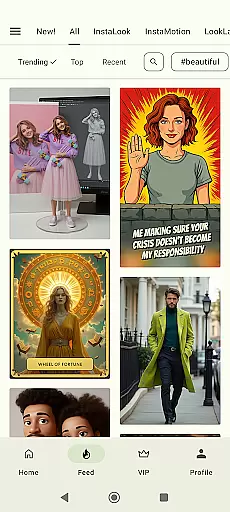
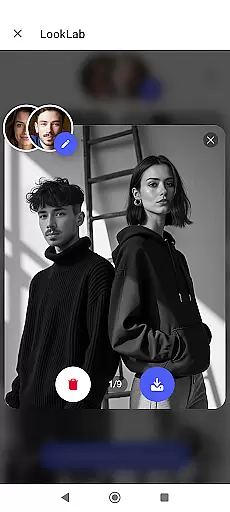
Photo Lab Picture Editor & Art is a versatile AI photo editor that combines advanced neural art styles, realistic photo effects, and creative face filters to transform your images into stunning works of art. With over 50 pre-set styles powered by AI technology, this app allows users to effortlessly enhance their photos with professional-grade edits.
The app offers an extensive range of features including photo frames, background editing, and face montages, making it ideal for both casual users and photography enthusiasts. Whether you're looking to add artistic flair to selfies or create captivating collages, Photo Lab provides the tools needed to bring your creative vision to life while maintaining ease of use.
One of the standout features of Photo Lab is its Neural Photo Art Styles, which uses AI to apply unique artistic presets to any image. This functionality not only enhances visual appeal but also saves time compared to manual editing. Additionally, the app includes realistic photo effects that add depth and character, turning ordinary snapshots into extraordinary visuals.
Another key feature is the automatic face detection algorithm used in creating photo montages. Users can swap faces into cartoon characters or other looks seamlessly. The app also supports photo collages, background changes, and a variety of filters such as vintage, anime, and oil painting, ensuring endless customization possibilities for every photo project.
Real-time capture and preview functionality is essential for any photography app as it allows users to see exactly what the camera sees before taking a shot. This ensures that users can make necessary adjustments to framing, lighting, and focus, resulting in higher quality photos.
Photo Lab Picture Editor & Art offers an intuitive real-time capture experience by leveraging advanced AI photo editor capabilities. The app processes images instantly, providing users with immediate feedback on their shots. This feature is particularly useful when applying face filters or experimenting with different photo effects.
Users benefit from this feature through improved control over their photography process. With real-time previews of styles and effects, they can fine-tune their creative vision without guesswork. Whether adding beautiful frames or utilizing neural photo art styles, seeing changes live enhances user satisfaction and final output quality.
AI beauty and enhancement features are revolutionizing how we edit our photos by offering natural-looking improvements without manual editing skills. These tools analyze facial features and apply enhancements that maintain authenticity while elevating overall appearance.
In Photo Lab, AI-driven enhancements include realistic photo effects and face photo montages that transform ordinary images into works of art. The app's intelligent algorithms detect faces accurately, allowing for seamless application of effects like turning selfies into cartoon characters or applying artistic styles with precision.
The value proposition for users lies in achieving professional-grade edits effortlessly. By using AI beauty enhancements, individuals can produce stunning visuals that retain their unique characteristics. This ease-of-use combined with sophisticated editing options makes Photo Lab an indispensable tool for anyone looking to enhance their digital presence naturally.
User-friendly interface
AI-powered photo styles
Versatile editing tools
Quick face montages
Creative collage options
Internet connection required
Some features may need premium access
Occasional processing delays
Limited offline functionality
Ads in free version

Search, tag and rate your way to an organized image gallery
 4.40
4.40
Create funny photos and videos with the popular Time Warp Scan filter.
4.90
Perfect body tune & face app - photo retouch, makeup, slim body & beautify face.
4.80
Transform photos into videos! Create realistic or anime-style images easily!
4.50
Over 800 film simulation recipes for Fujifilm. Black Friday Offer!
4.1
Create AI photos & videos with Enhancer; restore, fix, beautify, enhance photos
4.50
See your baby AI baby face generator AI baby maker Face generator babymaker fun!
4.70
Welcome to ProShot, the most powerful camera app on Android.
4.20
Discover How to Plan any Sun, Moon and Milky Way Photo You Imagine in Seconds
4.70
Collage your moments in one tap: 1000+ layouts, filters, stickers, and texts.
4.90
Light-weight Media Gallery app for Android made with Jetpack Compose
4.60
A must-have app for landscape photographers
4.60
Safe & smart flight with Go Fly drone controller for 40+ drone camera, zone map
4.50
Photo Exif Editor allows to view, add and modify EXIF data of multiple photos
4.50
Fit multiple photos on one post. Create carousels & scroll layouts for Instagram
4.50
Easily stitch panoramas from multiple photos or video.
4.40
AI portrait generator and polaroid AI selfie, fun AI generated AI photo creator!
4.30
Create AI Photos, Improve and restore quality of blurry, old or damaged pics.
4.20
Long exposure camera with computational photography
2.60


User Reviews