
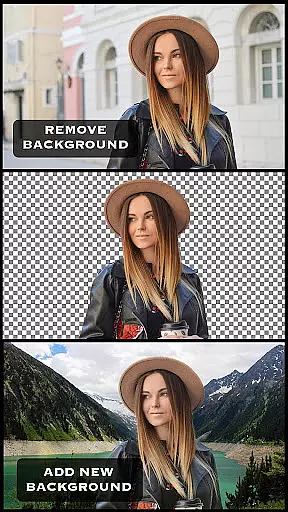
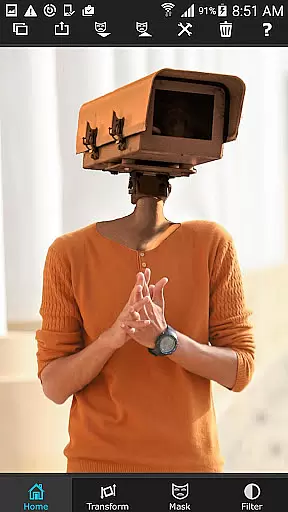
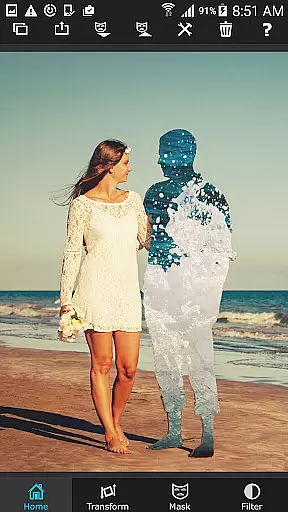
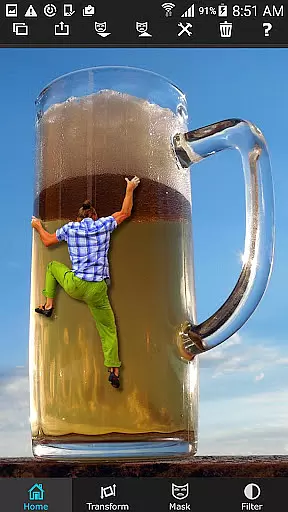
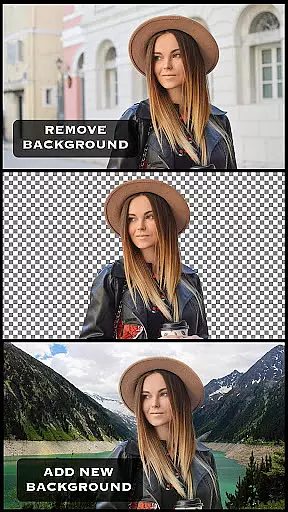
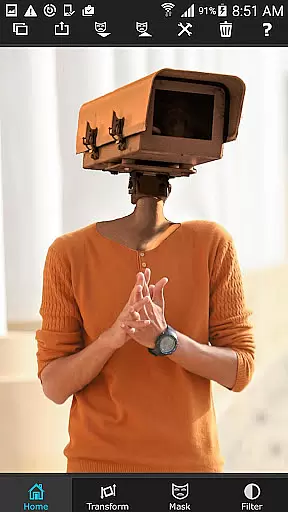
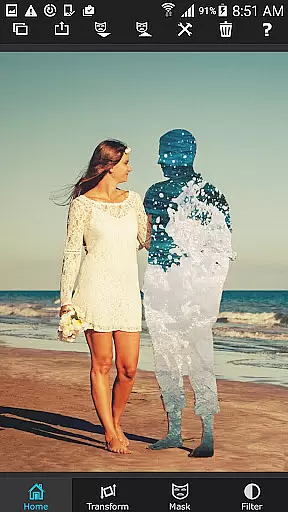
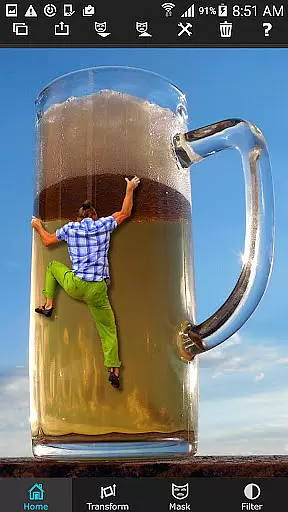
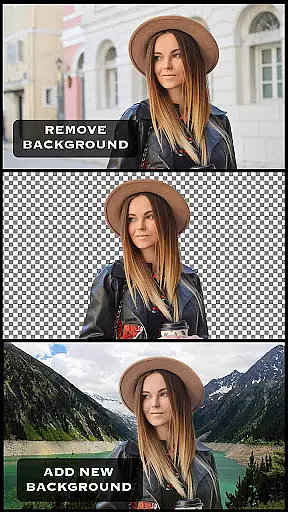
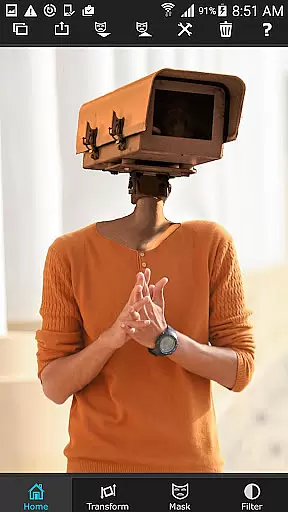
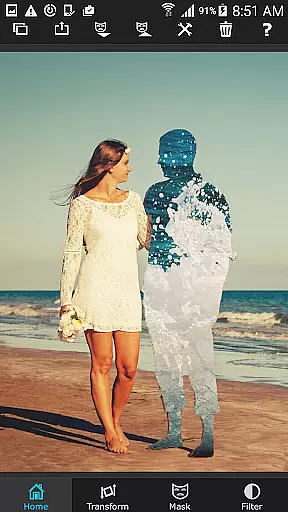
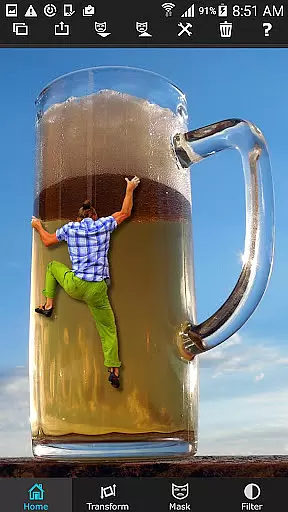
Superimpose is a powerful mobile application designed for photo editing enthusiasts who want to create professional-grade superimposed or juxtaposed images directly on their iPhone. The app eliminates the need for computers and expensive software by offering a comprehensive suite of tools that allow users to effortlessly cut, copy, paste, and blend photos. With just a few taps, you can load background and foreground images, mask out unwanted portions, smoothen edges, and adjust colors to achieve seamless integration.
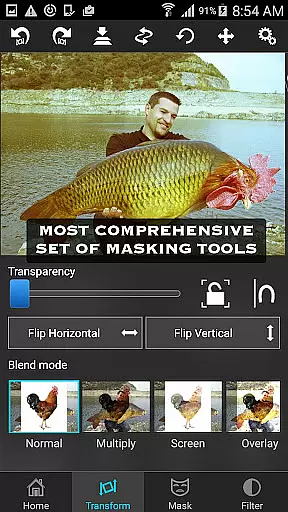
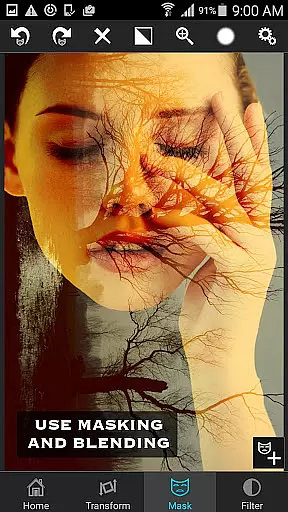
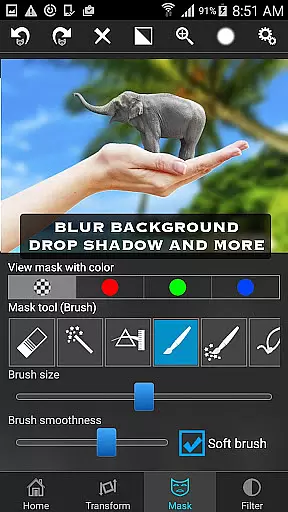
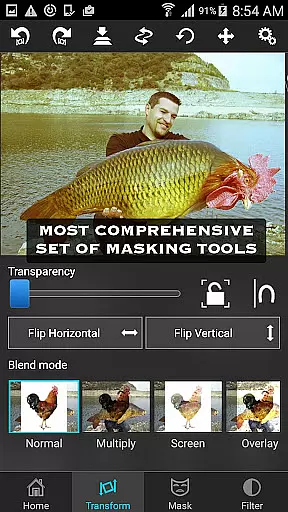
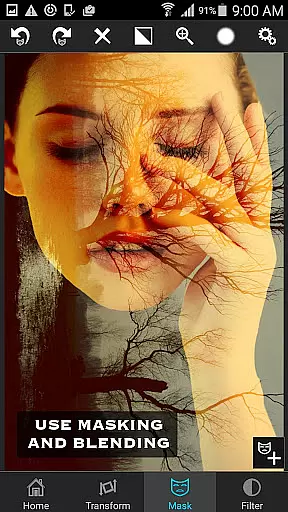
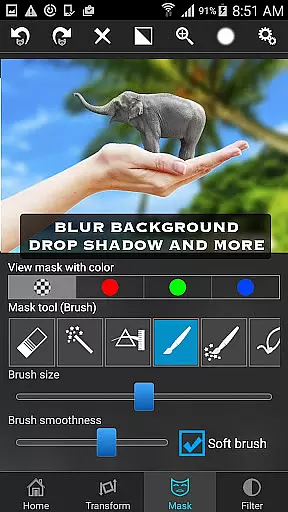
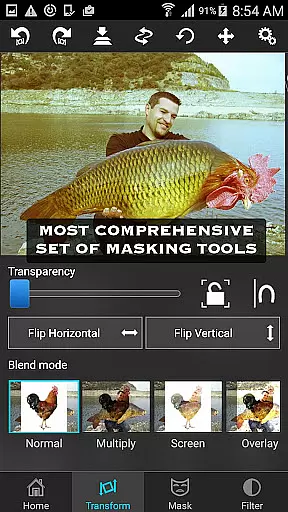
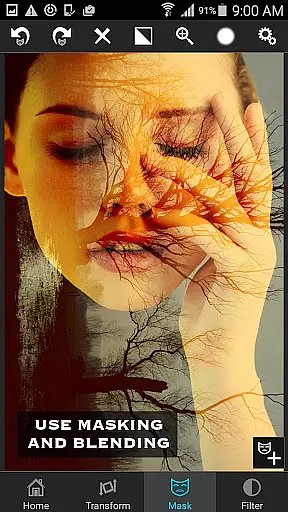
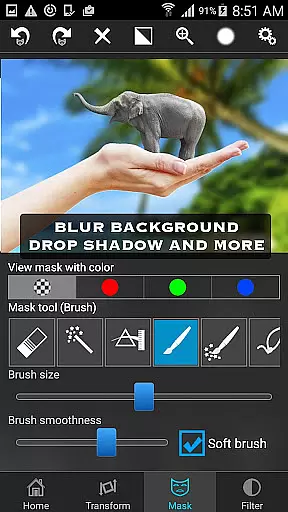
The app stands out with its advanced masking capabilities, which include various tools such as brush, lasso, global color similarity, and different gradient options. These features enable users to perform complex tasks like blending textures, overlaying borders, and creating double exposures with adjustable transparency and 18 blending modes. Whether you're looking to enhance your creative projects or simply have fun with photo manipulations, Superimpose provides all the necessary tools in one intuitive package.
Superimpose is particularly useful for social media enthusiasts and digital artists who wish to produce high-quality content without investing in costly desktop software. Its user-friendly interface and robust feature set make it an ideal choice for both beginners and experienced editors looking to expand their creative possibilities on the go.
Superimpose offers a rich array of features that cater to both casual users and professional photographers. One of its standout functionalities is the advanced masking toolset, which includes options like brush, lasso, global color similarity, rectangle, ellipse, linear, bi-linear, and radial gradient masking. These tools allow users to precisely remove unwanted portions of an image and create transparent areas that seamlessly blend with the background.
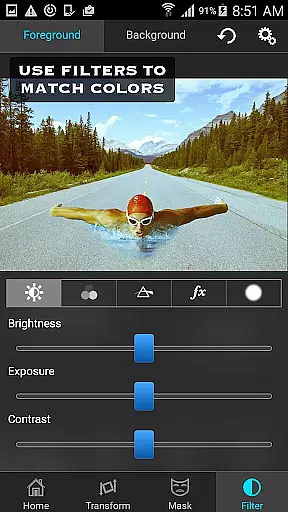
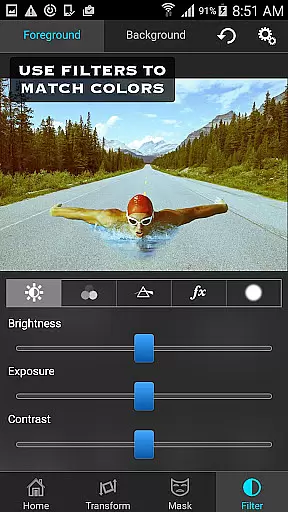
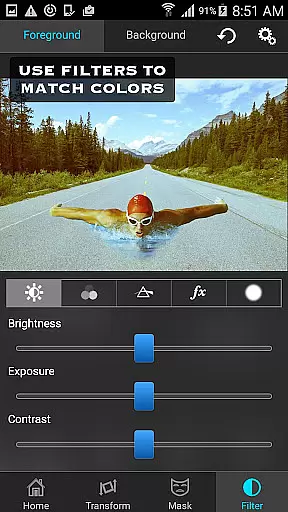
In addition to masking, the app provides extensive editing capabilities. Users can move, scale, resize, rotate, and flip the foreground image to position it perfectly on the background. The app also includes color adjustment tools for exposure, contrast, hue, and saturation, enabling users to match the colors of the foreground and background images. This ensures a cohesive and natural look in the final composition.
For those interested in more sophisticated photo editing techniques, Superimpose supports blending textures, overlaying borders, and creating double exposures. With adjustable transparency and 18 blending modes, users can experiment with different visual effects and achieve unique artistic outcomes. The combination of these powerful features makes Superimpose a versatile tool for anyone looking to elevate their photo editing skills on a mobile device.
Real-time capture and preview functionality is essential for photography apps as it allows users to see the results of their edits instantly. Superimpose offers this feature, enabling users to witness their creative visions come to life without delay.
The app provides a dynamic interface where users can load background and foreground images, then immediately view the effects of masking, smoothening, and color adjustments. This instant feedback loop enhances the creative process, allowing photographers to fine-tune their compositions with precision.
With real-time previews, users can experiment with confidence, knowing exactly how each edit will look in the final image. This capability not only saves time but also encourages creative exploration, ensuring that the final output matches the user's artistic intent.
AI beauty and enhancement features are increasingly important in photo editing applications, offering tools that improve image quality while maintaining a natural appearance. Superimpose incorporates advanced AI algorithms to deliver enhancements that preserve authenticity.
Users can adjust colors, exposure, contrast, hue, and saturation with AI-assisted precision, ensuring that edited photos retain their original essence. The appu2019s powerful masking tools work seamlessly with these enhancements, allowing for localized adjustments that blend naturally with the rest of the image.
This harmonious blend of AI technology and intuitive design ensures that even complex edits, such as blending textures or overlaying borders, appear organic and unforced. Photographers can achieve professional-grade results without sacrificing the genuine qualities that make each photo unique.
User-friendly interface
Advanced masking tools
Comprehensive color adjustments
Versatile blending modes
High-quality results
Limited to iOS
No Android version
Some features may require practice
Subscription fees apply
Occasional bugs reported

A collection of tools and reference tables for DPs, ACs, DITs and Operators.
 4.70
4.70
All-in-One Editor & AI Photo Enhancer, Beautify & Retouch, Collage, Cartoonify
4.20
Viewfinder, Light meter, Reciprocity failure time, DOF & Bellows Extension
4.60
All-in-One Editor & AI Photo Enhancer, Collage, Cartoonify, Funny Stickers & BGS
4.10
Perfect body tune & face app - photo retouch, makeup, slim body & beautify face.
4.80
Photo prints, cards, & gifts at Walgreens. Easy ordering & fast local pickup !
4.80
Cartoon and artistic effects for your photos and videos
4.70
Use AI Video Generator to turn your words to ai generated videos.
4.50
PhotoSync Bundle Add-On License. Enables all features and services in PhotoSync.
4.60
Easily view, share, delete photos with Gallery.
4.70
Enhance, upscale, and transform your images — on your device, without limits
4.70
AI photo enhancer with Sora 2! Enhance, descratch, and colorize your old photos.
4.50
Fit multiple photos on one post. Create carousels & scroll layouts for Instagram
4.50
Transform Photos: Edit, Beautify and Craft Memories & Make Collages!
4.10
Be your best in every shot! Fix, edit and retouch your face in selfies & photos.
3.70
Create amazing frames with up to five photos. Rounded corners, effects and more!
3.60
Professional video recording application with manual controls for filmmakers!
2.80
Photo Album Watch Face shows your favorite pictures as a Watchface.
1.90
Over 800 film simulation recipes for Fujifilm. Black Friday Offer!
4.0


User Reviews