
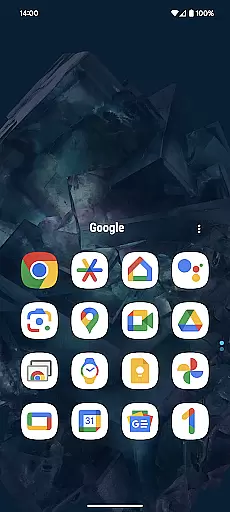
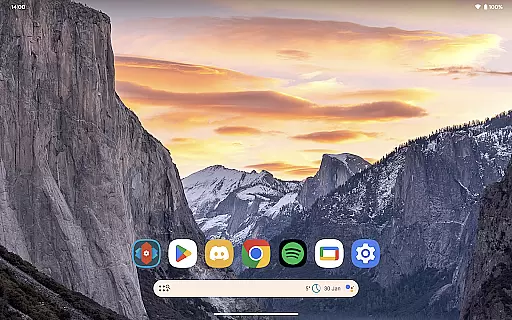
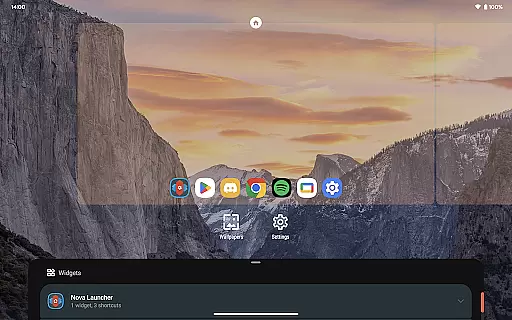
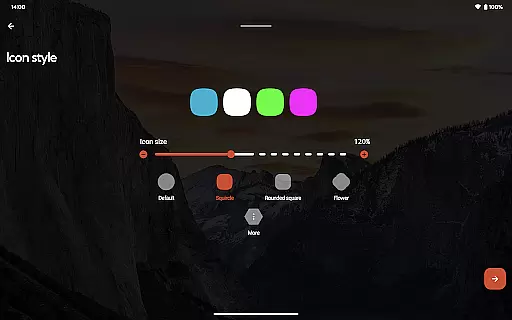
Nova Launcher Prime is a premium upgrade to Nova Launcher, one of the most customizable and powerful home screen replacements for Android. This app unlocks advanced features that allow users to take full control of their device's interface and functionality.
With Nova Launcher Prime, users can access unique gestures, organize apps into custom groups, hide unwanted apps, and utilize swipe gestures on icons for quick actions. These features make it an ideal choice for those seeking a highly personalized and efficient Android experience.
The true value of Nova Launcher Prime lies in its ability to transform your smartphone into a productivity powerhouse while maintaining a clean and organized appearance. Whether you're a power user or simply want more control over your device, this app delivers exceptional flexibility.
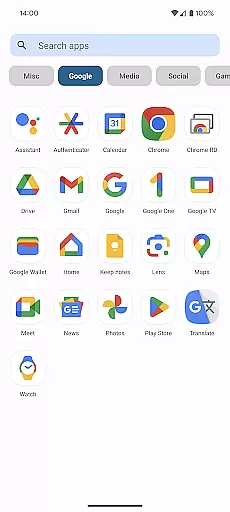
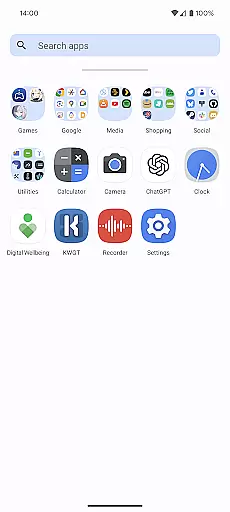
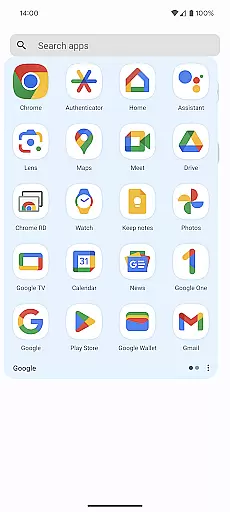
Nova Launcher Prime offers an impressive array of customization options that go beyond basic launcher functionality. The app drawer groups feature lets you create custom tabs and folders, giving you complete control over how your apps are organized.
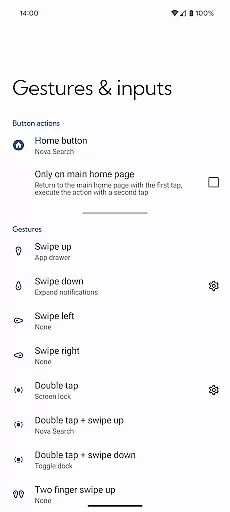
Gestures are another standout feature, allowing users to execute commands through intuitive motions like swiping, pinching, or double-tapping on the home screen. Additionally, the custom icon swipe gestures enable quick access to frequently used functions without cluttering your home screen.
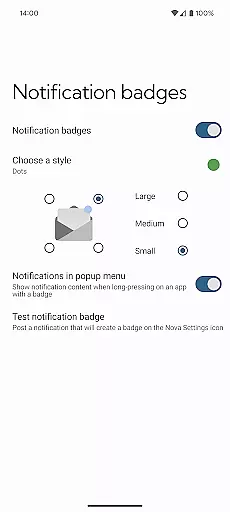
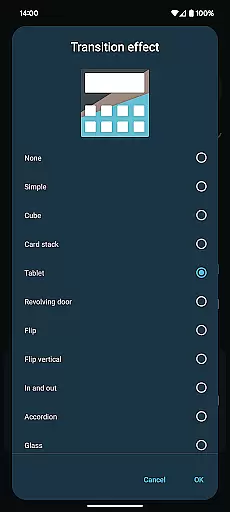
Other notable features include notification badges, various scrolling effects, and the ability to hide apps from the app drawer. These capabilities work together to create a seamless and personalized user experience that enhances both productivity and aesthetics.
Nova Launcher Prime offers an extensive range of customization options that allow users to tailor their Android home screen experience precisely to their liking. This includes the ability to create custom gestures, which enable users to execute commands such as launching apps or accessing settings through intuitive motions like swipes and pinches.
Moreover, the app drawer can be organized into custom tabs and folders, providing an unprecedented level of organization for those who have a multitude of apps installed on their device. Users also have the option to hide apps from the app drawer without uninstalling them, ensuring a clutter-free and personalized interface.
The inclusion of custom icon swipe gestures adds another layer of functionality, allowing users to become more productive by simply swiping up or down on icons to trigger specific actions. These features collectively ensure that Nova Launcher Prime delivers a highly customizable and user-friendly experience.
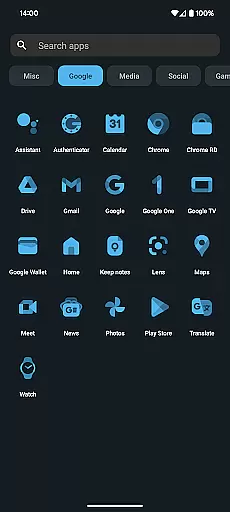
Theme compatibility is a crucial aspect of personalizing your smartphone, and Nova Launcher Prime excels in this area. The application supports a wide array of themes, including the popular OneYou Icon Pack by PashaPuma Design, which has been showcased in promotional screenshots with permission from creators.
This support for diverse themes means users can completely transform the look and feel of their device's interface, choosing from various aesthetic styles and color schemes to match their personal taste. Whether you prefer a minimalist design or vibrant, eye-catching visuals, Nova Launcher Prime ensures seamless integration and flawless performance across different themes.
By offering broad theme compatibility, Nova Launcher Prime not only enhances visual appeal but also maintains operational consistency, making sure that all elements of the user interface work harmoniously together regardless of the chosen theme.
Highly customizable
Intuitive gesture controls
Efficient app organization
Clean user interface
Regular updates
Requires technical knowledge
Paid upgrade
No built-in widgets
Complex for beginners
Limited iOS-like features

Wear Os Watch Face - Seasonal - Animated Snow Effect - 9 Animals
 4.20
4.20
Adult video chat, dating, making friends, random matching
4.20
A launcher for Samsung Good Lock and Good Guardians modules without ads
4.70
Turn your lock screen into fun with smile live wallpapers & animated wallpapers!
2.50 4.10
4.10
Embrace the Night. Unleash the power of darkness with Raven Dark Icon Pack
4.60
Unleash Your Creativity and Connect with Loved Ones with Lockscreen Drawing!
4.20
Handcrafted pixel art icons, widgets & wallpapers
4.60
Cool custom fonts & keyboard themes! Symbols & font changer for Instagram
4.50
Enjoy a variety of amazing live wallpapers and colorful EDGE lighting borders!
4.80
A minimalist productivity launcher. One-hand-friendly. Zero ads.
4.70
Ultra realistic high quality analog watch face for Wear OS.
4.60
Unique Android Launcher
4.60
Vibrant Adaptive Icons with Material You and Enhanced Monet Colors.
4.50
Yandex Browser — stylish and secure, with voice search and data compression
4.40
App Icon Changer & Shortcut Creator. Customize your icons without any watermarks
4.30
Customizable flower power digital watch face for Wear OS watches.
4.00 3.50
3.50
Adorable pets roam and play right on your phone screen!
3.30


User Reviews