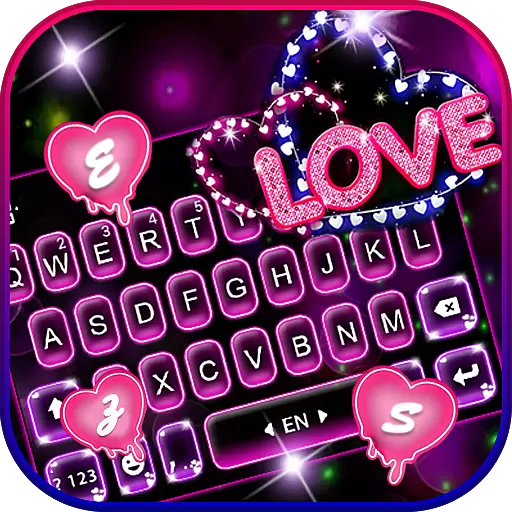
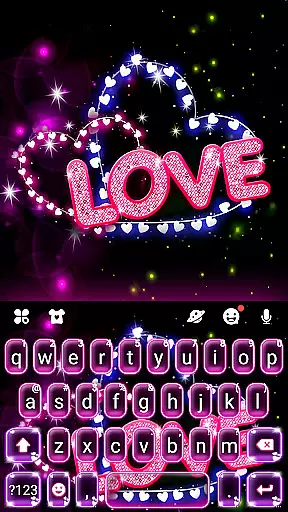
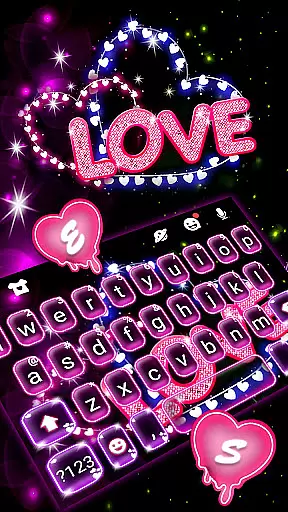
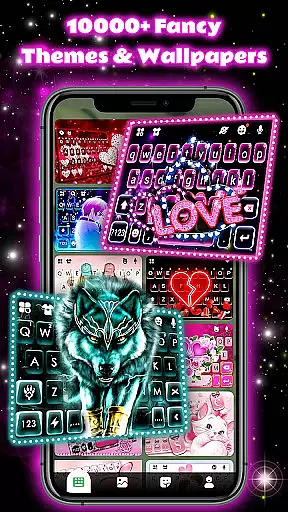
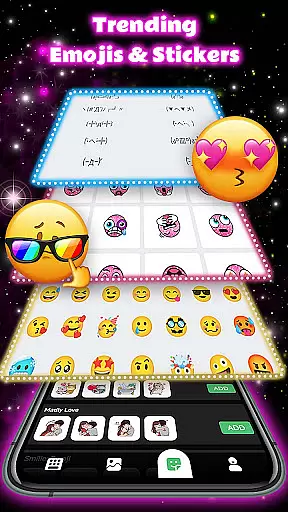
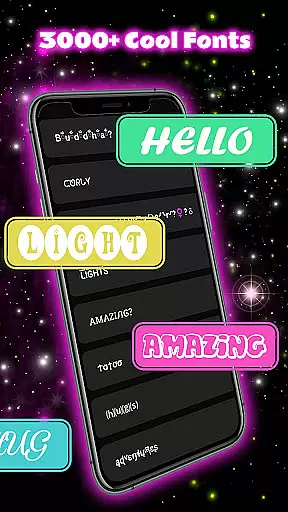
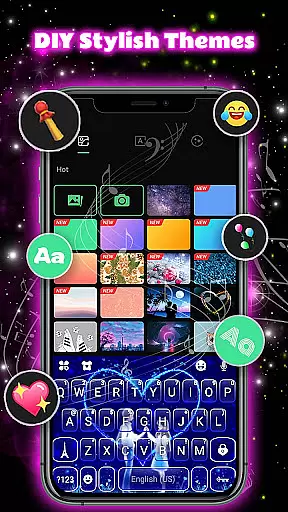
Neon Love Theme is a personalized keyboard application designed to enhance your typing experience with fun and style. This app offers a customizable keyboard interface with over 150 language options, 6000+ keyboard backgrounds, unique fonts, and emojis. It allows users to express their mood through creative keyboard themes while maintaining practical functionality.
The app supports multi-language typing, making it versatile for diverse users worldwide. With features like auto-correct, next-word prediction, and the ability to add emoticons, GIFs, and stickers, Neon Love ensures both efficiency and personalization in communication. Whether you're looking for cool, cute, or colorful themes, this app caters to all preferences.
Perfect for those wanting to personalize their device, Neon Love Theme transforms your keyboard into an expression of individuality. Its frequent updates and extensive theme library ensure that your keyboard remains fresh and stylish.
Neon Love Theme stands out with its vibrant design and robust functionality. The app provides an extensive library of HD wallpapers and themes, including 3D, neon, floral, and animated designs, updated five times weekly. Users can customize their keyboard with unique fonts, emojis, and sounds, creating a truly personalized typing experience.
One of the key highlights is its multi-language support, covering over 150 languages such as English, Arabic, French, and German. The app also integrates practical tools like auto-correction and word prediction, ensuring smooth and error-free typing. Additionally, users can decorate their dialog boxes with personalized GIFs, stickers, and emoticons.
Compatible with nearly all Android devices, including popular models from Samsung, Huawei, and Xiaomi, Neon Love Theme combines aesthetics with accessibility. Privacy-conscious users will appreciate the app's commitment to data security, as it does not collect personal information or photos used as wallpapers.
Customization is at the heart of Neon Love Theme, offering users a wide array of options to personalize their keyboard experience. With support for over 150 languages and the ability to switch between them seamlessly, this app caters to a global audience. Users can enhance their conversations by adding emoticons, text, GIFs, and stickers anywhere in their dialogues.
The app provides more than 6000 keyboard backgrounds, fonts, emojis, and sounds, allowing users to decorate their dialog box to reflect their personality and mood. Whether you're interested in funny face emojis, rainbow keyboards, or unique fonts, Neon Love has something for everyone. The inclusion of auto-correct and next-word prediction features ensures that communication remains smooth and efficient.
Neon Love Theme stands out with its frequent updates, delivering new themes five times a week. This constant refreshment offers users an ever-expanding collection of stylish and fashionable HD wallpapers. From 3D designs to cool, cute, romantic, and even sport-themed options, there's a theme for every preference. By keeping an eye on the Store, users can continuously discover new favorites and keep their keyboard looking fresh and exciting.
Theme compatibility is a crucial aspect of Neon Love Theme, ensuring that its vibrant and diverse keyboard designs work seamlessly across various devices. Designed to be universally compatible, this app supports almost all Android phones, including popular models from Samsung, Sony, Huawei, HTC, OPPO, Xiaomi, Nokia, VIVO, and Moto. Whether you own a Samsung Galaxy Note series, Sony Xperia Z series, or Huawei P series, Neon Love Theme integrates effortlessly into your device.
Users benefit from the assurance that their chosen theme will maintain its visual appeal and functionality regardless of their smartphone model. The app's developers have optimized it to ensure high performance and stability on different screen sizes and resolutions. This dedication to compatibility means that whether you're using an older model or the latest flagship, you'll enjoy a consistent and visually pleasing keyboard experience.
In addition to device compatibility, Neon Love Theme places a strong emphasis on user privacy and security. It does not collect personal information or photos set as HD wallpapers. The data entered by users is utilized solely to improve word prediction accuracy, reinforcing trust and confidence in the app. This commitment to both aesthetic customization and robust compatibility makes Neon Love Theme a reliable choice for those seeking to personalize their typing experience without compromising on quality or safety.
Highly customizable
Vibrant theme options
Multi-language support
Frequent theme updates
User-friendly interface
Limited iOS support
Some features may feel overwhelming
Occasional update bugs
Ads within the app
Premium themes require payment

A retro cartoon style watch face and a punch right in the face of the copyright
 4.60
4.60
Adult video chat, dating, making friends, random matching
4.20
App Icon Changer & Shortcut Creator. Customize your icons without any watermarks
4.30
Turn text & photos into stunning AI videos, art, and creative visual stories.
4.50
Launcher OS™ Pro without ads help make your phone simple and pretty
4.30
Struggling to find apps? Use this app to locate and open any app on your phone!
2.20
Amazing letter fonts in your messages and social statuses
4.70
Your home screen, just the way you like it.
3.80
Cool custom fonts & keyboard themes! Symbols & font changer for Instagram
4.50
Sparkle your screen with Glitter Wallpapers For Girls and Cute Backgrounds!
4.80
A minimalist productivity launcher. One-hand-friendly. Zero ads.
4.70
Stunningly Different look with Line Icons and Neon Colors
4.60 4.50
4.50 4.50
4.50
Fingerprint Lock Screen & Live Animations with 4K Wallpapers as Live Wallpaper
4.40
Wear Os Watch Face - Seasonal - Animated Snow Effect - 9 Animals
4.20
Run multiple accounts of the same app on a single device
4.10
Ultimate widget creator. Design custom widgets for a truly unique home screen!
3.90
Customize glowing edges, wallpapers, and caller screen with EdgeAura.
3.50


User Reviews