
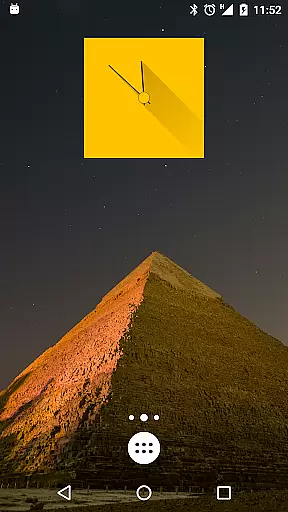
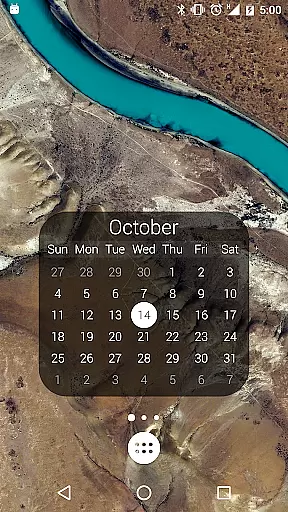
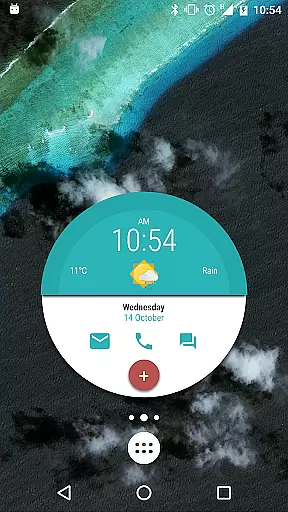
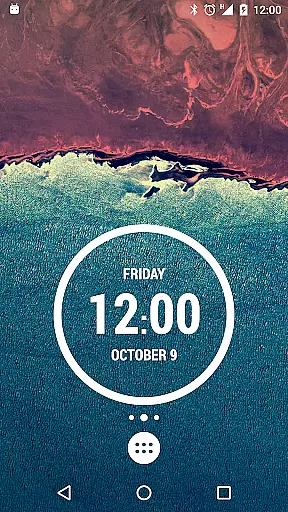
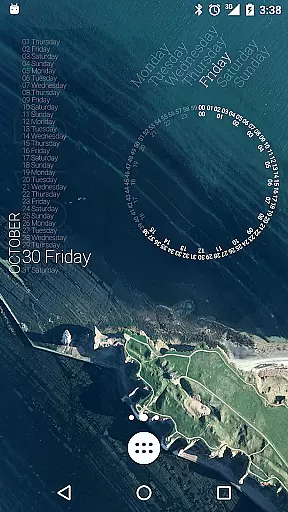
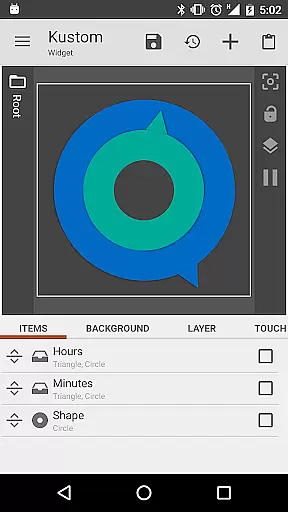
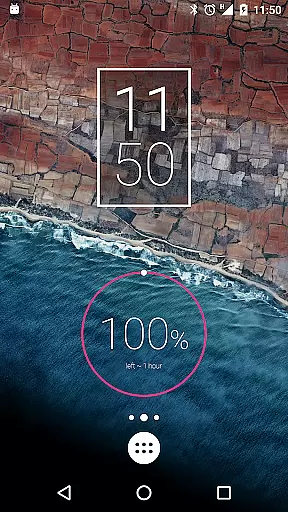
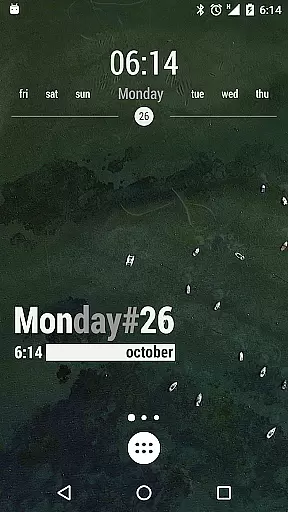
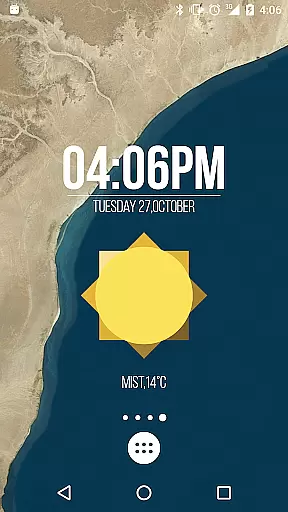
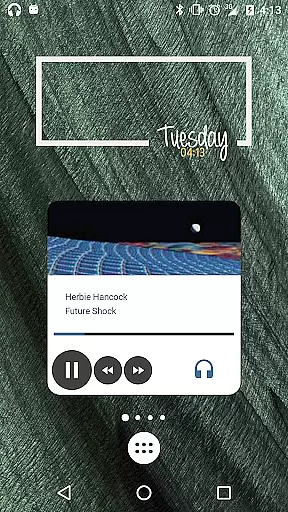
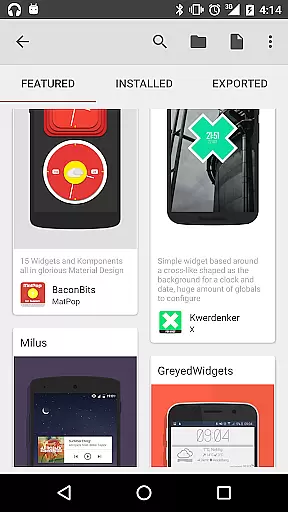
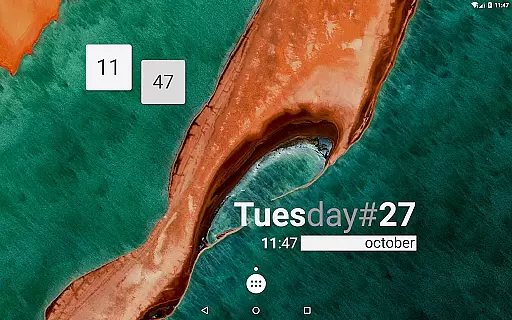
KWGT Kustom Widget Maker is the ultimate tool for Android users seeking complete home screen customization. This powerful widget maker allows you to design unique widgets tailored to your specific needs and preferences.
With its advanced WYSIWYG editor, KWGT provides total creative control. You can build aesthetic photo widgets, data-rich weather displays, custom clocks, system monitors, music players, and fitness trackers. The app supports complex logic programming, dynamic data integration, and Tasker automation for power users.
This level of customization is particularly valuable for users who want to create a personalized smartphone experience that goes beyond basic preset options. Whether you're looking to display essential information or create interactive elements, KWGT enables you to craft a truly unique home screen environment.
KWGT stands out with its comprehensive set of design tools and customization options. The application's WYSIWYG editor offers precise control over every element, including text formatting with custom fonts and effects, shape manipulation, and image layering with professional-grade effects.
The widget creation capabilities are extensive, supporting various data types and sources. Users can build sophisticated widgets displaying weather information from multiple providers, system statistics like battery and memory usage, and even live data through HTTP requests and XML parsing. The integration with Tasker expands its functionality, allowing for complex automation scenarios.
Advanced users will appreciate the ability to implement programming logic directly within their widgets, using conditionals and variables to create dynamic, responsive designs. This feature set, combined with support for vector graphics and multi-layer compositions, makes KWGT an unparalleled tool for Android customization enthusiasts.
Customization is at the heart of KWGT Kustom Widget Maker, offering users an extensive array of options to tailor their Android home screens. With its powerful WYSIWYG editor, users can manipulate every aspect of their widgets' appearance and functionality.
The level of customization KWGT provides is vast, allowing for personalized text with custom fonts, colors, sizes, and effects such as 3D transformations and shadows. Users are not limited to static images; they can incorporate shapes, personal images in various formats including PNG, JPG, WEBP, and SVGs, ensuring that each widget is a reflection of personal style and needs.
Interactive elements can be added, giving widgets functionalities beyond aesthetics. Whether it's launching apps, toggling settings, or triggering actions, KWGT ensures that each touchpoint on your home screen can serve a unique purpose, enhancing both the utility and personal expression of your device.
KWGT Kustom Widget Maker excels in theme compatibility, enabling users to design widgets that seamlessly integrate with their device's aesthetic. The flexibility of KWGT allows for the creation of widgets that not only display necessary data but do so in a manner that complements the user's chosen device theme.
From minimalist designs that adhere to modern design principles to more elaborate setups filled with gradients, color filters, and overlay effects like blur and saturation, KWGT supports a wide range of visual styles. This ensures that regardless of the theme a user prefers, KWGT widgets will maintain visual consistency across the home screen.
Moreover, KWGT's advanced layering capabilities mean that whether you're creating a sleek photo gallery or a sophisticated system monitor, the widgets will exhibit a professional finish that aligns with both default and custom themes, providing a cohesive look and feel to the user's digital environment.
Highly customizable
Powerful WYSIWYG editor
Extensive widget options
Tasker integration
Dynamic data support
Complex for beginners
Requires learning curve
Paid features limited
Resource intensive
Ads in free version

Beautiful realistic hybrid watch face with numerous customization options.
 4.50
4.50
Glass style colourful icons with a One UI look and feel
4.60
Ninja Turtles Cowabunga SE watch face for Wear OS
4.50
Run multiple accounts of the same app on a single device
4.10
Turn text & photos into stunning AI videos, art, and creative visual stories.
4.50
Yandex Browser — stylish and secure, with voice search and data compression
4.40
Struggling to find apps? Use this app to locate and open any app on your phone!
2.20
Transform your phone with stunning video wallpapers and a unique, personal touch
3.80
Amazing letter fonts in your messages and social statuses
4.70
Enjoy a variety of amazing live wallpapers and colorful EDGE lighting borders!
4.80
Ultra realistic high quality analog watch face for Wear OS.
4.60
A retro cartoon style watch face and a punch right in the face of the copyright
4.60
Zip lock screen with magic wallpaper to decorate your phone with fun zipper lock
4.60 4.50
4.50
Organize and manage your photos and videos effortlessly with Photo Gallery
4.20
Realistic animated snow on your wrist, with 10 images landscapes to choose from
4.00
Emoji Maker app - Design custom emojis and effortlessly blend them with Mixer
3.80
Capture moments that pass like a storm, second by second.
4.3
Modern Glass Icon Pack with glossy icons, clean minimal theme & aesthetic style
4.0


User Reviews