
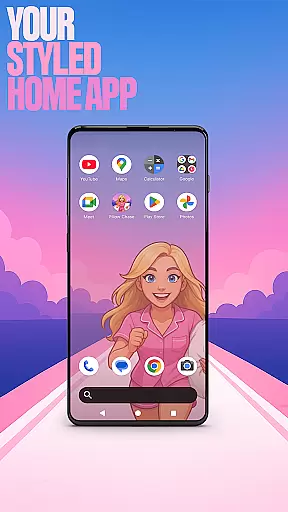

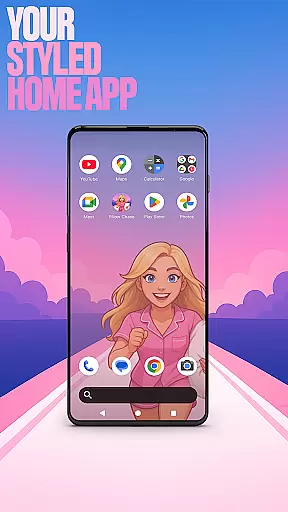

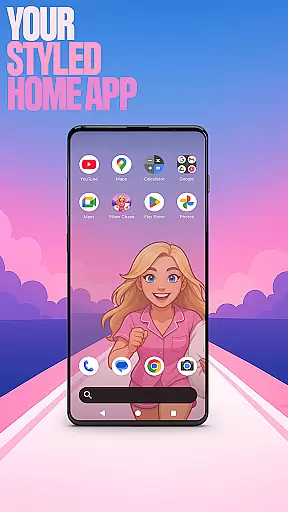

Pillow Chase Home App is a launcher app that allows users to create a personalized home screen. It offers full customization of the layout, folders, and colors, providing a fresh style for daily use. The app also includes a game feature called Pillow Chase, where players can run, dodge, and race their way to sweet dreams by collecting pillows and avoiding obstacles.
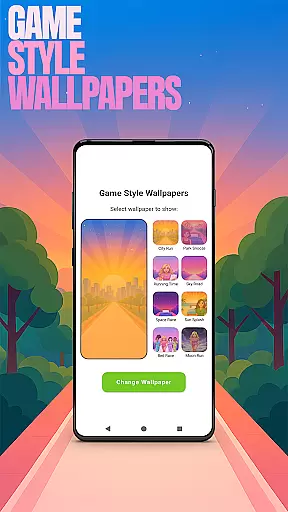
With its unique features such as Game Style Wallpapers, Custom Icon Shape, Custom Gestures, Hide Apps, and Accent Color, Pillow Chase Home App provides users with a highly customizable experience. These features are easily accessible through the home screen's pop-up menu, allowing users to tailor their device to their liking while maintaining control over privacy and aesthetics.
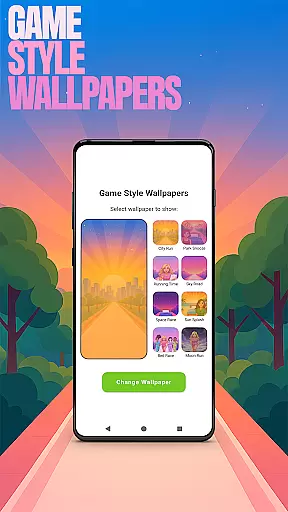
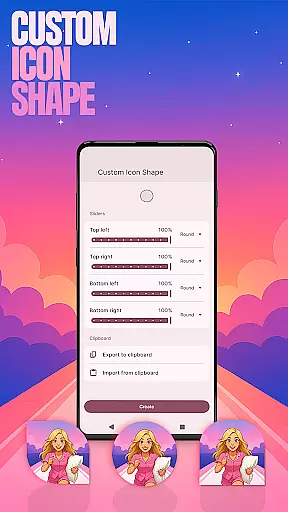
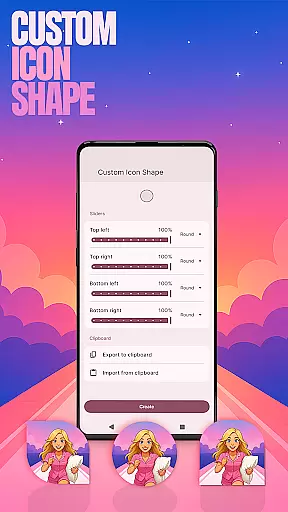
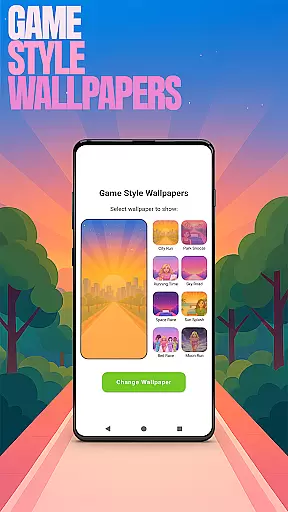
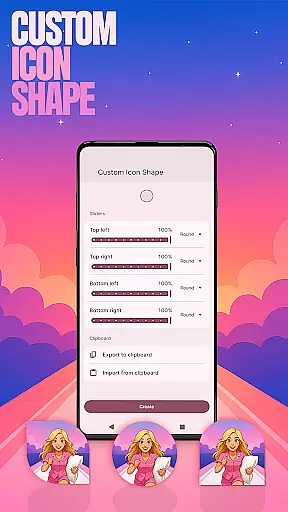
Pillow Chase Home App offers a range of features that enhance personalization and usability. Users can choose from Game Style Wallpapers inspired by the Pillow Chase game, customize icon shapes, and set up custom gestures for quick access to apps or settings. The Hide Apps feature allows users to keep certain apps private, while the Accent Color option lets them personalize the color scheme of their home screen.
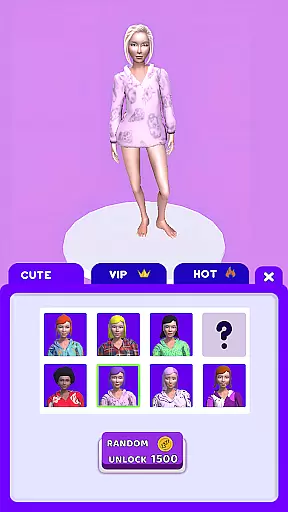
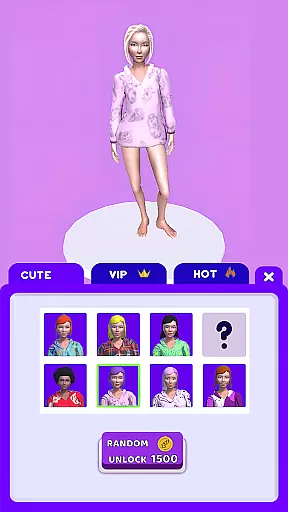
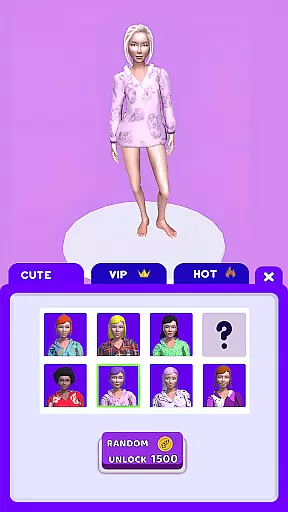
In addition to these customization options, Pillow Chase Home App includes an entertaining game called Pillow Chase. This fast-paced game challenges players to collect pillows, leap over alarm clocks, and avoid coffee cups, providing a fun break from daily routines. All these features combine to create a dynamic and engaging user experience that keeps things exciting every time the app is used.
Customization is at the heart of Pillow Chase Home App, offering users a wide array of options to personalize their home screen. This app allows for complete layout customization, enabling users to arrange and design their home screens in a way that feels entirely their own.
With features like custom icon shapes, accent color settings, and unique game-style wallpapers inspired by the Pillow Chase game, users can express their individuality through their device's appearance. The ability to create folders and choose from various colors adds another layer of personal touch.
The app also provides gesture customization, allowing users to define specific swipes or taps to open apps, settings, or the app drawer swiftly. Such flexibility ensures that each useru2019s experience is tailored to their preferences and habits.
By offering these diverse customization options, Pillow Chase Home App empowers users to craft a digital environment that not only looks good but also enhances usability according to their unique needs.
Pillow Chase Home App excels in theme compatibility, ensuring that all visual modifications integrate seamlessly with the deviceu2019s operating system. Users can select from preset themes or create their own styles using the appu2019s extensive customization tools.
The availability of unique game-style wallpapers and custom icon shapes means that aesthetic changes do not compromise the device's performance or visual coherence. These elements are designed to work harmoniously within the existing framework of Android devices.
Moreover, the accent color feature lets users adjust their home app colors while maintaining consistency across different sections of the interface. This attention to detail ensures that personalized themes look professional and polished.
Overall, Pillow Chase Home App delivers robust theme compatibility, giving users peace of mind that their customized settings will function smoothly without disrupting the overall user experience.
Highly customizable
Unique game integration
Privacy-focused features
Vibrant color options
User-friendly interface
May change existing layout
Limited to Android devices
Game may distract some users
Requires manual updates
Some features need exploration

Stunningly Different look with Line Icons and Neon Colors
 4.60
4.60
Customizable Glass widgets. Over 360+ stunning widgets and more!
4.70
Wear Os Watch Face - Seasonal - Animated Snow Effect - 9 Animals
4.20
Bring adorable pets to life on your screen. Playful, interactive and full of fun
4.60
Gun Chase - Let the chase begin.
4.80
Personalize your phone with stunning HD and 4K wallpapers!
4.70
Transfer your live wallpapers from Windows to Android using Wallpaper Engine!
4.00 4.50
4.50
set a new experience for the Android mobile phone
4.20
A minimalist productivity launcher. One-hand-friendly. Zero ads.
4.70
Handcrafted pixel art icons, widgets & wallpapers
4.60
Ultra realistic gold analog watch face with lots of customization options.
4.50
AI-powered Copilot. Personalized keyboard with gifs, stickers & themes
4.40
Themes - Widget & Wallpaper: Customize home screen, icon changer w unique themes
4.30
Magic fluids wallpaper 4D: Relax with stunning fluid simulation wallpaper app
4.20
More than 3000+ themes and 9000+ wallpapers for everybody!
4.10
Realistic animated snow on your wrist, with 10 images landscapes to choose from
4.00
Create unique, fun emojis with Funny Emoji Maker! Unlimited creativity!
4.00
Turn your lock screen into fun with smile live wallpapers & animated wallpapers!
2.50


User Reviews