
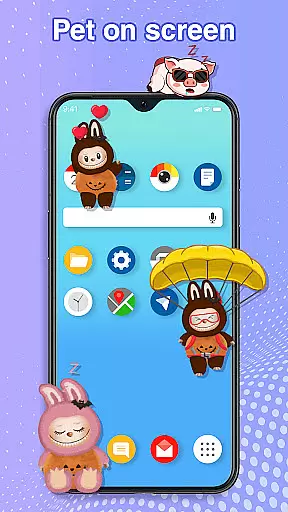
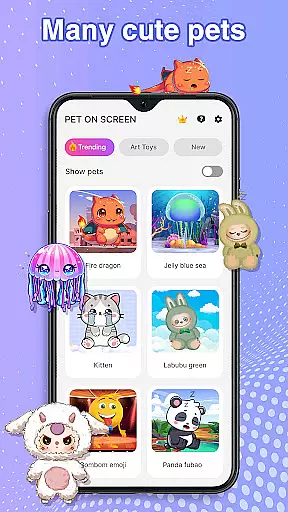
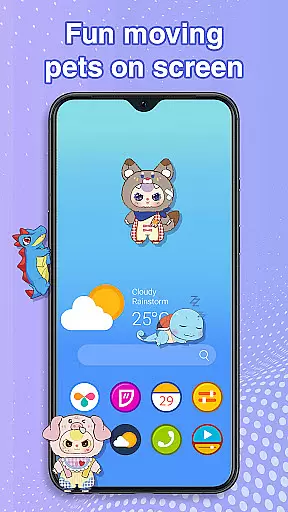
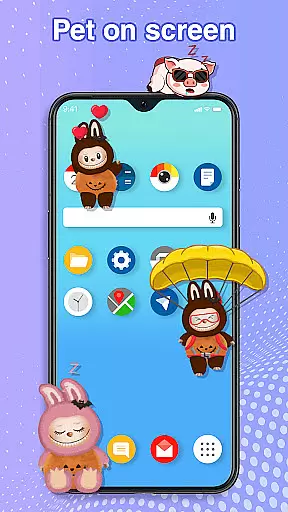
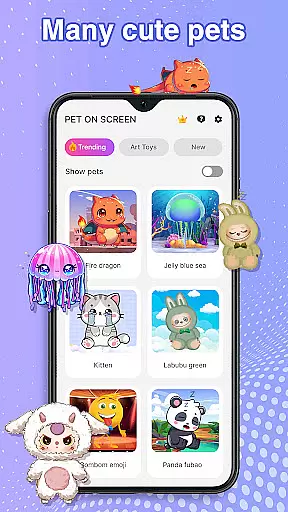
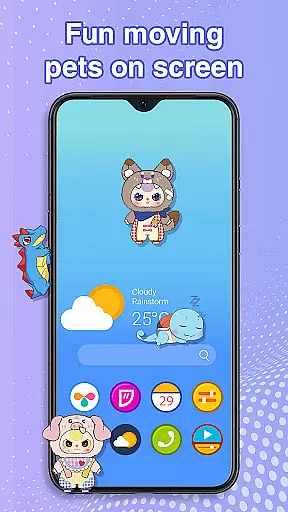
Pet On Screen - Desktop Pet is a delightful personalization app that brings charming virtual pets to your mobile screen. With an extensive collection of unique and colorful creatures, this app allows you to customize your phone with playful companions like floating jellyfish, majestic fire dragons, and cheerful parrots.
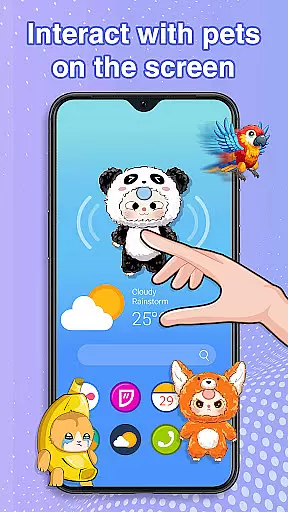
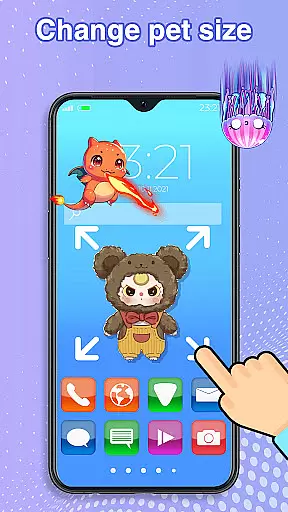
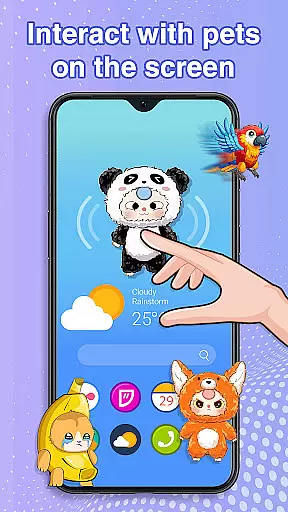
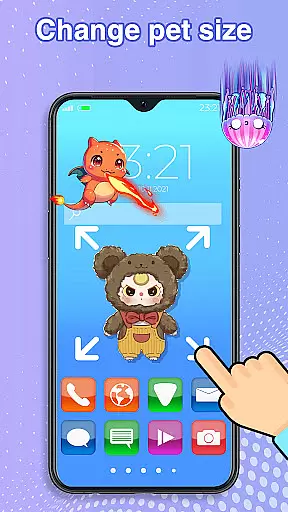
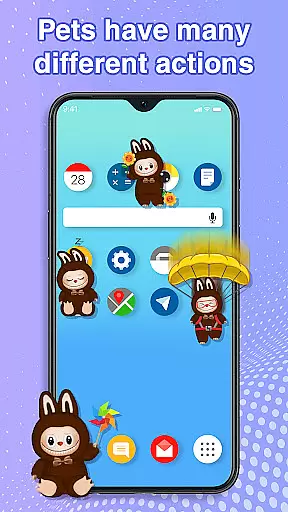
The app's interactive features let you engage with your digital pets by dragging them around the screen, tapping to see their reactions, and even caring for them as they sleep or play. You can adjust pet sizes and movement speeds, ensuring a personalized experience that fits your lifestyle while maintaining smooth device performance.
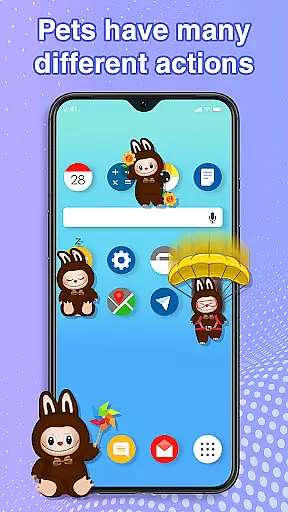
This personalization app stands out with its diverse range of interactive pets. Each creature has unique animations and behaviors, responding to touch with adorable actions that keep users entertained throughout the day.
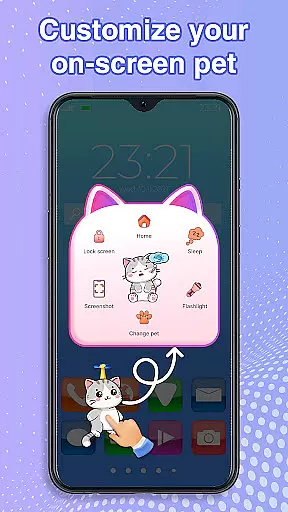
Beyond simple interaction, Pet On Screen offers practical customization options. Users can modify pet sizes and movement speeds, switch between different pets effortlessly, and position them anywhere on the screen. The app runs seamlessly in the background, allowing you to enjoy your digital companions without disrupting your regular phone usage.
Accessibility permission enables desktop integration, letting these charming pets roam across your home screen and status bar. This feature creates an immersive experience where your virtual companions become part of your mobile environment.
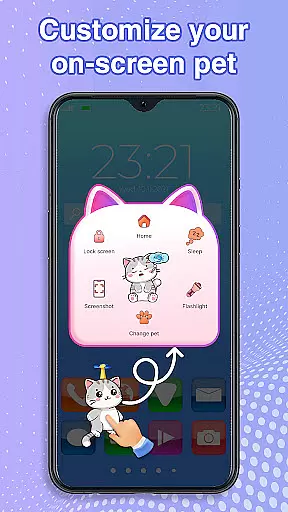
Customization is at the heart of Pet On Screen - Desktop Pet, allowing users to tailor their experience with a wide array of options.
This app provides an extensive selection of pets, each with unique characteristics and animations, ensuring that every user can find a companion that suits their personality. From majestic Fire Dragons to playful Labubus, customization extends beyond mere aesthetics.
Users have the ability to adjust the size and movement speed of their virtual pets, providing a personalized touch to how these creatures interact within their digital environment. This flexibility ensures that your pet's behavior aligns perfectly with your preferences and needs.
The freedom to switch between different pets effortlessly adds another layer of customization, keeping the experience fresh and engaging over time.
Pet On Screen - Desktop Pet excels in theme compatibility, integrating seamlessly into any mobile interface design you choose.
Whether you prefer a minimalist look or vibrant themes bursting with color, this app adapts without missing a beat. The diverse range of pets available are crafted to complement various thematic choices, enhancing rather than clashing with your chosen aesthetic.
Accessibility features play a crucial role too; by granting necessary permissions for drawing on the home screen and status bar, Pet On Screen ensures that pets move fluidly across all parts of your deviceu2019s UI. This creates an immersive experience where pets feel like natural inhabitants of your digital space.
Ultimately, it's about creating harmony between functionality and visual appealu2014Pet On Screen achieves just that by being compatible with virtually any theme while maintaining performance integrity.
User-friendly interface
Wide variety of pets
Customizable pet settings
Smooth performance
Fun interactive features
Limited free options
Requires accessibility rights
Potential battery drain
Some pets need purchase
May distract some users

Customizable flower power digital watch face for Wear OS watches.
 4.00
4.00
Realistic animated snow on your wrist, with 10 images landscapes to choose from
4.00
Want to make your phone more special than ever?
4.60
App Icon Changer & Shortcut Creator. Customize your icons without any watermarks
4.30
Turn text & photos into stunning AI videos, art, and creative visual stories.
4.50
⭐ OneUI inspired Fluffy Icon Pack – Soft. Stylish. Standout. ⭐
4.2
Vibrant Adaptive Icons with Material You and Enhanced Monet Colors.
4.50
Modern Glass Icon Pack with glossy icons, clean minimal theme & aesthetic style
4.3
Emoji Maker app - Design custom emojis and effortlessly blend them with Mixer
3.80
Winter's Journey: digital watch face for Galaxy Watch & Wear OS
4.80
300+ Stunning and well-designed widgets inspired by NOTHING.
4.70
Ultimate Gallery Lock App - Hide Pictures, Videos and Lock Apps Instantly!
4.60
Choose your keyboard with RGB colors effect, themes, fonts, emojis.
4.60
Handcrafted pixel art icons, widgets & wallpapers
4.60 4.50
4.50
AI-powered Copilot. Personalized keyboard with gifs, stickers & themes
4.40
Your home screen, just the way you like it.
4.30 4.10
4.10
Customize glowing edges, wallpapers, and caller screen with EdgeAura.
3.50


User Reviews