
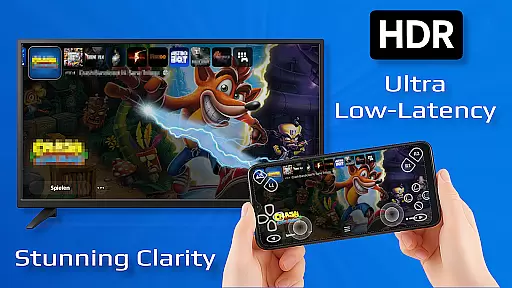
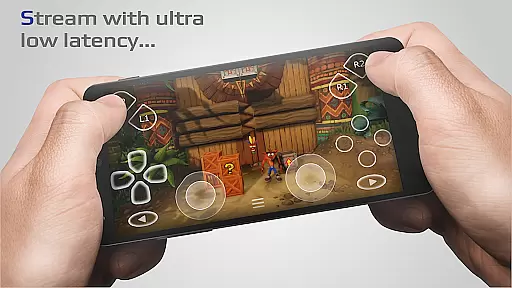
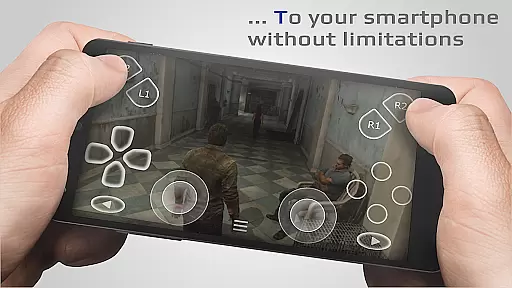
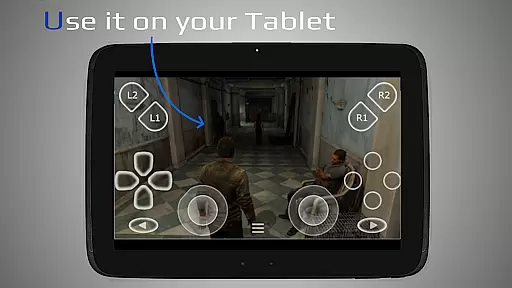
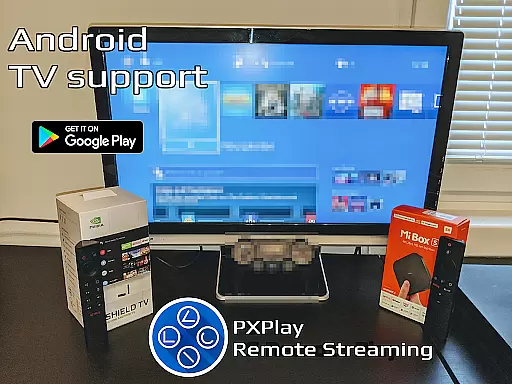
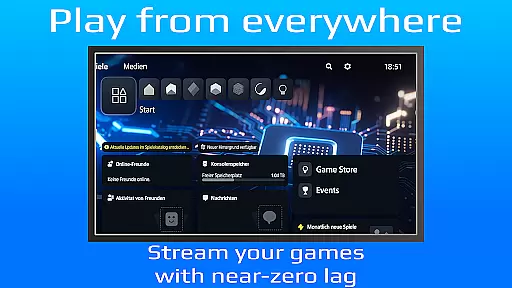
PXPlay is a powerful remote control application designed for gaming enthusiasts who want to access their gaming devices without limitations. The app allows users to stream and play games remotely with minimal latency, making it ideal for those who are away from their consoles. PXPlay supports third-party controllers, mobile data connections, and Android TV devices, ensuring compatibility across various platforms. With features like FSR upscaling, gamepad button mapping, and Picture-In-Picture mode, PXPlay offers an optimized and customizable streaming experience.
The app also provides practical solutions for hardware requirements, recommending dual-core CPUs, 5GHz WiFi, and high-speed internet connections for optimal performance. PXPlay is suitable for gamers using firmware versions as old as 5.05 and can function as a virtual controller. Whether you're looking to stream your favorite games or control your device remotely, PXPlay delivers both functionality and flexibility in one comprehensive package.
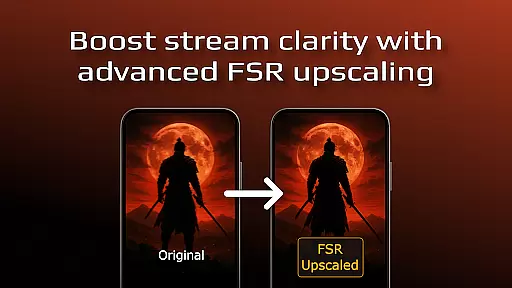
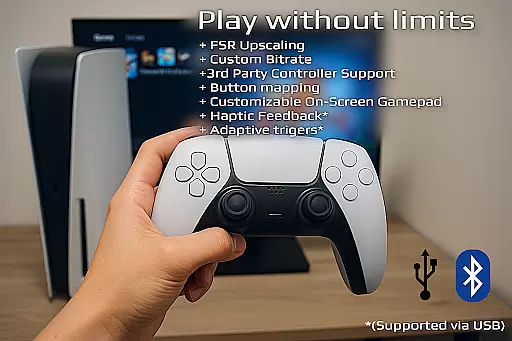
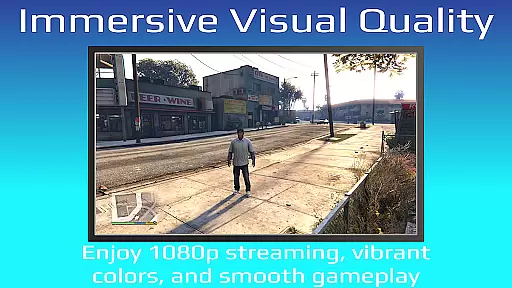
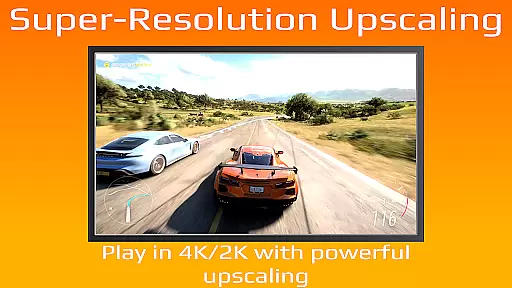
PXPlay stands out with its robust feature set tailored for seamless remote gaming experiences. One of the key highlights is its support for third-party controllers on all Android devices, allowing users to connect their preferred gaming peripherals effortlessly. Additionally, the app includes advanced video quality enhancements through FSR upscaling and sharpening, ensuring that streamed content looks crisp and clear even on smaller screens.
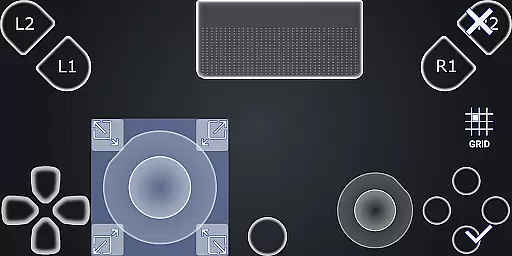
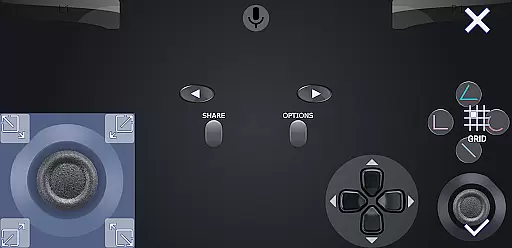
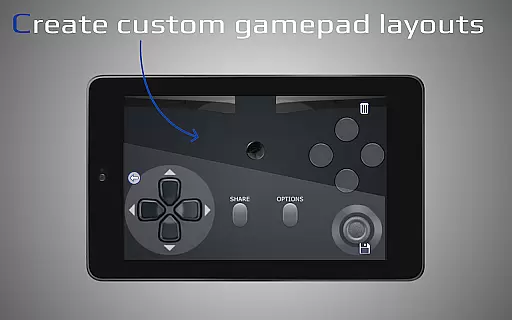
Another notable feature is the ability to customize the onscreen gamepad layout, giving users full control over their interface preferences. PXPlay also supports rooted devices and older firmware versions starting from 5.05, expanding its usability across different setups. With functionalities such as Picture-In-Picture mode and Multi-Window support, users can multitask efficiently while gaming. These features collectively make PXPlay a versatile tool for gamers seeking convenience and high performance in remote play scenarios.
PXPlay is designed to provide an exceptional remote gaming experience by ensuring its core functions are both accurate and effective. The application supports third-party controllers across all Android devices, enabling users to play their favorite games with minimal latency. This compatibility ensures that gamers can enjoy a seamless experience regardless of their hardware choice.
The app's ability to upscale video quality using FSR technology and sharpen visuals makes it stand out. Gamers can expect enhanced graphics during their streaming sessions, providing a more immersive experience. PXPlay also allows for customized on-screen gamepad layouts and button mapping, giving users control over their interaction with the games they love.
For those who require flexibility in connectivity, PXPlay supports mobile data usage and works efficiently even on older firmware versions from 5.05 onwards. This adaptability means users aren't limited by their internet connection type or device age, allowing them to game wherever they are without compromising performance or quality.
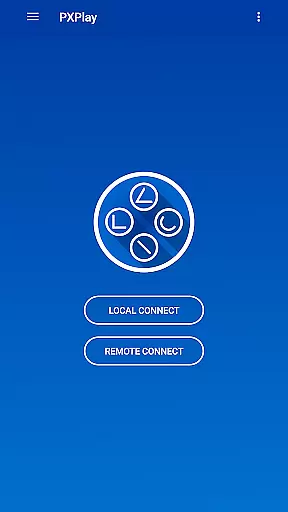
A user-friendly interface is crucial for any tool-based application, and PXPlay excels in providing simplicity and intuitiveness. Upon launching the app, users are greeted with an easy connection setup process that gets them started with minimal hassle. This straightforward approach ensures that even those new to remote gaming can quickly adapt and begin their gaming sessions without a steep learning curve.
PXPlay offers features like Picture-In-Picture mode and Multi-Window support, which require Android 8.0 or newer and Android 7.0 or newer respectively. These functionalities allow users to multitask effectively while gaming, enhancing productivity and convenience. Such intuitive design choices cater to both casual gamers looking for leisure as well as power users seeking efficiency.
Additionally, the app provides comprehensive customization options such as registering multiple profiles and supporting rooted devices. By doing so, it empowers users to tailor their experience according to personal preferences while maintaining ease of use throughout the platform. With these considerations in mind, PXPlay creates an accessible yet powerful environment for remote gaming enthusiasts everywhere.
User-friendly interface
Low latency streaming
Third-party controller support
Customizable gamepad layout
Optimized video quality
Requires stable internet
Firmware compatibility issues
Account login problems
No offline functionality
High hardware demands

Change your GPS location instantly. Simulate routes anywhere in the world.
 4.90
4.90
Connect instantly to a fast, encrypted VPN with one tap
4.60
A recovery soft,it features photo recovery, video recovery, file recovery.
3.40
Carry a FTP server in your pocket and avoid USB cables for file transfer
4.20
Optimize your WiFi network, turn your phone into Wifi Analyzer
4.70
Small and simple app to Verify Root Access and BusyBox Install!
4.70
Create your own live wallpaper or check out thousands already made presets
3.90
Screen recorder with audio to record high-quality videos and take screenshots.
4.40
Enjoy a smooth mobile reading experience!
3.60
Enjoy smooth gameplay with Game Booster
4.90
Extremely fast, secure, and protects your privacy
4.80
FV File Manager Pro, Fast and powerful file manager for Android
4.60
Screen Mirroring for Roku Sticks, Roku TCL TV and Roku Hisense TV
4.50
Quickly & easily calculate the spacing of handrail balusters
4.20
A simple app to back up and restore SMS & MMS messages and call logs.
4.10
Automate everything from settings to photos, SMS to speech. ADC2 prize winner.
4.10
A convenient photo, video, and file recovery tool.
4.00
Family Locator, Share location, StayConnect with your family in real time
3.90
Undelete and recover your lost or deleted files with DiskDigger!
3.40


User Reviews