
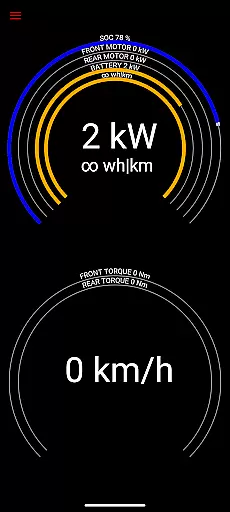
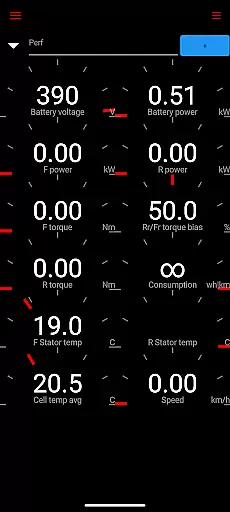
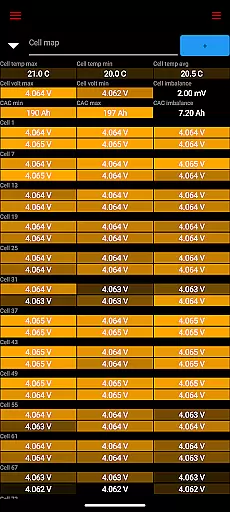
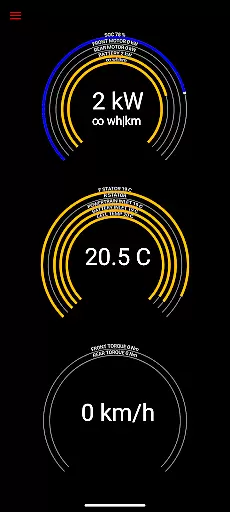
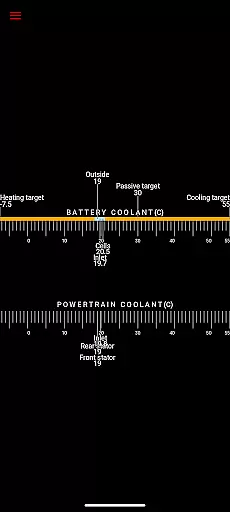
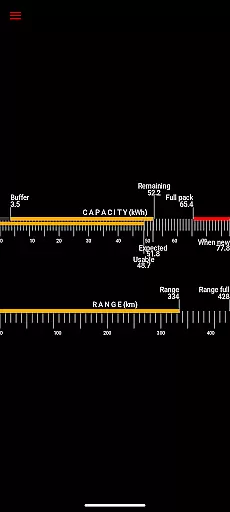
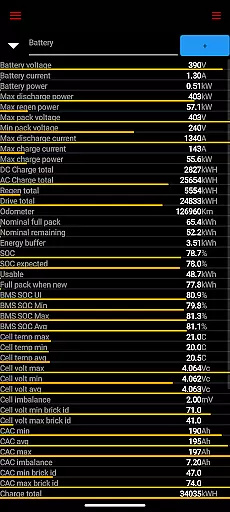
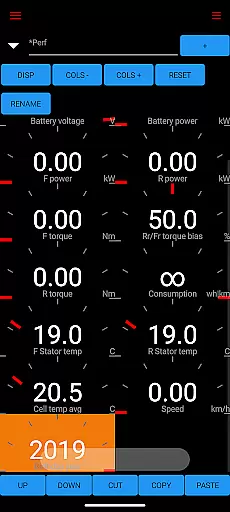
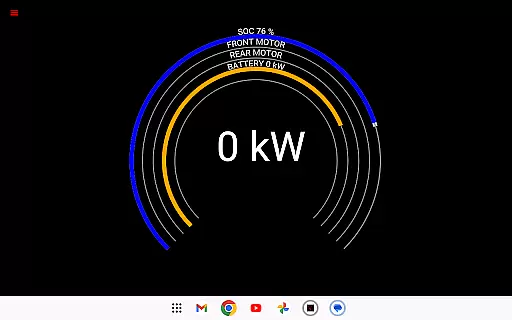
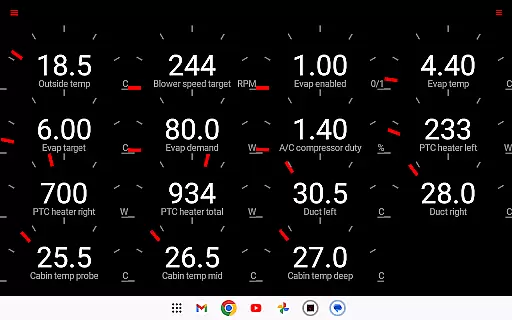
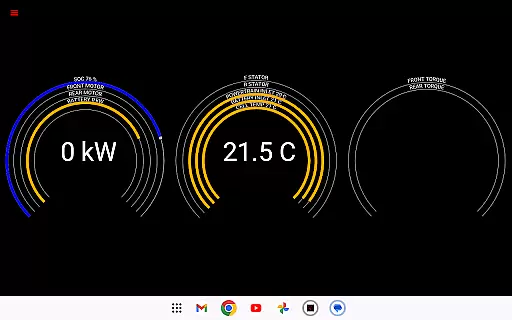
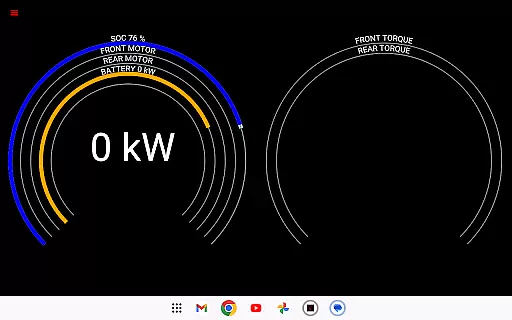
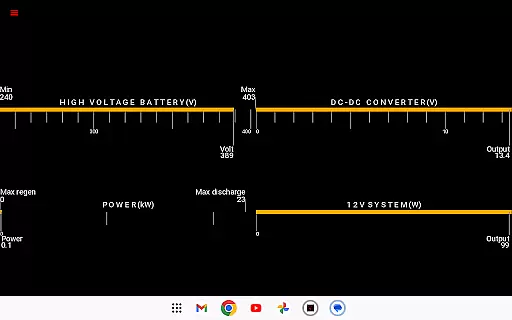
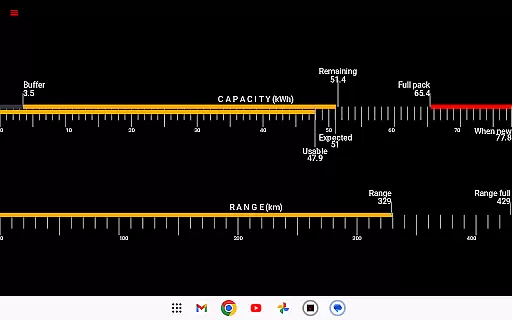
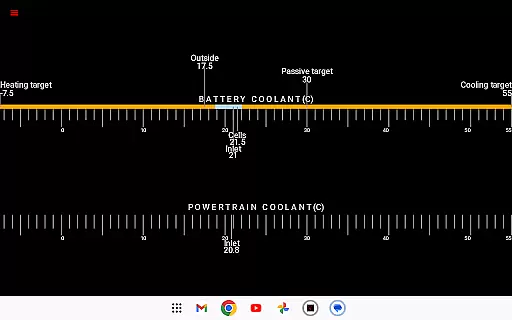
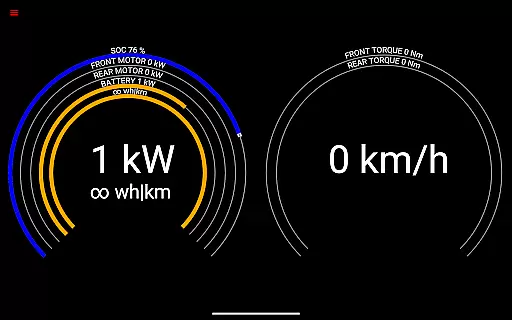
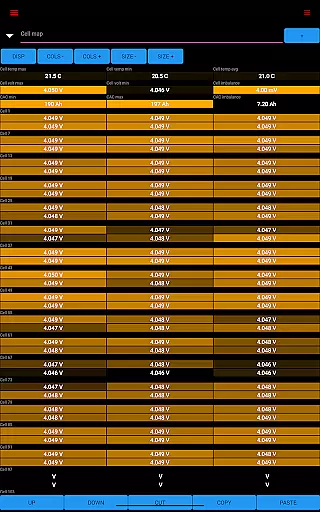
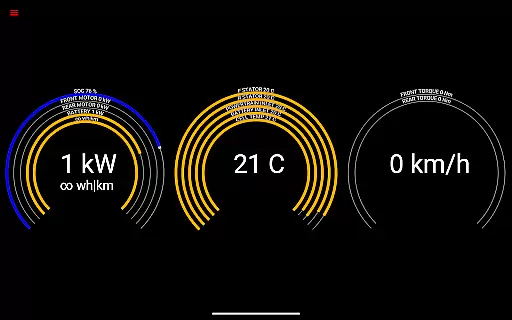
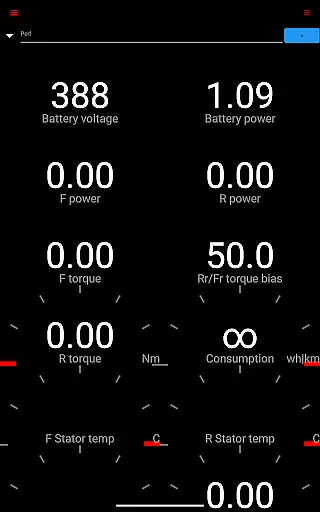
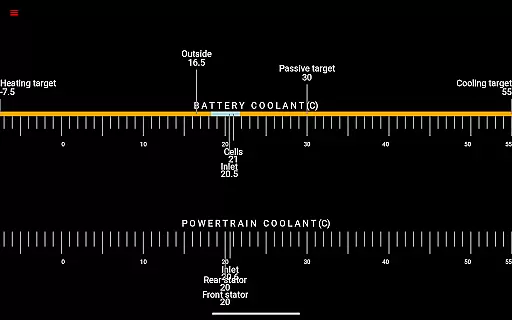
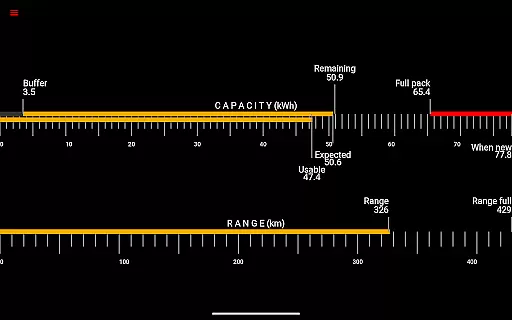
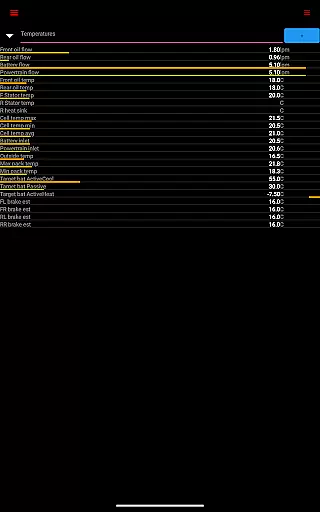
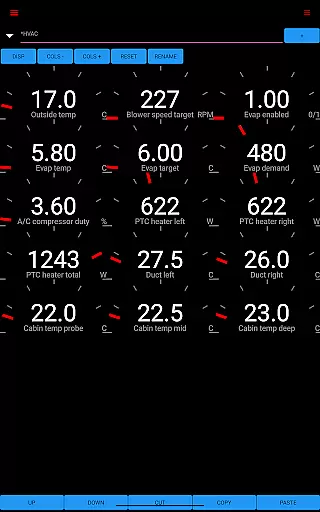
Scan My Tesla is a specialized diagnostic tool designed for Tesla owners, providing real-time readings from the diagnostics port of Model S, 3, X, and Y vehicles. The app requires an adapter cable and specific OBD2 adapter to function, allowing users to access detailed vehicle statistics. With this app, Tesla owners can monitor battery power, voltage, current, temperatures, drive unit metrics, and more, making it an essential tool for those who want in-depth insights into their vehicle's performance.
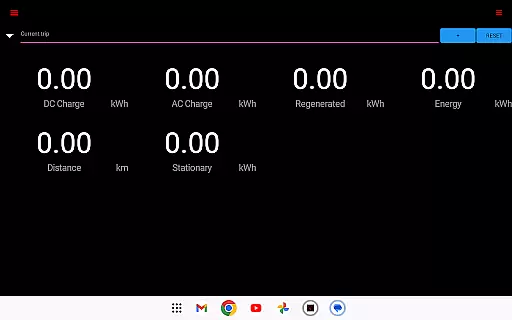
The application goes beyond basic diagnostics by offering trip recording features, battery lifetime stats, capacity estimates, and energy regeneration data. These capabilities enable users to analyze their driving patterns and optimize vehicle usage. Whether you're a Tesla enthusiast or a professional technician, Scan My Tesla provides valuable information that enhances understanding of your vehicle's inner workings while supporting informed maintenance decisions.
Scan My Tesla stands out with its comprehensive feature set tailored specifically for Tesla vehicles. The app decodes numerous CANBUS packets, presenting live statistics such as battery power, voltage, current, and temperature readings. It also provides detailed insights into the drive unit's electric power, torque, RPM, and thermal conditions, giving users unparalleled visibility into their car's performance metrics.
One of the standout features is the ability to log and visually present data for later analysis, including battery lifetime stats, capacity estimates, and trip recordings. Additionally, the app supports HVAC controls, 12V system monitoring, and energy regeneration tracking. By leveraging contributions from the Tesla decoding community, Scan My Tesla ensures accurate and up-to-date information presentation, though users should note that certain features may not be available on all models due to software variations.
Detailed vehicle information is crucial for Tesla owners who want to monitor their car's performance and health. Scan My Tesla provides comprehensive diagnostic data directly from the vehicle's systems, ensuring users have access to accurate and real-time metrics.
The app reads numerous live statistics such as battery power, voltage, current, and temperatures. It also tracks drive unit electric power, torque, RPM, and various temperature readings. These insights allow Tesla owners to understand their vehicle's operational status and make informed decisions regarding maintenance and driving habits.
Additionally, the app offers battery lifetime stats, capacity estimates, and detailed trip recording. This functionality helps users track energy regeneration and consumption, providing a holistic view of their vehicle's efficiency over time.
By leveraging decoded CANBUS packets and contributions from the Tesla community, Scan My Tesla ensures that users receive precise and valuable information about their Model S, 3, or X. This empowers owners with knowledge that can enhance both the longevity and performance of their vehicles.
Price transparency in automotive apps like Scan My Tesla refers to clear communication about any associated costs for using advanced features. While the app itself may be free or require a purchase, additional components such as adapter cables might be necessary for full functionality.
Scan My Tesla clearly outlines the need for specific OBD2 adapters and provides resources on its website to ensure users are aware of these requirements. By directing users to https://www.scanmytesla.com/adapters, the app maintains transparency regarding the initial setup cost and prevents unexpected expenses.
This approach allows users to prepare financially and technically before diving into the app's functionalities. Understanding these prerequisites ensures a seamless experience when accessing detailed diagnostics and live statistics from their Tesla vehicles.
Overall, maintaining price transparency not only builds trust but also enhances user satisfaction by setting clear expectations about the total cost of ownership for utilizing Scan My Tesla's comprehensive diagnostic tools.
User-friendly interface
Comprehensive diagnostic data
Real-time vehicle monitoring
Supports trip logging
Active community support
Requires additional hardware
Limited Model 3 compatibility
No official Tesla affiliation
Potential data inaccuracies
Complex setup process

Ferrari inspired analog & digital watch face with quick access and premium style
 4.3
4.3
DIY Vehicle Wheel Alignment
4.3
CVT diagnostics with ELM327 for Nissan-based vehicles
4.40
AlfaOBD software for Fiat Group cars native diagnostic
3.70
The Texaco App allows you to pay for fuel from the comfort of your car!
4.80
Oil change service & coupons for car maintenance at Valvoline Instant Oil Change
4.70
Control maps, media and messaging, with the Google Assistant while you drive
4.10
DMV practice test 2025: Driver License permit test & written test for all states
4.70
PayByPhone: A quick and easy way to pay for parking.
3.80
Marathon ARCO Rewards members earn rewards & apply the rewards for fuel savings!
4.80
Find Your Local Store or Shop Online for the Car, Truck, or SUV Parts You Need
4.70
On the CarShield app, you can view contracts, make payments, & request roadside.
4.40
OBD2 car scanner and diagnostics: read Check Engine, DTC, economy....
4.30
Realtime Charts is a plugin for the Torque Pro App (OBD 2 & Car)
4.20
ODB2 based monitoring application for the Chevy Bolt (2017-2021)
4.00
Simplify your drive
3.90
BlueDriver® is a Premium Diagnostic OBD2 Scan Tool. www.BlueDriver.com
3.90
Wonder how much horsepower and torque your car/truck makes? Look no further.
3.40
O'Reilly Pro will streamline your parts lookup and ordering process!
3.20


User Reviews