
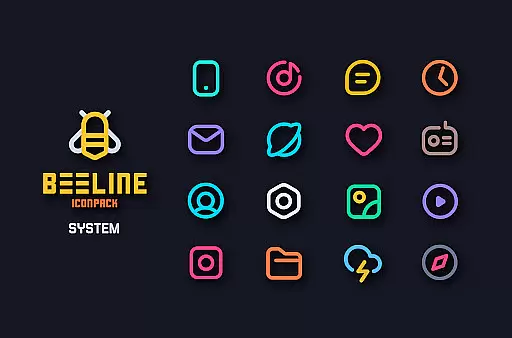
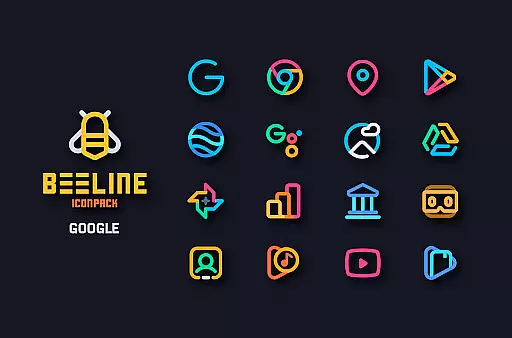
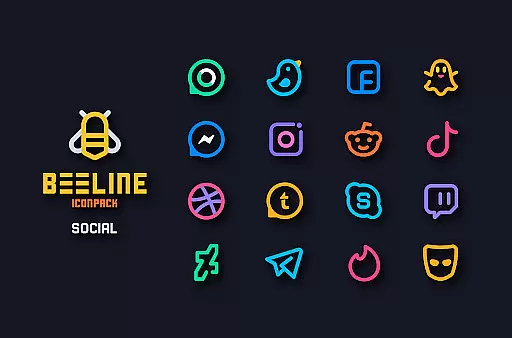
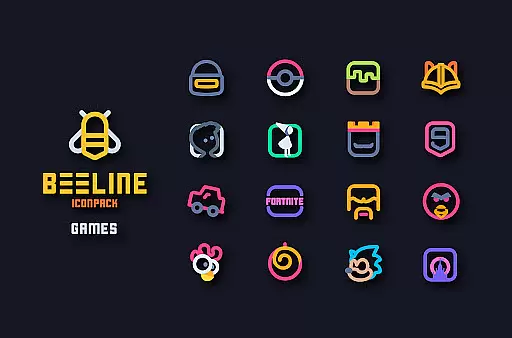
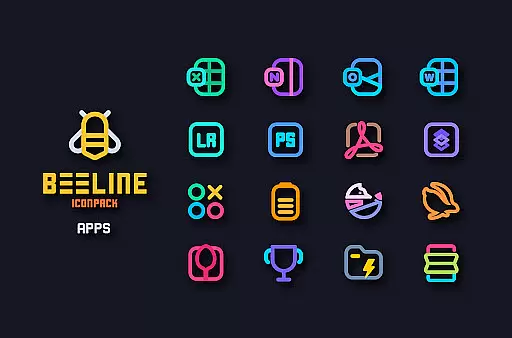
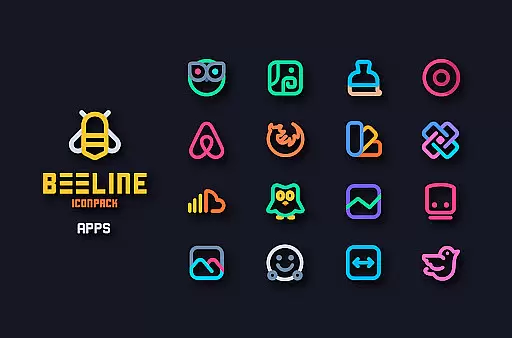
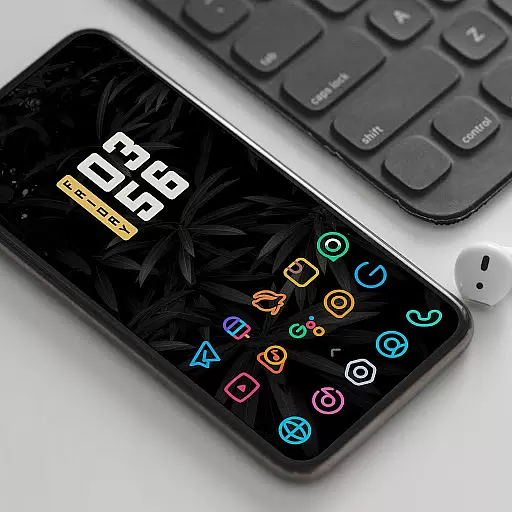
BeeLine Icon Pack is a vibrant and visually striking personalization tool designed to refresh the appearance of your Android device. Featuring over 3000 meticulously crafted icons, this pack brings a unique linear design with vivid colors that complement both dark and light themes. Each icon is created following Google's Material Design guidelines, ensuring consistency in size and dimensions while adding a creative flair that makes them stand out as individual works of art.
In addition to its extensive icon collection, BeeLine offers a variety of features such as alternative icons for popular apps, cloud-based wallpapers, and support for dynamic calendars. The pack also includes a material dashboard for easy navigation and icon management. Compatible with numerous launchers, it provides users with the flexibility to customize their home screens extensively. Whether you're looking to revamp your phone's interface or seeking inspiration through beautiful design, BeeLine Icon Pack delivers both functionality and aesthetic appeal.
BeeLine Icon Pack stands out due to its comprehensive set of features tailored for personalization enthusiasts. With over 3000 icons, users can transform their device's interface by applying consistently styled icons across their apps. The pack follows Google's Material Design principles, ensuring each icon is not only visually appealing but also aligns with modern design standards. This attention to detail extends to features like custom folder icons, app drawer icons, and dynamic calendar support, which collectively enhance the user experience.
One of the key highlights is the inclusion of a server-based icon request system, allowing users to suggest new icons that may be missing from the current collection. Additionally, the pack offers a rich selection of wallpapers that complement the colorful icons, providing a cohesive look for the device. The material dashboard serves as the control center where users can preview icons, search for specific ones, and apply the theme effortlessly. Frequent updates ensure that the icon pack stays relevant with new additions and improvements, making it a reliable choice for those who value both quality and variety in their customization options.
Customization is at the heart of personalizing your smartphone experience, and BeeLine Icon Pack excels in providing a wide array of options to make your device truly yours. With over 3000 icons, this pack ensures that most of the apps on your phone will have a matching icon that fits seamlessly into your chosen aesthetic.
Beyond just icons, BeeLine offers alternative icons for popular apps and system apps, allowing users to pick their favorite style or change things up whenever they want. The inclusion of custom folder icons and app drawer icons adds another layer of personal touch, ensuring every aspect of your home screen can be tailored to your liking.
The dynamic calendar support and slick material dashboard further enhance the customization possibilities, making sure that even functional elements of your interface are visually pleasing and consistent with the overall theme. This level of detail ensures that users can achieve a cohesive look across their entire device.
By choosing BeeLine Icon Pack, you're not only getting a vast selection of beautifully designed icons but also the flexibility to switch themes easily, keeping your interface fresh and engaging. Whether you prefer a dark or light setup, these colorful linear icons will breathe new life into your phone's appearance.
Theme compatibility is crucial when selecting an icon pack, as it ensures that the icons will work harmoniously with your launcher of choice. BeeLine Icon Pack has been meticulously crafted to be compatible with a wide range of launchers, including popular ones like Nova Launcher and Action Launcher, among many others.
This extensive compatibility means that regardless of which launcher you prefer, BeeLine Icon Pack is likely to integrate smoothly, providing a consistent visual experience without any hiccups. For those using less common launchers, the pack may still function correctly, although users might need to apply it through their launcheru2019s theme settings if not directly supported.
In addition to launcher compatibility, BeeLine also supports Muzei Live Wallpaper, enhancing the synergy between your background and icons. This feature allows for a more immersive and visually appealing home screen setup, where all elements complement each other perfectly.
It's important to note that while BeeLine Icon Pack works with numerous launchers, some, like Google Now Launcher and ONE UI, do not support third-party icon packs. However, for devices running Oxygen OS or Mi Poco, stock launchers might support BeeLine, offering even more flexibility in personalizing your device's appearance.
Stunning linear designs
Extensive icon library
Frequent updates
Vibrant color palette
Material Design compliant
Requires compatible launcher
No Google Now support
Some features need updates
Limited stock support
Not all icons included

Ultra realistic gold analog watch face with lots of customization options.
 4.50
4.50
Adult video chat, dating, making friends, random matching
4.20
Try creating your own keyboard with "Keyboard theme for android" app now!
4.50
Transfer your live wallpapers from Windows to Android using Wallpaper Engine!
4.00
Customize glowing edges, wallpapers, and caller screen with EdgeAura.
3.50 4.50
4.50
Vibrant Adaptive Icons with Material You and Enhanced Monet Colors.
4.50
Struggling to find apps? Use this app to locate and open any app on your phone!
2.20
Create stunning widgets with Widget 2026: Aesthetic Widgets for Android!
4.60
Gun Chase - Let the chase begin.
4.80
Vertically oriented rectangular icons
4.70
Shimeji adds cute animated characters to your screen, lively and fun.
4.70
Choose your keyboard with RGB colors effect, themes, fonts, emojis.
4.60
Stylish Pink Cute Hippo keyboard with 10000+ customized keyboard themes!
4.60
Beautiful realistic hybrid watch face with numerous customization options.
4.50
Aesthetic Widgets, HD Wallpapers, Themes in Mico Widget for Home and Lock Screen
4.50
Transform your device in a game console
4.40
Your go to Weather App & Home Screen. Get your weather at a swipe of a finger!
3.80 3.50
3.50


User Reviews