
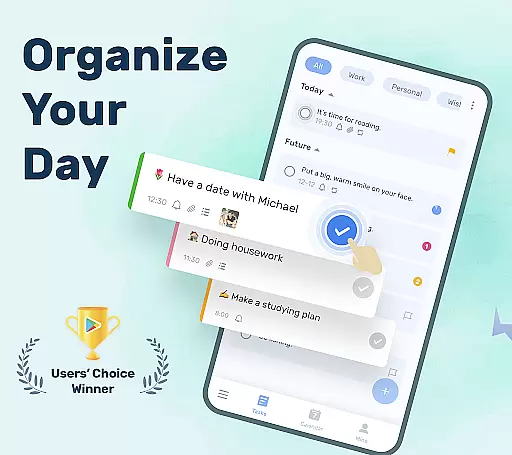
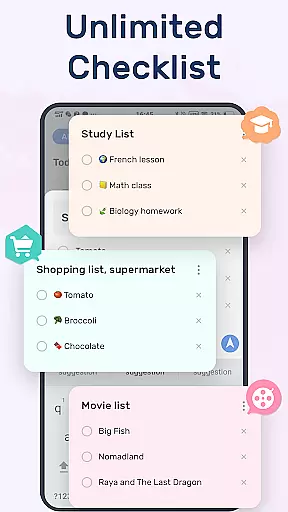
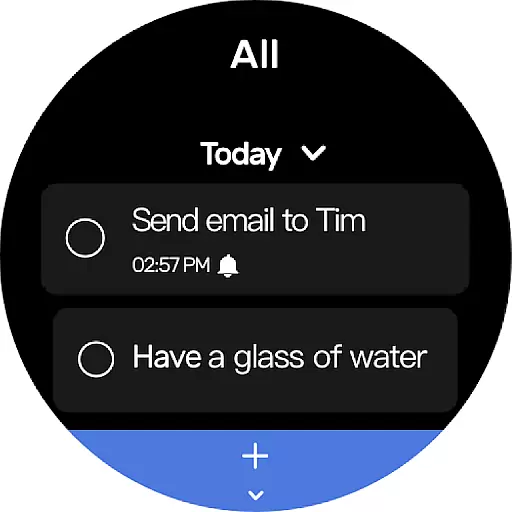
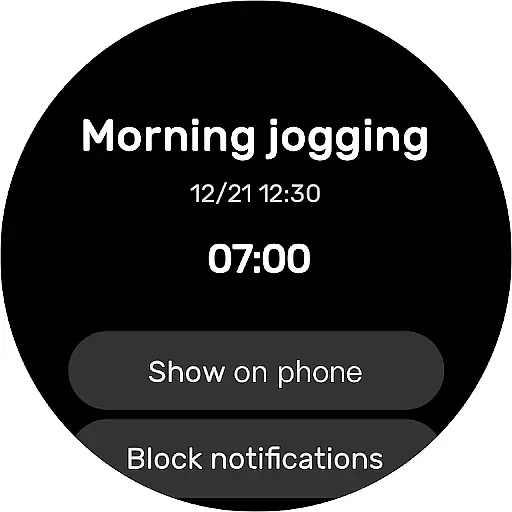
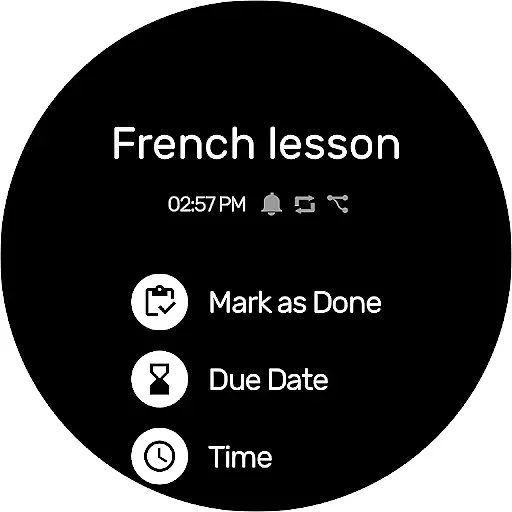
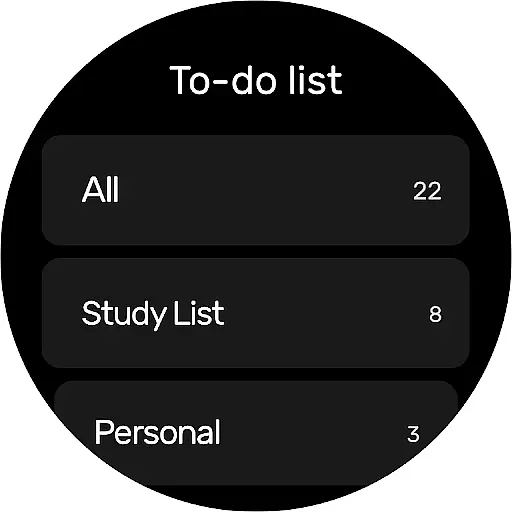
To-Do List is a comprehensive task management app designed for Android Wear, helping users organize their daily schedules effectively. This free to-do list manager allows you to create multiple task lists, set reminders with alarms, and categorize tasks efficiently.
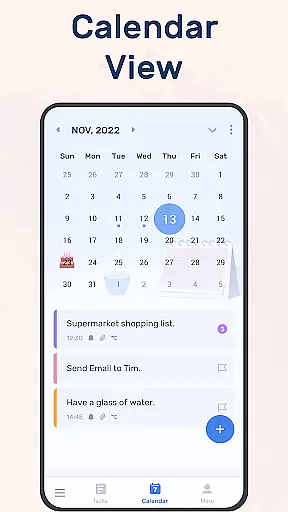
With its user-friendly interface and beautiful themes, the app makes managing your life and work simple and enjoyable. The calendar view provides an overview of daily, weekly, and monthly tasks, while cloud sync ensures your data is always safe.
Whether you need to track important anniversaries or manage work projects, To-Do List offers a reliable solution that keeps you on top of your commitments.
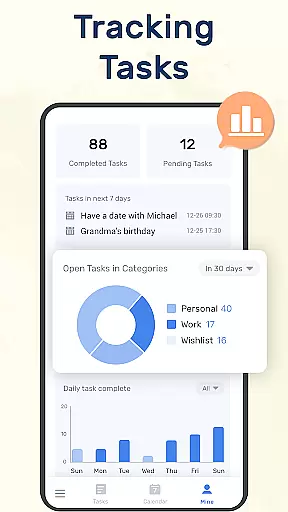
To-Do List stands out with its rich feature set tailored for productivity enthusiasts. The app allows quick creation of task lists in just two steps, while offering customizable themes to suit your preferences.
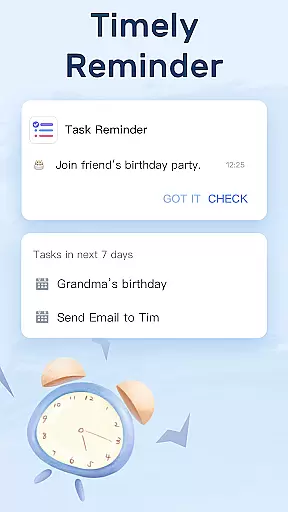
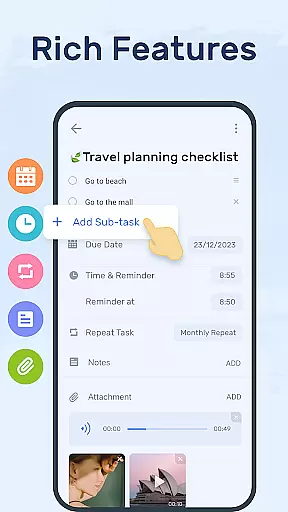
One of the key highlights is the ability to set recurring reminders with alarms, ensuring you never miss important deadlines. You can also categorize tasks, add sub-tasks, and prioritize items using stars for better organization.
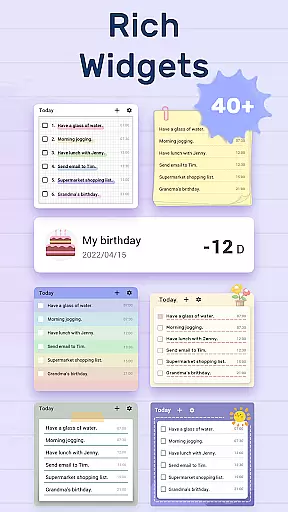
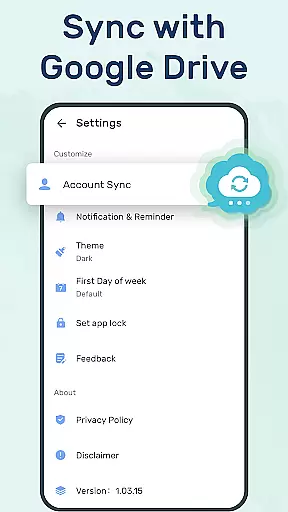
The widget functionality lets you access and update your to-do lists directly from your phone's desktop, while cross-device sync through Google Drive keeps all your devices up-to-date.
Companion app integration is essential for wearable devices as it ensures seamless synchronization between the main application and its wearable counterpart. For To-Do List, this means that all your tasks and schedule planners can be effortlessly managed across different devices.
The To-Do List app offers robust companion app integration by allowing users to sync their to-do lists or daily schedule planners to the cloud via Google Drive. This feature enables users to check their tasks, track daily planners, or receive task reminders on various devices, including Wear OS watches.
By integrating with a companion app, users benefit from real-time updates and notifications, ensuring they never miss an important task or reminder. This cross-device functionality enhances productivity and keeps users organized, regardless of the device they are using.
Overall, the companion app integration in To-Do List provides a cohesive user experience, making it easier for users to stay on top of their schedules and manage their time effectively across multiple platforms.
Wear OS/device compatibility is crucial for apps designed to work with wearable technology. The To-Do List app excels in this area by offering full compatibility with Wear OS devices, ensuring that users can access their tasks and planners directly from their smartwatches.
This compatibility allows users to receive real-time notifications and reminders on their Wear OS devices. Whether it's a recurring task or an important deadline, users can rely on their smartwatches to keep them informed and on schedule.
In addition to receiving notifications, users can also interact with their to-do lists directly from their Wear OS watches. This includes viewing tasks, marking them as complete, and even adding new tasks on the go, which significantly enhances convenience and accessibility.
By ensuring comprehensive Wear OS/device compatibility, To-Do List not only extends the functionality of its main application but also provides users with a versatile tool that adapts to their dynamic lifestyles, keeping them productive and organized at all times.
User-friendly interface
Customizable themes
Reliable reminders
Cloud synchronization
Cross-device support
Limited advanced features
Basic free version
Occasional bugs
No team collaboration
Ads in free version

Christmas Theme Watch Face for Wear Os
 5.00
5.00
Embrace the holiday spirit with this magical animated watch face!
4.40
Beautiful artistic animated digital watch face, with a customizable layout!
4.40
Deck out your Wear OS Watch face with a beautifully decorated pine wreath!
4.50
Authentic military-tactical design with ZULU time! Realistic and functional!
3.80
Stylish digital watch face for Wear OS devices with customizable features
4.3
Find EV charging stations
4.30
Stylish, Energizing and Modern Watch Face crafted by Dominus Mathias.
4.50
Track airplanes and follow flights with our real-time flight tracker
4.50
Period, ovulation & pregnancy tracker. Fertility insights & menstrual calendar.
4.90
The Chevron App allows you to pay for fuel from the comfort of your car!
4.80
Real-time weather radar with temperatures, warnings, hurricanes, and widgets
4.80
WTW M17 is a premium and luxurious hybrid watch face
4.70
Hybrid watch face for Wear OS with customizable complications by Matteo Dini MD
4.70
Nutrition, Macro tracker: Food, fitness & healthy diet tracking for weight loss
4.60
Digital watch face with big numbers and many customization for Wear OS devices
4.40
Locate your family members by GPS phone location tracker everywhere and anytime
4.30
Calming & relaxing sounds for sleeping and stress relief. Stay focused all day!
4.20
Precision analog watch face with 7 complications and style options
4.0


User Reviews