
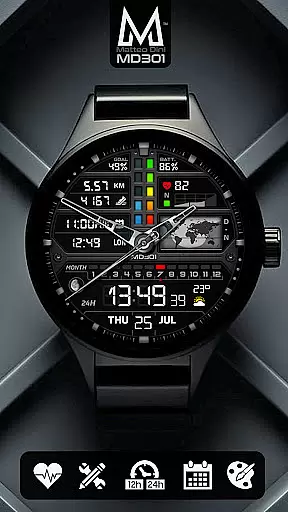
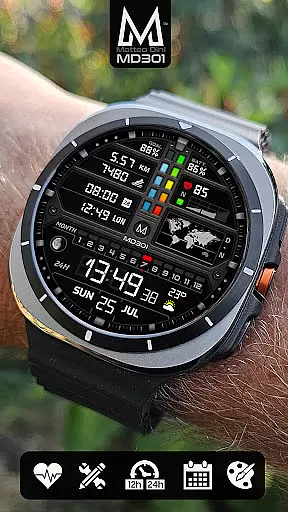
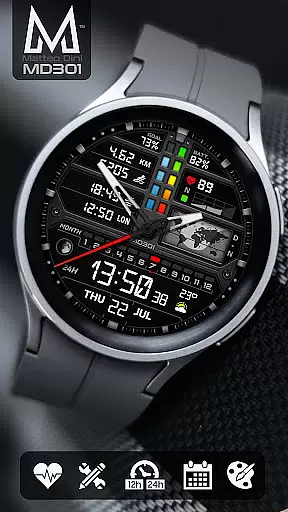
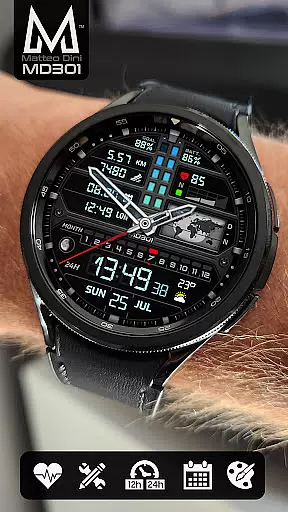
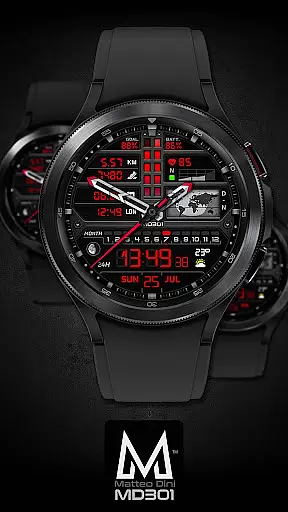
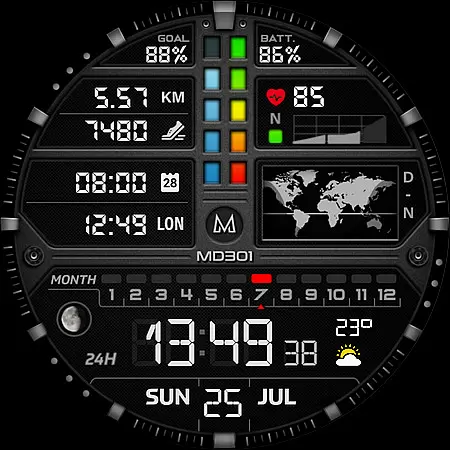
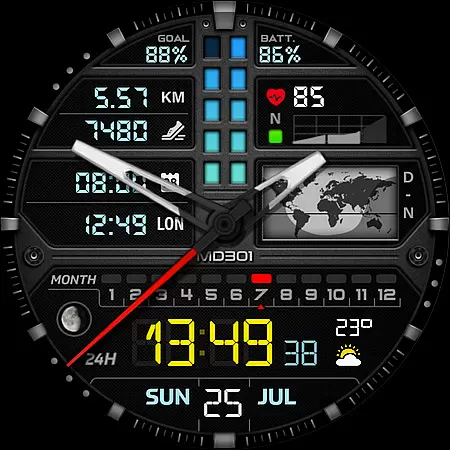
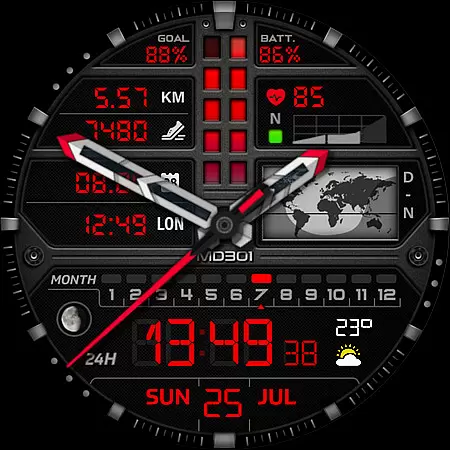
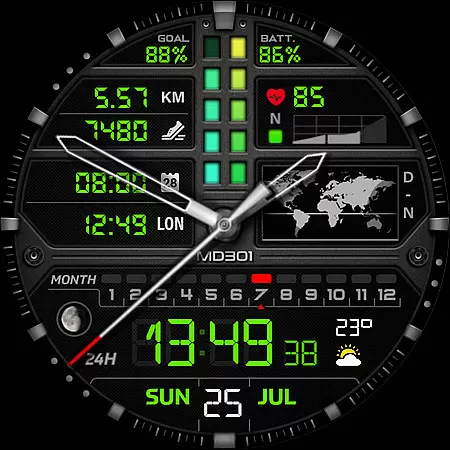
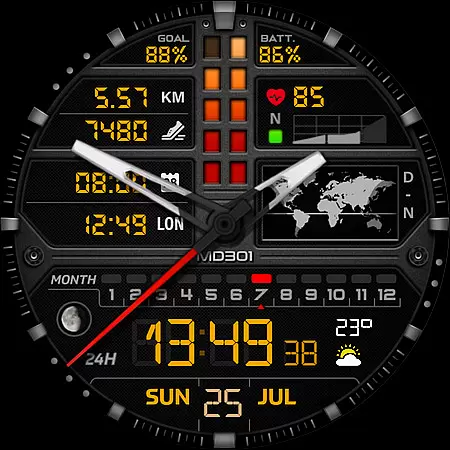
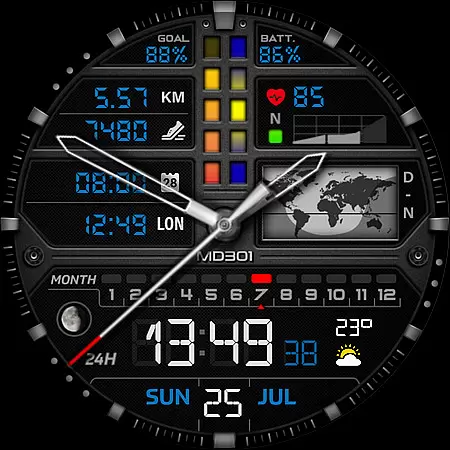
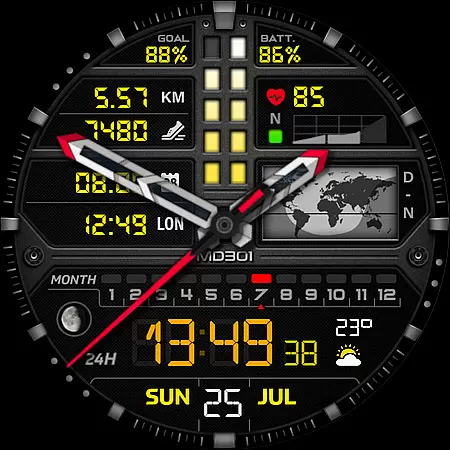
MD301 Hybrid watch face is a feature-rich, customizable watch face designed for Wear OS devices. It supports advanced functionalities such as app shortcuts, heart rate monitoring, and customizable complications. With compatibility across Samsung Galaxy Watch 4-8, Ultra, Pixel Watch, and other API Level 33+ devices, it offers users an enhanced smartwatch experience.
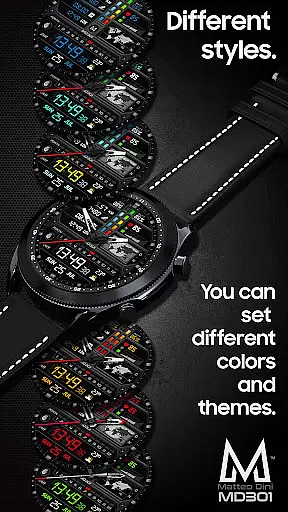
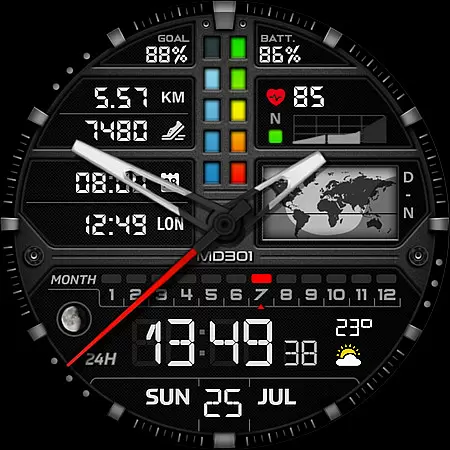
This watch face stands out with its unique features like the day & night world map, moon phase tracking, and Always ON Display support. Users can personalize their watch face with changeable colors, hands, and data complications to suit their preferences. Whether you're tracking fitness goals or staying connected through app shortcuts, MD301 provides both utility and style.
MD301 Hybrid watch face boasts an array of sophisticated features tailored for tech-savvy users. The digital and analog time display options cater to personal preferences while offering date, month, and moon phase details. Its standout feature is the day & night world map, providing global time awareness at a glance.
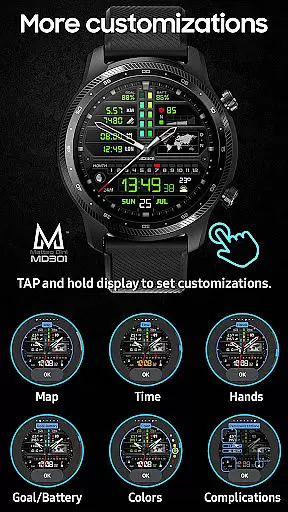
Customization is key with this watch face. Users can configure three preset app shortcuts (Calendar, Battery, Measure HR) and four additional customizable complications. These might include weather updates, distance tracking, or other metrics. The ability to modify colors, hands, and general aesthetics ensures that each user enjoys a personalized experience on supported Wear OS devices.
Companion app integration is essential for hybrid watch faces like MD301, ensuring seamless synchronization between the wearable and its paired smartphone. This functionality allows users to customize their watch face directly from their phone, offering a more convenient way to personalize settings.
The MD301 Hybrid watch face leverages this integration by enabling users to modify various elements such as complications, shortcuts, and color schemes through the Samsung Wearable app. Despite occasional loading issues with complex designs, customization directly on the watch remains a reliable alternative until improvements are made.
By supporting features like Always ON Display and customizable complications, MD301 ensures that users can tailor their experience to match their preferences and needs. This level of personalization enhances user engagement and satisfaction, making the watch face not just a timekeeping tool but a personalized accessory.
Device compatibility is a critical aspect of any Wear OS watch face, determining its ability to function across various devices and operating systems. The MD301 Hybrid watch face supports all Wear OS devices with API Level 33+ (Wear OS 4 and later versions), including popular models like Samsung Galaxy Watch 4-8, Ultra, and Pixel Watch.
This broad compatibility ensures that users with different devices can enjoy the rich features of MD301 without worrying about technical limitations. By adhering to high API standards, the watch face guarantees optimal performance and access to advanced functionalities such as heart rate monitoring, step tracking, and customizable complications.
Moreover, the inclusion of an installation guide and troubleshooting tips on the developer's website further enhances user experience by providing necessary support. This commitment to compatibility and support underscores the reliability and versatility of the MD301 Hybrid watch face, making it a valuable addition to any Wear OS device.
Highly customizable
Feature-packed design
Wide device compatibility
Always ON Display
Unique world map feature
Complex setup process
Preset shortcut limitations
Additional complications needed
Editor loading issues
Some features device-specific

Calming & relaxing sounds for sleeping and stress relief. Stay focused all day!
 4.20
4.20
Christmas - Festive - Christmas Village - Winter - Christmas lights
5.00
Wear Os Watch Face - Animated Snow - Sesonal for Christmas & Winter
4.2
Snowflake Rose Gold Watch Face - Digital, modern, & sleek with GYRO effect.
4.10
Beautiful, colorful and practical watch face. For Wear OS devices.
5.00
Sleek, highly customizable watch face inspired by Galaxy Watch Circle Dashboard.
4.5
Fitness interactive virtual pet super fighter boy watch face
4.4
Reliable phone calls with spam protection, caller ID and more helpful features
4.40
Funny animated watch face for Thanksgiving
4.4
Diet tracker for weight loss - track calories, food and macros. Simple and easy!
4.70
Highly customizable hybrid watch face for Wear OS, perfect for everyday use.
4.60
Real-time results, stats, schedules and player profiles for all leagues
4.60
Simple, helpful messaging by Google
4.60
Digital watch face. For Wear OS devices.
4.40
Hyper-Realistic Airplane Dashboard Watch Face With 10 Skins and Custom AOD
4.00
Professional weather radar and more
3.90
Watch the sharpness of the sky on your wrist..
3.70
Your local weather forecast, storm tracker, radar maps & live weather news
3.40
Stunning modern digital watch face with 7 complications and strong contrast
4.0


User Reviews