
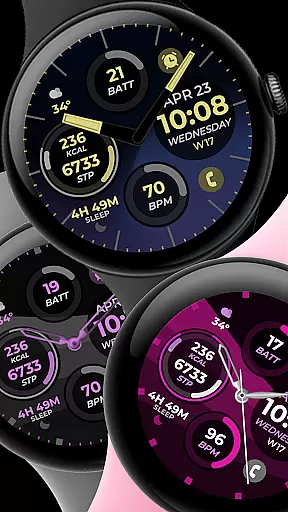
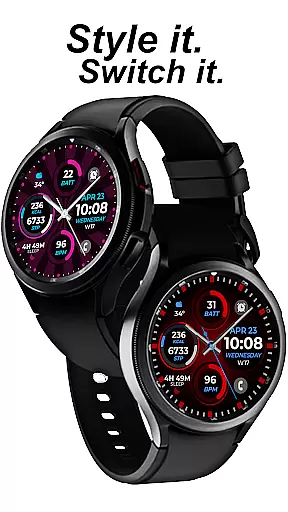
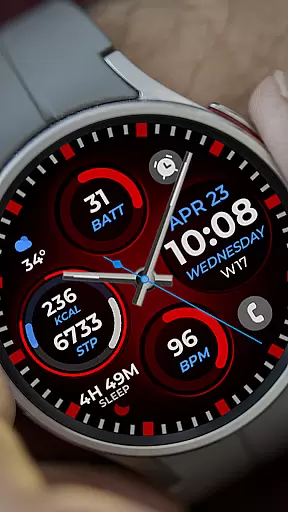
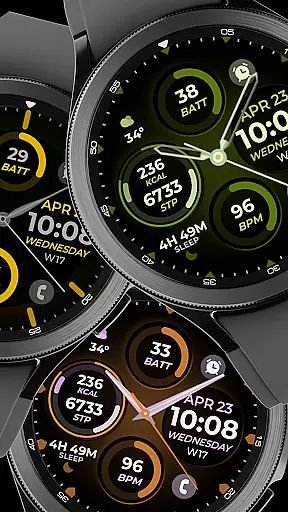
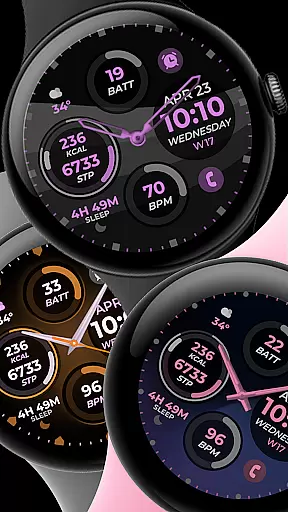
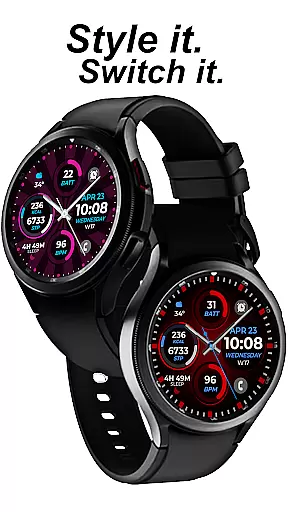
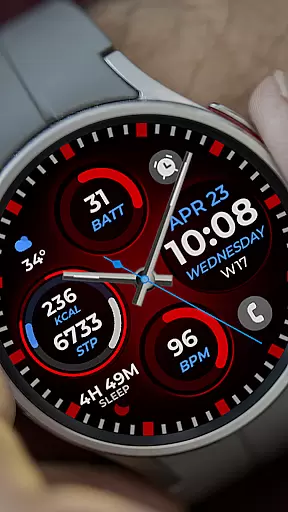
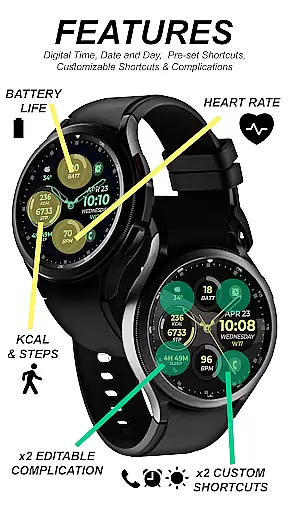
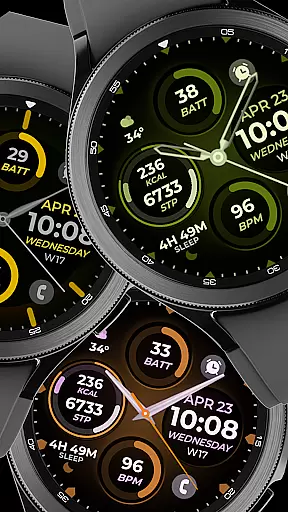
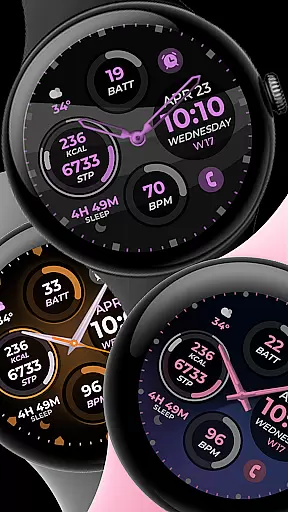
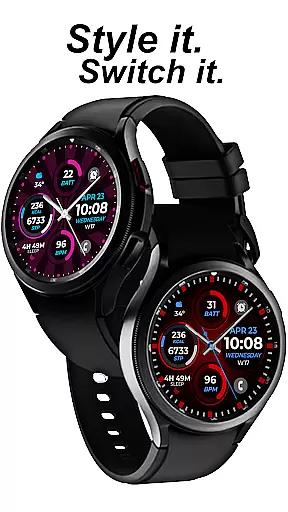
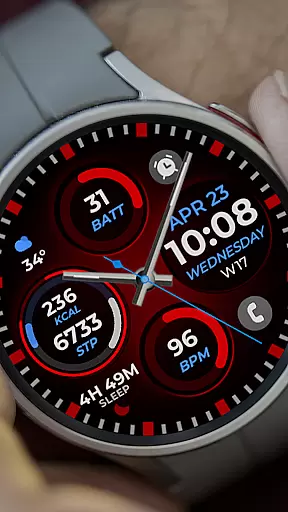
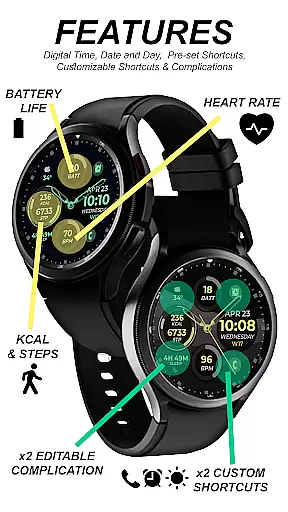
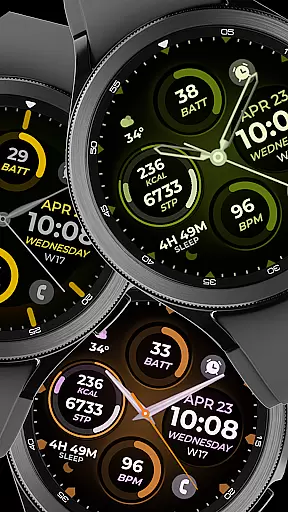
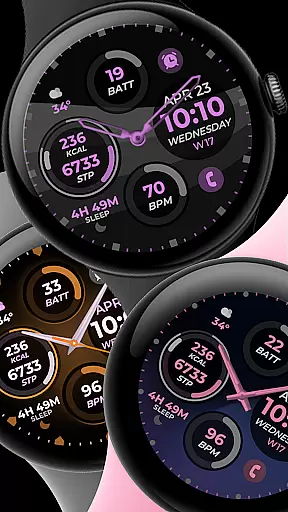
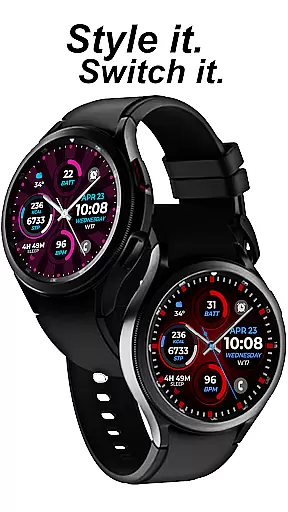
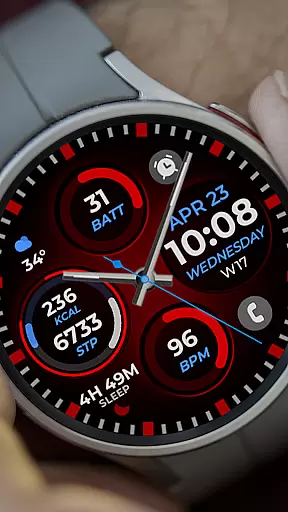
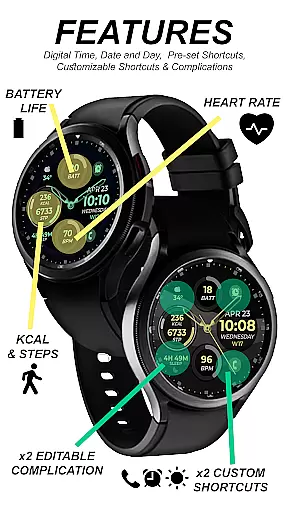
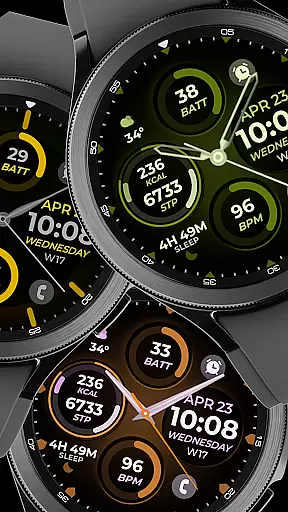
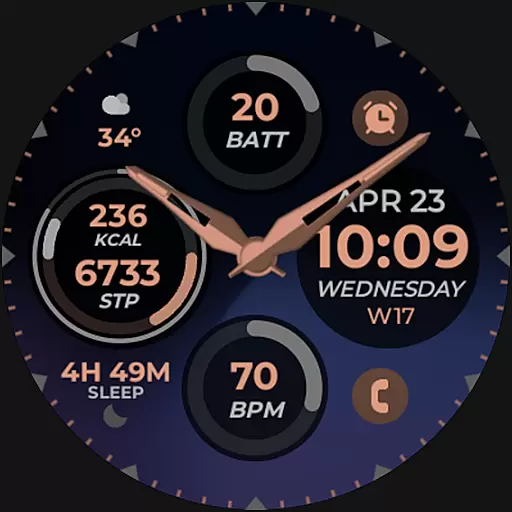
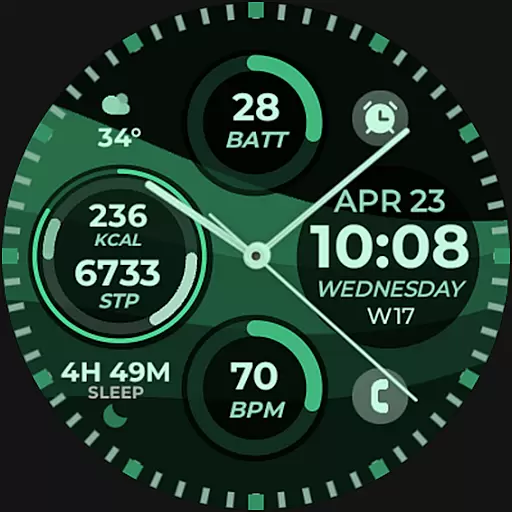
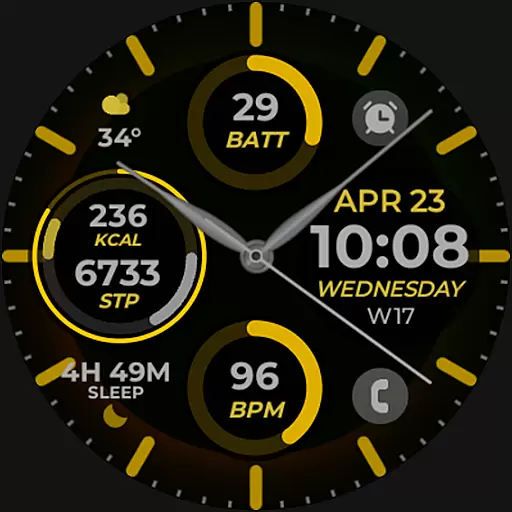
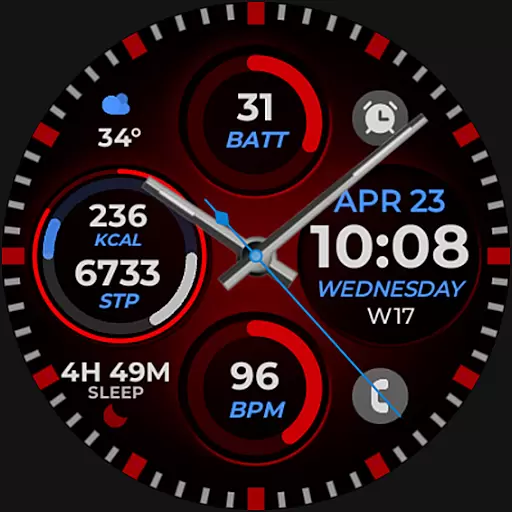
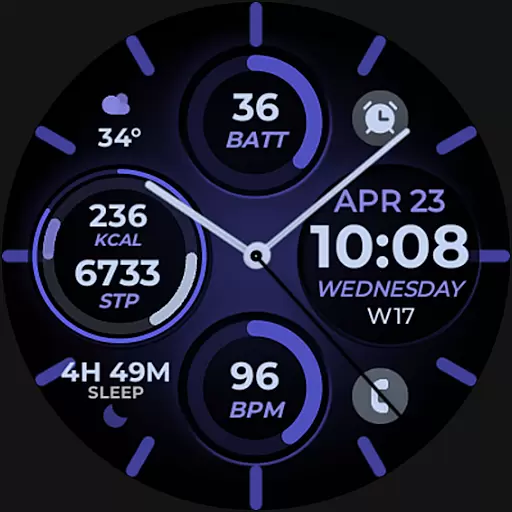
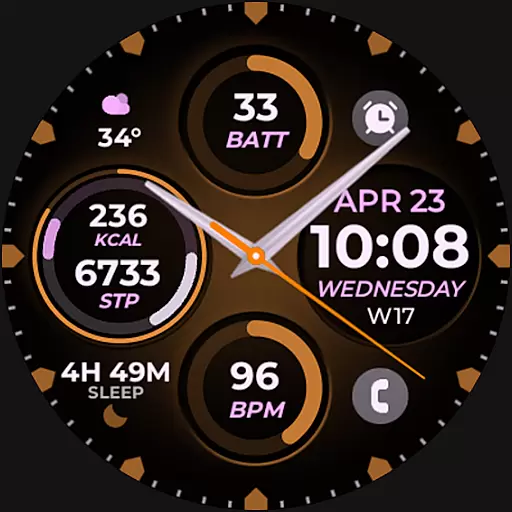
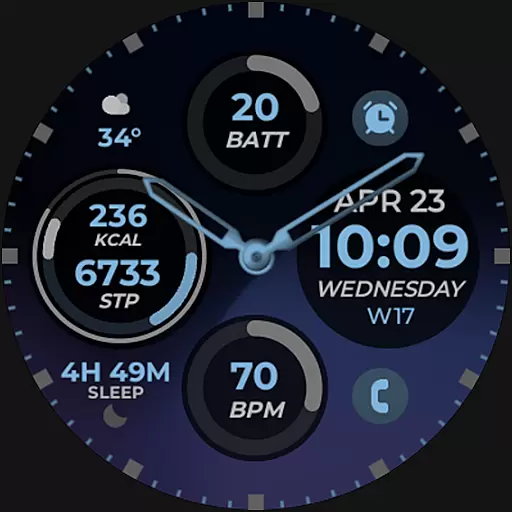
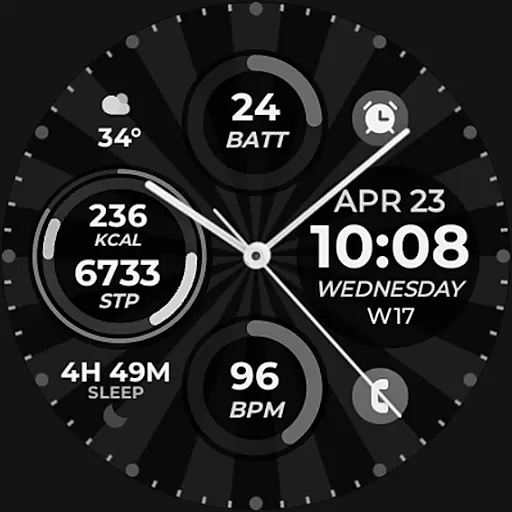
Vibrant Fit Hybrid is a feature-rich watch face app designed specifically for Samsung Galaxy Watch 4 and other devices running on the new Wear OS Google/One UI Samsung operating system. Developed using Samsung's "Watch Face Studio" tool, this app offers users a customizable and visually appealing watch face experience.
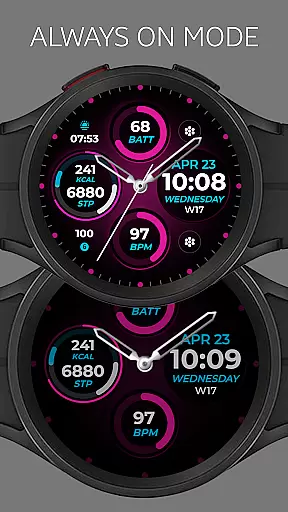
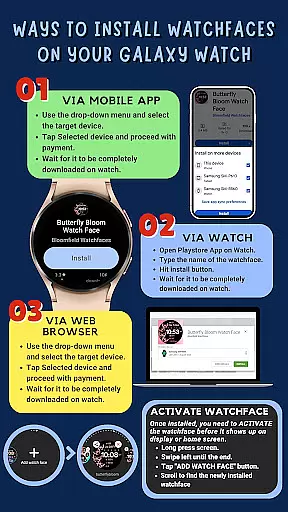
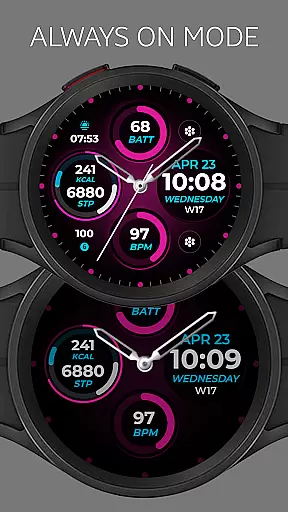
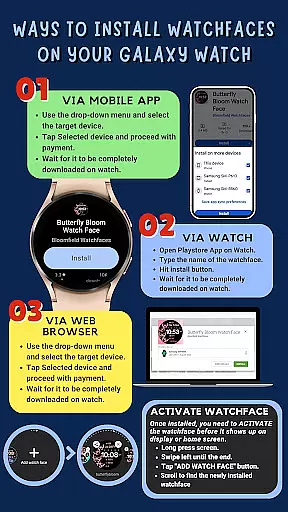
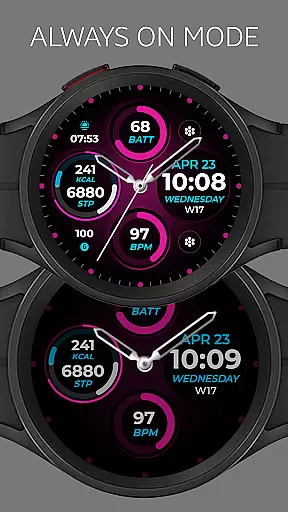
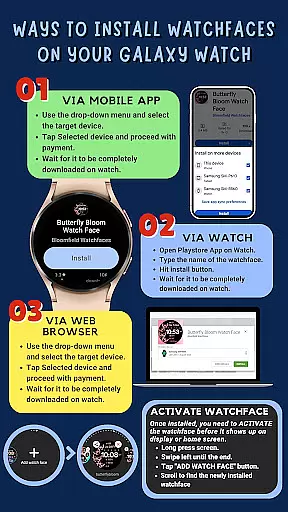
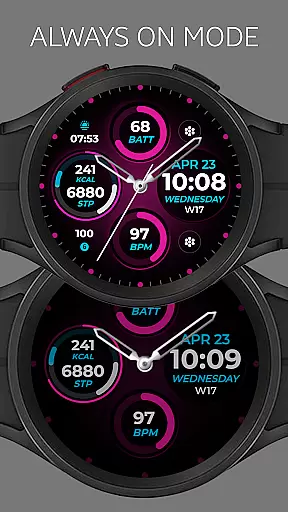
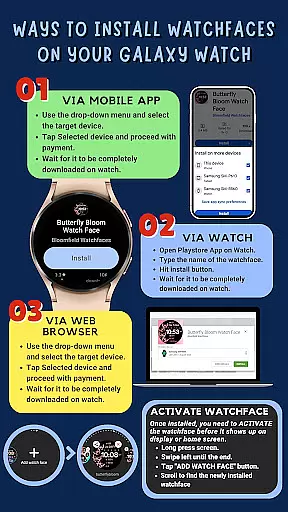
The app provides essential timekeeping features including digital/analog clock displays, date information, and an Always-On Display (AOD) functionality. Users can personalize their watch faces with custom color palettes, watch hands, index styles, and even preset or custom app shortcuts and complications. The installation process is straightforward but requires a strong WiFi connection between the phone and watch, as well as a Google account login on the watch itself.
This application is particularly useful for users who want to enhance their smartwatch's appearance while maintaining practical functionality. The ability to customize various elements makes it suitable for both personal and professional settings, offering users a personalized and efficient way to access important information at a glance.
Vibrant Fit Hybrid stands out with its comprehensive set of customization options and practical features. The app offers both digital and analog clock displays alongside essential date information, catering to different user preferences. Its Always-On Display (AOD) functionality ensures that users can check the time without activating the screen, conserving battery life while maintaining convenience.
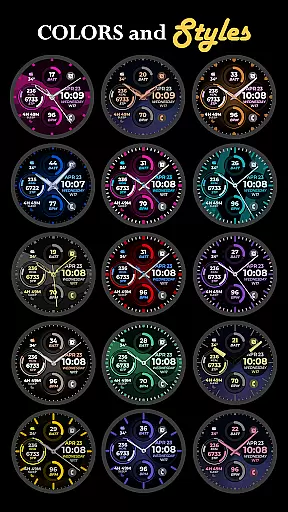
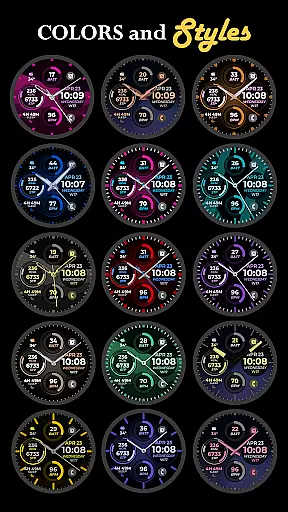
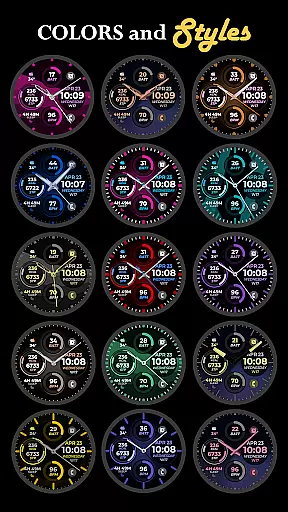
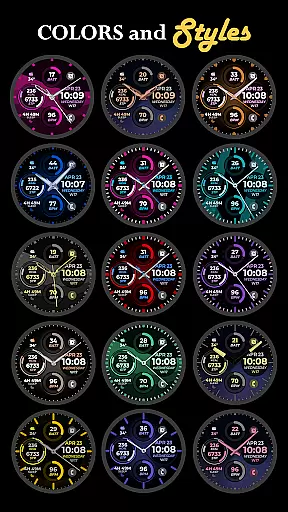
One of the key strengths of Vibrant Fit Hybrid is its robust customization capabilities. Users can choose from a variety of color palettes, watch hand designs, and index styles to create a unique look that suits their personal taste. The app also supports both preset and custom app shortcuts and complications, allowing users to access frequently used functions directly from their watch face.
The installation process is designed to be user-friendly, with automatic installation on the watch and clear notifications upon successful transfer. However, users have the option to manually install through the Play Store on their watch if needed. These features collectively provide a seamless and personalized smartwatch experience, making Vibrant Fit Hybrid a valuable addition to any Galaxy Watch 4 user's collection.
Companion app integration is crucial for smartwatch users as it ensures seamless synchronization between the watch and paired mobile device. Vibrant Fit Hybrid excels in this area by providing a comprehensive installation guide that emphasizes the importance of a strong connection between the phone and the watch using the same Wi-Fi network.
The app requires users to log into their Google account directly on the watch, which enhances the integration process and allows for automatic installation of watch faces. This streamlined approach reduces potential connectivity issues and ensures that updates or new features are effortlessly synced across devices.
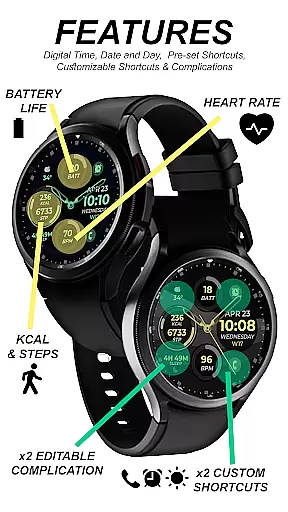
Moreover, Vibrant Fit Hybrid offers additional support through its detailed feature graphics and YouTube tutorials, making it easier for users to understand how to enable necessary permissions and add the watch face after installation. These resources contribute to a hassle-free experience when managing settings and customizations.
By prioritizing robust companion app integration, Vibrant Fit Hybrid not only simplifies the setup process but also enhances user satisfaction by maintaining consistent functionality across both devices, ultimately enriching the overall wearable technology experience.
Ensuring compatibility with Wear OS and various devices is essential for any smartwatch application, and Vibrant Fit Hybrid stands out in this regard. Developed using Samsung's 'Watch Face Studio' tool, this app is specifically designed for devices running on the new Wear OS Google/One UI Samsung operating system, such as the Samsung Galaxy Watch 4.
Vibrant Fit Hybrid provides an array of features including digital and analog clock displays, date functionality, always-on display (AOD), preset app shortcuts, and customizable app shortcuts and complications. Users can also enjoy a custom color palette, watch hands, and index styles, all optimized for compatible devices.
While some features may vary depending on the specific watch model, the app's design ensures broad compatibility within the supported range of devices. This adaptability allows users to personalize their watch faces while retaining access to key functionalities without compromising performance.
By focusing on extensive Wear OS and device compatibility, Vibrant Fit Hybrid guarantees that users can fully leverage their smartwatches' capabilities, delivering a versatile and engaging user experience tailored to individual preferences and device specifications.
Highly customizable
User-friendly interface
Always-On Display
Wide compatibility
Comprehensive support
WiFi connection required
Limited refund window
Manual setup needed
Premium features locked
Device-specific

Wear Os Watch Face - Animated Snow - Sesonal for Christmas & Winter
 4.0
4.0
Christmas is near, let's count together the days left until Santa comes
4.0
A Wintery Snow Globe on Your Wrist; now celebrating Christmas!
4.3
Stunning modern digital watch face with 7 complications and strong contrast
4.2
Fitness interactive virtual pet super fighter boy watch face
4.1
Kia Access makes getting your vehicle information easier than ever
4.60
Your second brain for organizing your life: to-do, calendar, reminder.
4.70
Minimalistic design modern digital watch face.
4.0
Fitbit is dedicated to helping people lead healthier, more active lives.
4.10
Christmas - Festive - Christmas Village - Winter - Christmas lights
5.00
The most customizable hybrid watch face. For Wear OS 5.0, API 34+ and later
4.70
Rose gold watch face with festive lights & customizable features.
4.60
Gym & home workout plans with strength training, exercise tracking, HIIT & more.
4.60
Find EV charging stations
4.30
The ultimate destination for kids ages 3-8 to explore the Marvel Universe!
4.30
Watch face for Wear OS.
4.20
The #1 source of faces for your smartwatch!
4.00
Watch face designed for Thanksgiving Day. 7 Background Styles included.
3.20
A heartwarming Christmas scene featuring a cute image of Santa and Rudolf
4.5


User Reviews