
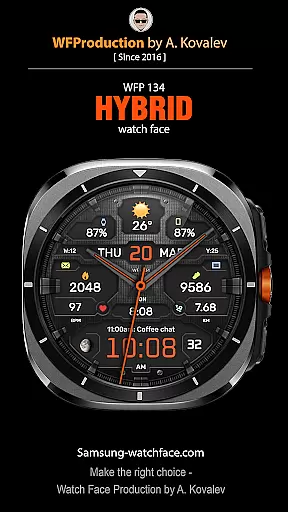
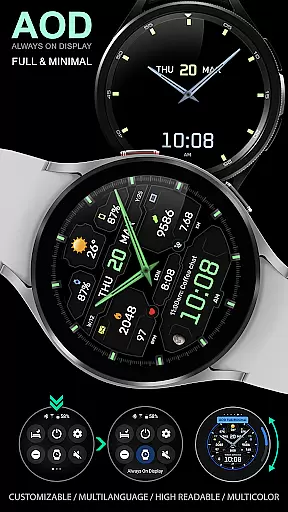
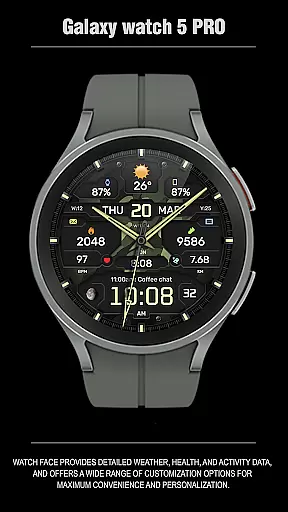
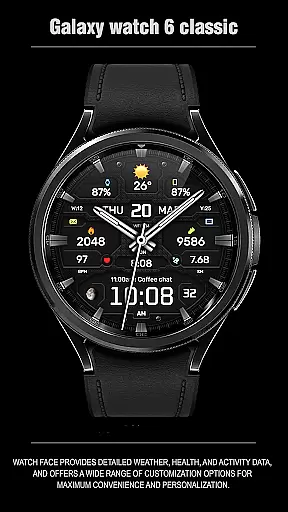
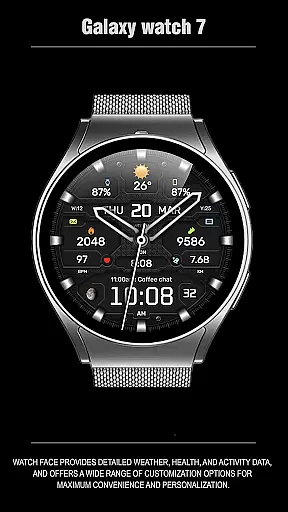
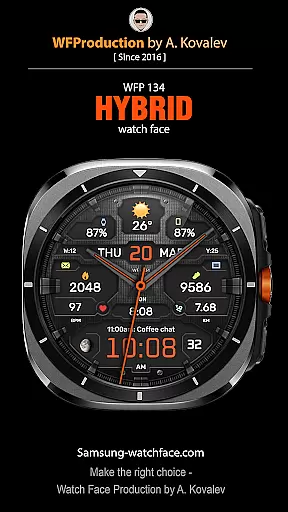
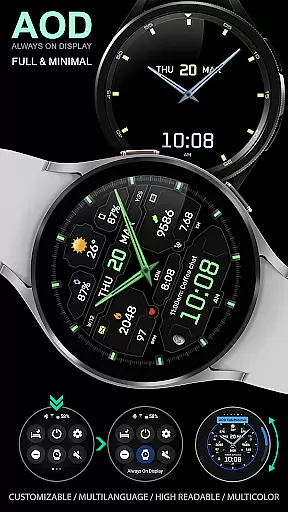
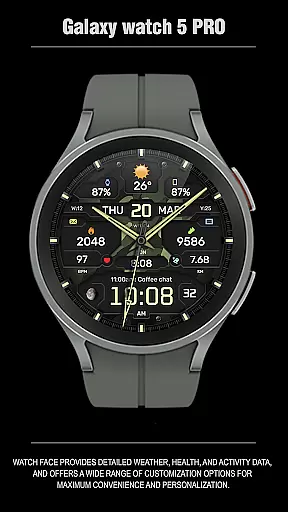
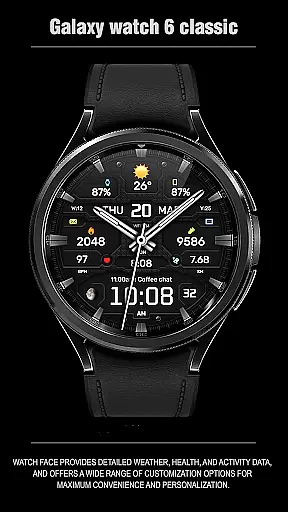
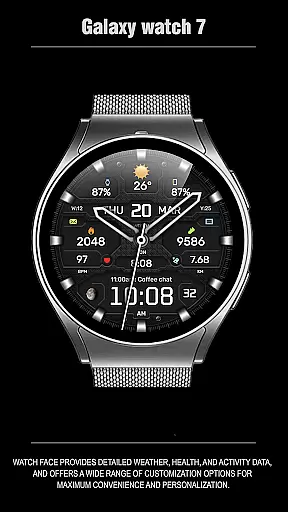
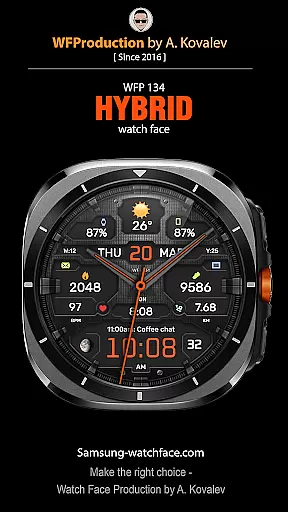
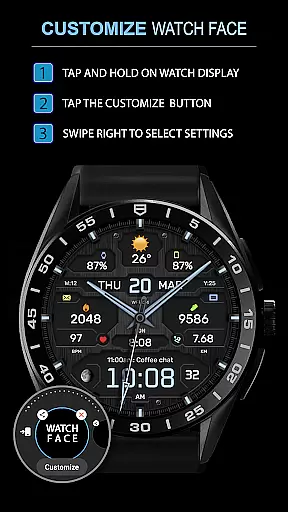
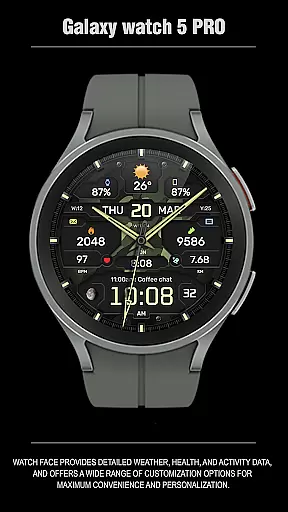
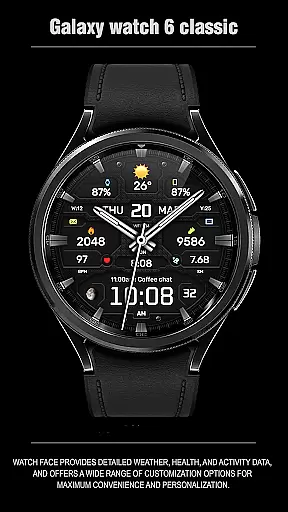
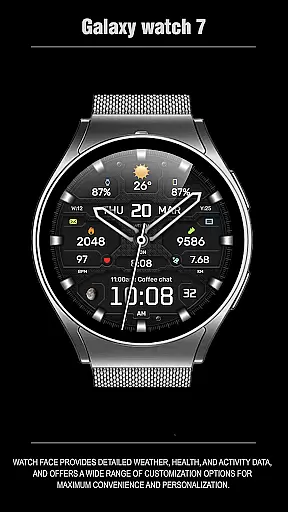
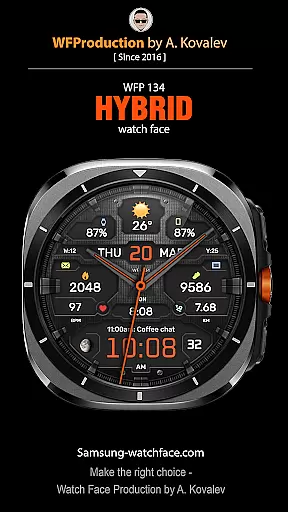
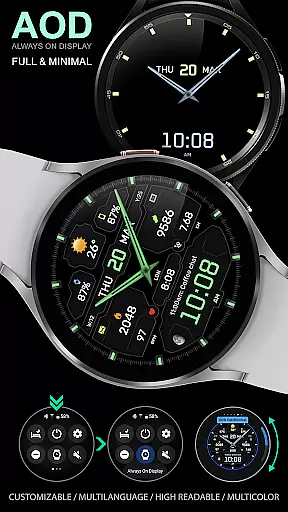
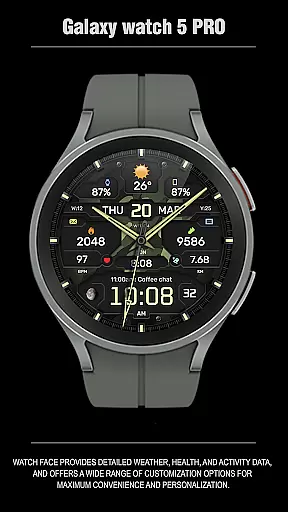
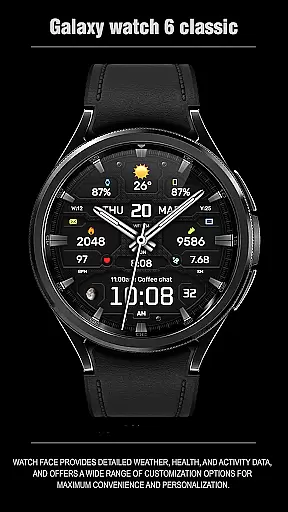
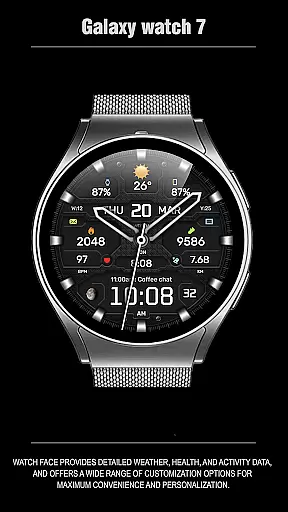
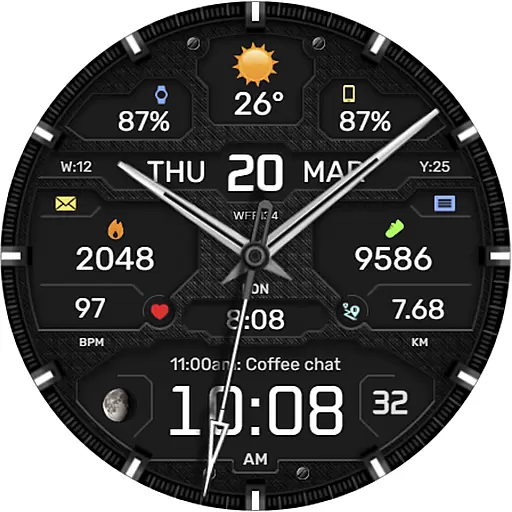
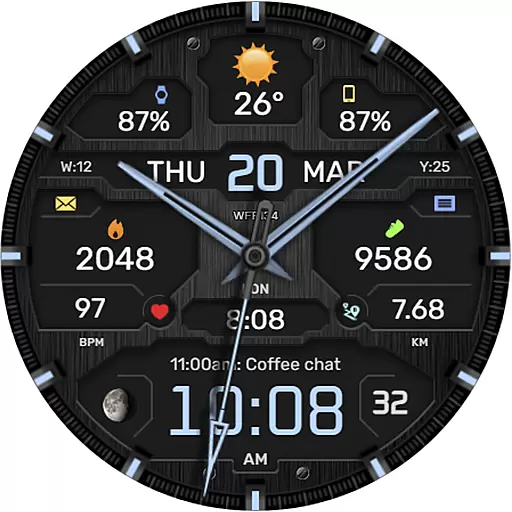
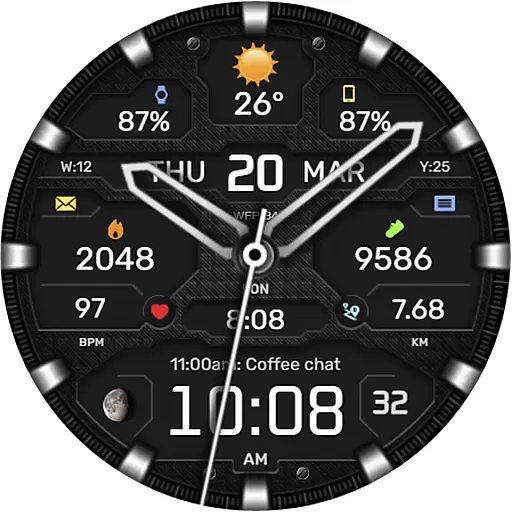
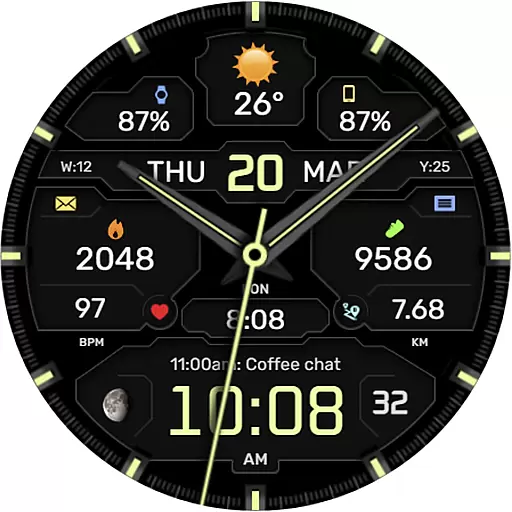
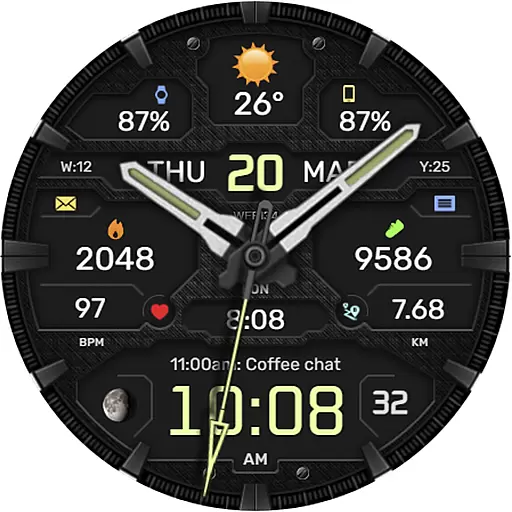
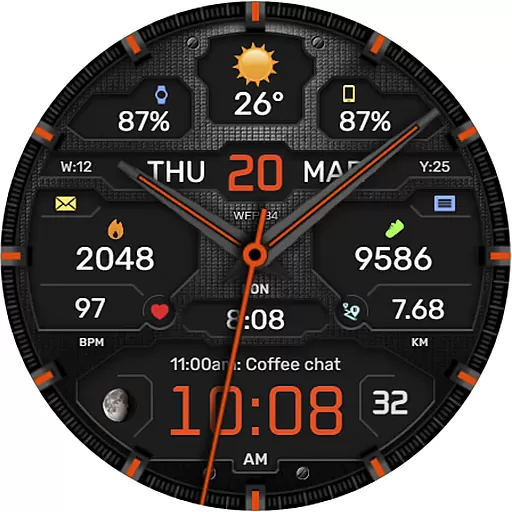
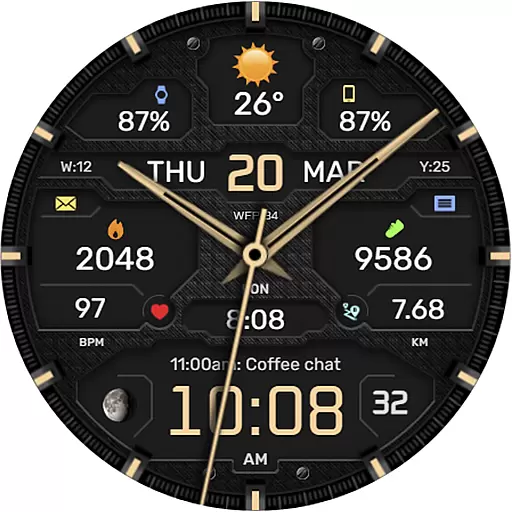
The WFP 134 Hybrid watch face is a stylish and functional accessory for your smartwatch, offering detailed weather forecasts, health tracking, and activity data. With its extensive customization options, users can personalize their watch face to suit their preferences.
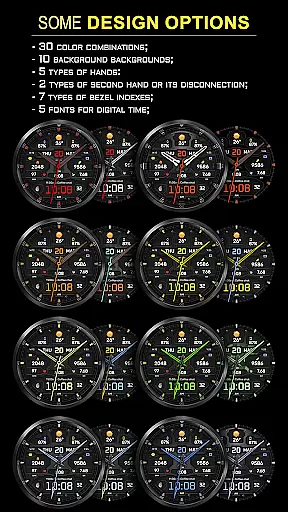
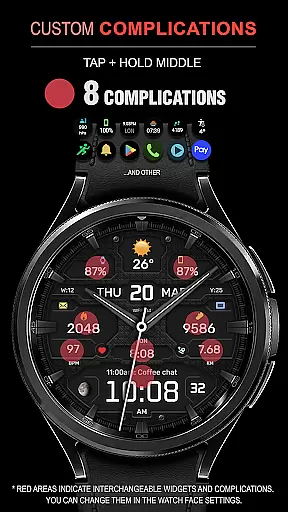
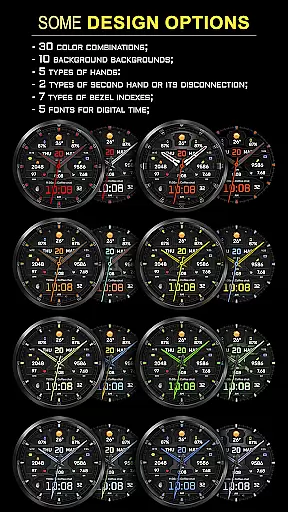
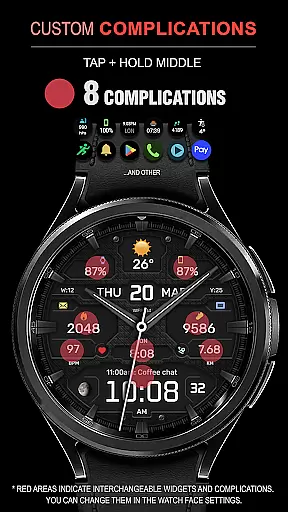
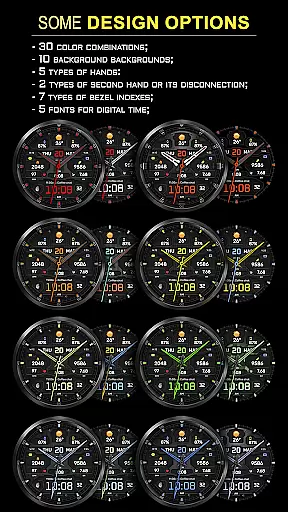
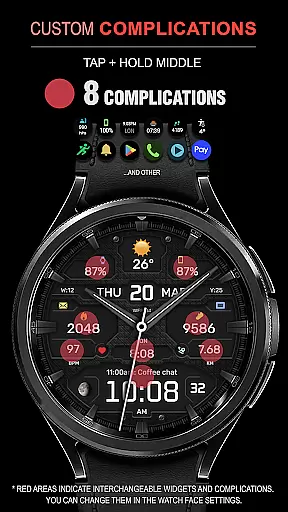
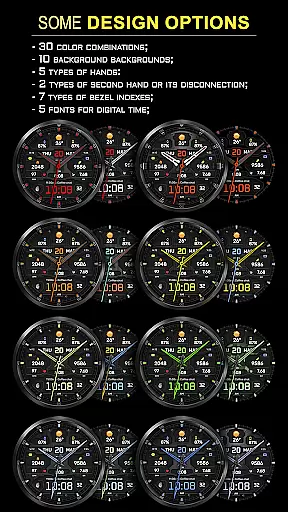
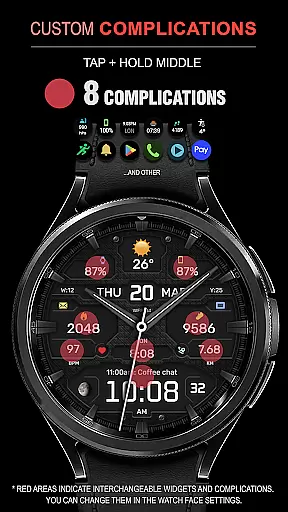
This watch face supports up to 8 complications, 30 color combinations, and various backgrounds and fonts, ensuring a unique look for every user. Compatible with devices running API 34+ and later, it also features high optimization and low battery consumption.
One of the standout features of the WFP 134 Hybrid watch face is its wide range of customization options. Users can choose from 8 different complications, 30 color schemes, and 10 background designs to create a personalized appearance.
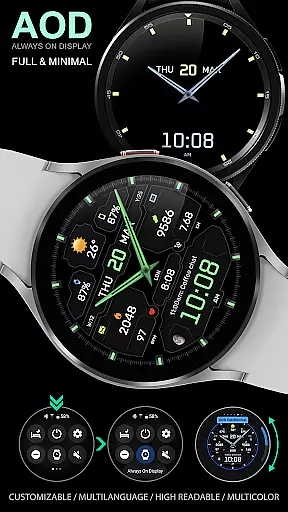
In addition to its aesthetic appeal, this watch face provides practical functionalities such as weather forecasts, moon phases, and multilingual support. The AOD mode can be customized for full or minimal display, and users can select between Fahrenheit or Celsius for weather information.
Companion app integration is essential for a seamless smartwatch experience. The WFP 134 Hybrid watch face excels in this area by offering users the ability to sync and manage their watch face settings directly from their smartphone.
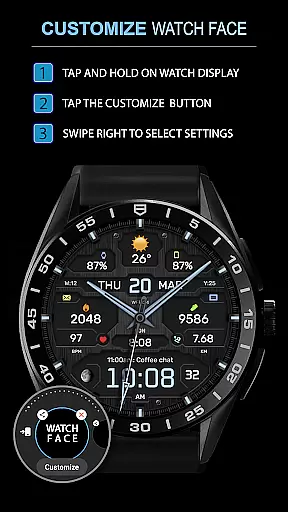
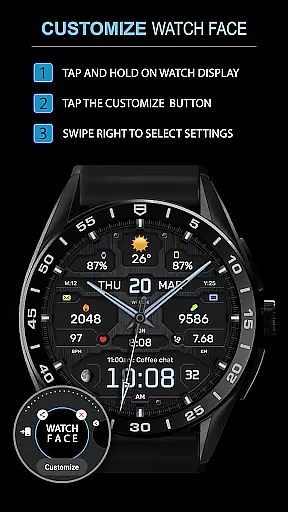
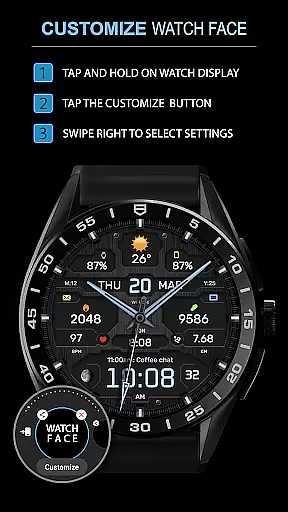
This application provides detailed customization options that are easily accessible through its companion app. Users can adjust color combinations, choose backgrounds, and configure widget preferences effortlessly, ensuring a personalized and convenient user experience.
By utilizing the companion app, users gain access to real-time updates and notifications. This includes weather forecasts, moon phases, and health data, all of which can be monitored closely without needing to interact directly with the watch, thus enhancing overall usability.
The synchronization between the smartphone and the watch ensures that all personalization choices made via the companion app are accurately reflected on the wearable device, providing a cohesive and streamlined experience across both devices.
Compatibility with various devices is crucial for any Wear OS application. The WFP 134 Hybrid watch face supports devices running API 34+ and later, ensuring broad compatibility with modern smartwatches.
This wide-ranging support allows users with different models of smartwatches to enjoy the stylish and functional design of the WFP 134. Detailed installation instructions are provided, making it easy for users to set up the watch face regardless of their device model.
In addition to supporting multiple devices, the application also offers extensive customization features. These include various types of hands, fonts for digital time, and bezel indexes, all optimized for high resolution and low battery consumption on compatible devices.
By focusing on compatibility and optimization, the WFP 134 Hybrid watch face guarantees an efficient and visually appealing experience across a range of Wear OS devices, enhancing user satisfaction and engagement.
Highly customizable
Low battery usage
Stylish design
Accurate weather data
Multilingual support
Requires API 34+
Complex setup
Limited widget support
Premium features cost
Not all features free

Calming & relaxing sounds for sleeping and stress relief. Stay focused all day!
 4.20
4.20
Embrace the holiday spirit with this magical animated watch face!
4.40
Christmas - Festive - Christmas Village - Winter - Christmas lights
5.00
Wear Os Watch Face - Animated Snow - Sesonal for Christmas & Winter
4.0
Sleek, highly customizable watch face inspired by Galaxy Watch Circle Dashboard.
4.1
Find EV charging stations
4.30
Stylish, Energizing and Modern Watch Face crafted by Dominus Mathias.
4.50
A digital watch face that celebrates Christmas.
4.00
Start and succeed with PAP
4.10
Christmas Theme Watch Face for Wear Os
5.00
Hyperlocal rain alerts by MyRadar using patent-pending technology, radar & more
4.80
Real-time weather radar with temperatures, warnings, hurricanes, and widgets
4.80
Fast and smart typing with Emojis, GIFs, and more
4.50
Wear Os Watch Face - Animated Snow Effect & Magic Spark - 6 Scenes
4.10
Daily Weather forecast with 15 weather images for Day & Night plus Big Bold time
4.10
The #1 source of faces for your smartwatch!
4.00
Authentic military-tactical design with ZULU time! Realistic and functional!
3.80
A full-featured Amazon Alexa voice assistant that can show you things.
3.70
Stylish digital watch face for Wear OS devices with customizable features
4.4


User Reviews