
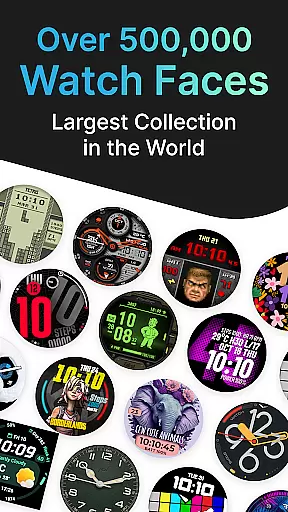
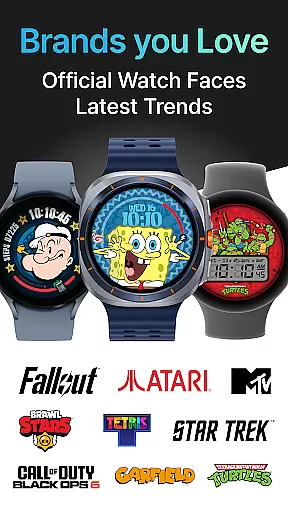
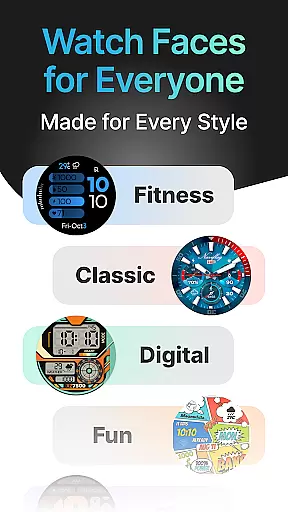
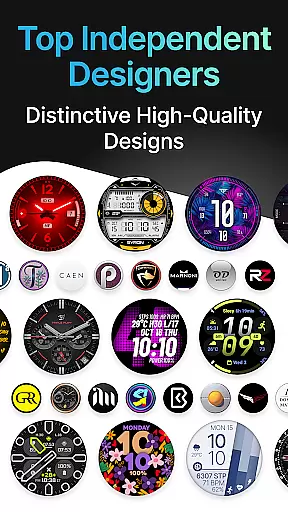
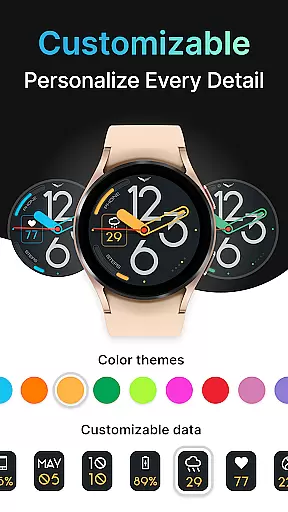
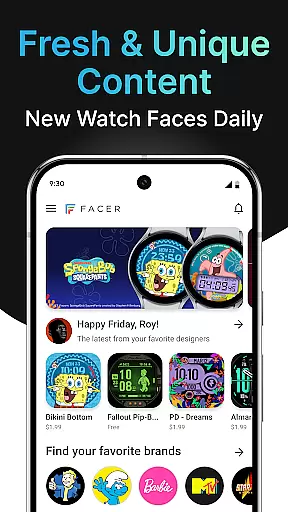
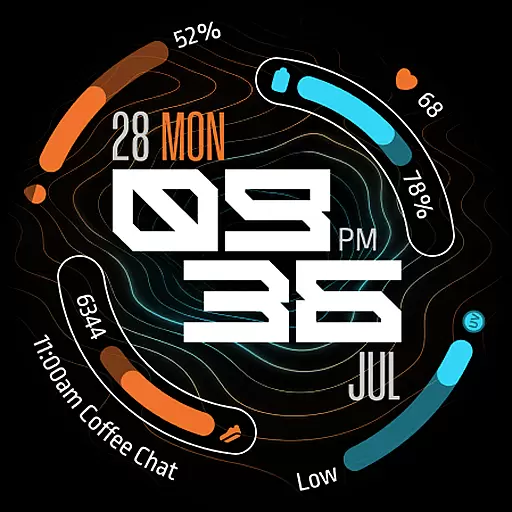
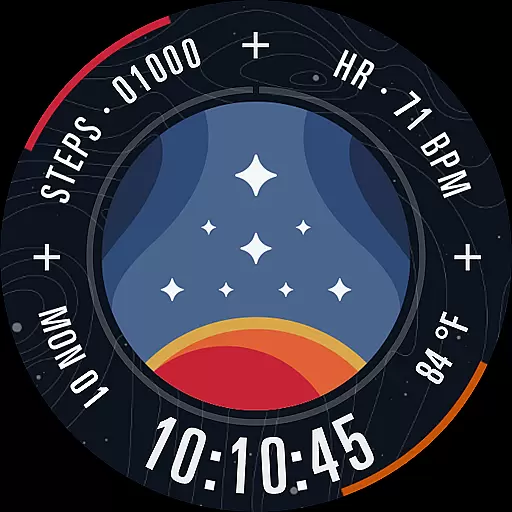
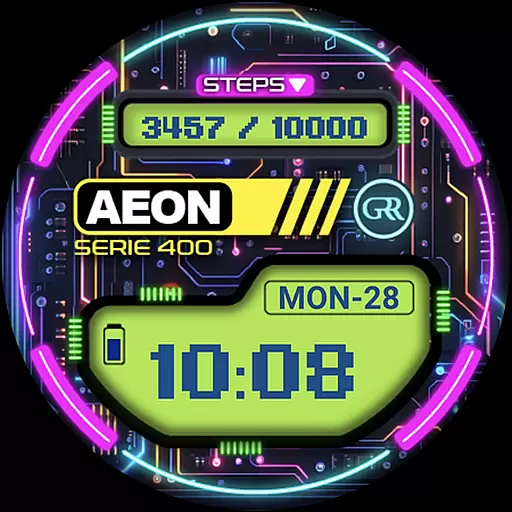
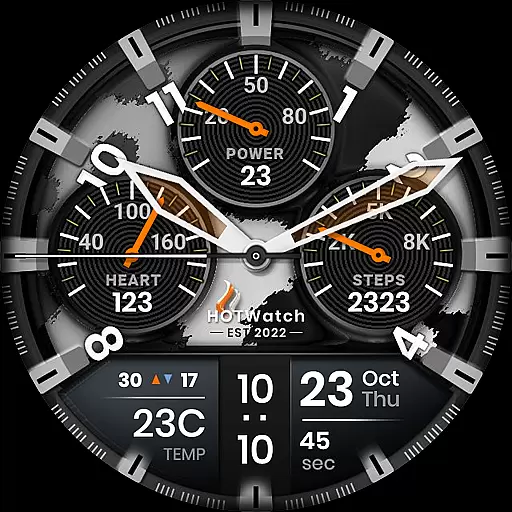
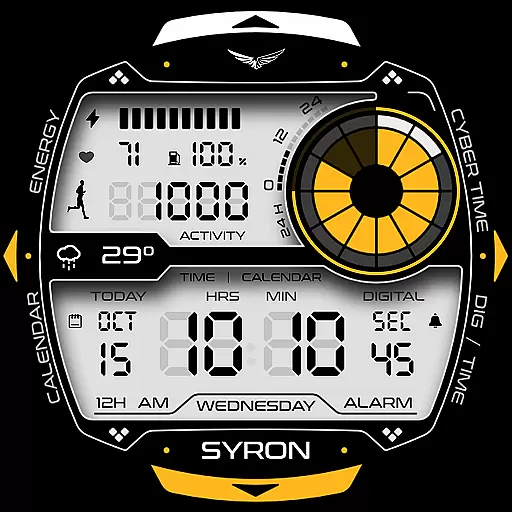
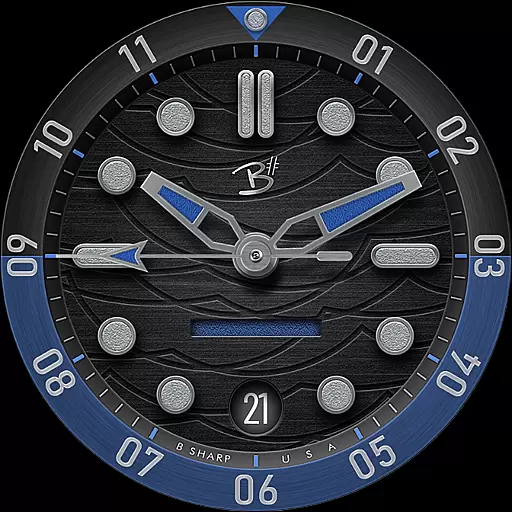
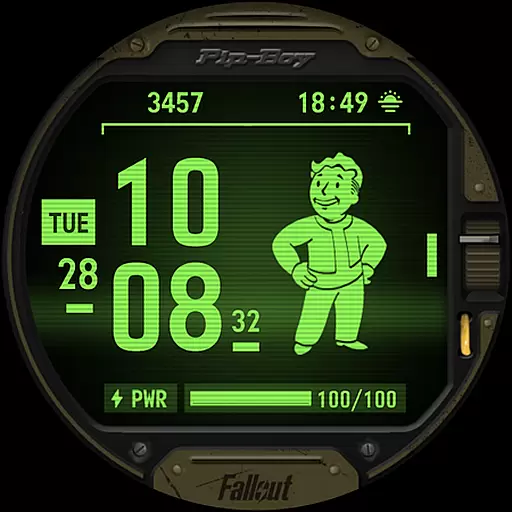
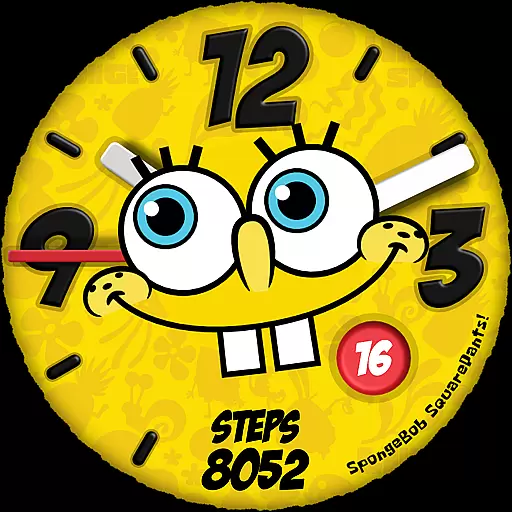
Facer Watch Faces is the ultimate customization tool for your smartwatch, offering over 500,000 free and premium watch faces from top brands and independent artists. Compatible with Wear OS, Tizen, Apple Watch, and more, it allows you to personalize your style effortlessly.
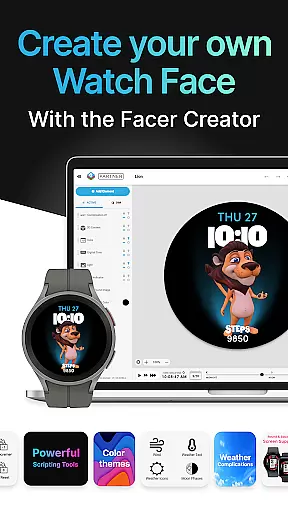
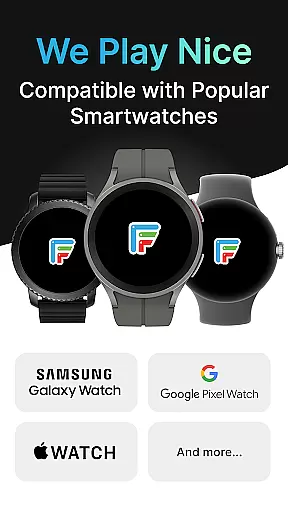
With Facer, you can choose from a vast selection of designs or create your own using the powerful Facer Creator web-based editor. The app supports all major smartwatches including Samsung Galaxy Watches, Google Pixel Watches, and many others, ensuring that your watch face travels seamlessly across devices.
Whether you're looking for branded designs like Tetris™ or Star Trek, or original creations from talented designers, Facer provides dynamic and beautiful options. Plus, you can share your custom designs with a global community of smartwatch users, making it an essential app for tech-savvy fashionistas.
Facer Watch Faces stands out with its extensive catalog of over 500,000 designs, catering to diverse tastes and preferences. It offers both free and premium options, allowing users to either subscribe for unlimited access or purchase individual designs that catch their eye.
The app's compatibility spans multiple platforms, including Wear OS, Tizen, and Apple Watch, ensuring broad device support. With features like location-based weather data and health metrics such as step counters and heart rates, Facer enhances functionality while maintaining aesthetic appeal.
Moreover, Facer encourages creativity by enabling users to design their own watch faces using the Facer Creator tool. This feature not only empowers users but also fosters a vibrant community of designers contributing unique and original content, setting Facer apart in the realm of personalization apps.
Companion app integration is essential for Android Wear applications as it ensures seamless synchronization between a smartphone and a smartwatch. Facer Watch Faces excels in this area by providing users with a unified experience across devices.
The app requires installation on both the phone and the watch to function optimally. Once installed, users can select and apply watch faces via the phone app, which then syncs to the watch. This process simplifies the management of watch faces and allows for easy customization.
Facer supports a wide range of smartwatches, including Wear OS, Tizen, and AppleWatch. This broad compatibility ensures that users can maintain their personalized watch faces even when switching devices. The app's ability to adapt to different operating systems highlights its robust companion app integration.
By streamlining the setup process and offering cross-device functionality, Facer enhances user convenience and satisfaction. The ability to change watch faces effortlessly while maintaining access to a vast library of options demonstrates the app's commitment to providing a cohesive and integrated user experience.
Wear OS and device compatibility are crucial factors for any Android Wear application. Facer Watch Faces stands out by supporting an extensive array of smartwatches, ensuring that users can enjoy customized watch faces regardless of their device.
The app is compatible with leading brands such as Samsung Galaxy Watches, Google Pixel Watches, OnePlus Watches, Oppo Watches, Mobvoi Ticwatch Series, and many others. This wide-ranging support covers various models, including the latest Samsung Galaxy Watch series and older Tizen-based smartwatches.
Facer's compatibility extends beyond just Wear OS devices. It also caters to Tizen-based smartwatches and other past Wear OS models from brands like Montblanc, Asus, CASIO, Guess, Huawei, LG, and more. This inclusivity allows users to personalize their smartwatches without worrying about device limitations.
With full support for Wear OS 6 and ongoing compatibility with previous versions, Facer ensures that users can continue enjoying their favorite watch faces even as they upgrade their devices. This commitment to broad device compatibility underscores Facer's dedication to delivering a versatile and user-friendly experience.
User-friendly interface
Extensive design library
Cross-platform compatibility
Customizable watch faces
Active designer community
Premium subscription required
Some features are platform-specific
Occasional sync issues
Limited free options
Health data permissions needed

Christmas and New Year - Themed Watchface
 4.4
4.4
Snowflake Rose Gold Watch Face - Digital, modern, & sleek with GYRO effect.
4.10
Deck out your Wear OS Watch face with a beautifully decorated pine wreath!
4.50
Elegant animated Christmas tree with multiple customization options
4.20
Easy Voice Recorder is your everyday companion to record important moments.
4.70
Fitness interactive virtual pet super fighter boy watch face
4.2
Retro digital watch face with customizable colors and a unique lighting effect
4.60
Daily Weather forecast with 15 weather images for Day & Night plus Big Bold time
4.10
Connect, create, and collaborate with Gmail, part of Google Workspace.
4.10
The Chevron App allows you to pay for fuel from the comfort of your car!
4.80
Simple, helpful messaging by Google
4.60
A white realistic classic analog watch face with many customization options.
4.40
"PER27 Galaxy Digital" is a digital Wear OS watch face designed by PERSONA
4.10
Authentic military-tactical design with ZULU time! Realistic and functional!
3.80
Watch the sharpness of the sky on your wrist..
3.70
Wear Os Watch Face - Animated Snow Effect & Christmas Lights
4.5
an Analog Watch Face for winter season with freeze winter background for Wear OS
4.1
Analog watch face with 8 complications and expedition styling
4.5
3 Complications. All shadow on/off. 30 Themes color palette...
4.3


User Reviews