
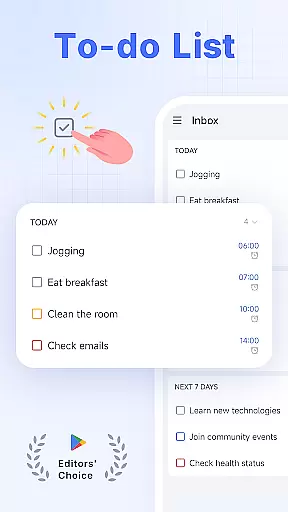
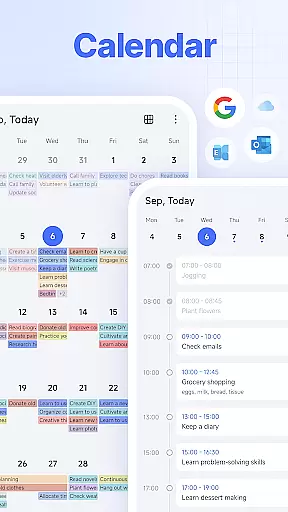
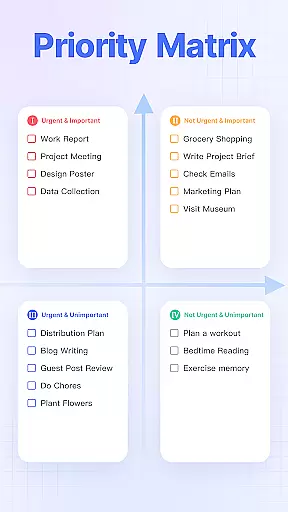
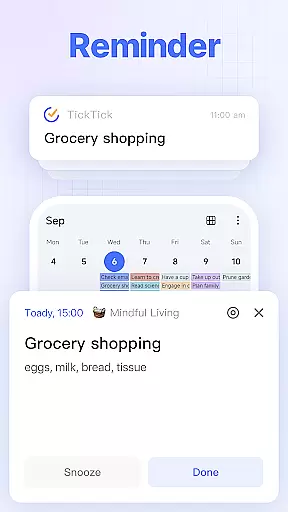
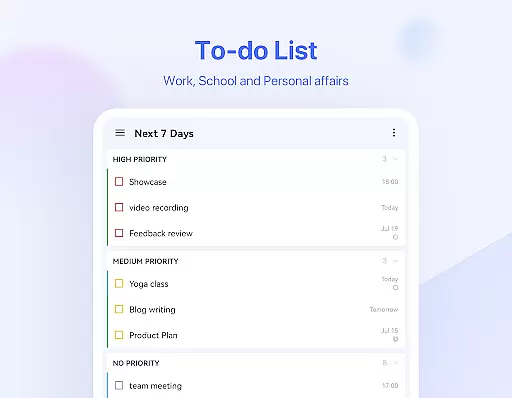
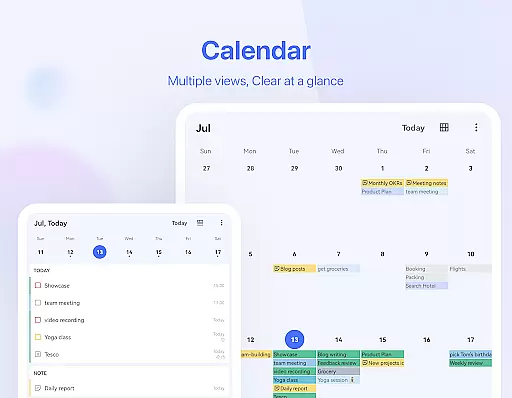
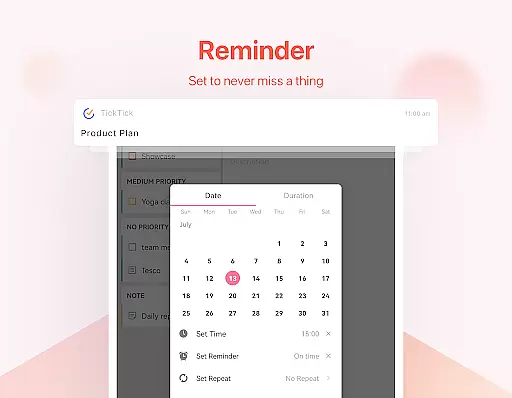
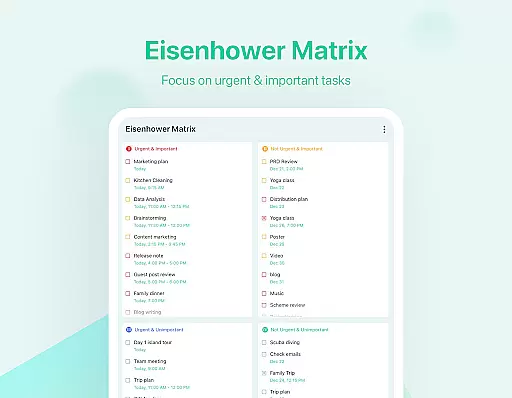
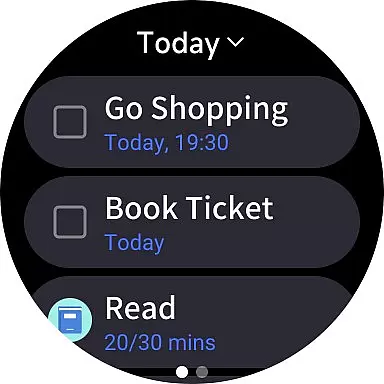
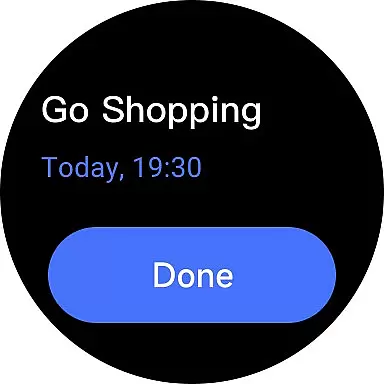
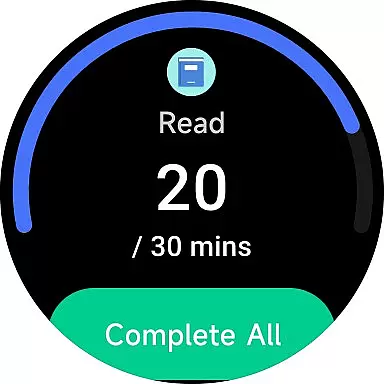
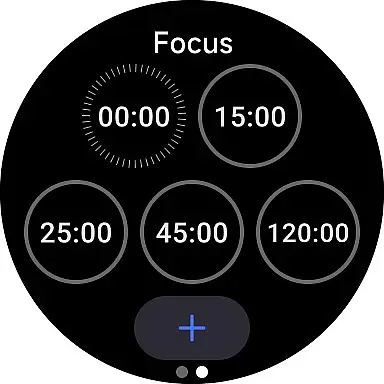
TickTick is a comprehensive productivity app designed to help users manage their tasks, schedules, and habits efficiently. As a multi-dimensional task manager, it consolidates to-do lists, reminders, and calendars into one intuitive platform. Whether you're at home, in the office, or on the move, TickTick ensures seamless organization of your daily activities.
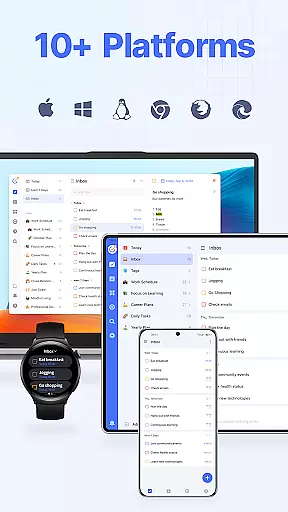
The app offers advanced features like Pomodoro timers for focus, habit trackers for personal development, and collaboration tools for team projects. With cross-platform syncing across Android, iOS, Wear OS, Mac, and PC, TickTick keeps all your devices updated in real time. Its sleek calendar view and handy widgets provide quick access to your tasks, while recurring task scheduling helps automate routine activities.
TickTick is particularly useful for professionals and students who need to balance multiple responsibilities. By integrating with third-party calendars and offering instant reminders, the app ensures you never miss an important deadline. The premium version unlocks additional features like beautiful themes, enhanced list management, and advanced sharing capabilities, making it a complete productivity powerhouse.
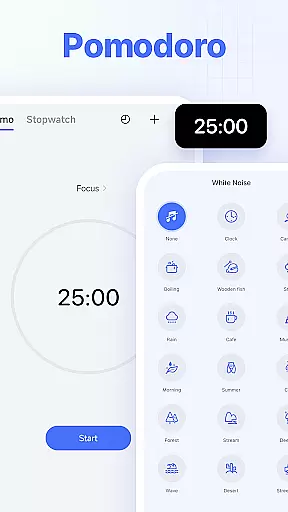
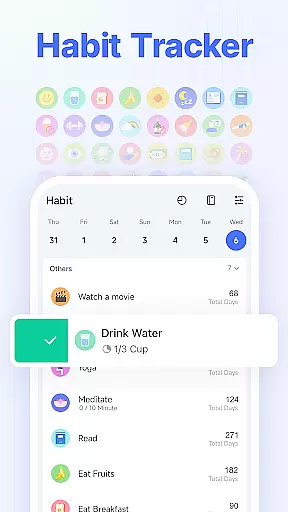
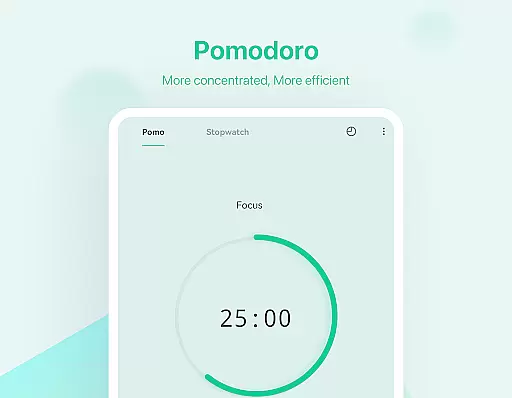
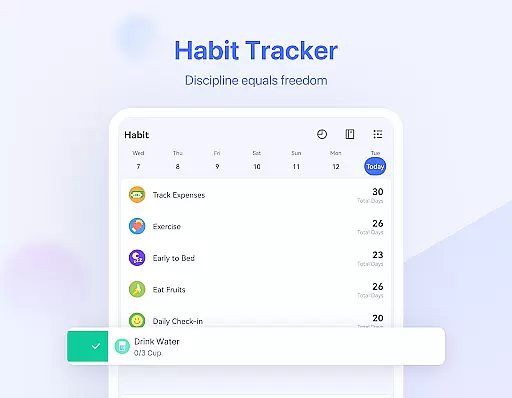
TickTick stands out with its diverse feature set tailored for productivity enthusiasts. The app's Smart Date Parsing automatically sets due dates and alarms based on your input, saving valuable time when creating tasks. Its Pomodoro timer and white noise feature help maintain focus during work sessions, while the habit tracker enables users to build and monitor positive routines systematically.
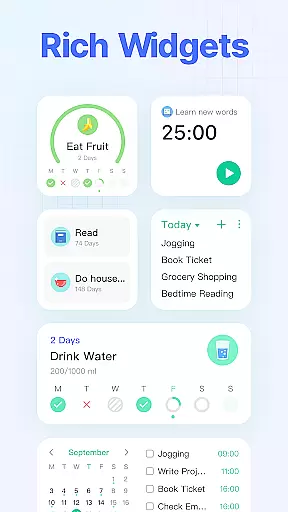
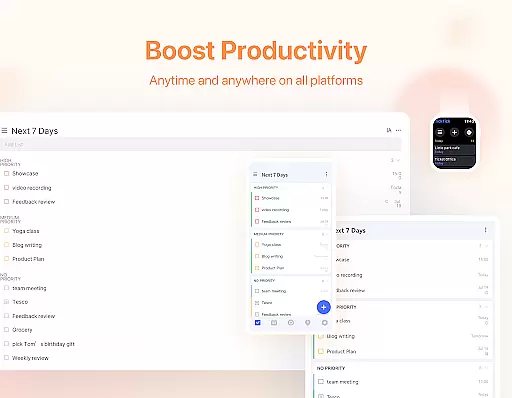
One of TickTick's key strengths is its seamless cross-platform synchronization. Users can access their tasks and notes across various devices including Android, iOS, Wear OS, and web browsers. The app's calendar integration supports Google Calendar and Outlook, providing a unified view of your schedule. Additionally, the widget functionality allows quick access to your most important tasks directly from your home screen.
For teams and families, TickTick offers robust collaboration tools. You can share task lists, assign responsibilities, and track progress collectively. The premium subscription enhances these capabilities with features like grid-format business calendars, extended reminders per task, and increased sharing capacity with up to 29 members. These comprehensive tools make TickTick suitable for both individual productivity and team project management.
Companion app integration is essential for users who rely on wearable devices to manage their tasks and productivity efficiently. TickTick excels in this area by offering seamless synchronization between its mobile app and Wear OS devices.
The app ensures that all your tasks, reminders, and notes are instantly updated across all linked devices. This means you can start a task on your phone and continue working on it right from your smartwatch, providing unparalleled convenience and accessibility.
Users benefit from real-time updates, ensuring they never miss an important deadline or appointment. The ability to receive notifications directly on your wearable device enhances the overall user experience, making task management more fluid and responsive.
This level of integration not only simplifies task management but also empowers users to stay productive regardless of the device they are using. With TickTick's companion app integration, managing your day-to-day activities has never been easier or more efficient.
Device compatibility is crucial for any application targeting wearable technology, and TickTick offers extensive support for Wear OS devices. This compatibility ensures that users can access their tasks and manage their schedules directly from their smartwatches.
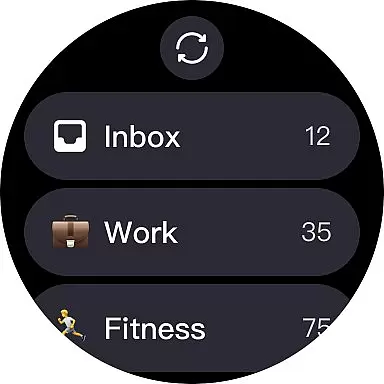
TickTick's Wear OS app is designed to provide a user-friendly interface that mirrors the functionality found on its mobile and web platforms. Users can view their tasks, set reminders, and even complete tasks without needing to reach for their phones, streamlining their productivity process.
The benefits of this compatibility extend beyond mere convenience. It allows users to maintain their focus and efficiency throughout the day, as they can quickly glance at their watch to check their schedule or add new tasks on the fly.
By ensuring robust compatibility with Wear OS, TickTick delivers a cohesive and integrated user experience that enhances productivity and keeps users connected to their tasks no matter where they are or what device they are using.
User-friendly interface
Cross-platform support
Advanced task management
Effective Pomodoro timer
Comprehensive collaboration tools
Limited free features
Premium subscription cost
Occasional sync delays
Complexity for new users
Notification limitations in free version

"PER27 Galaxy Digital" is a digital Wear OS watch face designed by PERSONA
 4.10
4.10
Diet tracker for weight loss - track calories, food and macros. Simple and easy!
4.70
A customizable Christmas watch face for Wear OS with a countdown.
4.20
A Wintery Snow Globe on Your Wrist; now celebrating Christmas!
4.4
Artistic Digital Watchface
4.1
Get helpful reminders, take progress photos and find answers to your questions.
3.90
Stay in touch with your friends and family using LINE!
3.40
A digital watch face that celebrates Christmas.
4.00
Track your active life in one place and share the journey with friends.
4.40
Nutrition, Macro tracker: Food, fitness & healthy diet tracking for weight loss
4.60
To-Do List: daily schedule planner, task organizer, to do reminder app, calendar
4.60
Retro digital watch face with customizable colors and a unique lighting effect
4.60
Current temperature, weather hourly, weather radar by the weather forecast app
4.40
Premium hybrid watch face with many customizations for Wear OS devices.
4.40
A white realistic classic analog watch face with many customization options.
4.40
Christmas watch face. For Wear OS devices.
4.30
Animated video-game inspired “secret agent” simulation, right on your wrist!
4.20
Professional weather radar and more
3.90
Watch the sharpness of the sky on your wrist..
3.70


User Reviews