![[69D] Flower Power 2](https://cdn.linksharehub.com/ocp/?u=https%3A%2F%2Fl3.fancapitalize.com%2Fimages%2F2026%2F01%2F30be00ee5291322ca1457971b823f572.jpg&t=webp)
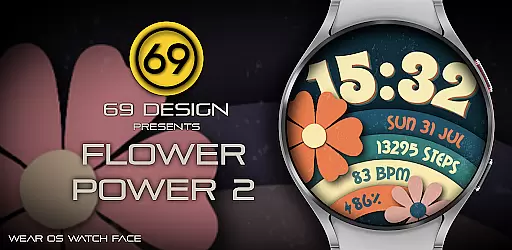
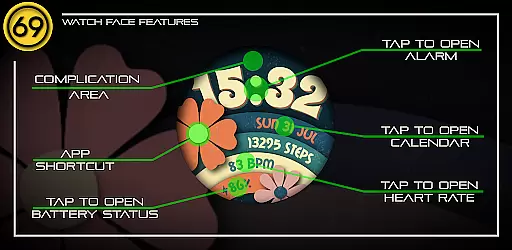
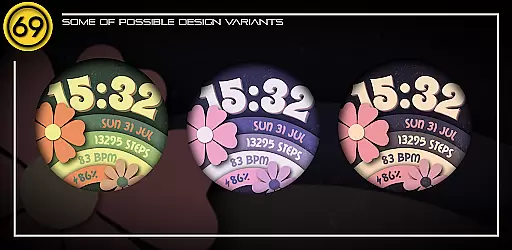
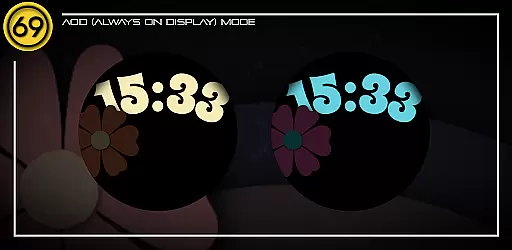
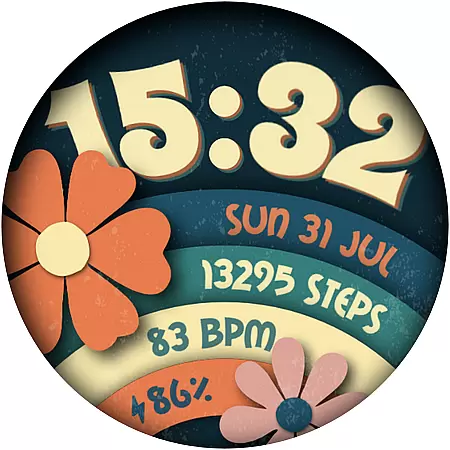
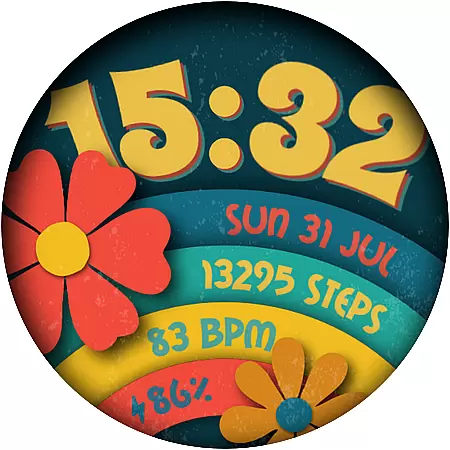
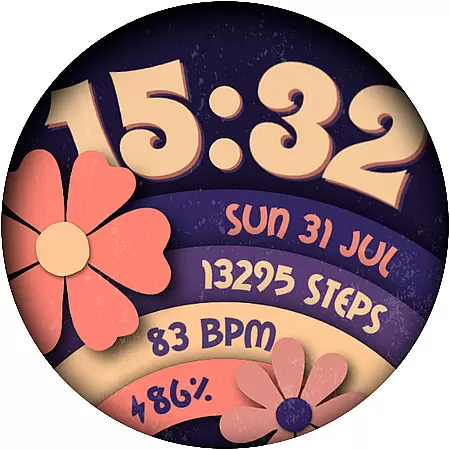
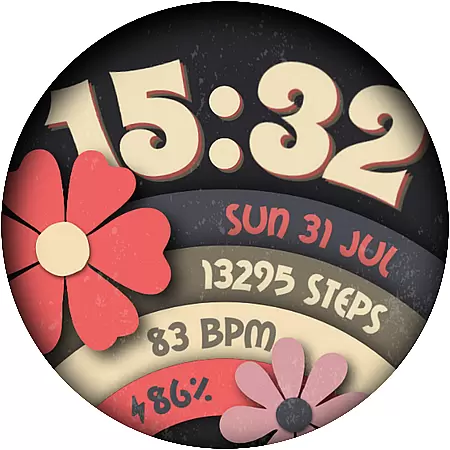
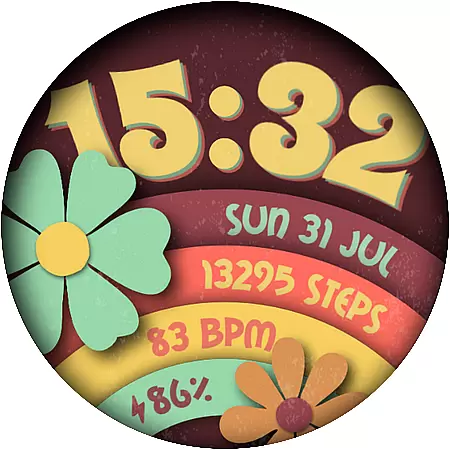
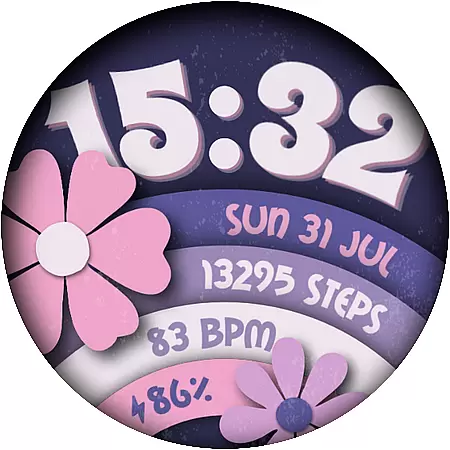
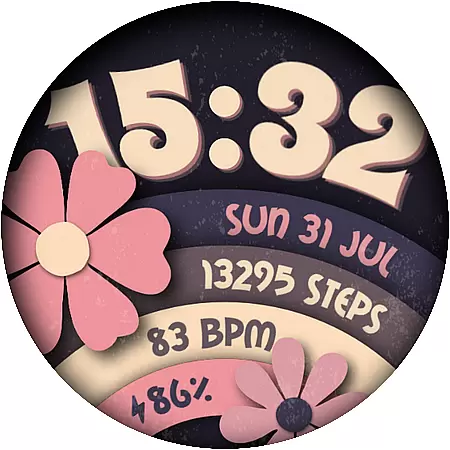
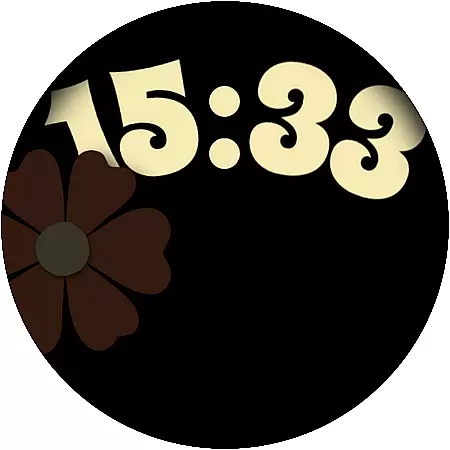
Flower Power 2 is a customizable digital watch face designed specifically for Wear OS devices. This application allows users to personalize their smartwatch display with various design elements and practical features.
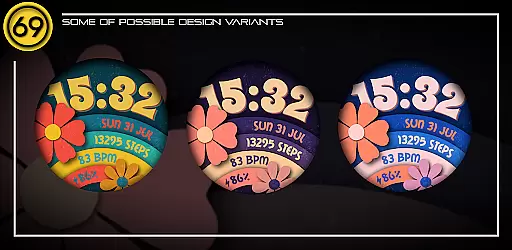
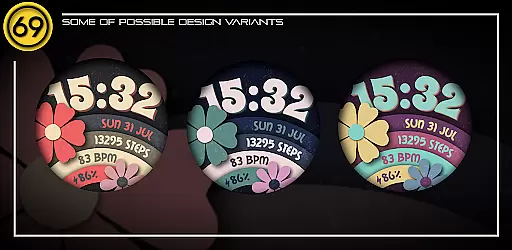
The watch face offers multiple customization options including 20 color combinations, battery level display, application shortcuts, and health tracking metrics like step count. Users can also choose between 12/24 hour time formats and view the date directly on their watch face. With compatibility across most Wear OS devices, it ensures optimal performance on newer models.
Ideal for users seeking both aesthetics and functionality, Flower Power 2 enhances the smartwatch experience by allowing tailored designs that match individual preferences while providing essential information at a glance.
Flower Power 2 stands out with its extensive range of features tailored for personalization and utility. The app provides 20 distinct color combinations, catering to diverse aesthetic tastes and enabling users to match their watch face with their style.
Practical functionalities include displaying the battery level, offering application shortcuts, showing the time in either 12 or 24-hour format, counting daily steps, presenting the date, and supporting one complication area. These features collectively ensure that users have quick access to vital information and convenient navigation options directly from their wrist.
Compatibility is another key aspect, as this watch face runs smoothly on most Wear OS devices, particularly excelling on newer models with updated software. By following provided configuration instructions, users can effortlessly set up and enjoy an enhanced smartwatch interface that combines beauty with efficiency.
Customization is at the heart of [69D] Flower Power 2, allowing users to tailor their Wear OS watch face to match their personal style. With 20 color combinations available, this application provides a rich palette for users to experiment with and find their perfect look.
Beyond colors, the app offers various practical features that can be customized according to user preference. This includes the choice between 12/24 hour format display, adding a battery level indicator, step counter, date, and even complications such as application shortcuts. These elements ensure that the watch face is not only visually appealing but also functional.
The level of customization extends to accommodate different lifestyles and needs. Whether you're interested in tracking daily steps or need quick access to certain apps through shortcuts, [69D] Flower Power 2 caters to a wide array of requirements. The ability to personalize these aspects makes the watch face truly yours.
Ultimately, the benefit of such extensive customization options is the creation of a unique and individualized experience. Users are not just passive consumers of a product; they become active participants in designing their ideal smartwatch interface. This personalized approach enhances user engagement and satisfaction, making every glance at your wrist a reflection of your taste and needs.
Theme compatibility is crucial for ensuring that a customized watch face maintains its intended appearance across different devices and software versions. [69D] Flower Power 2 has been designed with this in mind, providing a consistent visual experience on most Wear OS devices.
While the watch face is compatible with a broad range of Wear OS devices, it's optimized to perform best on newer models running the latest software. This optimization ensures that graphical elements render correctly and animations run smoothly, preserving the aesthetic appeal and functionality of the design.
Some functionalities, like app shortcuts, may vary depending on the specific Wear OS device. For instance, certain features such as Heart rate monitor, Messages, Phone, or Music Player might not be available on all devices. Despite these variations, [69D] Flower Power 2 strives to deliver a cohesive experience by adapting to the capabilities of each device.
By focusing on theme compatibility, [69D] Flower Power 2 guarantees that users enjoy a seamless and visually pleasing interface regardless of their hardware choice. This dedication to compatibility underscores the importance of delivering a reliable and attractive product that users can trust will look great on their smartwatch.
Highly customizable
User-friendly interface
Versatile design options
Compatible with Wear OS
Comprehensive feature set
Limited to Wear OS
Some features device-dependent
Installation not straightforward
No standalone iOS support
Premium feel but free alternatives exist

Customizable Glass widgets. Over 360+ stunning widgets and more!
 4.70
4.70
Prank your friends with realistic broken screen and cracked HD effects!
4.1
AI-powered Copilot. Personalized keyboard with gifs, stickers & themes
4.40
Customizable screen pets that play, climb, and keep you company.
4.50
Ultimate Gallery Lock App - Hide Pictures, Videos and Lock Apps Instantly!
4.60 4.50
4.50
Customize your home screen with stunning themes, blur, widgets & icons.
4.60
Yandex Browser — stylish and secure, with voice search and data compression
4.40
Handcrafted pixel art icons, widgets & wallpapers
4.60
Winter's Journey: digital watch face for Galaxy Watch & Wear OS
4.80
Wallpaper HD 4K Live - Thousands of high-quality Anime backgrounds for you.
4.80
Vertically oriented rectangular icons
4.70
Choose your keyboard with RGB colors effect, themes, fonts, emojis.
4.60
The definitive Icon pack maker and editor
4.30
Romantic Kiss Stickers App. Start romantic messaging now!
4.30
Unique Fonts, typefaces and stylish text. Fonts for Instagram, Whatsapp & others
4.20
Organize and manage your photos and videos effortlessly with Photo Gallery
4.20
Crystal-clear, square icon provides a sleek and sophisticated visual upgrade
4.00
⭐ OneUI inspired Fluffy Icon Pack – Soft. Stylish. Standout. ⭐
4.3


User Reviews