
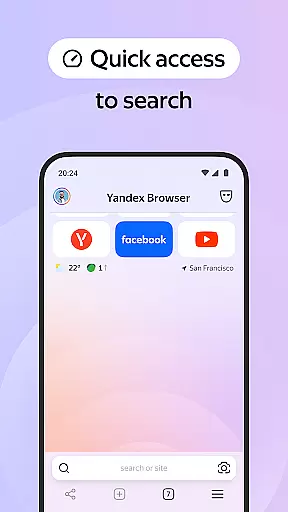
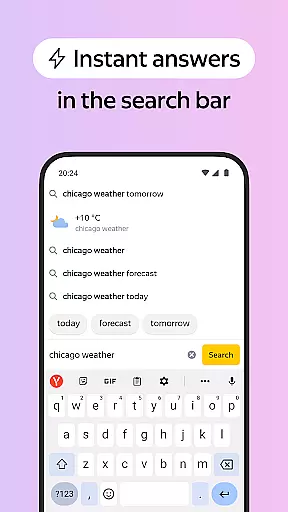

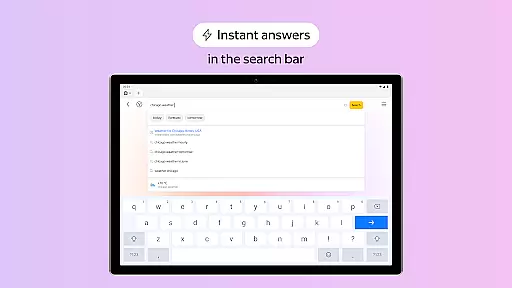
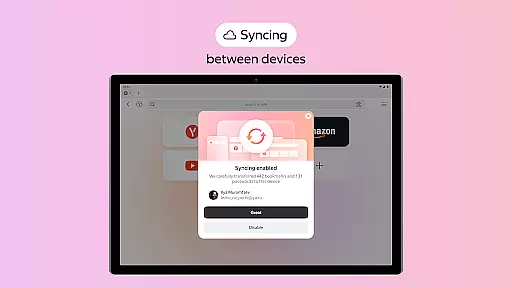
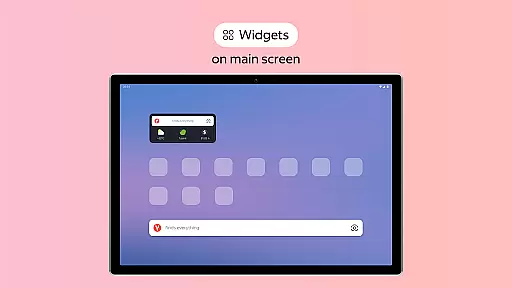
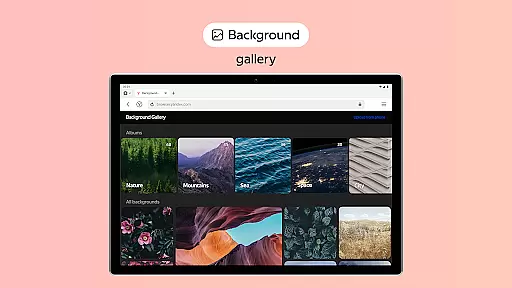
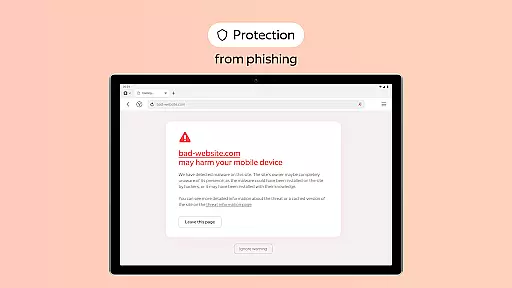
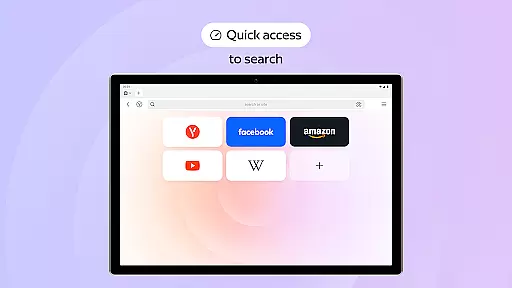
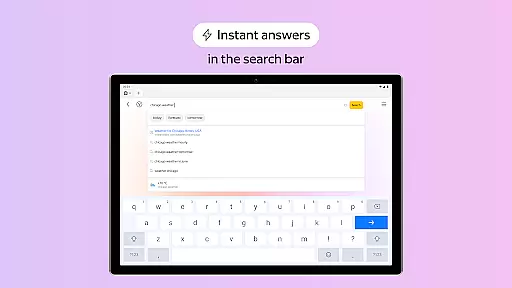
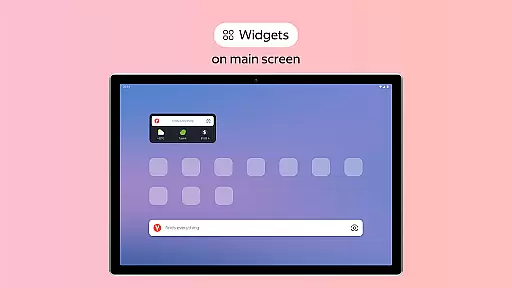
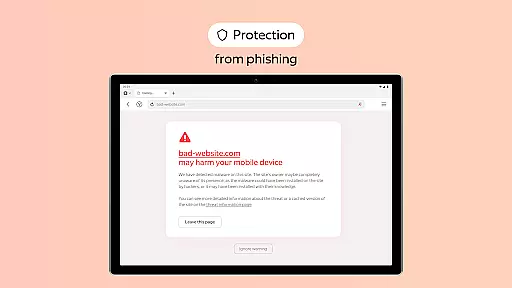
Yandex Browser with Protect is a stylish and secure mobile web browser that offers advanced features for an optimal browsing experience. It includes voice search functionality, data compression to reduce internet usage, and an active security system called Protect that safeguards users' personal data on public Wi-Fi networks. Additionally, it provides an ad-blocking feature that eliminates intrusive advertisements on websites.
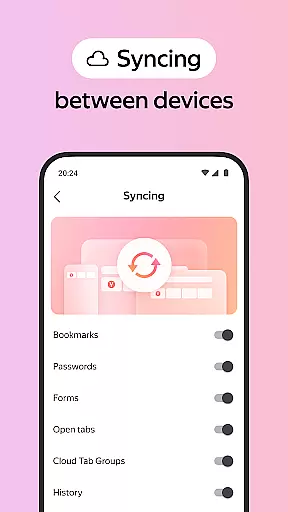
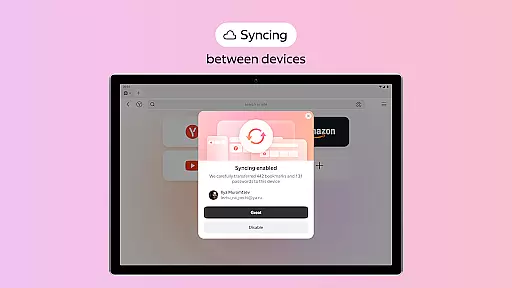
The browser also features Reader Mode, which declutters web pages by hiding unrelated interface elements, leaving only essential text and images. With Incognito Mode, users can browse privately without saving passwords, search queries, or browsing history. Users can customize the look of their browser with various backgrounds and sync bookmarks and favorite sites across devices via a Yandex account.
This application is particularly useful for those who frequently use public Wi-Fi and want to ensure their data remains private while enjoying a clean, ad-free browsing experience. Its combination of style, security, and customization options makes it a valuable tool for enhancing productivity and maintaining privacy online.
Yandex Browser with Protect stands out due to its comprehensive set of features designed to enhance user experience and security. One notable feature is the integration of third-party blocking apps with ad blocking, which effectively removes annoying ads from websites, providing a cleaner browsing interface.
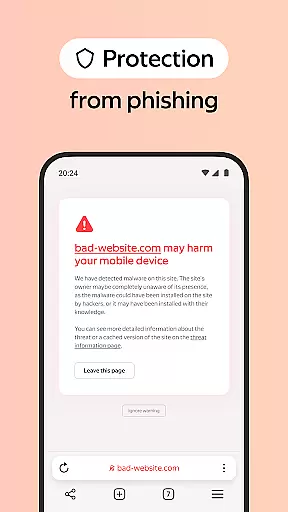
The browser's active security system, Protect, plays a crucial role in safeguarding users' personal information when connected to public Wi-Fi networks. This ensures protection against potential threats and fraudulent activities. Moreover, the Reader Mode allows users to focus on content by hiding unnecessary page elements, thus improving readability.
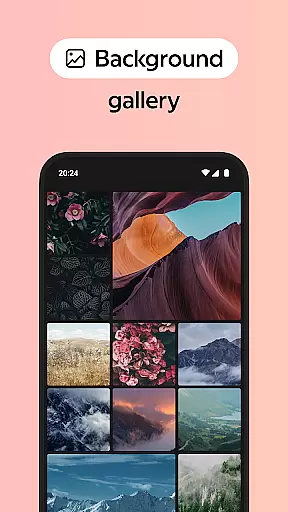
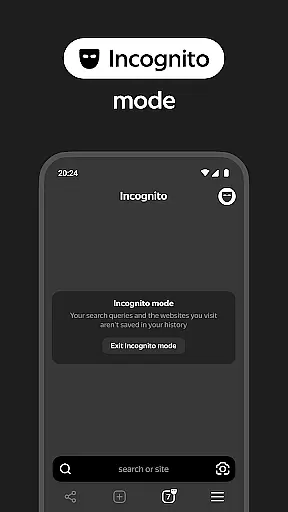
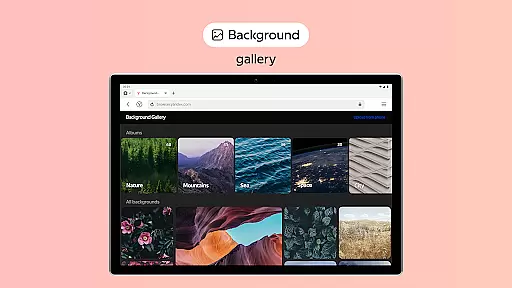
For those concerned about privacy, the Incognito Mode offers a solution by disabling tracking of passwords, search queries, and browsing history. Customization is another strong point, with a wide selection of wallpapers available to personalize the browser's appearance. Syncing capabilities enable seamless access to favorite websites and bookmarks across multiple devices through a Yandex account.
Customization is a key feature in any browser, allowing users to tailor their browsing experience to their personal preferences. Yandex Browser offers a wide array of customization options that cater to different styles and moods. With an extensive wallpaper library, users can choose backgrounds that suit their aesthetic tastes, making their browsing experience not only more enjoyable but also uniquely theirs.
In addition to aesthetic customization, Yandex Browser provides practical customization features such as Reader Mode. This mode allows users to hide unrelated interface elements like ads, site menus, buttons, or widgets, leaving only the relevant text and images on the screen. Such functionality ensures that users can focus on the content they care about without distractions, enhancing both readability and overall user experience.
Moreover, the browser supports third-party blocking apps with ad blocking capabilities, giving users control over their browsing environment by eliminating annoying ads on websites. By integrating these powerful customization tools, Yandex Browser empowers users to create a personalized and streamlined browsing space that aligns with their individual needs and preferences.
Theme compatibility is essential for users who wish to maintain a consistent look and feel across their digital environments. Yandex Browser excels in this area by offering seamless integration with various themes and design elements. Whether you prefer a dark theme for reduced eye strain or a vibrant theme that reflects your personality, Yandex Browser's versatile theming options ensure that your browsing experience remains visually cohesive and comfortable.
Furthermore, Yandex Browser's support for Incognito Mode adds another layer of theme compatibility. In this mode, while the browser does not track passwords, search queries, or browsing history, it still maintains the selected theme, providing a uniform appearance even when privacy is a priority. This balance between privacy and personalization highlights the browser's commitment to delivering a comprehensive user-centric experience.
By allowing users to sync their data via a Yandex account, the browser ensures that theme settings and other customizations are preserved across all devices. This cross-device consistency means that whether you're at home, in the office, or on the go, your browsing environment will always reflect your chosen style and preferences, offering a truly harmonized digital experience.
User-friendly interface
Strong security features
Effective ad blocking
Customizable design options
Cross-device syncing
Limited to Yandex ecosystem
Privacy concerns with syncing
Dependent on third-party apps
May lack some advanced features
Potential compatibility issues

Customizable flower power digital watch face for Wear OS watches.
 4.00
4.00
Realistic animated snow on your wrist, with 10 images landscapes to choose from
4.00
Fingerprint Lock Screen & Live Animations with 4K Wallpapers as Live Wallpaper
4.40
A launcher for Samsung Good Lock and Good Guardians modules without ads
4.70
Unique Android Launcher
4.60
Add cute Shimeji pets to screen, interact with them and relax with cute motions
4.60
Vibrant Adaptive Icons with Material You and Enhanced Monet Colors.
4.50
Adorable pets roam and play right on your phone screen!
3.30
Handcrafted pixel art icons, widgets & wallpapers
4.60
Enjoy a variety of amazing live wallpapers and colorful EDGE lighting borders!
4.80
Gun Chase - Let the chase begin.
4.80
Personalize your phone with stunning HD and 4K wallpapers!
4.70
Zip lock screen with magic wallpaper to decorate your phone with fun zipper lock
4.60 4.50
4.50
AI-powered Copilot. Personalized keyboard with gifs, stickers & themes
4.40
Themes - Widget & Wallpaper: Customize home screen, icon changer w unique themes
4.30
Run multiple accounts of the same app on a single device
4.10
Create unique, fun emojis with Funny Emoji Maker! Unlimited creativity!
4.00
Emoji Maker app - Design custom emojis and effortlessly blend them with Mixer
3.80


User Reviews