
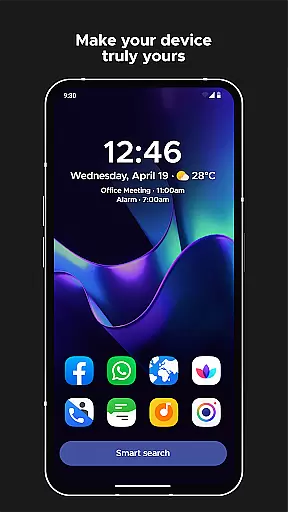
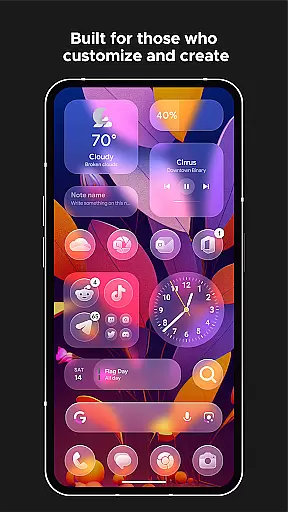
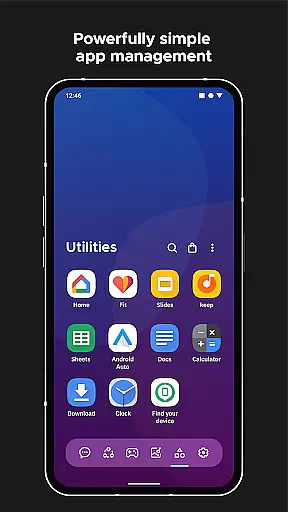
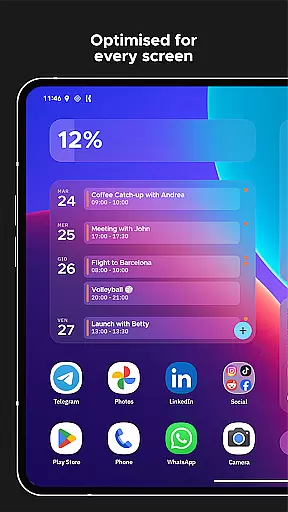
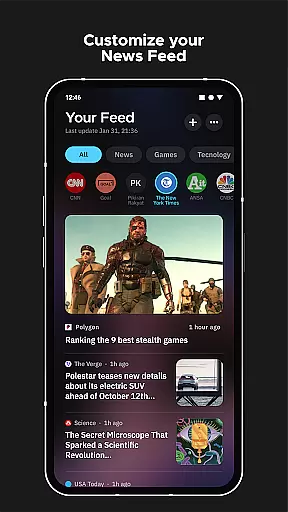
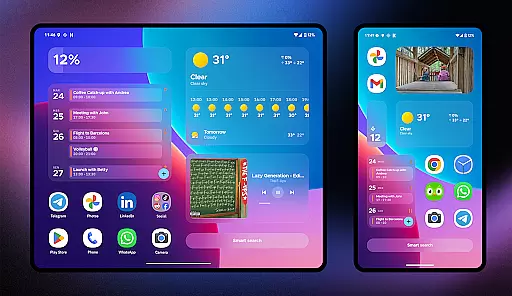
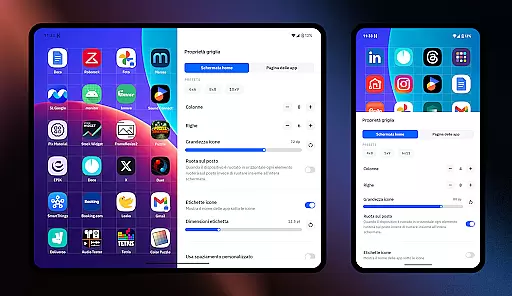
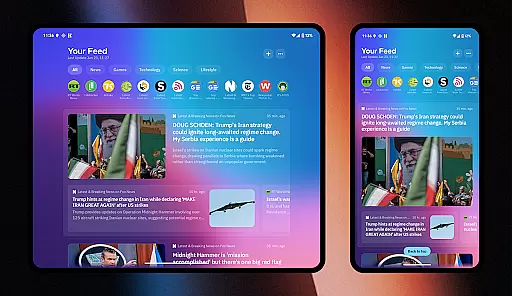
Smart Launcher 6 is a highly customizable home screen replacement app designed to enhance the Android experience. It automatically organizes apps into categories, saving users time and effort in managing their device's interface.
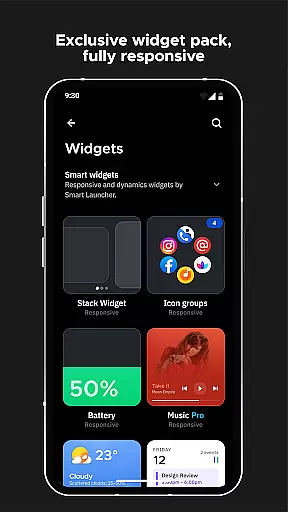
The launcher features an ambient theme that adapts to your wallpaper colors, responsive built-in widgets, adaptive icons, and a powerful search engine for quick access to apps and contacts. Its one-hand optimized design places essential items within easy reach.
Ideal for users seeking efficiency and personalization, Smart Launcher 6 streamlines daily tasks while offering extensive customization options such as fonts from Google Fonts and gesture controls.
Smart Launcher 6 stands out with its automatic app sorting feature, which intelligently categorizes applications without user intervention. This functionality has been acknowledged by major tech reviewers and even inspired similar features in iOS.
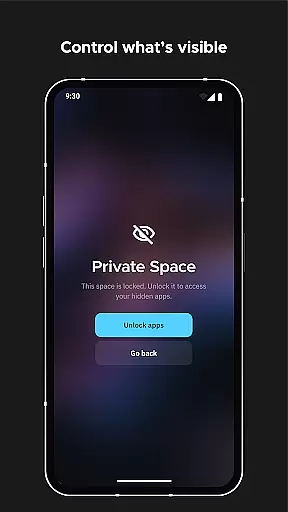
Users benefit from advanced customization capabilities including theme color adjustments, font changes, and adaptive icon support. The launcher also includes practical features like on-screen notifications, immersive mode, and app protection with PIN security.
Innovative gestures and hotkeys allow for intuitive navigation and control, while the integrated wallpaper picker offers diverse image sources. These features collectively provide a personalized yet efficient home screen experience.
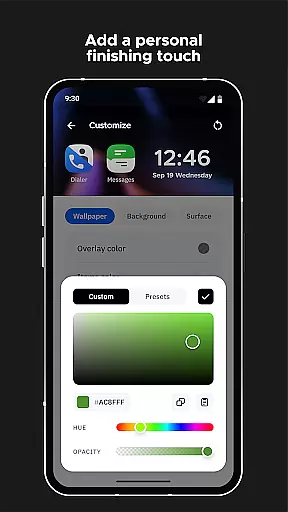
Smart Launcher 6 offers an extensive range of customization options that allow users to personalize their home screens like never before. With the ability to modify every single color in the theme, the launcher unlocks infinite possibilities for color combinations, ensuring your device truly reflects your personal style.
In addition to color customization, Smart Launcher provides access to thousands of fonts from Google Fonts. This means you can change the typography on your home screen, giving you even more control over the aesthetics and usability of your device's interface.
The inclusion of adaptive icons adds another layer of customization. Available for any Android device, these icons not only offer various shapes but also ensure a consistent and visually appealing look across your apps. The feature enhances both form and function, making daily interactions smoother and more enjoyable.
By empowering users with such diverse customization capabilities, Smart Launcher 6 ensures that each individual can tailor their smartphone experience precisely to their liking, improving both the visual appeal and practicality of their device's home screen.
Theme compatibility is at the heart of Smart Launcher 6's design philosophy. The Ambient Theme feature automatically adjusts the colors of your home screen to match your chosen wallpaper, creating a seamless and harmonious aesthetic every time you switch backgrounds.
This dynamic theming extends beyond mere color matching; it encompasses the entire user interface, ensuring all elements are visually cohesive. Whether you prefer bold contrasts or subtle gradients, the launcher adapts to provide an optimal viewing experience tailored to your preferences.
Moreover, Smart Launcher's support for adaptive icons ensures that app icons maintain their integrity and beauty within any theme setting. This compatibility allows for larger, more detailed icons that enhance the overall visual quality of your home screen without sacrificing functionality.
With its robust theme compatibility, Smart Launcher 6 delivers a consistently polished and professional appearance, elevating the standard Android experience to new heights of personal expression and usability.
Automatic app sorting
Ambient theme adaptation
One-hand optimized interface
Extensive customization options
Powerful smart search functionality
Requires accessibility permissions
Some features need additional setup
Premium version costs extra
May not appeal to minimalists
Occasional beta bugs

Bring adorable pets to life on your screen. Playful, interactive and full of fun
 4.60
4.60
Shimeji adds cute animated characters to your screen, lively and fun.
4.70
Over 28,000 high quality icons to bring color & homogeneity to your phone.
4.60
Interactive Miniature Painting Catalogue
3.30
Unique Fonts, typefaces and stylish text. Fonts for Instagram, Whatsapp & others
4.20
App Icon Changer & Shortcut Creator. Customize your icons without any watermarks
4.30
Embrace the Night. Unleash the power of darkness with Raven Dark Icon Pack
4.60
Cool custom fonts & keyboard themes! Symbols & font changer for Instagram
4.50
Custom ringtones songs, music ringtones for Android phones
4.60
A minimalist productivity launcher. One-hand-friendly. Zero ads.
4.70
Customizable Glass widgets. Over 360+ stunning widgets and more!
4.70
Stunningly Different look with Line Icons and Neon Colors
4.60
3D, live, and moving wallpapers & themes in 4K and HD for your device.
4.50
The definitive Icon pack maker and editor
4.30
Magic fluids wallpaper 4D: Relax with stunning fluid simulation wallpaper app
4.20
More than 3000+ themes and 9000+ wallpapers for everybody!
4.10
Create unique, fun emojis with Funny Emoji Maker! Unlimited creativity!
4.00
Ultimate widget creator. Design custom widgets for a truly unique home screen!
3.90
Custom edge gestures for volume control, brightness, apps, and shortcuts.
4.5


User Reviews