
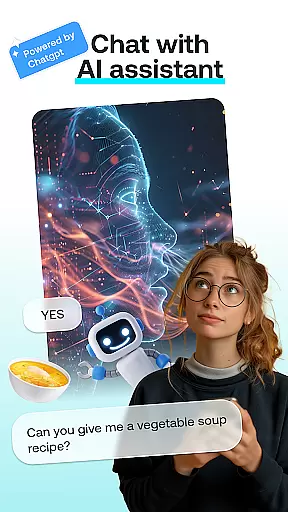
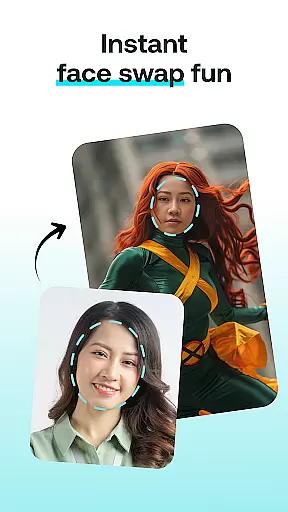
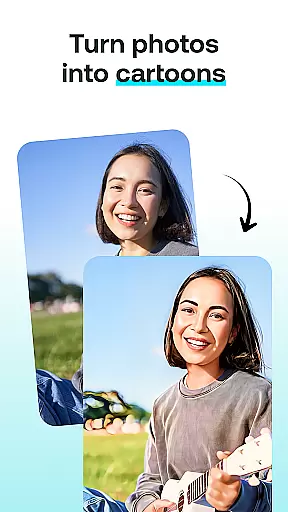
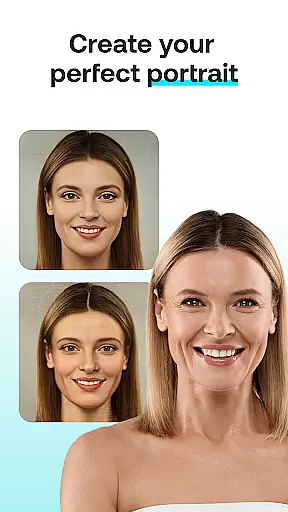
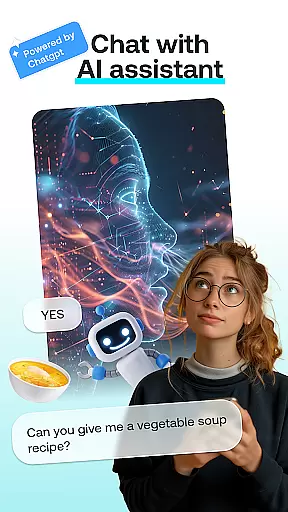
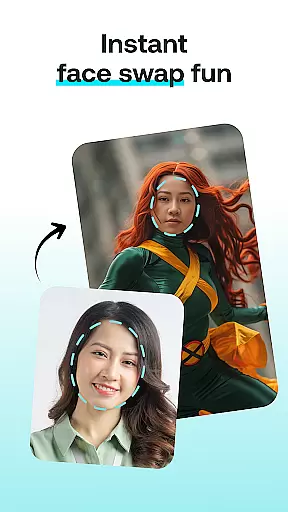
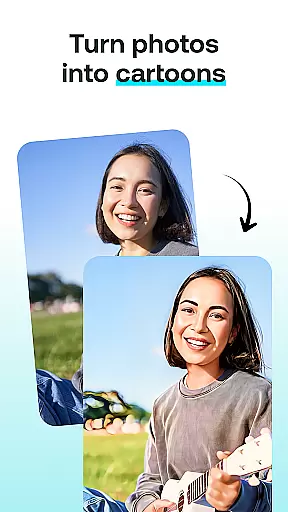
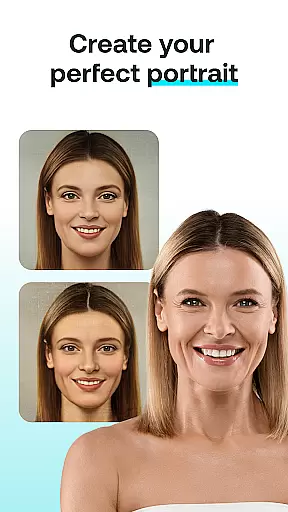
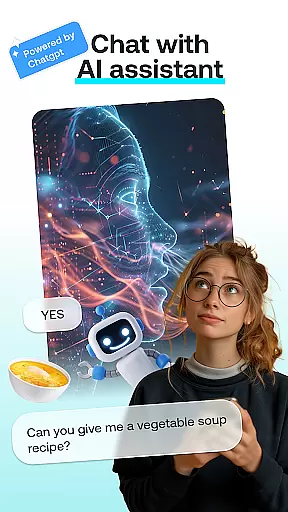
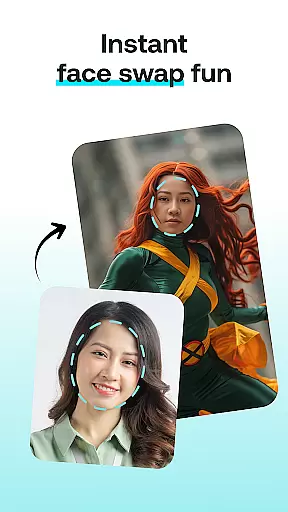
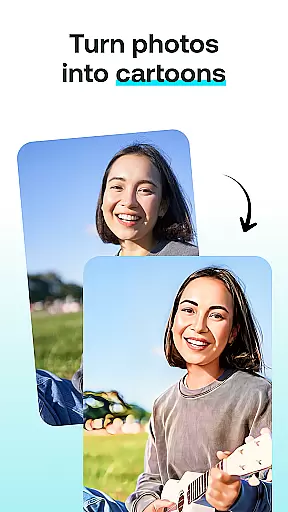
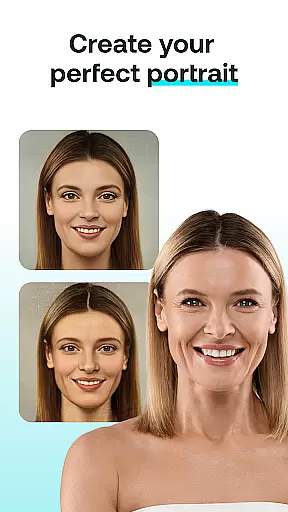
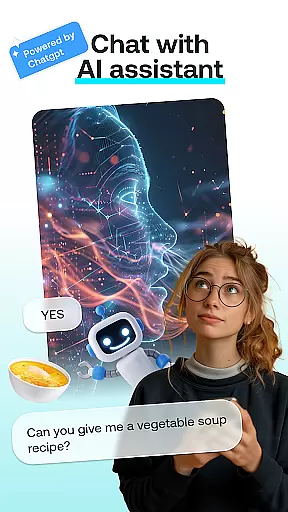
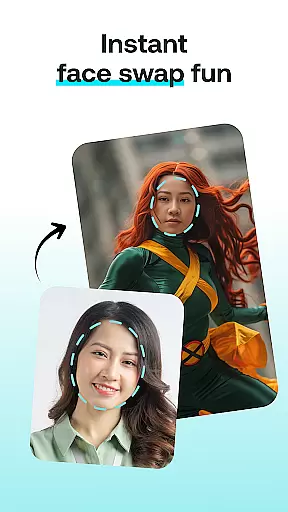
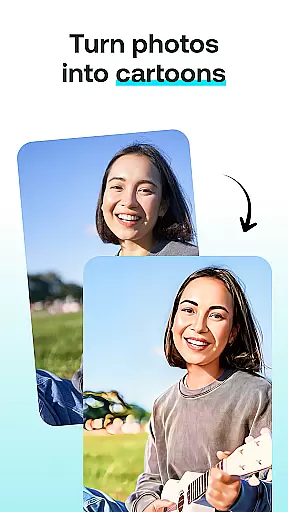
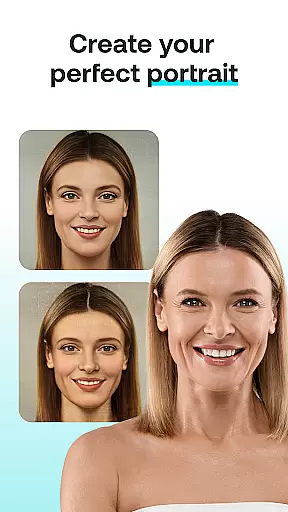
AI Chat: Chatbot Assistant is an innovative app that brings together the best of AI-driven conversations and creative tools in one place. Designed for both entertainment and productivity, this app allows users to engage with advanced AI chatbots powered by ChatGPT GPT-4 & GPT-4o, create artistic transformations like face swaps and cartoon effects, and design personalized portraits or paintings.
The app's core functionality revolves around five key modules: AI Chat for intelligent conversations, Face Swap for fun photo edits, Cartoon Effect to turn photos into whimsical illustrations, Portrait Maker for crafting stunning digital portraits, and AI Paintings for generating unique artwork from text descriptions. Whether you're looking to spark creativity, enhance your images, or simply enjoy engaging conversations with AI, this app offers a complete suite of features tailored to unleash imagination.
Perfect for artists, designers, social media enthusiasts, or anyone who enjoys experimenting with technology, AI Chat: Chatbot Assistant provides endless possibilities for personal expression and creative exploration. With its intuitive interface and cutting-edge AI capabilities, it ensures a seamless experience while delivering professional-quality results.
AI Chat: Chatbot Assistant stands out with its diverse range of powerful features designed to cater to various creative needs. The AI Chat module leverages state-of-the-art language models such as ChatGPT GPT-4 & GPT-4o, enabling users to have insightful discussions, seek advice, or brainstorm ideas effortlessly. This feature not only enhances user interaction but also serves as a reliable companion for problem-solving and inspiration.
Beyond conversational AI, the app includes visually transformative tools like Face Swap, which lets users exchange faces in photos for humorous or imaginative outcomes. Similarly, the Cartoon Effect transforms ordinary pictures into playful cartoons, adding a whimsical touch to everyday moments. For those seeking more refined creations, the Portrait Maker helps craft detailed and lifelike portraits, while AI Paintings converts textual inputs into visually striking artworks. Each tool is optimized for ease of use, ensuring that even beginners can achieve impressive results without prior expertise.
What truly sets this app apart is its ability to combine these functionalities into a cohesive platform. By integrating multiple creative utilities under one roof, AI Chat: Chatbot Assistant eliminates the need for separate apps, streamlining workflows and enhancing convenience. Its robust performance and versatility make it an indispensable tool for anyone passionate about art, design, or AI-powered innovation.
In the realm of digital creativity, having a comprehensive suite of tools is paramount. AI Chat: Chatbot Assistant rises to this occasion by offering an all-in-one platform for creative expression. The app includes features such as AI Chat for engaging conversations, Face Swap for playful image manipulation, Cartoon Effect for adding a whimsical touch to photos, and Portrait Maker for crafting detailed portraits.
Each tool within AI Chat is engineered to provide users with everything they need to bring their artistic visions to life. Whether it's generating realistic portraits or transforming images into cartoon-like renditions, the app ensures that no creative idea is left unexplored due to a lack of functionality. This holistic approach empowers users to experiment with different styles and formats without leaving the app.
The value of having complete creative tools at your disposal cannot be overstated. Users can seamlessly transition from brainstorming ideas with the AI Chat module to implementing those concepts through visual creations. This fluidity not only enhances productivity but also encourages continuous innovation and exploration in art and design.
Flexibility in canvas and format options is crucial for unleashing full creative potential. AI Chat: Chatbot Assistant understands this need and offers versatile solutions tailored to various artistic requirements. With capabilities ranging from customizable canvas sizes to support for multiple image formats, the app provides artists with the freedom to create without constraints.
Artists using AI Chat can choose from a variety of predefined templates or opt for a blank canvas to start from scratch. The app supports popular file types, ensuring compatibility across devices and platforms. Additionally, advanced settings allow users to fine-tune resolution, aspect ratio, and other parameters critical to achieving desired outcomes.
This adaptability translates into tangible benefits for users who seek precision and personalization in their work. By accommodating diverse project specifications and preferences, AI Chat fosters an environment where creativity knows no bounds. Artists can focus on their craft while the app handles technical considerations, resulting in professional-quality creations every time.
User-friendly interface
Versatile creative tools
Advanced AI chatbot
High-quality image processing
Wide range of customization options
Limited free usage
Premium subscription required
Occasional slow processing
Ads in free version
Learning curve for new users

Premium version of Shimeji-ee app with no ads & no limit active shimeji
 4.2
4.2
Sketch, trace and master AR drawing with awesome anime art!
3.30
AI Face Swap, Video Effects Editor, Realtime Morph, Funny Video FX,AI Filters
3.70
The perfect place to start sketching! Use Sketchbook to draw and paint sketches.
4.50
Design unique, funny and adorable cat stickers that reflect your own style!
3.80
Photo editor for art, avatars, filters & fun transformations.
4.60
Your homescreen as an elegant glass with customized blur, lighting, and visuals.
3.70
Bring One UI 8.5 Icons to life -elegant dark icons with a modern, premium touch.
4.30
Draw, make movies & animate cartoons easily with our 2D animation maker app
4.40
Learn how to draw with step-by-step tutorials, fun lessons & multiplayer drawing
4.70
Convert image to JPG PNG HEIC PDF, support almost all kinds of image formats
4.70
Your AI soulmate — meaningful chats, and unique emotional moments
4.70
AI generated images & photos, turn your words into drawing, painting & pictures.
4.30
Beauty Camera - Selfie Camera is the ultimate beauty camera and selfie app
4.30
Create stylish invitation cards using templates for weddings, birthdays & RSVP.
4.20
Text to Image, Image to Video & AI Chat
4.20
Create Logos, Tattoos, AI Art & more with our AI Photo Generator & Design Editor
4.20
Resize photos and print photos in exact size with our powerful photo printer!
3.80
Art of Combination Wear OS Watch faces
4.5


User Reviews