
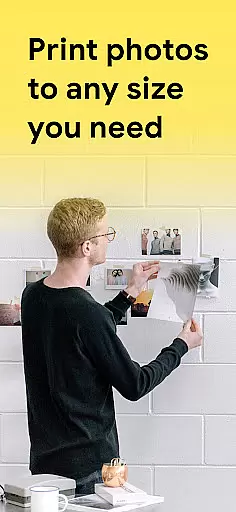
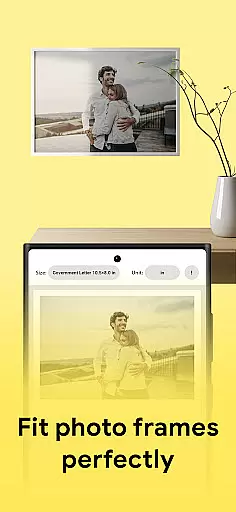
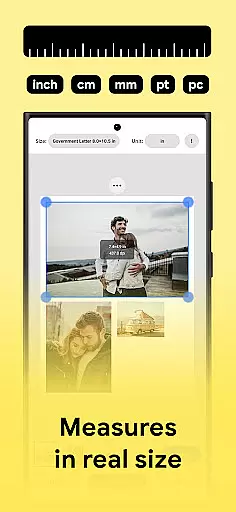
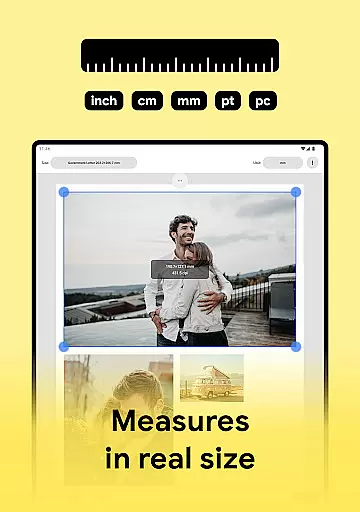
Print Photo is an innovative photo printing app designed for users who need to print high-quality photos, badges, labels, and passport-sized images directly from their mobile devices. The app supports a wide range of printers including HP Smart, Samsung Print, Canon Pixma, Brother iPrint, and Epson Print, making it versatile for various users.
With its user-friendly interface, Print Photo allows you to adjust DPI and print resolution, ensuring that your printed images meet professional standards. Whether you're printing single photos or creating multiple passport-sized images on one sheet, this app provides the tools necessary to achieve excellent results.
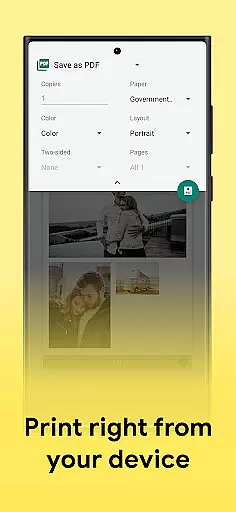
This app is particularly useful for photographers, designers, and anyone needing quick and reliable photo printing solutions. Its ability to save files as PDF, PNG, or JPG, and send them to cloud storage accounts adds extra convenience to the overall user experience.
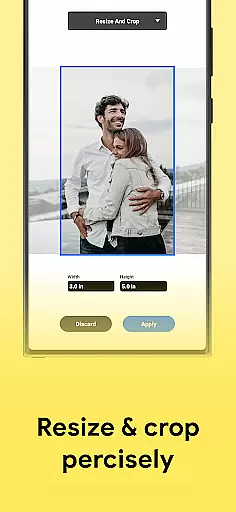
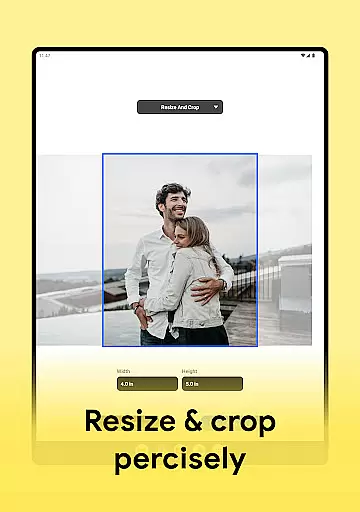
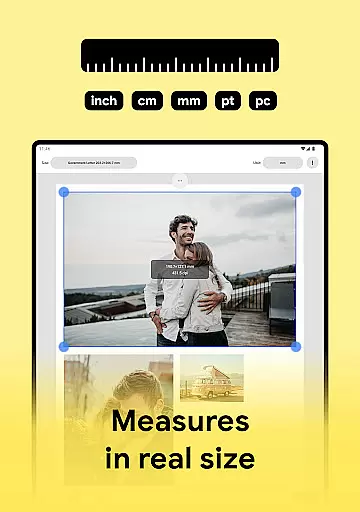
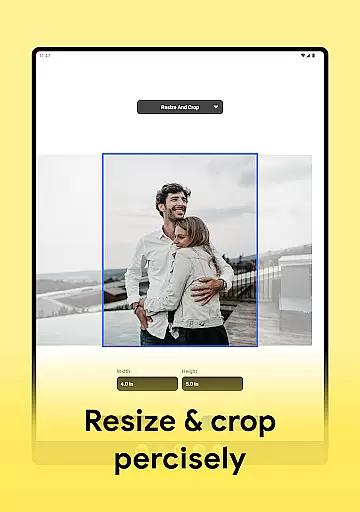
Print Photo offers a comprehensive set of features tailored for efficient photo printing. One of its standout capabilities is the ability to print to size, crop, and adjust photo print resolution, which ensures that every image meets specific requirements. This feature is especially beneficial when working with different paper sizes and formats.
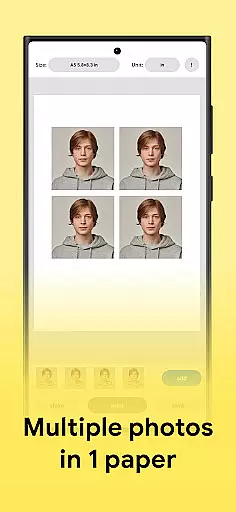
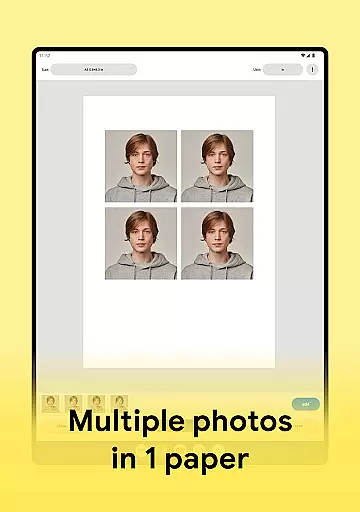
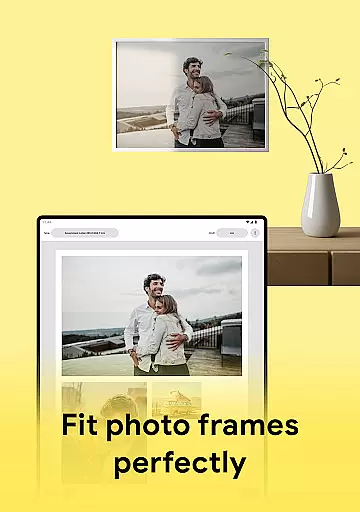
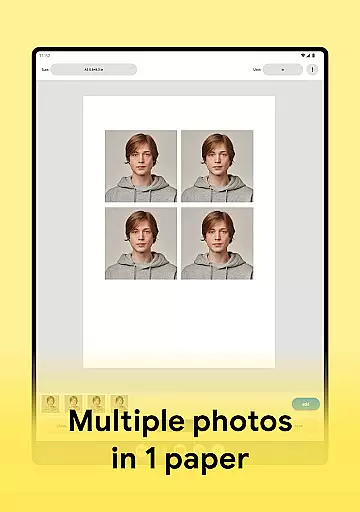
The app also includes a unique function for creating passport-sized photos, allowing users to fit multiple pictures onto a single sheet of paper. This not only saves resources but also streamlines the process of producing bulk photo prints. Additionally, the app's support for high-quality photo printing guarantees that all outputs maintain maximum clarity and detail.
Another notable feature is the option to save projects as PDF, PNG, or JPG files, or even send them directly to popular cloud storage services. This flexibility in file management enhances workflow efficiency and makes it easy to share and store digital copies of your prints.
Print Photo offers a comprehensive suite of creative tools that cater to all your photo editing and printing needs. The app allows you to adjust dpi and print resolution, ensuring that your photos are printed in the highest possible quality. With features such as cropping, resizing, and fitting pictures to specific dimensions, it provides the precision required for professional-looking results.
In addition to its robust editing capabilities, Print Photo supports various file formats including PDF, PNG, and JPG. This versatility enables users to save their edited images in the format that best suits their requirements or send them directly to cloud storage services. Whether you need to create passport-sized photos or print badges and labels, this app has got you covered with its extensive toolkit.
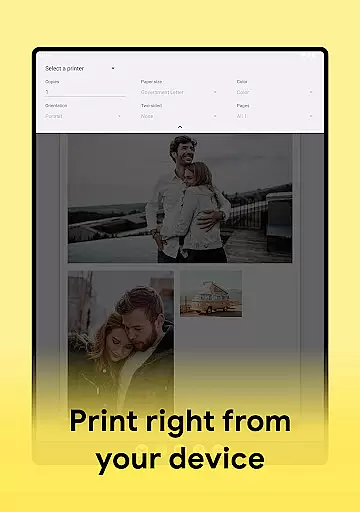
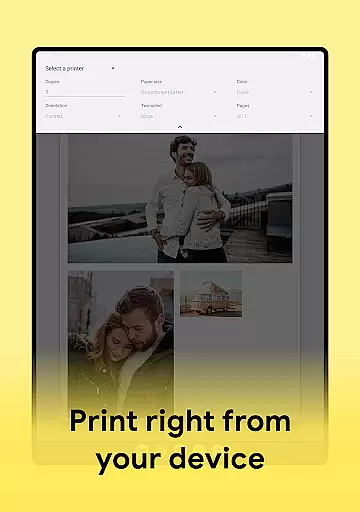
The true power of Print Photo lies in its compatibility with a wide range of printers, from HP Smart and Samsung Print to Canon Pixma, Brother iPrint, and Epson Print. This ensures that no matter what type of printer you own, you can seamlessly connect and print your photos without any hassle. Such broad support underscores the app's commitment to providing complete creative solutions for its users.
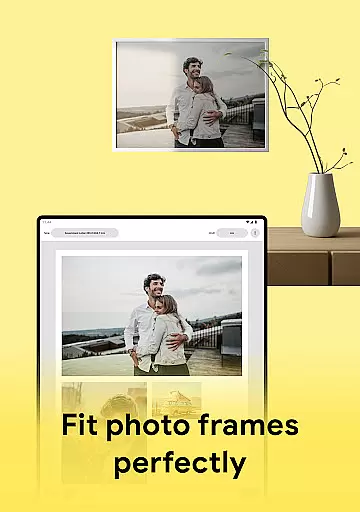
One of the standout features of Print Photo is its remarkable canvas and format flexibility. Users have the freedom to select from predefined paper sizes or customize their own formats, allowing for unparalleled customization options. This adaptability makes it easy to create everything from standard photo prints to specialized items like passport-sized photos on a single sheet of paper.
The app also excels in offering multiple templates which simplify the process of arranging several pictures on one page. Whether you're looking to design a collage or efficiently use space by fitting many small images onto a larger canvas, Print Photo provides intuitive tools that make these tasks straightforward. Its ability to handle complex layouts while maintaining high-quality output sets it apart from other applications in the Art & Design category.
Furthermore, Print Photou2019s support for different file formats enhances its flexibility even further. By enabling users to save their projects as PDFs, PNGs, or JPGs, it caters to diverse workflow preferences and ensures compatibility across various platforms. This level of adaptability not only streamlines the printing process but also empowers users to explore new creative possibilities within their projects.
User-friendly interface
Wide printer compatibility
High-quality prints
Flexible file saving options
Efficient photo editing tools
Limited advanced editing
No direct email sharing
Occasional connectivity issues
Basic template selection
Requires stable internet

AI Face Swap, Video Effects Editor, Realtime Morph, Funny Video FX,AI Filters
 3.70
3.70
Draw on screen: FP sDraw is a simple and lightweight drawing app
4.70
AI Art Generator transforms your words into AI generated art & paintings.
3.70
Nano Banana AI Image Generator, Anime Filter, AI Portrait, AI Photo Generator
4.30
Image resizer to resize, crop, rotate, flip, change dpi photo or picture in bulk
4.60
Experience next-gen icons with a modern liquid glass look.
3.60
Inky runs Inkscape on Android devices and Chromebooks
2.90
Beauty Camera - Selfie Camera is the ultimate beauty camera and selfie app
4.30
Just trace a projected picture on paper and color! Draw & Paint with AR drawing
4.40
Minecraft & Roblox Clothes
4.70
Logo Generator powered by AI: Create stunning logos effortlessly!
4.70
Draw Trace image sketch by, AR art projector app, Easy to trace any image.
4.50
Customizable Outlined Fonts. Watch Face Format. Battery friendly Digital Clock.
4.20
Create stylish invitation cards using templates for weddings, birthdays & RSVP.
4.20
Easy 3D drawing design maker & creator. Model designing, Sculpting. Create&paint
4.00
Get creative and make art with your Sesame Friends!
4.00
AI Assistant, powered by ChatGPT GPT-4 & GPT-4o. Your intelligent companion.
3.50
Art of Combination Wear OS Watch faces
4.4
Art of Combination Wear OS Watch Faces
4.1


User Reviews