
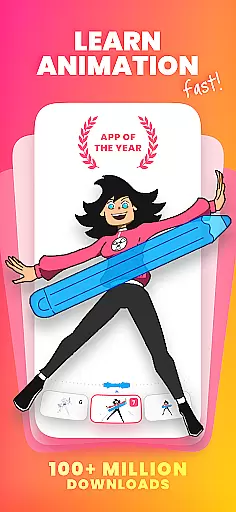
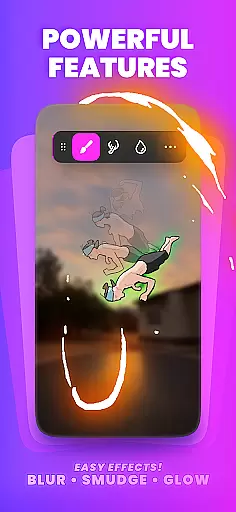
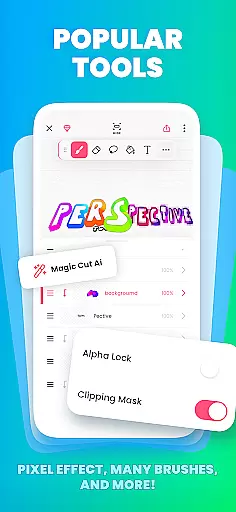
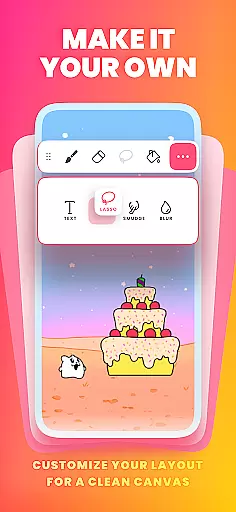
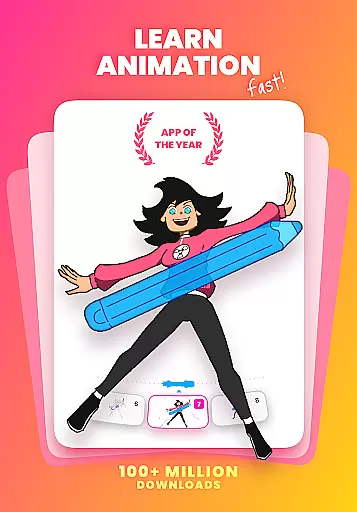
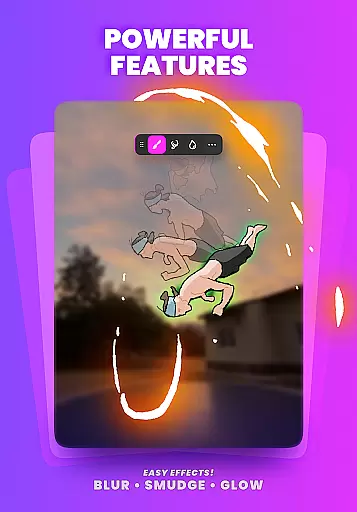
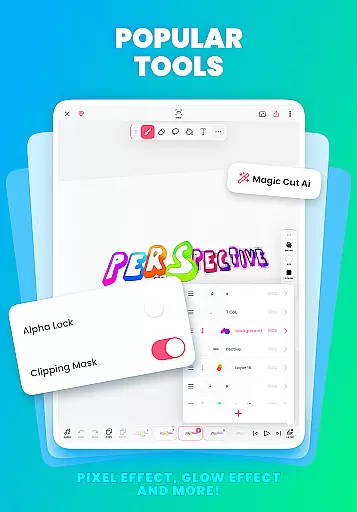
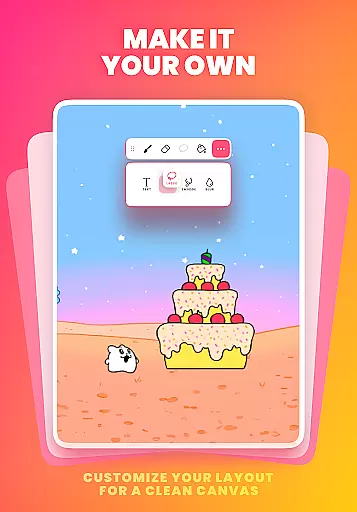
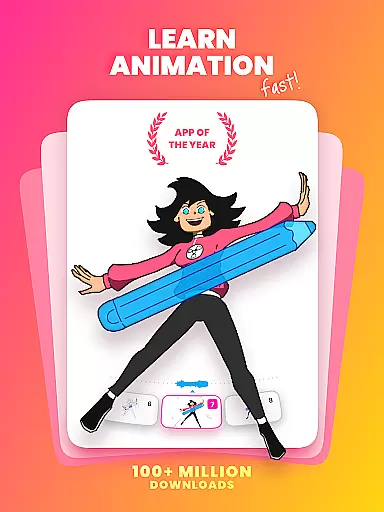
FlipaClip is a leading 2D animation app designed for both beginners and professionals in the Art & Design category. This powerful tool allows users to create frame-by-frame animations, cartoons, anime, and storyboards with ease. With its intuitive interface and professional-grade features, FlipaClip makes it simple to bring drawings to life.
The app offers a complete suite of drawing and animation tools including brushes, layers, onion skinning, and AI-powered features like Magic Cut. Users can export their creations as MP4 videos or GIFs, making it perfect for sharing on social media platforms. Whether you're an aspiring animator or a seasoned creator, FlipaClip provides everything needed to produce high-quality animations.
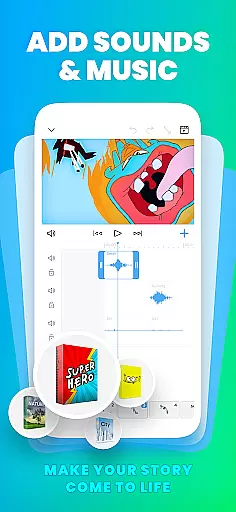
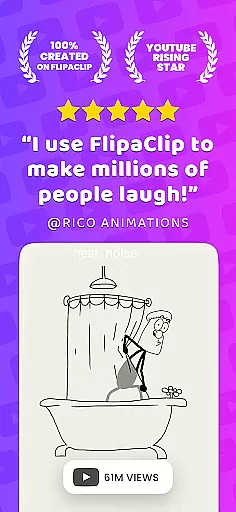
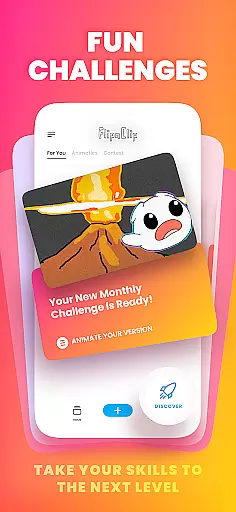
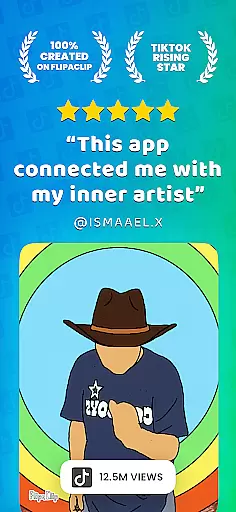
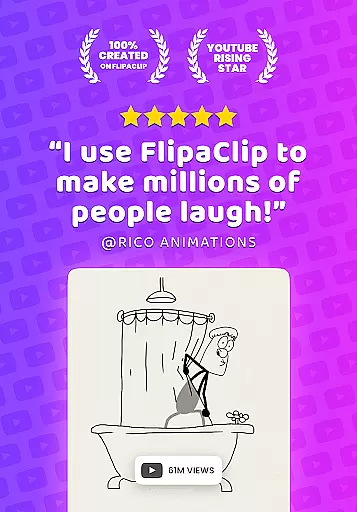
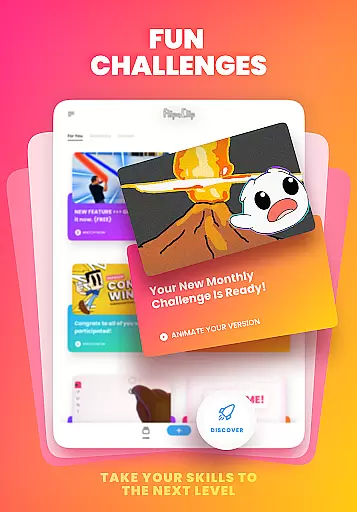
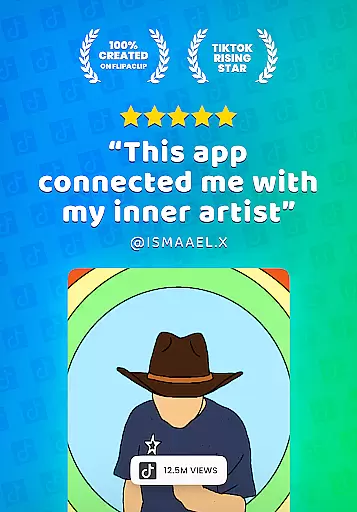
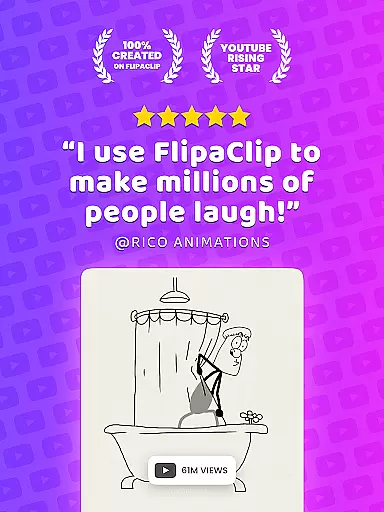
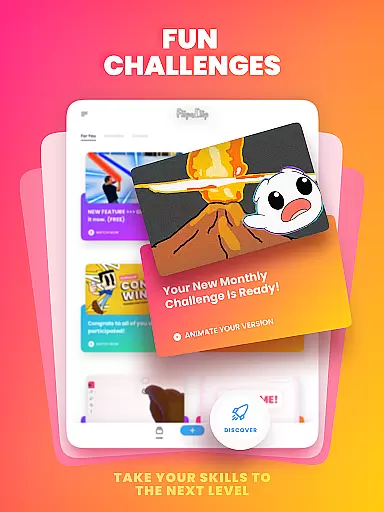
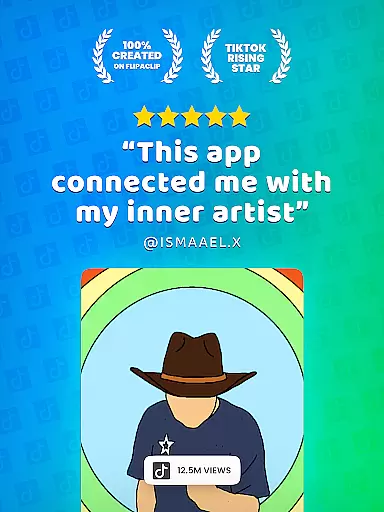
One key use case is creating short animated films for platforms like YouTube and TikTok. The ability to add soundtracks and voiceovers enhances storytelling capabilities, while the active community and regular contests provide inspiration and growth opportunities for animators.
FlipaClip stands out with its comprehensive set of animation features tailored for artists of all skill levels. The app's frame-by-frame timeline gives creators precise control over their animations, while onion skinning helps achieve smooth transitions between frames. With support for up to 10 layers (3 free), users can build complex scenes and experiment with different elements.
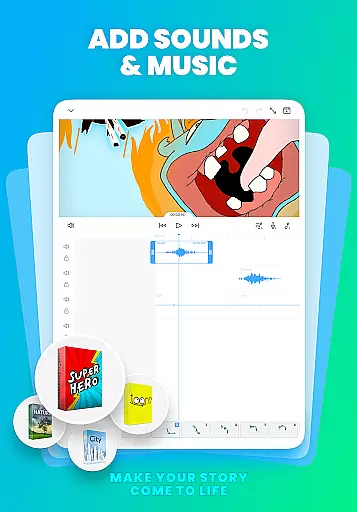
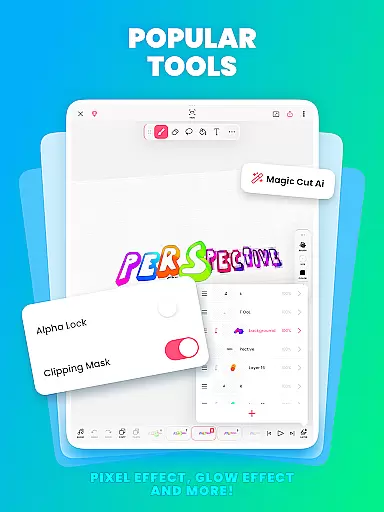
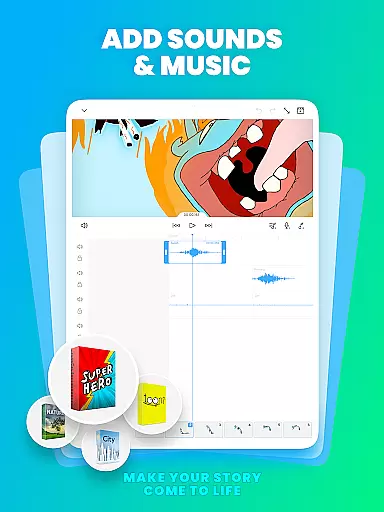
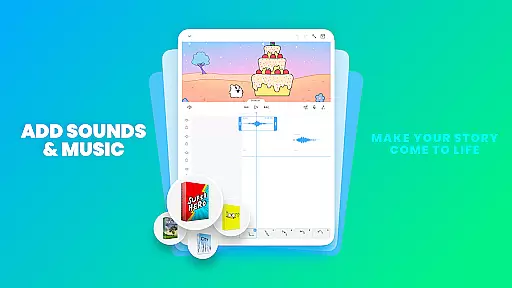
Advanced features include pressure-sensitive stylus support for natural drawing, AI-powered Magic Cut for object removal, and various export options including transparent PNG sequences. The app also enables audio integration through multiple tracks and synchronization capabilities, allowing creators to enhance their animations with music and sound effects.
What sets FlipaClip apart is its combination of professional tools with user-friendly functionality. From basic flipbook-style animations to sophisticated cartoon production, the app maintains an accessible learning curve while delivering professional results. The inclusion of AI features and regular updates ensures that users always have access to cutting-edge animation technology.
In the realm of digital art and animation, having a comprehensive suite of creative tools is essential for realizing an artist's vision. FlipaClip stands out by offering a robust set of features that cater to both budding artists and seasoned professionals. The app provides users with brushes, fill, lasso, eraser, ruler, text, and shape tools, enabling them to sketch and refine their ideas with precision.
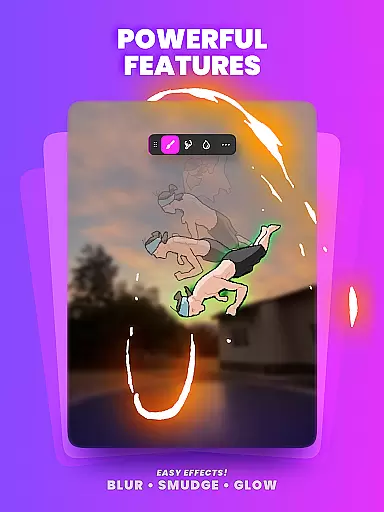
Moreover, FlipaClip supports up to 10 layers, although only 3 are available for free, allowing for complex drawings and compositions. This layering capability, combined with glow effects and blending modes, empowers creators to add depth and texture to their work, mimicking traditional art techniques in a digital format.
For those looking to expand their creative horizons, FlipaClip also includes innovative features such as Magic Cut, an AI-powered tool designed to slice images and objects from frames effortlessly. Such tools not only streamline the creative process but also open new avenues for artistic expression, making FlipaClip a versatile choice for anyone interested in 2D animation and cartoon drawing.
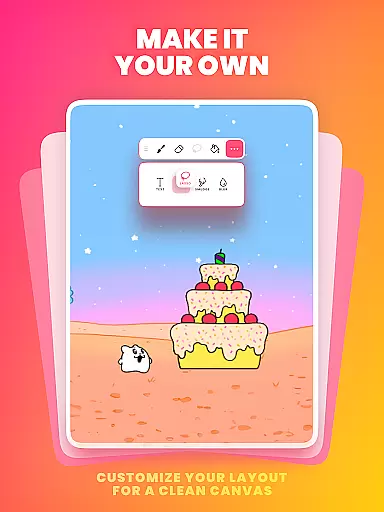
Flexibility in canvas size and format compatibility is crucial for artists who wish to explore various styles and mediums within their digital creations. FlipaClip addresses this need by providing customizable canvas sizes, which allows users to experiment with different dimensions and aspect ratios. This adaptability ensures that whether you're crafting a short animated film or designing a flipbook, the app can accommodate your vision without constraints.
Beyond canvas customization, FlipaClip excels in its ability to export projects in multiple formats, including MP4, GIF, and PNG sequences with transparency. This versatility in output options means that creators can seamlessly integrate their work across various platforms, from social media to professional presentations, enhancing the reach and impact of their animations.
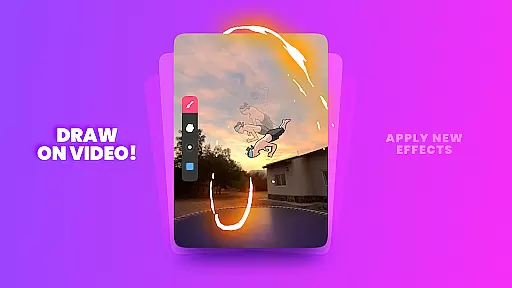
Additionally, the app's support for importing photos or videos to create rotoscope animations further underscores its commitment to format flexibility. By enabling artists to blend live-action footage with hand-drawn elements, FlipaClip fosters a unique form of hybrid storytelling that pushes the boundaries of traditional animation, solidifying its position as a leader in the Art & Design category.
User-friendly interface
Powerful animation tools
Active creative community
Regular feature updates
Cross-platform sharing
Limited free layers
Premium features locked
Steep learning curve
Occasional bugs
Export quality limits

Pose and morph realistic male and female models! 3D poser app
 3.00
3.00
Art of Combination Wear OS Watch faces (for Wear OS 5+ devices)
3.00
Digital illustration drawing & painting pad app to paint Anime and Manga art
4.50
Text to Image, Image to Video & AI Chat
4.20
Draw on screen: FP sDraw is a simple and lightweight drawing app
4.70
See Color, Paint Color
4.90
Art of Combination Wear OS Watch Faces
3.30
Inky runs Inkscape on Android devices and Chromebooks
2.90
Turning simple sketches into captivating tales filled with life and motion
3.90
Make your phone cooler and have a fantastic experience
4.80
2D animation studio for Android tablets - unlimited layers, infinite timeline
4.70
Discover Cartoon Dream : Unleash Your Creativity with CuttingEdge AI
4.50
Share the joy of painting with ibis Paint! Drawing anime and manga art.
4.50
Image/ Text to Video Generator
4.40
Just trace a projected picture on paper and color! Draw & Paint with AR drawing
4.40
AR Anime Drawing: How to draw anime with AR drawing & sketching apps!
4.00
Get creative and make art with your Sesame Friends!
4.00
Powerful home decoration & house design that allows you to design dream home.
3.80
AI Art Generator transforms your words into AI generated art & paintings.
3.70


User Reviews