
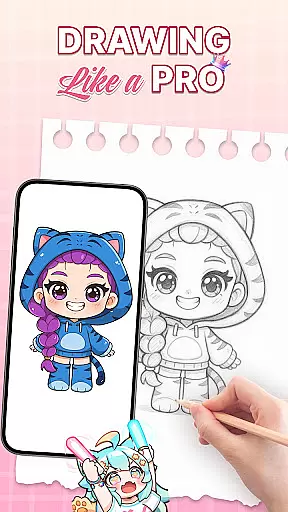
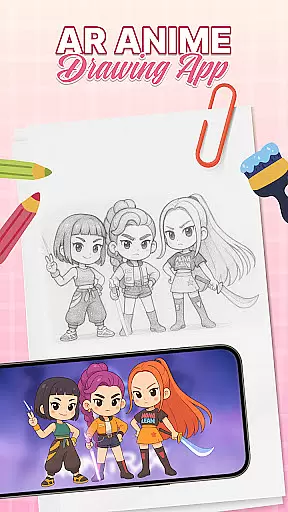
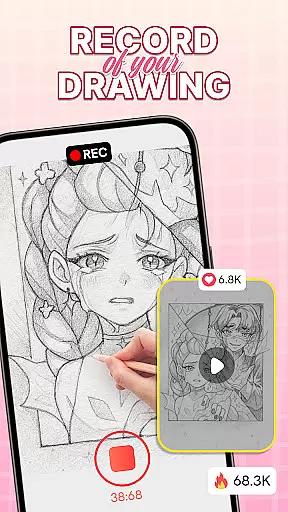
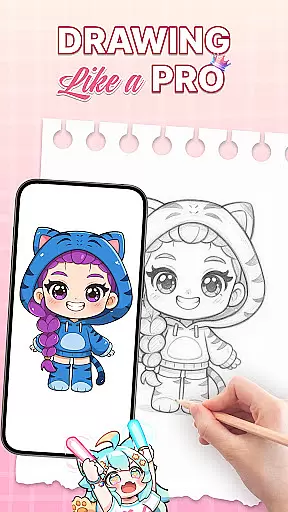
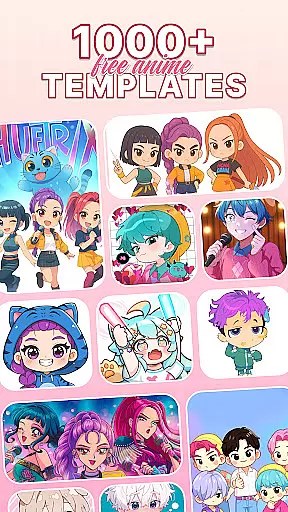
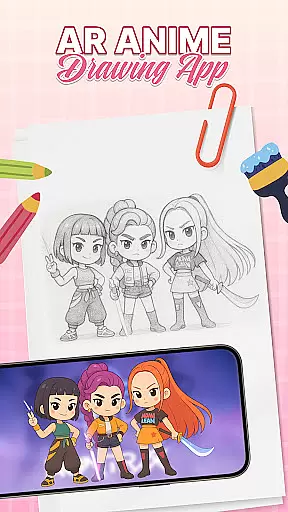
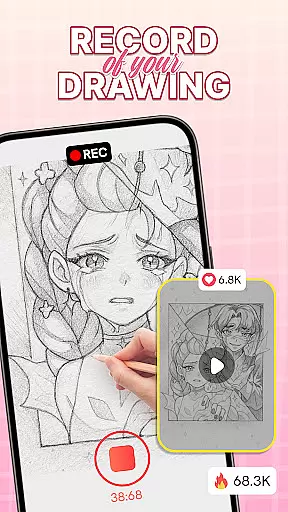
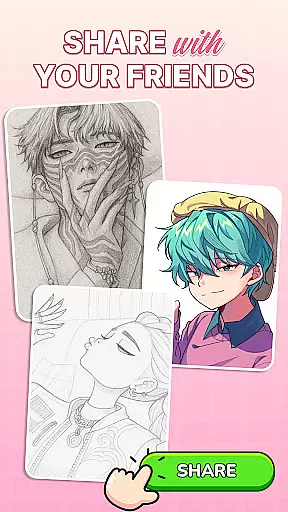
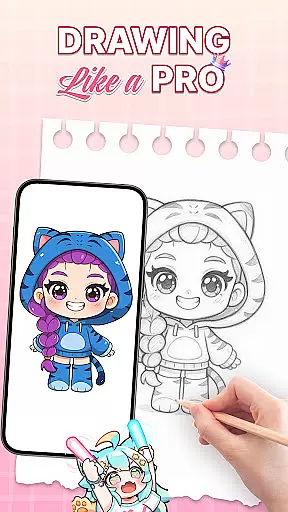
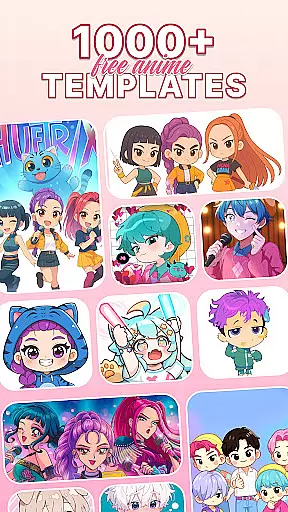
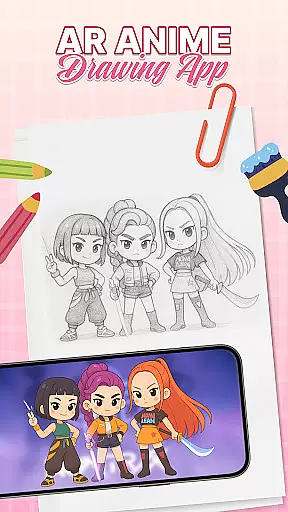
AR Drawing: Sketch & Trace is an innovative mobile application that merges augmented reality with artistic expression, allowing users to project any image onto paper for effortless tracing. This app serves as a comprehensive drawing guide, particularly beneficial for those interested in anime and cartoon art styles.
The app's core functionality lies in its ability to transform images into traceable templates through AR technology. By placing their device on a stable surface, users can trace inverted projections of selected images, refining their sketching skills while enjoying a user-friendly interface suitable for all ages.
Whether you're a beginner looking to learn basic drawing techniques or a professional artist seeking new creative avenues, AR Drawing provides diverse templates and artistic tools that cater to various skill levels. The app's educational value extends to family settings, where parents can engage children in interactive drawing sessions, making it both an entertaining and instructional tool.
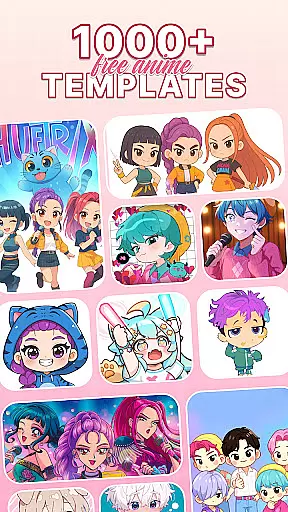
One of the standout features of AR Drawing is its robust AR tracing capability, which allows users to overlay images onto any surface with precision. This functionality is supported by a vast library of drawing templates covering multiple categories including anime, animals, and nature, providing endless inspiration for artistic projects.
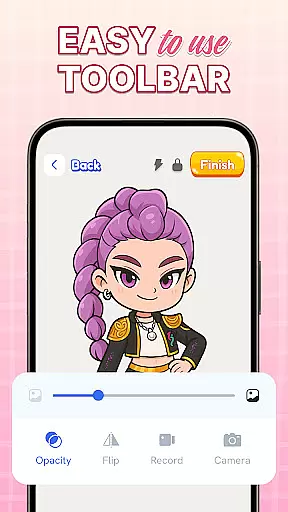
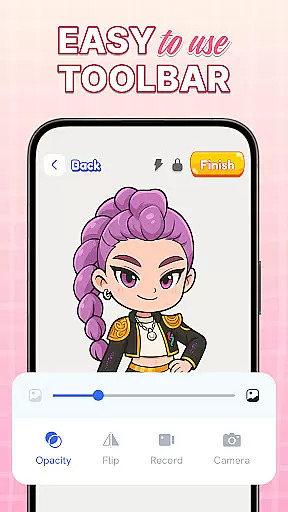
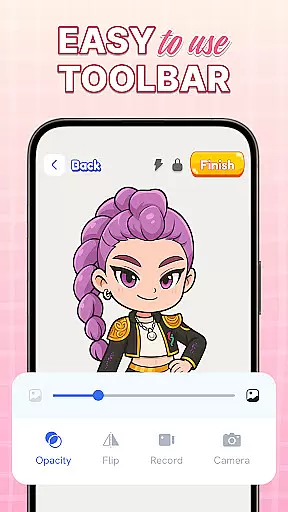
The app includes comprehensive Sketch & Paint tools that enable users to add vibrant colors and intricate details to their artwork. With integrated camera support and a built-in flashlight, artists can work comfortably even in low-light conditions, ensuring optimal visibility during tracing sessions.
Additional features include an extensive color palette, diverse artistic tools for technique refinement, and regular updates that introduce new functionalities. These elements combine to create a dynamic platform where users can progressively develop their skills while enjoying the benefits of augmented reality in art creation.
AR Drawing: Sketch & Trace offers a comprehensive suite of creative tools that cater to both amateur and professional artists. The app includes AR drawing and tracing features, allowing users to project any image onto a surface for easy tracing. This functionality is particularly useful for those looking to improve their anime drawing or sketching skills.
In addition to its AR capabilities, the app provides diverse drawing templates covering various categories such as anime, animals, food, and nature. These templates serve as excellent guides for users who need inspiration or reference for their artistic journey. Furthermore, the Sketch & Paint tools enable users to add vibrant colors and intricate details to their creations, enhancing the overall quality of the artwork produced.
The inclusion of camera and flash features ensures that users can draw in different lighting conditions, making it versatile for any environment. Whether you're working in a well-lit studio or a dimly lit room, the integrated flashlight helps illuminate your workspace for better tracing accuracy.
Overall, AR Drawing: Sketch & Trace stands out by offering an extensive range of artistic tools designed to refine drawing techniques and stimulate creativity. With regular updates and new features on the horizon, this app continues to be a valuable resource for anyone interested in art and design.
One of the standout features of AR Drawing: Sketch & Trace is its canvas and format flexibility, which allows users to explore various artistic styles without limitations. The app supports a wide array of drawing templates, including popular themes like anime, animals, and nature, giving artists the freedom to choose subjects that inspire them most.
Users can also take advantage of the app's AR technology to project images onto virtually any surface, providing unparalleled flexibility in how and where they create their art. This feature is especially beneficial for those who enjoy traditional sketching methods but want the added precision and ease that augmented reality offers.
Moreover, the Sketch & Paint section offers extensive customization options with a broad palette of colors and detailed brush settings. Artists can experiment with different hues and textures to bring their sketches to life, ensuring that each piece is unique and personalized.
By combining innovative AR technology with a user-friendly interface, AR Drawing: Sketch & Trace makes it easy for artists of all skill levels to produce high-quality work. Its commitment to regular updates ensures that users will continue to enjoy new features and improvements, keeping their creative journey exciting and fulfilling.
User-friendly interface
Vast template library
Family-friendly design
Regular feature updates
Augmented reality tools
Limited free content
Device compatibility issues
In-app purchase requirements
Occasional AR glitches
Steep learning curve

The ultimate tool for creating animations
 4.60
4.60
Customizable Outlined Fonts. Watch Face Format. Battery friendly Digital Clock.
4.20
Meet the magic aı 3d photo generator and smart AI video generator app.
3.20
Unleash your drawing and painting potential
4.50
Painting, drawing, & sketching
4.50
Art of Combination Wear OS Watch faces (for Wear OS 5+ devices)
3.90
Create cute cat emojis & PFPs! Fun, custom avatars for cat lovers.
3.70
Explore future self face age filter & remove background image for a unique look.
3.50
All-in-One art, logo & collage maker. Design photos and edit video backgrounds
4.80
See Color, Paint Color
4.90
Learn how to draw with step-by-step tutorials, fun lessons & multiplayer drawing
4.70
Novices can also easily complete diamond painting masters
4.70
Minecraft & Roblox Clothes
4.70
Photo stitcher for automatically screenshot stitching into a long screenshot
4.70
Nano Banana AI Image Generator, Anime Filter, AI Portrait, AI Photo Generator
4.30
Create Logos, Tattoos, AI Art & more with our AI Photo Generator & Design Editor
4.20
Unleash Your Creativity with Draw Cartoon - AR Drawing App
4.10
Easy 3D drawing design maker & creator. Model designing, Sculpting. Create&paint
4.00
Create trending AI photos & videos with powerful effects and 3D styles.
3.20


User Reviews