
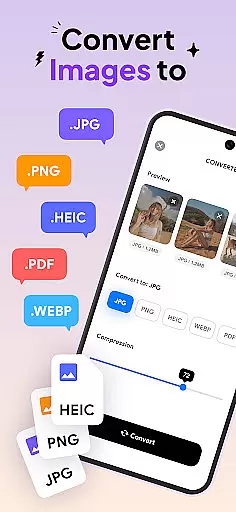
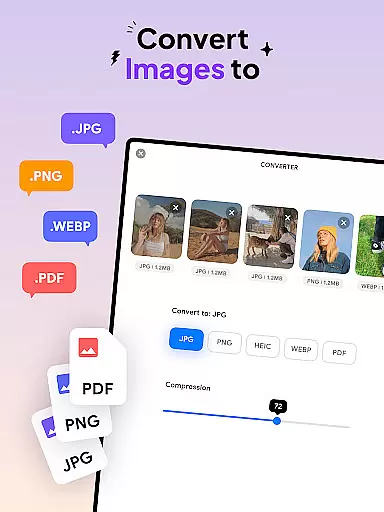
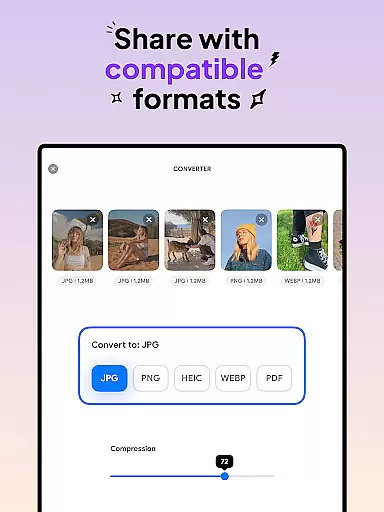
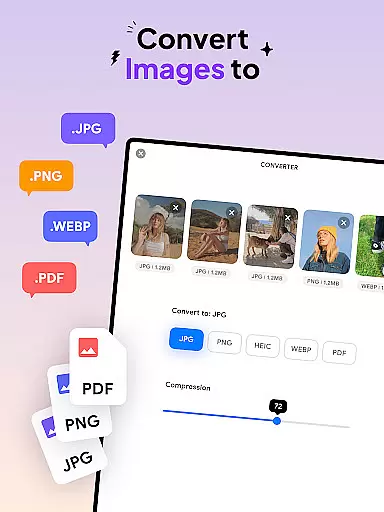
Image Converter - HEIC to JPG is a versatile tool designed for users who need to convert images between various formats while maintaining quality and resolution. This app supports conversion to popular formats such as JPG, PNG, HEIC, and PDF, making it an essential utility for anyone working with digital images.
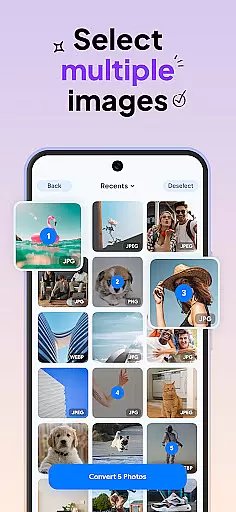
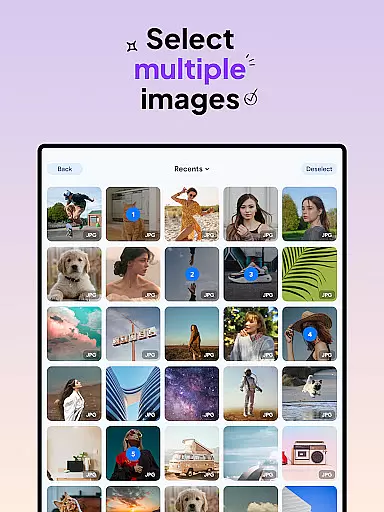
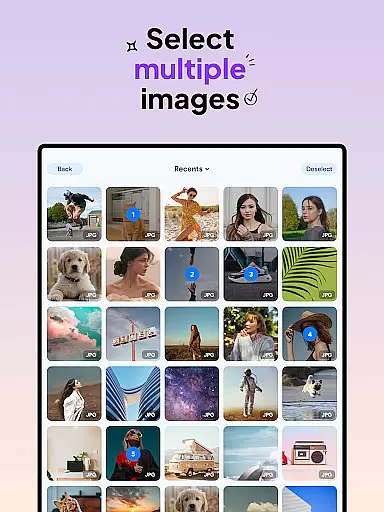
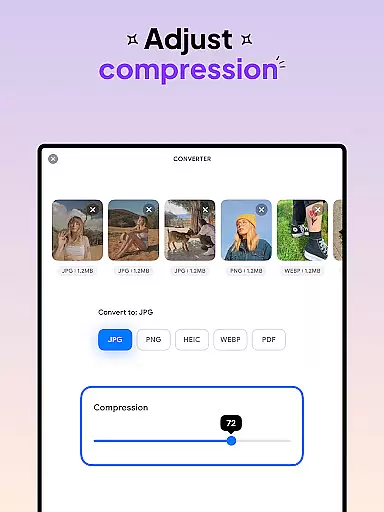
One of the standout features of Image Converter is its batch conversion capability, allowing users to process multiple images simultaneously. Whether you're converting JPEG to PDF or PNG to PDF, this app streamlines the workflow, saving time and effort. Additionally, the app offers photo compression options, enabling users to adjust file sizes without compromising on image clarity.
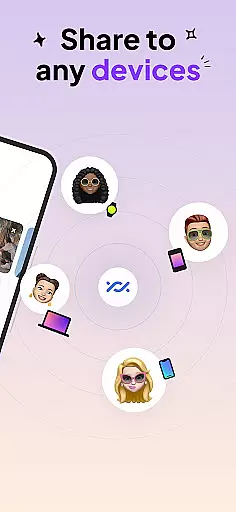
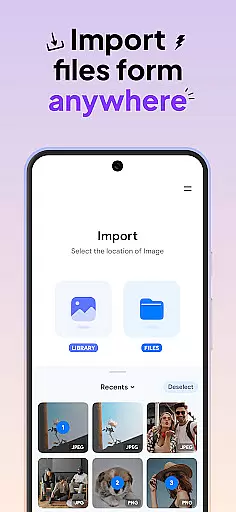
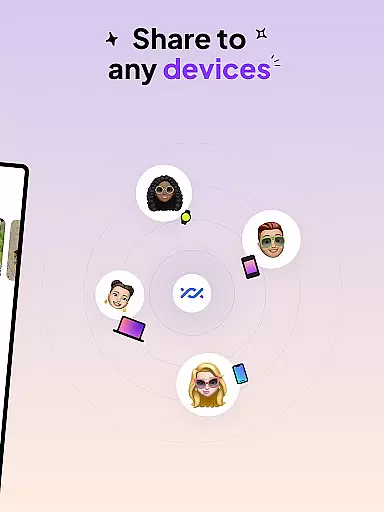
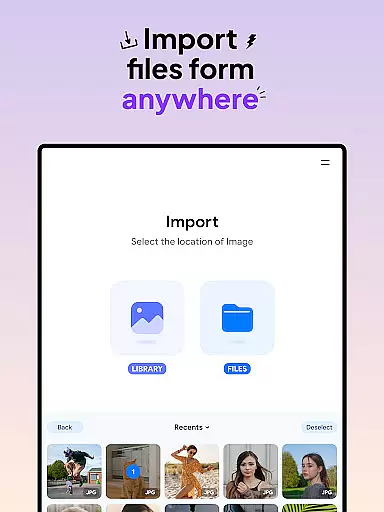
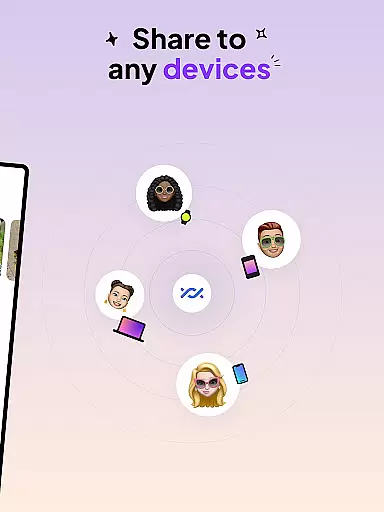
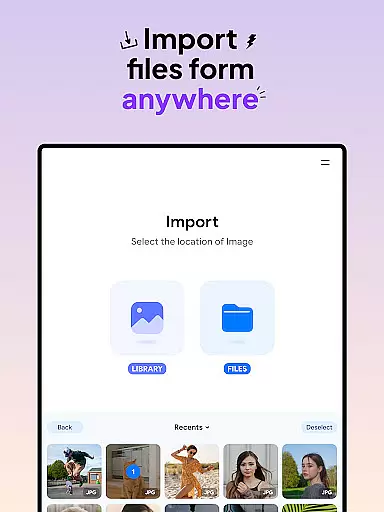
The app's seamless integration with different photo sources and its user-friendly interface make it accessible for both casual users and professionals. With Image Converter, you can easily save and share converted files across devices, ensuring compatibility and convenience in your digital projects.
Image Converter - HEIC to JPG boasts a range of powerful features that cater to diverse image processing needs. The app supports almost all image formats, providing flexibility whether you need to convert to JPG, PNG, HEIC, or PDF. Its batch conversion functionality allows for the simultaneous processing of multiple images, significantly enhancing productivity.
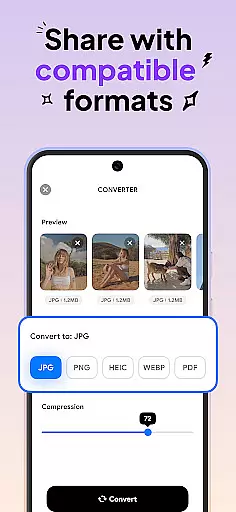
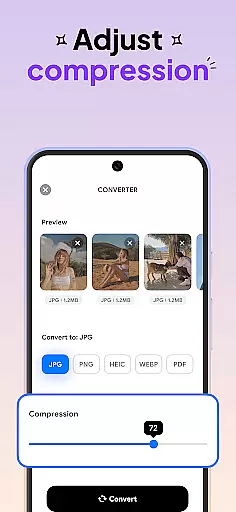
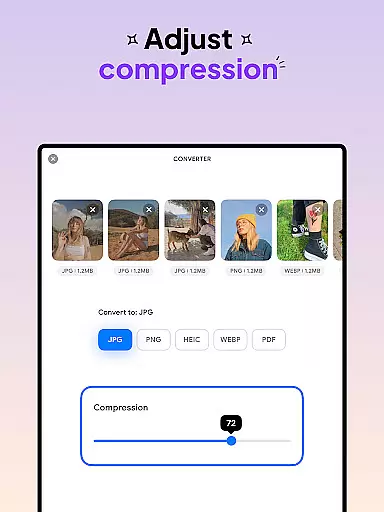
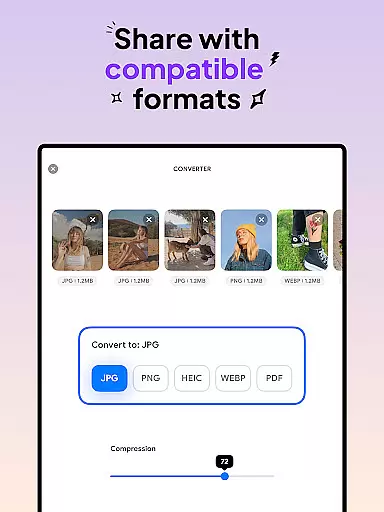
Preserving image quality during conversion is crucial, and Image Converter excels in this area. Users can compress photos and adjust compression levels to manage file sizes effectively. This ensures that the output retains high resolution and clarity, which is particularly beneficial for professional use.
Another notable feature is the app's intuitive design, which simplifies the conversion process. From selecting input files to choosing output formats and compression settings, each step is straightforward and efficient. This ease of use, combined with the ability to save and share files across devices, makes Image Converter - HEIC to JPG an indispensable tool for anyone involved in digital imaging.
Image Converter - HEIC to JPG stands out in the Art & Design category by offering a comprehensive suite of creative tools for image conversion. This powerful picture converter supports an extensive range of formats including JPG, PNG, HEIC, and PDF, making it an indispensable utility for designers and artists.
The application's robust feature set enables users to convert images between various formats without compromising quality or resolution. Whether you need to transform JPEG to PDF or PNG to PDF, this app maintains the integrity of your original files while providing the flexibility to work across different platforms and devices.
What sets this tool apart is its batch conversion capability, allowing creatives to process multiple files simultaneously. This feature significantly enhances workflow efficiency, especially when working on large projects that require converting numerous image assets. The ability to compress photos while adjusting compression quality adds another layer of control for artistic professionals.
Furthermore, the app's seamless integration with various photo sources and its user-friendly interface make it accessible to both professional designers and casual users alike. These complete creative tools converge to form an essential solution for anyone working with digital imagery in the Art & Design field.
Image Converter - HEIC to JPG demonstrates exceptional canvas and format flexibility, crucial aspects for any application in the Art & Design category. The software supports nearly all image formats, enabling users to switch effortlessly between JPG, PNG, HEIC, and even PDF formats within seconds.
This flexibility extends to its compression capabilities, where users can fine-tune their output files' quality and size. The ability to adjust compression levels while maintaining resolution integrity provides artists and designers with precise control over their final product's specifications.
The application's versatility shines through its support for batch processing across different formats. Users can convert multiple files from various input formats to their desired output specification in one operation. This feature proves particularly valuable when preparing assets for different platforms or devices with specific format requirements.
Additionally, Image Converter's cross-device compatibility and file-sharing capabilities enhance its format flexibility. Artists can save and share their converted files across devices in compatible formats, ensuring their work remains accessible and usable regardless of the target platform or operating system.
User-friendly interface
Batch conversion support
High-quality image preservation
Flexible compression options
Wide format compatibility
Limited advanced editing tools
Occasional slow processing
Ads in free version
No cloud integration
Basic PDF features

Floor Plan Creator lets you create, edit and share floor plans.
 4.00
4.00
Unleash your drawing and painting potential
4.50
See Color, Paint Color
4.90
Create stunning art with AI.
4.80
AR Anime Drawing: How to draw anime with AR drawing & sketching apps!
4.00
Get an overview over all your embroidery threads, projects and more.
4.60
Unleash the artist in you with our AR drawing and tracing tool for photo drawing
4.10
Create cute cat emojis & PFPs! Fun, custom avatars for cat lovers.
3.70
Turning simple sketches into captivating tales filled with life and motion
3.90
Photo stitcher for automatically screenshot stitching into a long screenshot
4.70
Turn your drawings into flipbook-style animations with simple creative tools
4.60
Draw, fidget, and spin glow art! Relax and express your creativity with a finger
4.60
Discover Cartoon Dream : Unleash Your Creativity with CuttingEdge AI
4.50
Beauty Camera - Selfie Camera is the ultimate beauty camera and selfie app
4.30
Create stylish invitation cards using templates for weddings, birthdays & RSVP.
4.20
Digital Drawing: Draw & Paint
4.10
Design unique, funny and adorable cat stickers that reflect your own style!
3.80
Your homescreen as an elegant glass with customized blur, lighting, and visuals.
3.70
AI Assistant, powered by ChatGPT GPT-4 & GPT-4o. Your intelligent companion.
3.50


User Reviews