
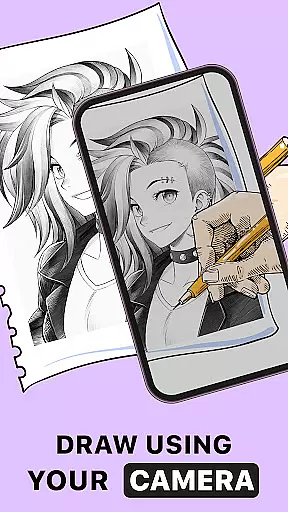
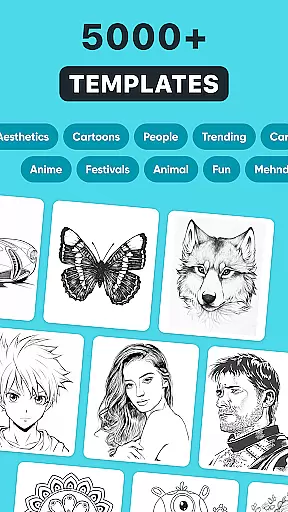
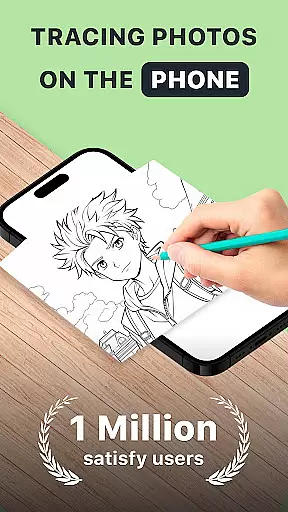
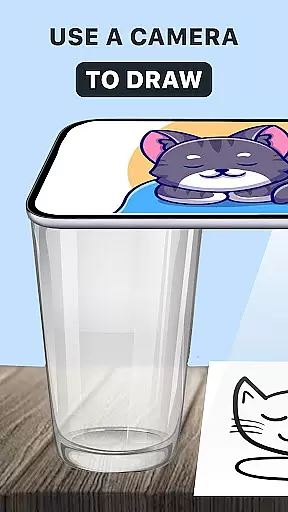
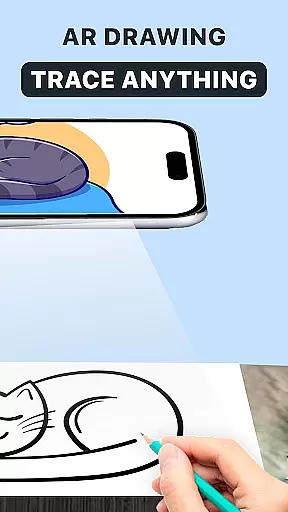
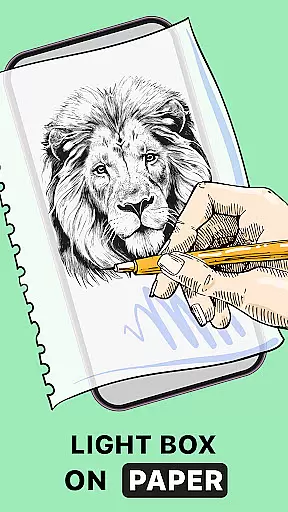
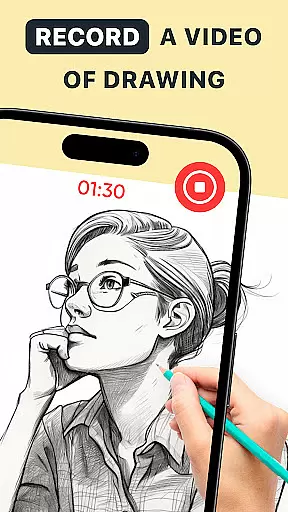
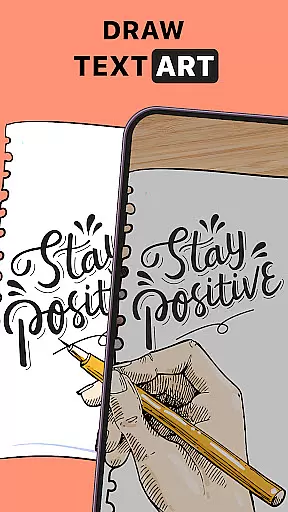
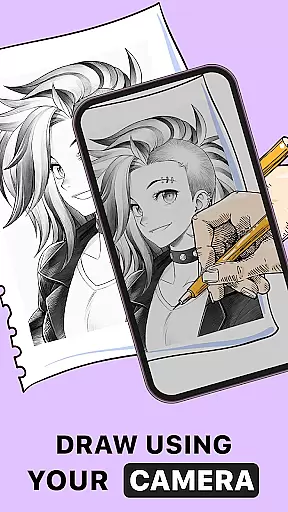
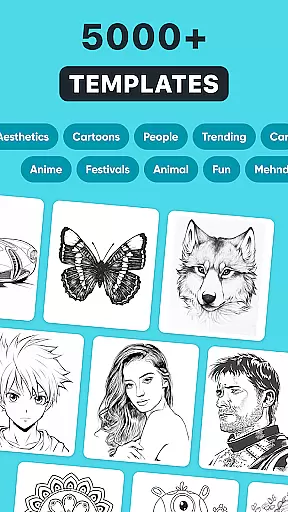
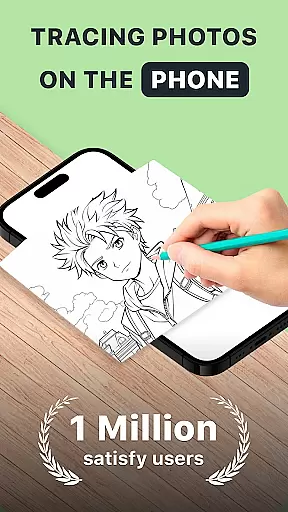
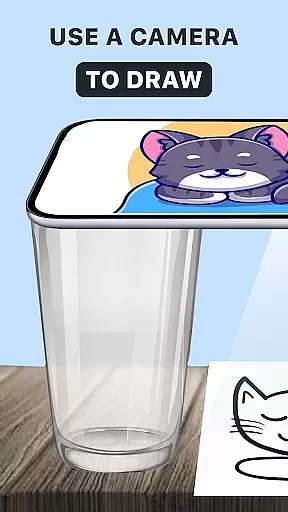
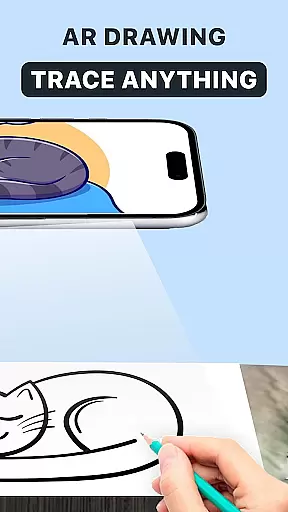
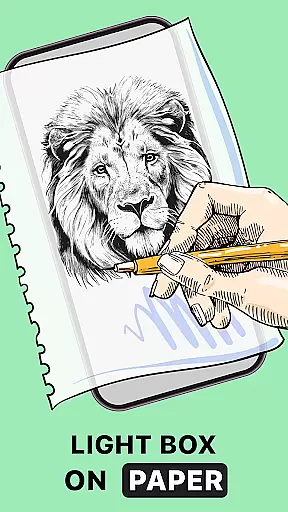
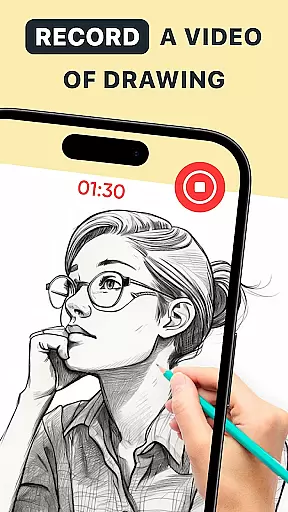
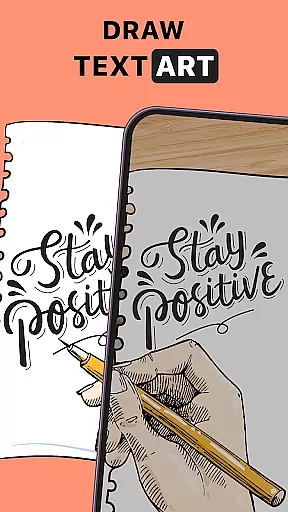
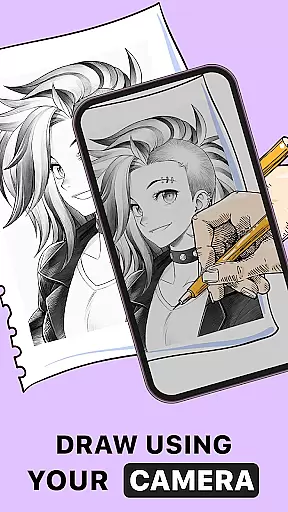
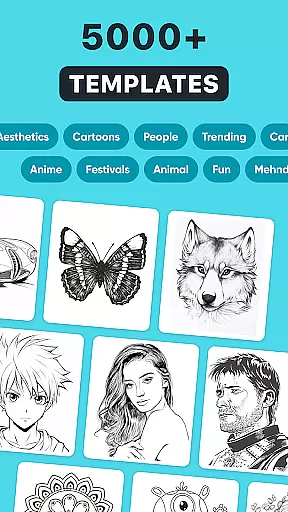
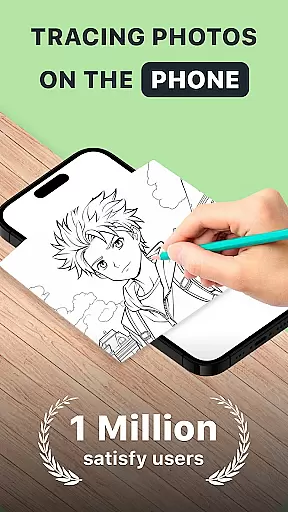
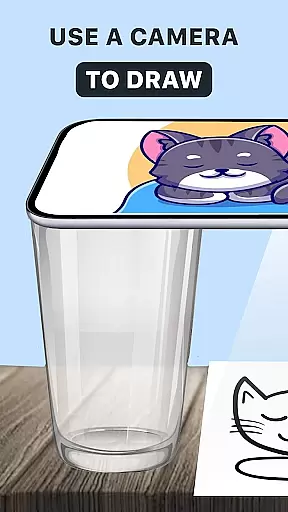
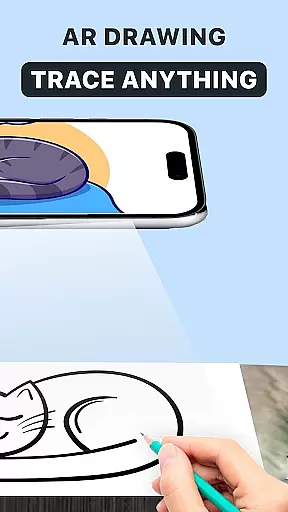
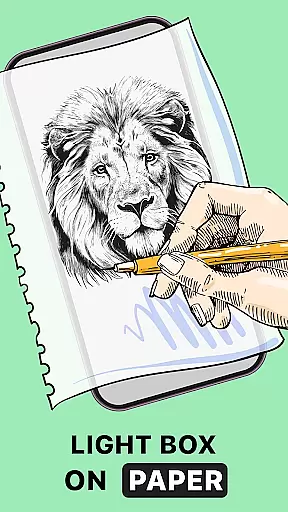
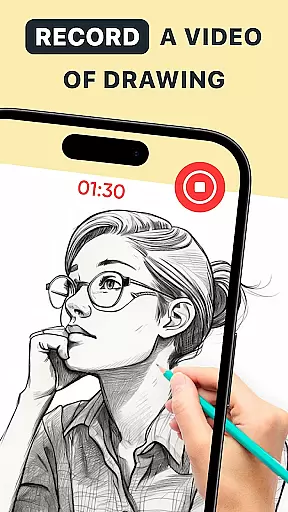
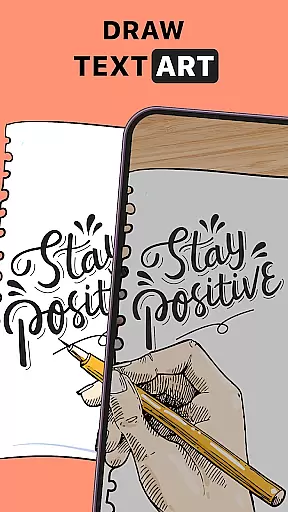
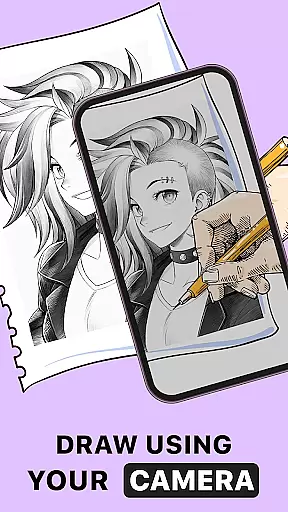
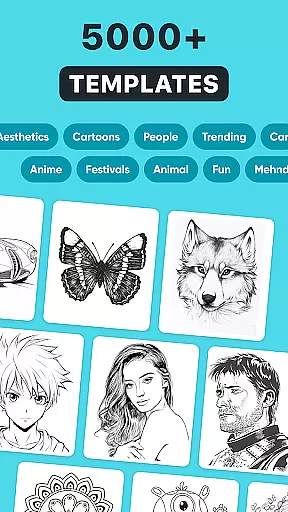
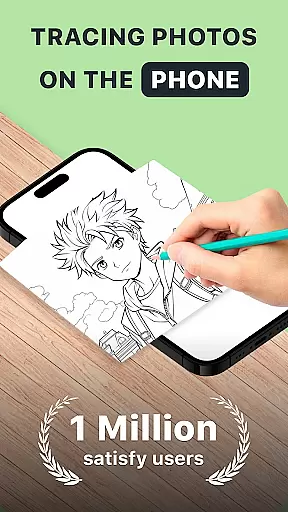
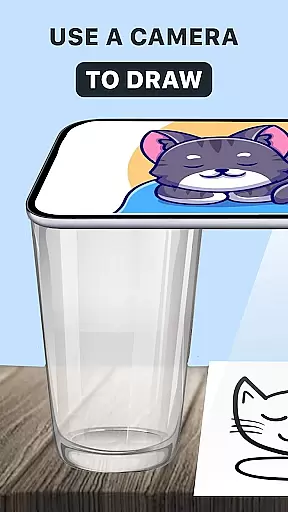
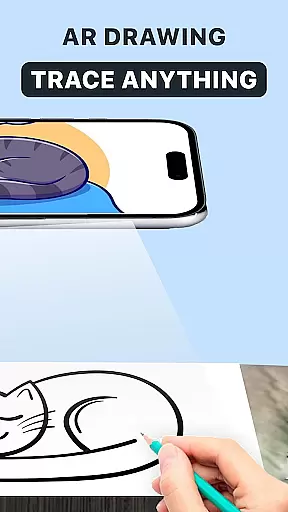
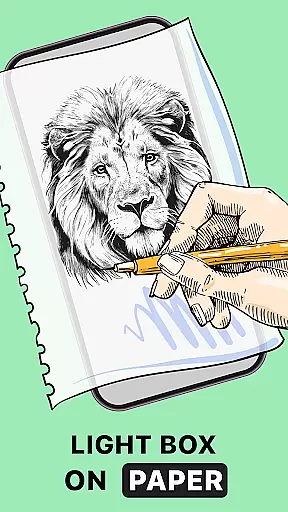
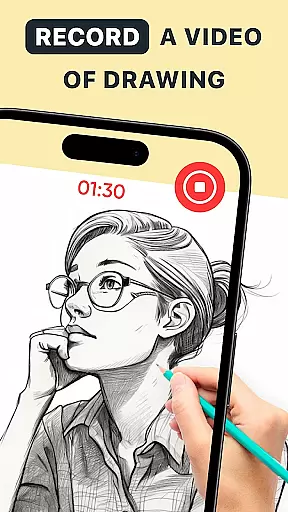
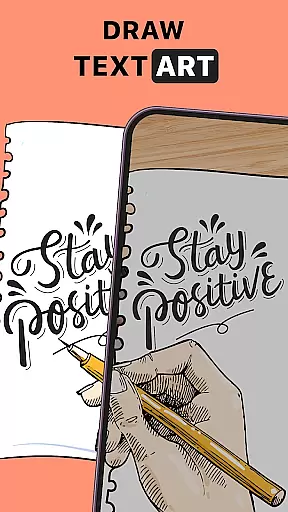
AR Drawing: Trace Anything is an innovative art application designed for both amateur and professional artists. This app allows users to transform any image into a traceable outline, making the drawing process easier and more enjoyable. With features like AR tracing, sketching, and painting, it caters to various artistic needs and preferences.
The app's augmented reality capabilities enable users to draw on real-world surfaces using their mobile devices. Whether you're working on simple sketches or detailed artworks, AR Drawing provides the tools needed to create impressive pieces. The app also includes time-lapse recording functionality, allowing artists to capture and share their creative process with others.
Perfect for art enthusiasts of all skill levels, this application is particularly beneficial for those looking to improve their drawing skills through guided practice. By offering a rich library of images and customizable drawing settings, AR Drawing ensures a personalized and engaging artistic experience that can be enjoyed anywhere, anytime.
AR Drawing: Trace Anything offers a comprehensive suite of features that cater to diverse artistic requirements. One of its standout capabilities is the AR tracing function, which allows users to overlay digital outlines onto physical surfaces. This feature is especially useful for beginners who want to learn how to draw by following precise guidelines.
In addition to basic tracing, the app provides advanced options such as AR painting and sketching. These tools enable users to experiment with different styles and techniques, from simple line drawings to complex color compositions. The built-in library contains a wide selection of images, while the option to import personal photos adds another layer of customization.
Another notable feature is the time-lapse recording tool, which captures the entire drawing process for later review or sharing. Artists can use this function to create tutorials, showcase their work on social media, or simply track their progress over time. With its intuitive interface and versatile functionality, AR Drawing empowers users to express their creativity in meaningful ways.
In the realm of digital art, having access to comprehensive creative tools is essential for artists looking to express their visions fully. AR Drawing: Trace Anything offers a robust suite of features that cater to both budding and experienced artists. The app includes functionalities such as AR drawing, trace drawing, and an extensive sketchbook, which collectively ensure that creators have everything they need at their fingertips.
One of the standout aspects of this application is its ability to transform any picture into a traceable outline, allowing users to create detailed artwork with ease. This feature not only simplifies the process of drawing but also enhances the quality of the output by providing precise outlines that can be filled in or embellished according to the artist's preference.
Moreover, the app supports various artistic endeavors, from creating anime drawings to complex designs. With built-in AR drawing paint and sketch capabilities, it enables users to add transparent and line effects to images, thus personalizing each piece uniquely. These versatile tools empower artists to explore different styles and techniques without limitations, making AR Drawing: Trace Anything a valuable asset for anyone interested in art and design.
Flexibility in canvas and format options is crucial for artists who wish to work on diverse projects without being constrained by the platform they use. AR Drawing: Trace Anything excels in providing users with adaptable solutions that meet various artistic needs. Whether you're working on simple sketches or intricate designs, the app accommodates all forms of creative expression seamlessly.
The application allows artists to submit images and convert them into traceable outlines, which can then be manipulated on either digital or physical canvases. This dual capability ensures that regardless of whether you prefer traditional pen-and-paper methods or modern digital techniques, AR Drawing: Trace Anything has got you covered. Furthermore, the inclusion of time-lapse recording features means that artists can capture their creative process and share it with others, adding another layer of depth to their work.
Additionally, the app's compatibility with mobile devices makes it incredibly convenient for users to engage in art projects anytime and anywhere. No longer are artists tethered to their studios; instead, they can carry their virtual sketchbooks wherever they go, ready to capture inspiration the moment it strikes. This level of flexibility underscores the app's commitment to supporting unrestricted creativity within the art and design community.
User-friendly interface
Wide range of features
Augmented reality support
Customizable drawing tools
Time-lapse recording
Limited free content
Occasional performance issues
Steep learning curve
Subscription fees required
Device compatibility concerns

Floor Plan Creator lets you create, edit and share floor plans.
 4.00
4.00
Digital illustration drawing & painting pad app to paint Anime and Manga art
4.50
Logo Generator powered by AI: Create stunning logos effortlessly!
4.70
AR Anime Drawing: How to draw anime with AR drawing & sketching apps!
4.00
Draw glowing spinners, relax, and spin your creative art
4.60
OneUI 8.5 icons ✨ Smooth, modern & based on the latest Play Store design ??
4.10
Bring One UI 8.5 Icons to life -elegant dark icons with a modern, premium touch.
4.30
Kling AI is an image and video generation and editing studio powered by AI.
4.50
AI Tattoo Generator: Create Tattoo Designs & Get Ideas! Ink & Stencil Maker
4.50
Image resizer to resize, crop, rotate, flip, change dpi photo or picture in bulk
4.60
Create neon drawing with magic doodle and fun doodle art effects!
4.50
Custom Character Creator & PFP Maker!
4.20
Sketch and paint on your device with the feel and freedom of drawing on paper
4.00
Design unique, funny and adorable cat stickers that reflect your own style!
3.80
AI Face Swap, Video Effects Editor, Realtime Morph, Funny Video FX,AI Filters
3.70
Apply cartoon, caricature, and portrait effects to make your photos stand out!
3.60
Experience next-gen icons with a modern liquid glass look.
3.60
Retouch photos. Create or edit images. Endless capabilities.
2.70
Art of Combination Wear OS Watch Faces
4.3


User Reviews