
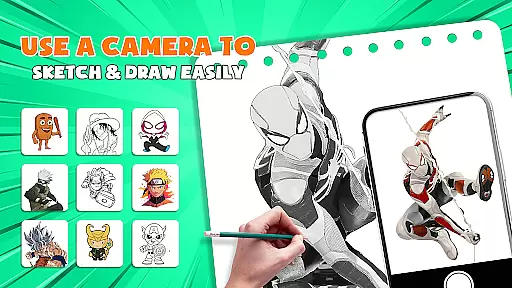
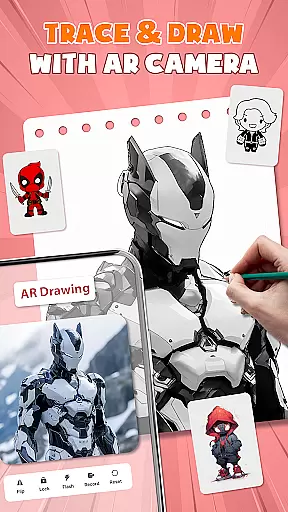
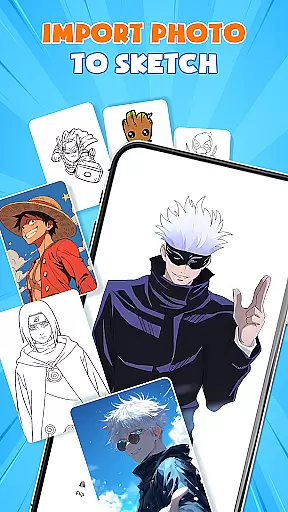
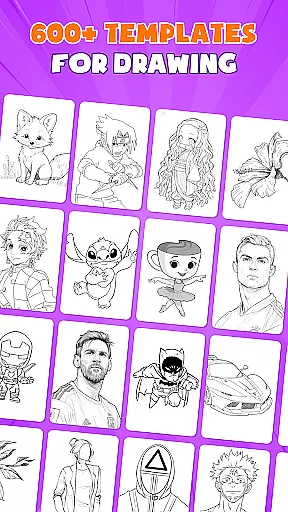
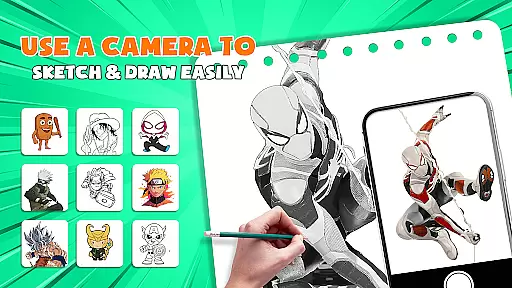
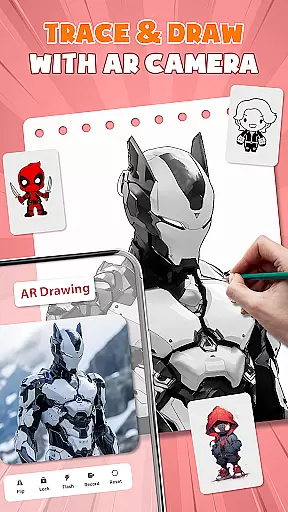
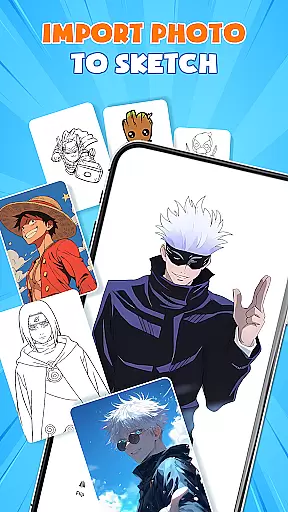
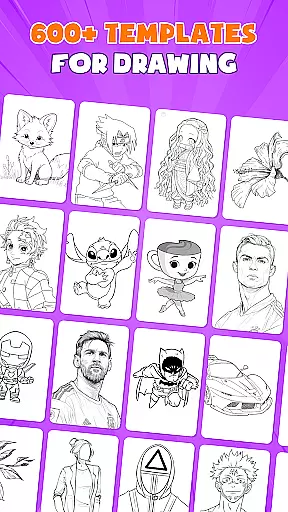
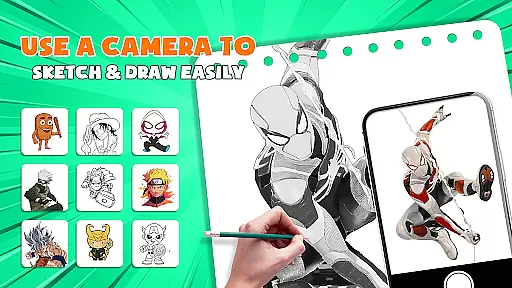
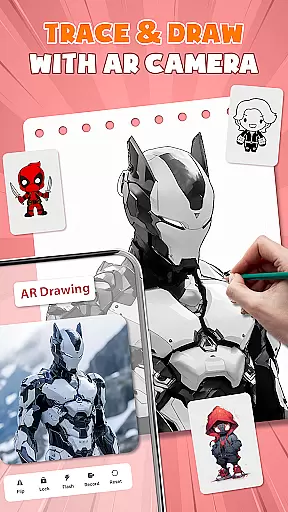
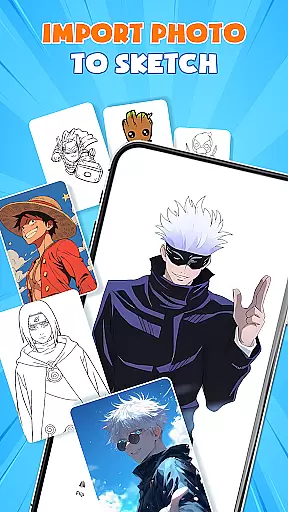
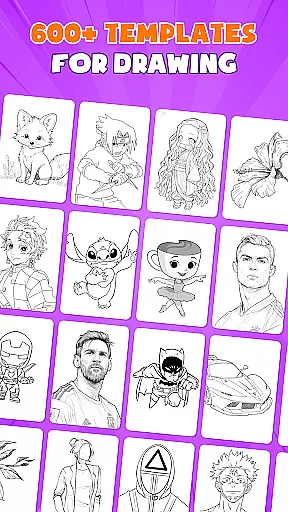
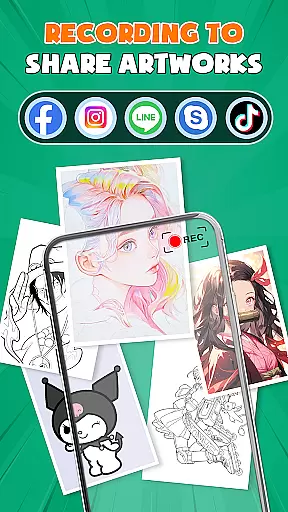
AR Drawing - Paint & Sketch is an innovative art application that combines augmented reality with traditional drawing techniques. This app allows users to create anime-style artwork using advanced AR tracing and sketching tools. With features like AR projection, precise tracing overlays, and a vast library of free templates, it caters to both beginners and professional artists.
The app's standout capability is its AR anime drawing mode, which provides step-by-step tutorials and preset effects for creating stunning anime illustrations. Users can import images, adjust parameters in AR view, and trace directly onto paper or canvas using their mobile device as a guide. The application also incorporates game-like elements and community features, making it more than just a drawing tool.
This versatile art application is particularly useful for artists who want to digitize their workflow while maintaining the authenticity of hand-drawn techniques. The combination of traditional sketching methods with modern AR technology creates a unique artistic experience that can help users improve their skills while producing professional-quality artwork.
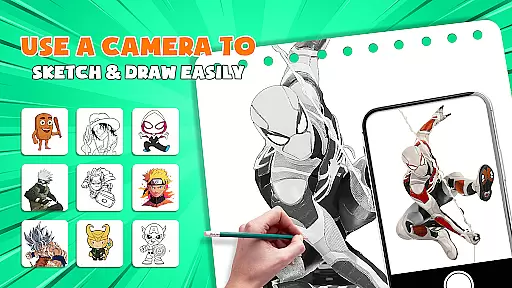
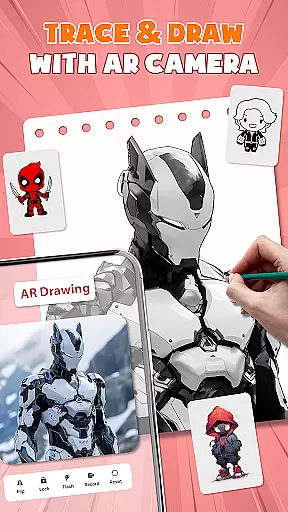
AR Drawing - Paint & Sketch distinguishes itself through its comprehensive set of features designed for various artistic needs. The application's AR projection capability transforms any smartphone into a portable lightbox, enabling precise tracing of images. This feature is complemented by advanced color tools that include vibrant brushes, shading options, and layer management similar to professional desktop applications.
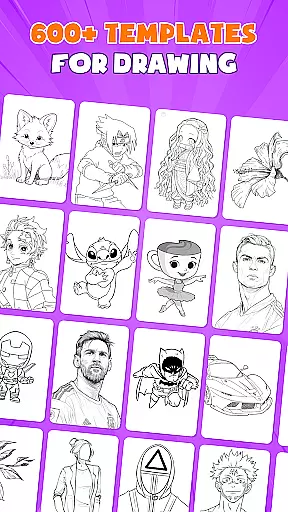
The Anime Studio mode offers specialized tools for creating Japanese-style illustrations, including pre-made templates, sketch filters, and drawing guides. These features are enhanced by the app's extensive template library containing over 1000 free samples, ranging from basic shapes to complex character designs. The inclusion of tattoo and pencil art modes further expands the creative possibilities beyond traditional painting.
What sets this application apart is its seamless integration of practical tools with community engagement features. Artists can participate in drawing competitions, share their work with others, and receive feedback through the built-in social platform. The app maintains an intuitive interface despite its sophisticated capabilities, making it accessible to users of all skill levels while delivering professional-grade results.
AR Drawing - Paint & Sketch offers an extensive suite of creative tools that cater to both amateur and professional artists. The app includes AR projection and tracing features, allowing users to turn their devices into mobile projectors for precise sketching. This functionality bridges the gap between traditional drawing methods and modern technology, providing a seamless experience.
In addition to its projection capabilities, the app provides a full range of painting features. Users can experiment with vibrant brushes, shading techniques using the AR pencil drawing mode, and explore various art styles within a single platform. These comprehensive tools ensure that artists have everything they need to create detailed and colorful artwork.
The inclusion of an Anime Studio mode further enhances the creative possibilities. With specialized AR drawing anime tutorials, presets, and sketch effects, users can delve into the specific genre of anime art. This targeted approach helps users master the unique aesthetics of anime drawing while offering preset guides and overlays to assist in the creative process.
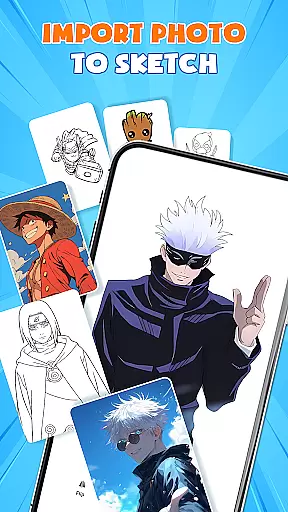
By integrating over 1000 free sketch templates and enabling picture importing, AR Drawing - Paint & Sketch ensures that artists have a vast library of resources at their disposal. Whether importing images from a gallery or selecting from built-in templates, users can easily transform any photo into instant artwork. This versatility supports a wide array of artistic endeavors, making it an invaluable tool for creators.
One of the standout features of AR Drawing - Paint & Sketch is its remarkable canvas and format flexibility. Artists can adjust the size, position, and transparency of their projects directly within the AR view. This adaptability allows users to customize their workspace according to their specific needs, ensuring optimal comfort and precision while creating art.
The app supports a variety of drawing modes, including tattoo and pencil art options. This means users can switch between different styles such as realistic tattoos or finely detailed pencil sketches without limitations. Such diversity in format options empowers artists to explore multiple mediums and techniques, broadening their creative horizons.
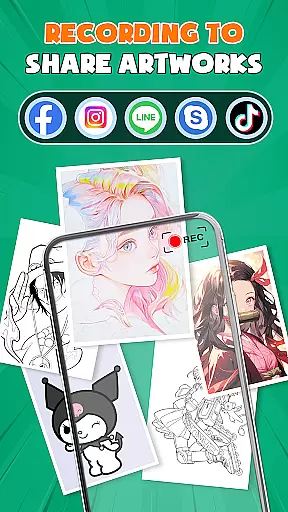
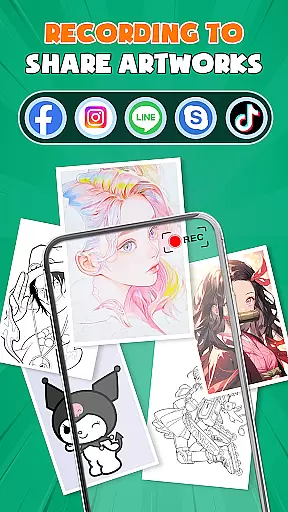
Furthermore, AR Drawing - Paint & Sketch facilitates easy sharing and exporting of finished pieces. Once an artwork is complete, users can save, export, or share their creations directly from the app. This streamlined process ensures that artists can effortlessly distribute their work across various platforms or store them in preferred formats, maintaining high-quality standards throughout.
With its user-friendly interface and support for all skill levels, the app removes barriers to entry for newcomers while still offering advanced features for seasoned professionals. Its ability to function on any surface without requiring bulky tools makes it highly versatile. As a result, AR Drawing - Paint & Sketch stands out as a flexible and powerful solution for modern artists seeking innovative ways to express their creativity.
User-friendly interface
Extensive template library
Advanced AR tracing
Vibrant color options
Active artist community
Requires steady hand
Learning curve present
Premium features locked
Device compatibility issues
Occasional glitches

Create sweet, cool and unique couple avatars easily, in just a few steps!
 3.40
3.40
Design unique, funny and adorable cat stickers that reflect your own style!
3.80
Draw Trace image sketch by, AR art projector app, Easy to trace any image.
4.50
Retouch photos. Create or edit images. Endless capabilities.
2.70
Create and Design Custom Logos in Seconds with AI-Powered Tools!
4.40
Video AI: Revolutionize Your Content Creation with Advanced Video Generation
4.50
Sketch and paint on your device with the feel and freedom of drawing on paper
4.00
An intuitive, high-performance painting app that lets you focus on creating
4.40
All-in-One art, logo & collage maker. Design photos and edit video backgrounds
4.80
Learn how to draw with step-by-step tutorials, fun lessons & multiplayer drawing
4.70
Photo editor for art, avatars, filters & fun transformations.
4.60
Image resizer to resize, crop, rotate, flip, change dpi photo or picture in bulk
4.60
The perfect place to start sketching! Use Sketchbook to draw and paint sketches.
4.50
Painting, drawing, & sketching
4.50
Image/ Text to Video Generator
4.40
Floor Plan Creator lets you create, edit and share floor plans.
4.00
Powerful home decoration & house design that allows you to design dream home.
3.80
Create cute cat emojis & PFPs! Fun, custom avatars for cat lovers.
3.70
Experience next-gen icons with a modern liquid glass look.
3.60


User Reviews