
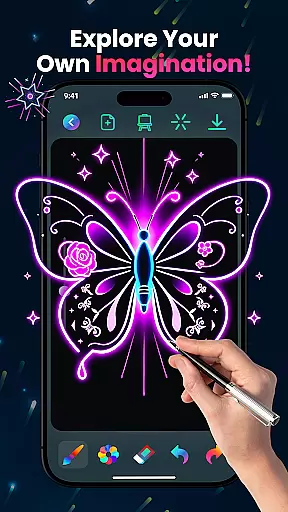
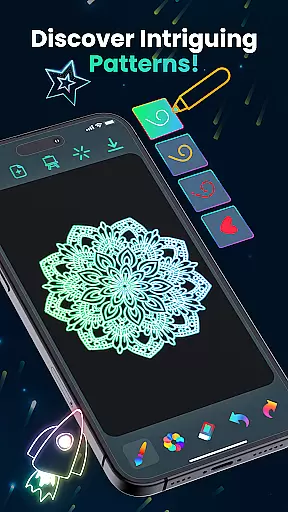
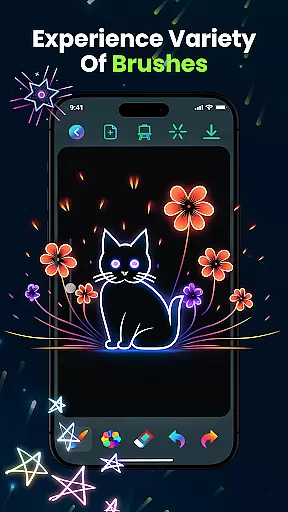
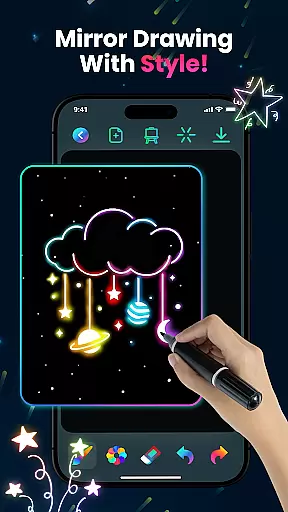
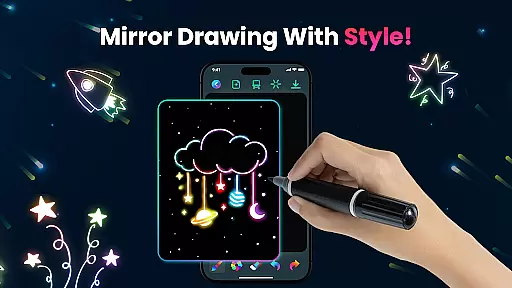
Magic Doodle is an innovative art application designed for both kids and adults who love to express their creativity through digital drawing. The app offers a vibrant canvas where users can explore glowing neon colors and create stunning artworks with ease.
With its intuitive interface, Magic Doodle provides a seamless experience for artists of all skill levels. From glowing brushes to easy sharing options, this app brings ideas to life in a luminous display of artistic expression.
Whether you're sketching for fun or creating detailed designs, Magic Doodle's wide range of features ensures that every user can achieve professional-looking results while enjoying the process of making art.
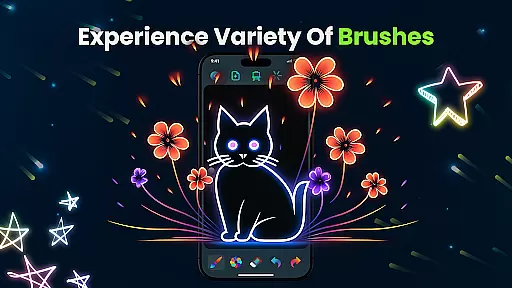
Magic Doodle stands out with its unique set of features tailored for creative minds. The app includes glowing brushes and sketch tools that allow users to craft mesmerizing neon artworks effortlessly.
One of the key highlights is the vibrant color palette, offering endless possibilities for artistic exploration. Users can easily undo and redo actions, ensuring a stress-free creative process while saving and sharing their masterpieces directly from the app.
The kid-friendly design makes it accessible for younger audiences, while advanced options cater to professional artists. This combination of simplicity and functionality positions Magic Doodle as a versatile tool in the Art & Design category.
In the realm of digital art, having a comprehensive set of creative tools is essential for bringing artistic visions to life. Magic Doodle offers an impressive array of features that cater to both budding artists and seasoned professionals.
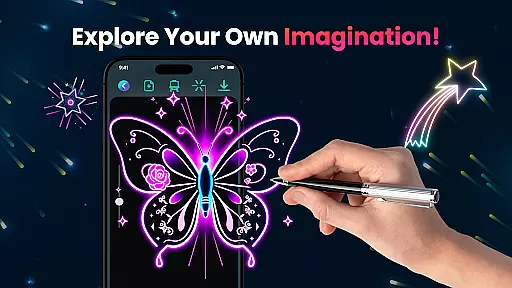
With its vibrant neon glow colors and glowing brushes, users can explore a wide spectrum of mesmerizing hues and sketching options. The app provides intuitive tools that mimic the experience of painting with glowing brushes on a vast canvas, ensuring every stroke contributes to a stunning piece of art.
Magic Doodle stands out by offering unlimited creativity with easy-to-use undo and redo functions, allowing artists to experiment without fear of making mistakes. This encourages exploration and learning, which is particularly beneficial for younger users or those new to digital art.
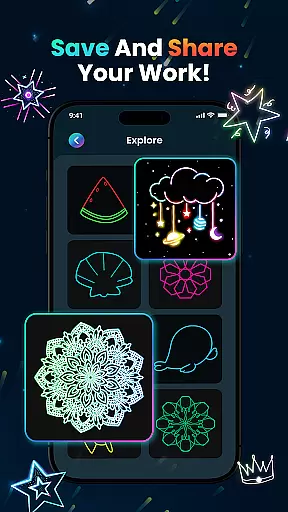
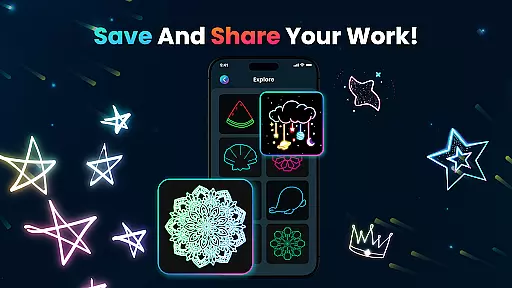
The ability to save and share artworks directly from the app enhances the user experience, making it simple to distribute creations across social media platforms. This feature not only showcases the app's dedication to creative tool completeness but also fosters a community where users can exchange ideas and inspiration.
A versatile drawing canvas is crucial for artists who wish to express their creativity without limitations. Magic Doodle excels in providing canvas and format flexibility, catering to various artistic needs and preferences.
The app offers a wide drawing canvas that supports different types of artwork, from simple doodles to complex neon sketches. This expansive space allows artists to work on projects of varying scales, ensuring they are not constrained by the size or format of the canvas.
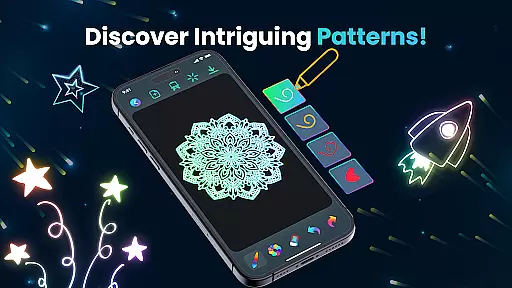
Magic Doodle's interface is designed to accommodate all skill levels, presenting an easy-to-navigate platform where users can adjust settings to suit their style. Whether opting for freehand drawing or using predefined images as a base, the app adapts to the artist's chosen method.
Furthermore, the kid-friendly nature of Magic Doodle ensures that even young artists can enjoy painting with fingers or utilizing templates. This adaptability makes the app suitable for family use, promoting creativity across generations while maintaining professional standards for more experienced users.
User-friendly interface
Vibrant neon colors
Undo and redo functionality
Easy sharing options
Kid-friendly design
Limited advanced tools
No cloud backup
Fewer brush options
Ads may interrupt
Premium features locked

Image/ Text to Video Generator
 4.40
4.40
Create stylish invitation cards using templates for weddings, birthdays & RSVP.
4.20
Passport size photo maker, create ID photo and visa photo in seconds
4.80
The perfect place to start sketching! Use Sketchbook to draw and paint sketches.
4.50
Draw Trace image sketch by, AR art projector app, Easy to trace any image.
4.50
Resize photos and print photos in exact size with our powerful photo printer!
3.80
Bring One UI 8.5 Icons to life -elegant dark icons with a modern, premium touch.
4.30
Share the joy of painting with ibis Paint! Drawing anime and manga art.
4.50
Turning simple sketches into captivating tales filled with life and motion
3.90
Image resizer to resize, crop, rotate, flip, change dpi photo or picture in bulk
4.60
Kling AI is an image and video generation and editing studio powered by AI.
4.50
Photo blender app to create overlay photos & double exposure.
4.40
Just trace a projected picture on paper and color! Draw & Paint with AR drawing
4.40
AI generated images & photos, turn your words into drawing, painting & pictures.
4.30
Trace, draw, and create art with AR - from memes to masterpieces!
4.30
800+ Drawing, Painting Lessons App to Practice, Sketch & Paint Art.
4.30
Digital Drawing: Draw & Paint
4.10
Inky runs Inkscape on Android devices and Chromebooks
2.90
Android 14 style widgets and wallpapers app.
4.3


User Reviews