
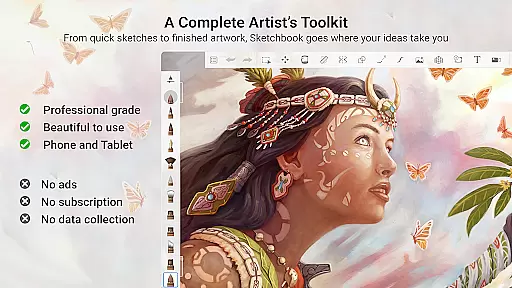
Sketchbook is a premier digital art studio designed for artists, illustrators, and creative enthusiasts who require professional-grade tools on their mobile devices. This application allows users to create anything from quick sketches to fully finished artwork with an intuitive interface that supports the creative process.
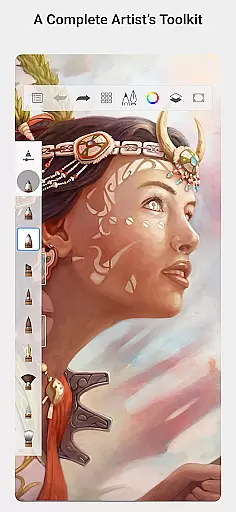
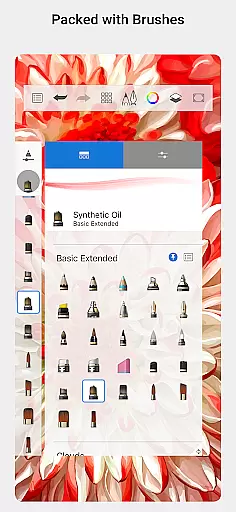
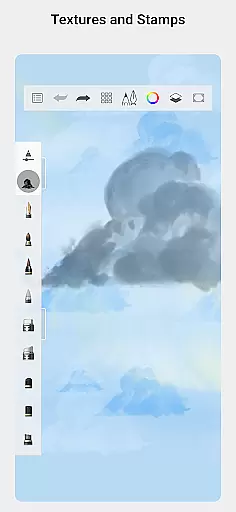
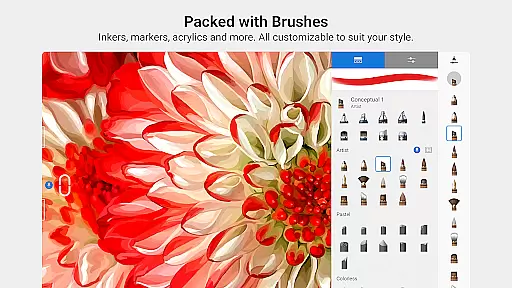
The app offers a comprehensive set of brushes including pencils, markers, airbrushes, and smear tools that emulate physical counterparts. With customizable brushes, guides, rulers, stroke tools, and layers with blend modes, Sketchbook provides all the necessary features to produce detailed and expressive drawings.
Whether you're an amateur artist or a seasoned professional, Sketchbook's distraction-free interface helps you focus on capturing and expressing your ideas, making it an ideal tool for nurturing creativity on the go.
Sketchbook stands out with its extensive array of brush types that include pencils, markers, airbrushes, and smear tools, each designed to mimic real-world drawing instruments. These brushes are not only diverse but also highly customizable, allowing artists to fine-tune their work to achieve desired effects.
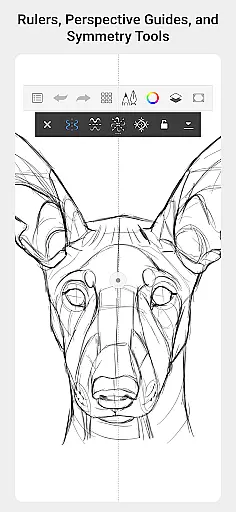
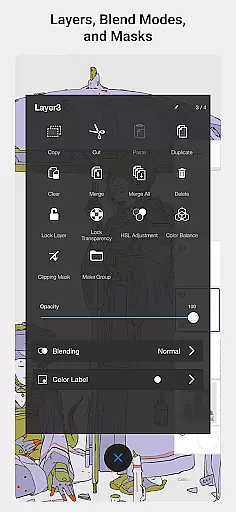
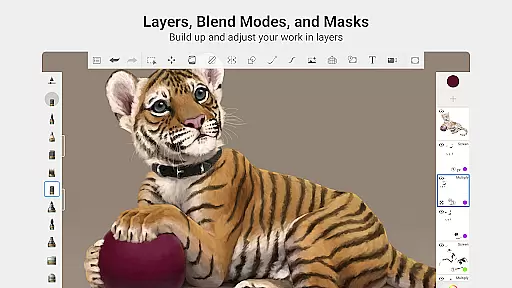
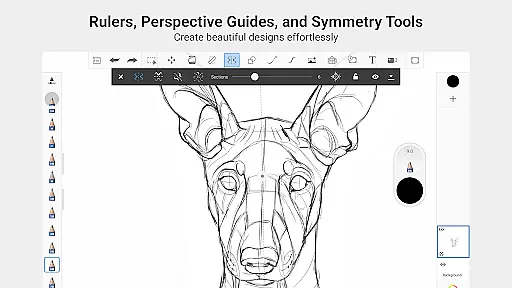
In addition to its impressive brush engine, Sketchbook includes precision tools such as guides, rulers, and stroke options that support meticulous artwork. The app's layer functionality comes complete with blend modes, offering artists the flexibility to explore complex drawings and color compositions without limitations.
Designed with the user in mind, Sketchbook's elegant interface remains unobtrusive, ensuring that creators can concentrate on their art without any distractions. This seamless integration of powerful features within a clean design makes Sketchbook an essential app for anyone serious about digital art.
Sketchbook offers a comprehensive suite of creative tools that cater to both amateur and professional artists. The app includes a full range of brush types such as pencils, markers, airbrushes, and smear tools, each designed to mimic their physical counterparts. This attention to detail ensures that users can achieve the same effects digitally as they would with traditional media.
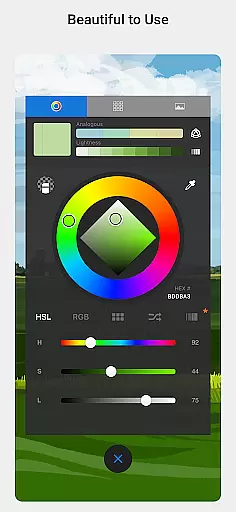
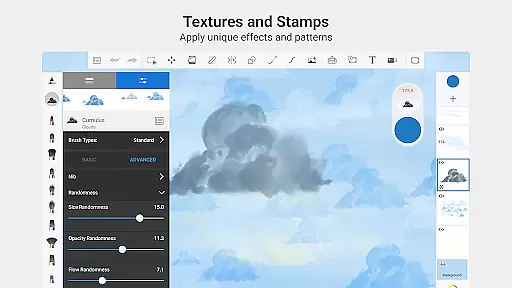
One standout feature is the ability to customize brushes extensively. Users can adjust settings to create unique brush styles tailored to their specific needs. This flexibility allows for endless creativity and personal expression in every stroke. Additionally, the inclusion of guides, rulers, and stroke tools provides precision when needed, making it easier to execute detailed artwork.
The app also supports layers with various blend modes, offering the flexibility to build up drawings and explore color combinations without affecting the original work. This non-destructive editing approach is crucial for artists who wish to experiment while maintaining the integrity of their initial sketches. With these robust features, Sketchbook empowers users to bring their artistic visions to life.
Sketchbook excels in providing canvas and format flexibility, ensuring that artists have the freedom to work on projects of any size or resolution. Whether you're sketching quick ideas or creating fully finished artwork, the app accommodates different canvas dimensions and resolutions, allowing for high-quality output suitable for both digital and print formats.
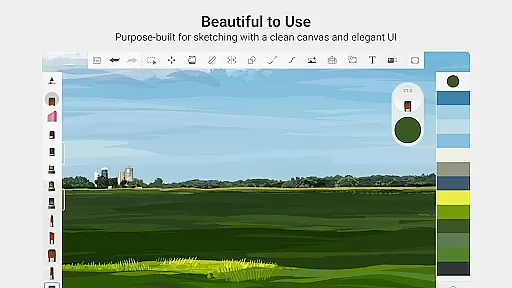
The interface is purpose-built for sketching, featuring a clean and unobtrusive design that lets users focus on their art without distractions. This streamlined environment enhances productivity by keeping essential tools accessible while minimizing clutter. Furthermore, the app's support for multiple file formats ensures compatibility with other software used in professional workflows.
Artists can seamlessly switch between different canvas sizes and orientations, adapting their workspace to fit the project requirements. This adaptability not only enhances the creative process but also saves time by eliminating the need for manual adjustments. Overall, Sketchbook's canvas and format flexibility make it an indispensable tool for artists seeking versatility and precision in their work.
User-friendly interface
Extensive brush library
Highly customizable tools
Precision drawing aids
Professional-grade features
Steep learning curve
Subscription fees apply
Limited free features
Advanced tools may overwhelm beginners
Requires high-end device for optimal performance

The ultimate tool for creating animations
 4.60
4.60
Learn how to draw with step-by-step tutorials, fun lessons & multiplayer drawing
4.70
Floor Plan Creator lets you create, edit and share floor plans.
4.00
AI Assistant, powered by ChatGPT GPT-4 & GPT-4o. Your intelligent companion.
3.50
AI Face Swap, Video Effects Editor, Realtime Morph, Funny Video FX,AI Filters
3.70
Your Essential Color Theory Guide: Red, Yellow, Blue (RYB)
4.1
AI Art Generator transforms your words into AI generated art & paintings.
3.70
Turn your drawings into flipbook-style animations with simple creative tools
4.60
Resize photos and print photos in exact size with our powerful photo printer!
3.80
Photo stitcher for automatically screenshot stitching into a long screenshot
4.70
Novices can also easily complete diamond painting masters
4.70
Painting, drawing, & sketching
4.50
Kling AI is an image and video generation and editing studio powered by AI.
4.50
Design your dream room with AI. Get decor ideas & plan home interiors
3.90
Design unique, funny and adorable cat stickers that reflect your own style!
3.80
Your homescreen as an elegant glass with customized blur, lighting, and visuals.
3.70
Create sweet, cool and unique couple avatars easily, in just a few steps!
3.40
Premium version of Shimeji-ee app with no ads & no limit active shimeji
4.3
Art of Combination Wear OS Watch Faces
4.0


User Reviews