
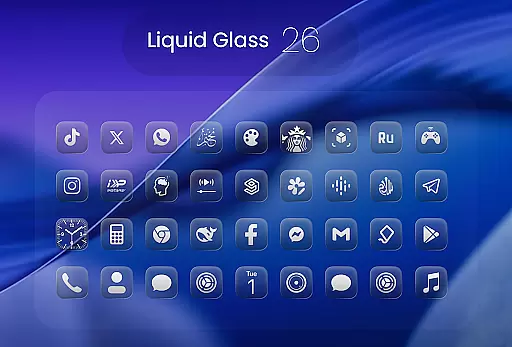
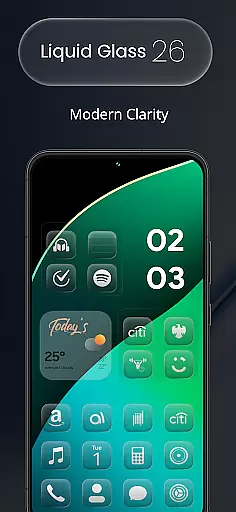
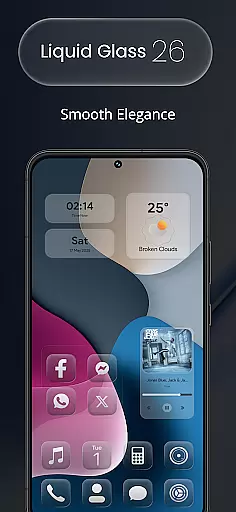
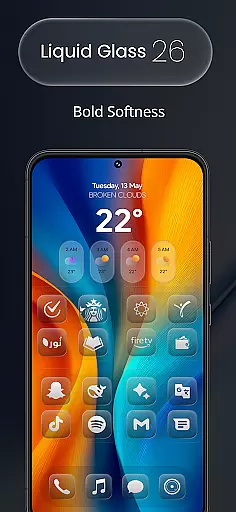
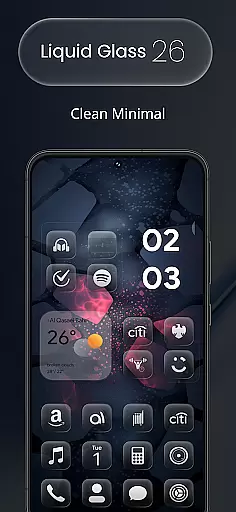
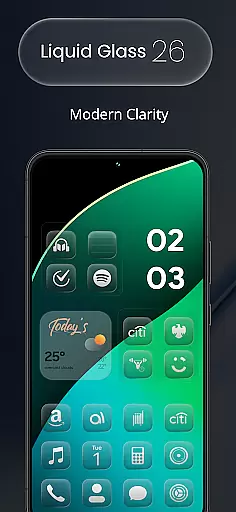
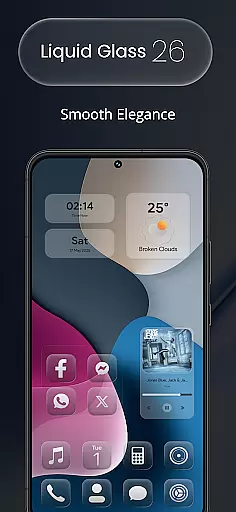
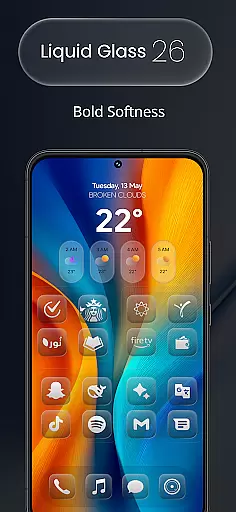
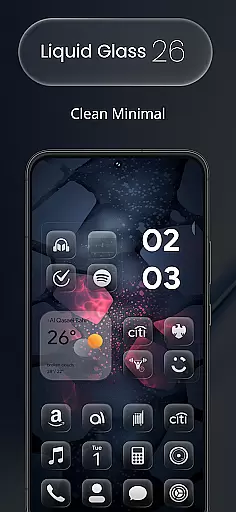
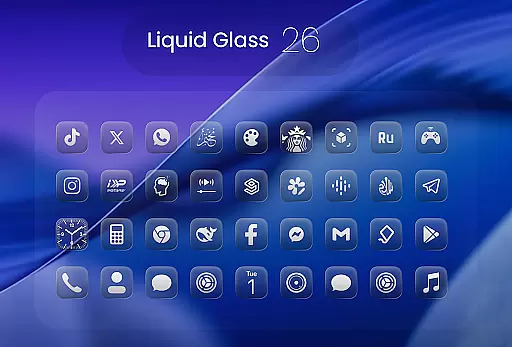
Liquid Glass 26 Icon Pack is a premium customization tool designed for users seeking a sleek, futuristic aesthetic on their devices. Inspired by the translucent elegance of iOS 26, this pack offers over 2500 handcrafted icons that blend glassmorphism with minimal design.
Each icon is meticulously crafted to provide a fresh and vibrant look, making it adaptable to various launcher preferences such as Nova, Smart, and Lawnchair. With dynamic calendar support and multiple alternate icons for popular apps, Liquid Glass 26 ensures your home screen stands out.
The Liquid Glass 26 Icon Pack boasts an array of features tailored for both functionality and aesthetics. With more than 2500 high-quality icons at launch, the collection continues to grow, ensuring users have access to the latest designs.
Inspired by the Liquid Glass aesthetic of iOS 26, the pack includes multiple alternate icons for popular applications, enhancing personalization options. It supports all major launchers and provides dynamic calendar functionality, allowing seamless integration into any setup.
When it comes to design and customization, having a comprehensive set of creative tools is essential. Liquid Glass 26 Icon Pack offers over 2500 handcrafted icons in its initial release, ensuring that users have a wide variety of options to choose from.
The pack doesn't stop at just quantity; each icon is crafted with attention to detail, inspired by the translucent elegance of iOS 26's Liquid Glass aesthetic. This means users can expect not only a large number of icons but also high-quality designs that bring a fresh, futuristic look to their devices.
In addition to the extensive selection of icons, the pack supports all major launchers such as Nova, Smart, and Lawnchair, making it versatile for different user preferences. The inclusion of dynamic calendar support further enhances its appeal, providing functionality alongside aesthetics.
For those seeking sleek aesthetics or vibrant layouts, this icon pack adapts seamlessly, offering multiple alternate icons for popular apps and ensuring that no matter your style, Liquid Glass 26 has you covered.
A standout feature of any premium icon pack is its ability to offer flexibility in terms of canvas and format compatibility. Liquid Glass 26 excels in this area by providing users with an adaptable experience that caters to various needs.
Each icon within the pack is designed to blend glassmorphism with minimalistic elements, creating a unique visual language that works harmoniously across different platforms. Whether you're using a custom launcher or sticking with the default setup, these icons promise to deliver a consistent look and feel.
Moreover, the pack includes support for dynamic calendars, which adds another layer of personalization and utility. Users can enjoy both static and dynamic visuals without compromising on quality or performance.
With ongoing updates and new designs regularly added, Liquid Glass 26 ensures that users always have access to the latest trends in digital artistry while maintaining backward compatibility with older formatsu2014a true testament to its commitment to canvas and format flexibility.
High-quality icons
Wide launcher support
Dynamic calendar
Frequent updates
Custom requests
Premium cost
Initial learning curve
Limited Android widgets
No live previews
Device compatibility

Customizable Outlined Fonts. Watch Face Format. Battery friendly Digital Clock.
 4.20
4.20
Create sweet, cool and unique couple avatars easily, in just a few steps!
3.40
Image/ Text to Video Generator
4.40
Custom Character Creator & PFP Maker!
4.20
Convert image to JPG PNG HEIC PDF, support almost all kinds of image formats
4.70
Art of Combination Wear OS Watch faces (for Wear OS 5+ devices)
3.90
Share the joy of painting with ibis Paint! Drawing anime and manga art.
4.50
Create Logos, Tattoos, AI Art & more with our AI Photo Generator & Design Editor
4.20
All-in-One art, logo & collage maker. Design photos and edit video backgrounds
4.80
Novices can also easily complete diamond painting masters
4.70
The ultimate tool for creating animations
4.60
Digital, Abstract, Classic - all types of color wheels in one app!
4.60
Draw anime & manga drawing, art with templates to create stunning picture!
4.50
Just trace a projected picture on paper and color! Draw & Paint with AR drawing
4.40
Bring One UI 8.5 Icons to life -elegant dark icons with a modern, premium touch.
4.30
Unleash Your Creativity with Draw Cartoon - AR Drawing App
4.10
OneUI 8.5 icons ✨ Smooth, modern & based on the latest Play Store design ??
4.10
AI Art Generator transforms your words into AI generated art & paintings.
3.70
Meet the magic aı 3d photo generator and smart AI video generator app.
3.20


User Reviews