
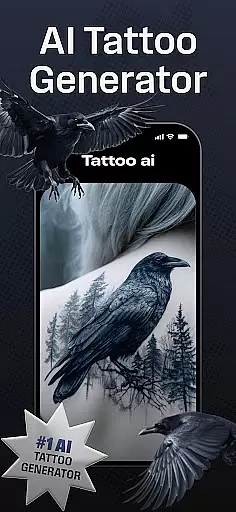
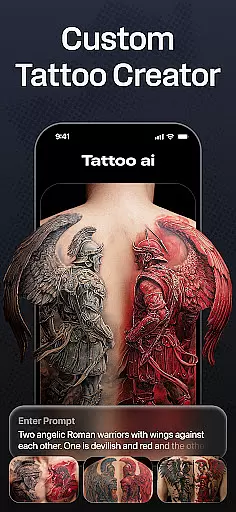
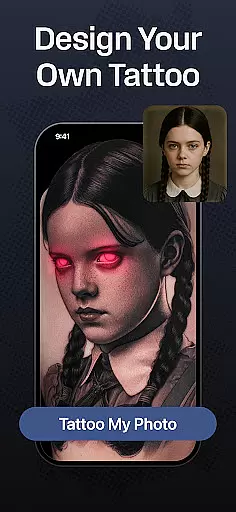
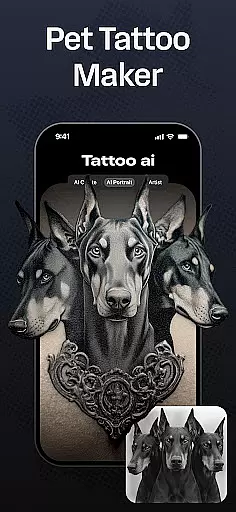
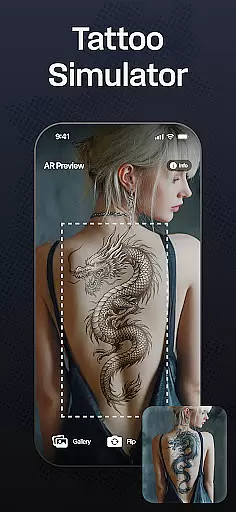
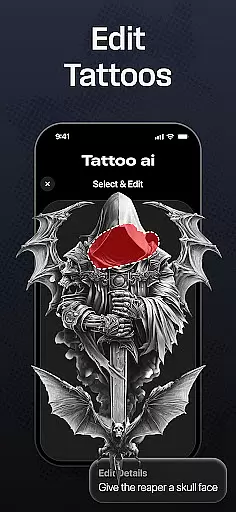
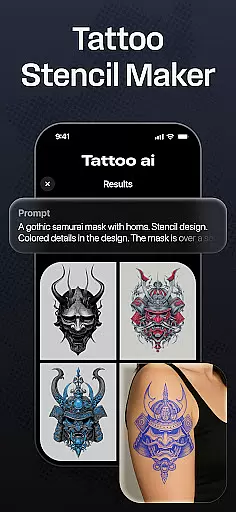
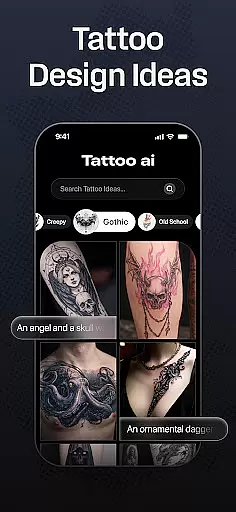
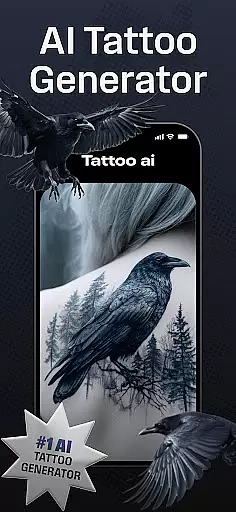
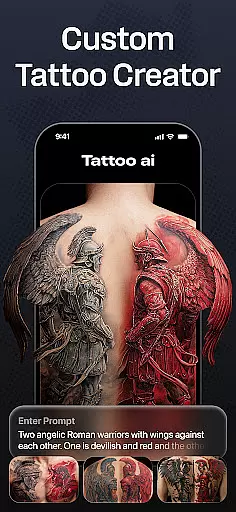
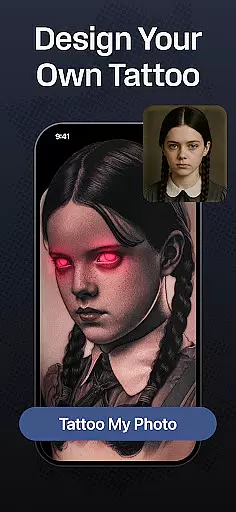
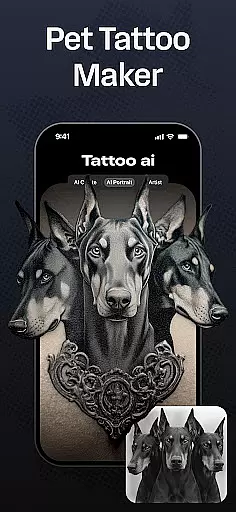
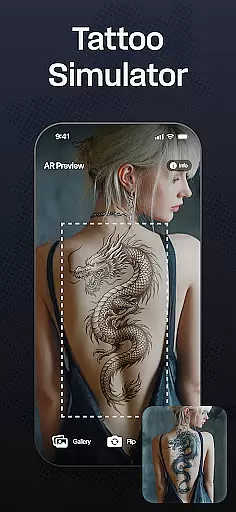
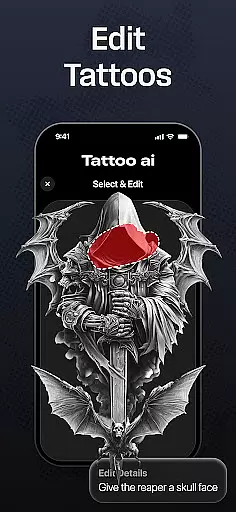
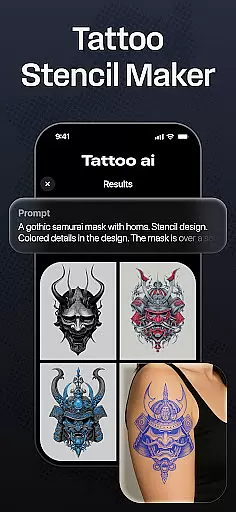
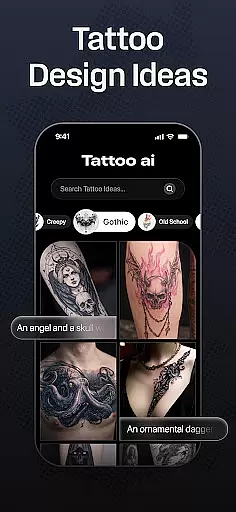
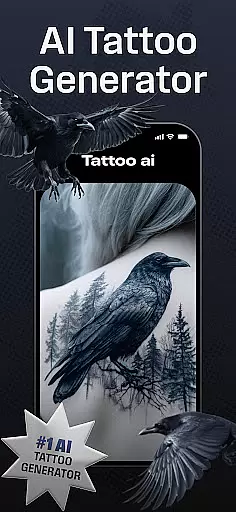
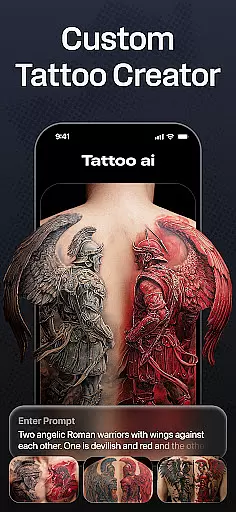
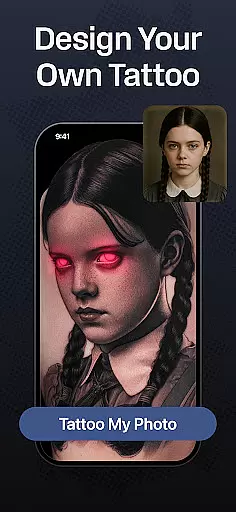
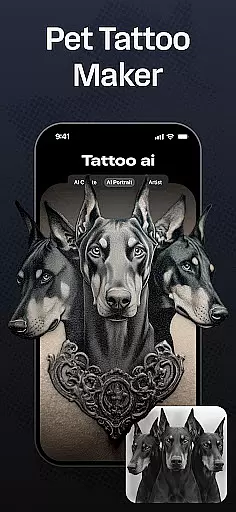
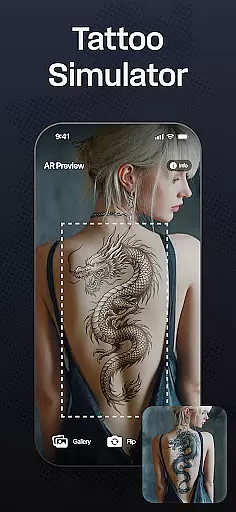
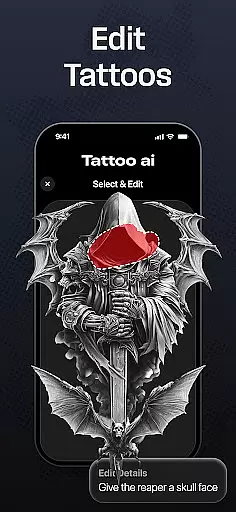
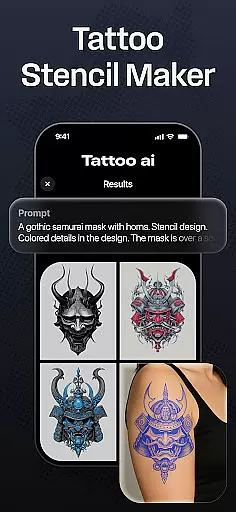
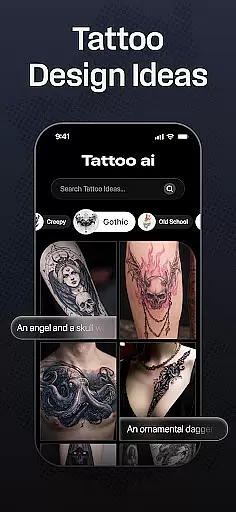
Tattoo AI is a revolutionary app in the Art & Design category, designed to help users effortlessly create unique and personalized tattoo designs. At its core, the app features an advanced AI tattoo generator that transforms user inputs into tailored designs across various styles including black & white, Japanese, tribal, and even text-based tattoos.
Whether you're a tattoo enthusiast seeking inspiration or a professional artist looking for design ideas, Tattoo AI offers diverse customization options. Users can visualize tattoos on different body parts, save their favorite designs, and share them with others. This makes it easier than ever to finalize your perfect tattoo while saving time and effort.
Tattoo AI stands out with its cutting-edge AI tattoo generator, which serves as the heart of the app. By entering simple ideas or themes, users receive custom tattoo designs that match their preferences. The app supports multiple styles such as timeless black & white, intricate Japanese art, bold tribal patterns, and creative gaming-inspired designs.
In addition to style variety, Tattoo AI provides tools for text-based tattoos, allowing users to input meaningful quotes or phrases. These are transformed into beautifully styled tattoos with customizable fonts. Another key feature is full-body customization, enabling users to visualize how a tattoo will look on specific body parts before making any commitments.
The app also includes high-quality tattoo stencils, perfect for artists who want to bring digital designs to life. With easy saving and sharing functionalities, Tattoo AI ensures users can gather feedback and refine their designs efficiently.
In the realm of digital artistry, having access to comprehensive creative tools is paramount. Tattoo AI stands out by offering an extensive suite of features that cater to both tattoo enthusiasts and professional artists. At its core, the app provides a powerful AI tattoo generator that transforms user inputs into unique designs, effectively acting as a personal tattoo artist in your pocket.
Beyond the AI-driven design generation, Tattoo AI supports diverse style options ranging from classic black and white to intricate Japanese and tribal patterns. This ensures that users can explore and create within various artistic traditions, accommodating different tastes and cultural influences. The inclusion of customizable text-based tattoos further enriches the creative process, allowing for meaningful quotes or phrases to be artistically rendered.
For those focused on the practical aspects of tattooing, the app facilitates full-body customization and visualization. Users can experiment with placements and sizes, seeing how a design would look on different body parts before making any permanent decisions. Additionally, high-quality tattoo stencils can be produced from these digital designs, bridging the gap between concept and reality.
The true value of Tattoo AI's complete toolkit lies in its ability to save time while enhancing artistic freedom. By streamlining the brainstorming and sketching phases, it enables users to concentrate on refining their vision and exploring creative possibilities without being bogged down by technical limitations.
Flexibility in canvas and format options is essential for unleashing full creative potential in tattoo design. Tattoo AI addresses this need by providing versatile tools that allow users to customize their creations extensively. Whether you're designing a small, discreet tattoo or planning an elaborate sleeve, the app accommodates varying scales and complexities with ease.
The app's AI tattoo generator works seamlessly across different formats, ensuring that each design maintains its integrity and detail regardless of size or placement. Users can input their ideas and watch as the AI adapts them into stunning visuals tailored for specific body parts, preserving the intended aesthetic and meaning.
Tattoo AI also excels in offering diverse style options that cater to individual preferences and cultural influences. From minimalist black and white sketches to vibrant, detailed color pieces, the app supports multiple artistic expressions. This adaptability extends to text-based tattoos, where users can choose from various fonts and styles to create personalized inscriptions that resonate deeply with their identity.
Ultimately, the flexibility provided by Tattoo AI empowers both amateur designers and seasoned tattoo artists to push creative boundaries. By enabling easy adjustments and experimentation with different formats and styles, the app fosters an environment where innovation thrives, resulting in truly unique and customized tattoo designs.
User-friendly interface
Wide style variety
Custom tattoo stencils
Body part visualization
AI-powered personalization
Limited free features
Premium subscription cost
Design refinement needed
Occasional AI inaccuracies
Device compatibility issues

AI Assistant, powered by ChatGPT GPT-4 & GPT-4o. Your intelligent companion.
 3.50
3.50
Trace, draw, and create art with AR - from memes to masterpieces!
4.30
Remove Background, Magic Eraser, Photo Enhancer, Story Templates, Collage Maker
4.30
Digital, Abstract, Classic - all types of color wheels in one app!
4.60
Painting, drawing, & sketching
4.50
Photo stitcher for automatically screenshot stitching into a long screenshot
4.70
Video AI: Revolutionize Your Content Creation with Advanced Video Generation
4.50
Just trace a projected picture on paper and color! Draw & Paint with AR drawing
4.40
All-in-One art, logo & collage maker. Design photos and edit video backgrounds
4.80
Novices can also easily complete diamond painting masters
4.70
The ultimate tool for creating animations
4.60
Draw beautiful mandala's very easily
4.60
Draw glowing spinners, relax, and spin your creative art
4.60
Draw, fidget, and spin glow art! Relax and express your creativity with a finger
4.60
Nano Banana AI Image Generator, Anime Filter, AI Portrait, AI Photo Generator
4.30
Paint with oils and sketch with natural tools on a realistic virtual canvas.
3.80
Art of Combination Wear OS Watch Faces
3.30
Transform photos into amazing monochrome dither art with professional algorithms
4.2
Your Essential Color Theory Guide: Red, Yellow, Blue (RYB)
4.3


User Reviews