

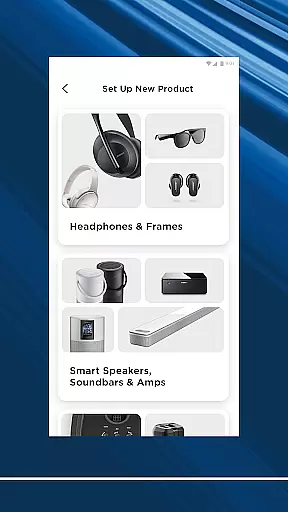
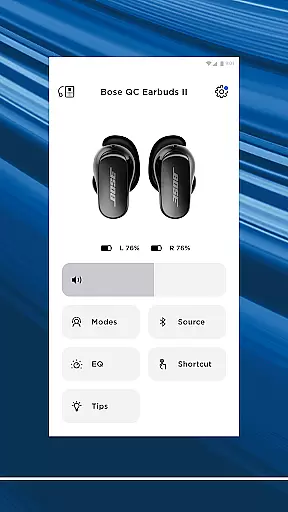
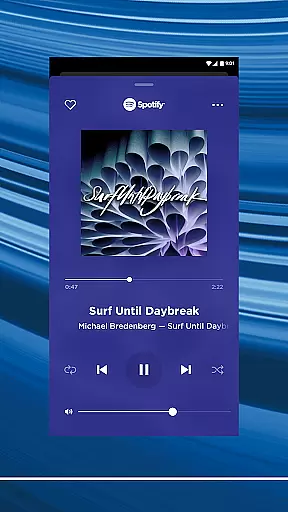
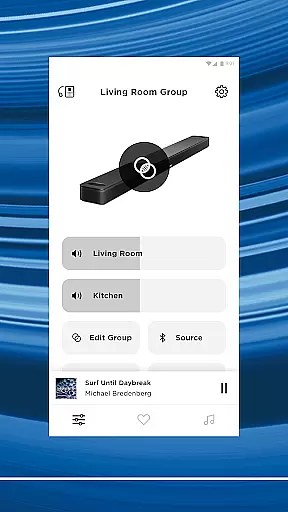
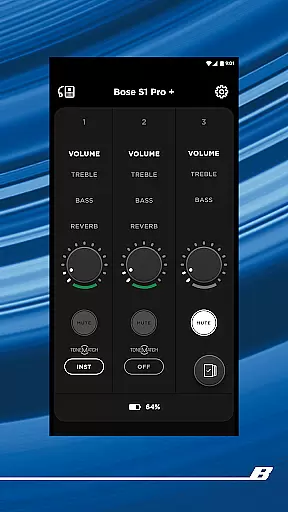

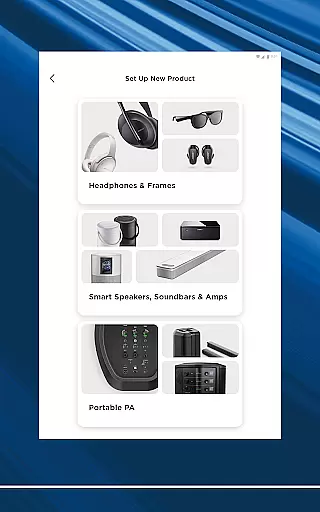
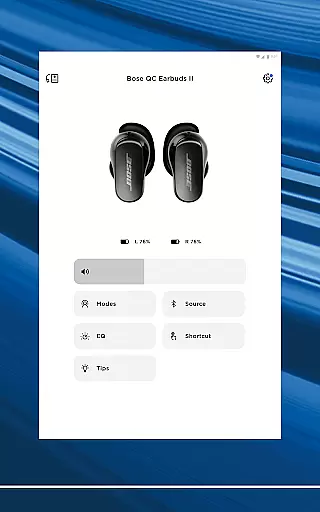
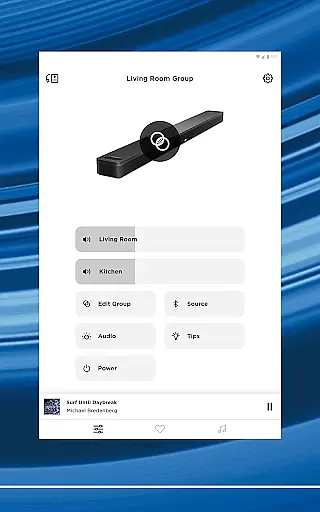
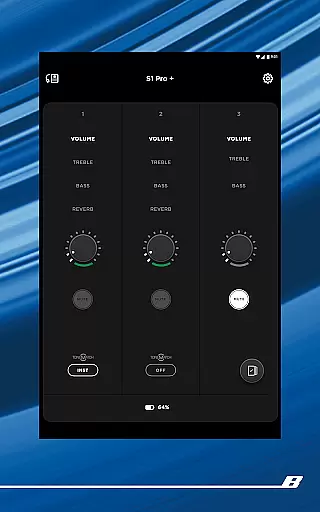

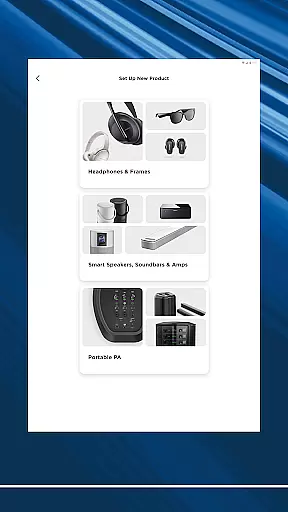
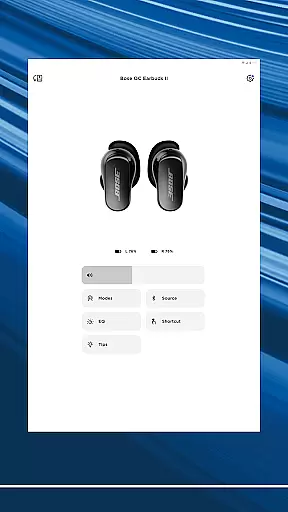
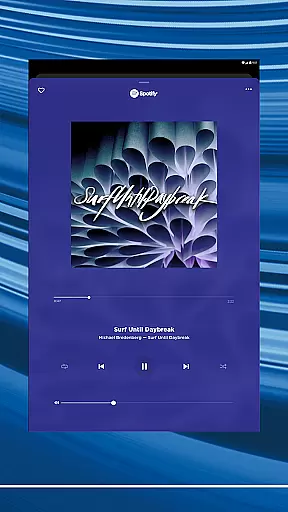
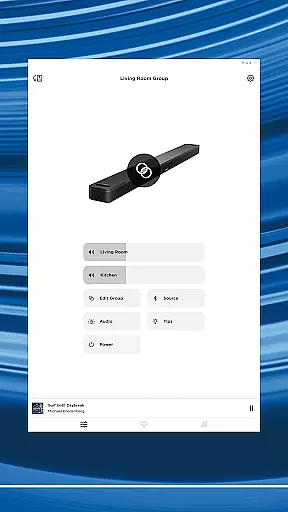
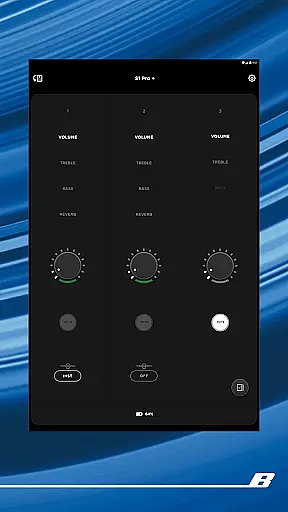
The Bose app is your ultimate control center for all Bose products, allowing seamless management of speakers, soundbars, headphones, and more from a single interface. Designed to enhance your audio experience, the app provides intuitive controls for noise cancellation, EQ settings, and product customization.
Whether you're setting up new devices or controlling existing ones, the Bose app offers effortless navigation and personalized features. Enjoy synchronized music across your home, create custom presets, and access popular streaming services with just a few taps. The app ensures you get the most out of your Bose products while delivering unparalleled convenience and audio quality.
One of the standout features of the Bose app is its ability to personalize your listening environment. With QuietComfort products, you can adjust noise cancellation levels or switch between Quiet Mode and Aware Mode, which uses ActiveSense technology to balance external sounds. This level of customization extends to EQ settings and on-device shortcuts, giving you full control over your audio experience.
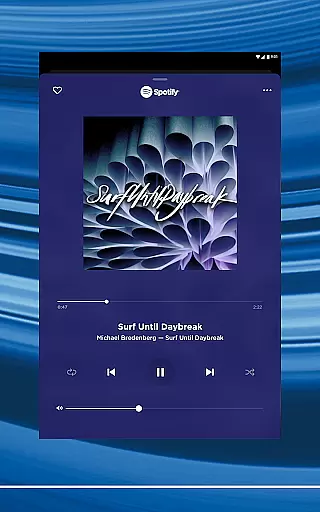
Additionally, the app simplifies multi-room audio setups, enabling users to stream different content in various areas or synchronize playback throughout the home. Integration with major streaming platforms like Spotify, Pandora, and Amazon Music ensures quick access to your favorite tracks. The one-touch preset functionality further enhances ease of use, making it simple to enjoy your preferred playlists instantly.
The Bose app offers seamless integration with major music streaming services like Spotify, Pandora, Amazon Music, SiriusXM, iHeartRadio, and TuneIn. This extensive connectivity provides users access to a vast music library, ensuring they can enjoy a wide variety of audio content from different platforms all within one app.
Each of these services comes with its own licensing agreements and copyright protections, which the Bose app adheres to strictly. This means users can trust that the music they are accessing is legitimate and fully compliant with copyright laws, offering peace of mind while enjoying their favorite tracks.
Furthermore, the app's ability to consolidate multiple services into a single platform not only simplifies the user experience but also enhances the breadth and depth of the available music library. Whether you're in the mood for curated playlists, personalized recommendations, or specific genres, the Bose app ensures that there is something for everyone.
By maintaining strong partnerships with these music providers, Bose guarantees that users have access to the latest hits and timeless classics, continuously updated to reflect current trends and listener preferences. This positions the Bose app as an essential tool for any music enthusiast looking to maximize their listening experience.
One of the standout features of the Bose app is its ability to deliver exceptional audio quality across a range of devices, including speakers, soundbars, headphones, and earbuds. The app leverages advanced audio technologies to ensure that users experience the highest possible sound fidelity, regardless of the source material.
Users can customize their listening experience through adjustable EQ settings, allowing them to fine-tune the audio output to match their personal preferences or the acoustics of their environment. Whether it's enhancing the bass for a more immersive experience or adjusting the treble for clearer vocals, the Bose app puts the power of audio customization in the hands of the user.
In addition to customizable EQ settings, the Bose app supports various high-quality audio formats, ensuring that listeners can enjoy their music in the best possible quality. This commitment to audio excellence is a hallmark of Bose products and underscores the brand's dedication to providing superior sound experiences.
Moreover, features like Immersive Audio from the Ultra line further elevate the listening experience by creating a multidimensional soundscape that brings music to life. With these advanced audio quality options, the Bose app continues to set the standard for what users should expect from their audio devices.
Seamless multi-device control
Customizable audio settings
Wide compatibility with Bose products
Intuitive user interface
Integration with top music services
Limited third-party device support
Occasional connectivity issues
Advanced features require specific models
No offline mode for some functions
Subscription needed for certain integrations

Fun & Easy Voice Changer – Record, Edit & Add Hilarious Effects!
 4.50
4.50
Your HD audio recorder on the go for music, meetings, ambience, animal sounds…
4.30
Over 100 million tracks available for high quality streaming and download
4.60
Advanced 10-Band Audio Graphic Equalizer Sound Booster Pro
4.30
Learn the notes on the guitar fretboard fast with this easy and fun app
4.60
Play KORG’s revolutionary touch-based instrument on a variety of devices.
4.40
Reverse your voice & songs instantly! Fun singing challenge with cool effects.
4.60
Uninterrupted Tunes, Unmatched Vibes
3.90
Play your music offline without limits
4.80
Voice recorder - Audio recorder. Best recorder for recording
4.90
Bass Booster & Volume Equalizer Pro improves your music and video sound quality
4.60
Let your Android device with the sound effects you want
4.50
Formerly known as Spotistats! View your top tracks, artists, albums and more!
4.40
Full featured mp3 and audio player with Chromecast and Android Auto support.
4.40
Time Guru will strengthen your internal sense of musical time via random muting.
4.30
A High-Precision Audio Spectrum Analysis App
4.20
Learn to play the piano using falling notes!
3.80
The Minimalistic Premium Music Player. Handmade with passion for music
2.20
Music Streaming suite for Ampache, Nextcloud Music and compatible backends.
4.0


User Reviews