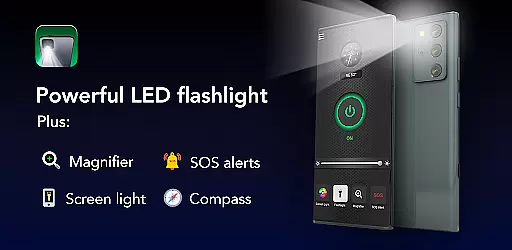
Brightest Flashlight Launcher is a versatile tool that transforms your smartphone into an essential everyday utility. This app combines a high-powered flashlight, magnifying glass, and personal safety features into one convenient package. With instant access to tools like a compass, SOS alerts, and screen light, it's perfect for both emergency situations and daily use.
What sets this app apart is its launcher functionality that redesigns your home screen for optimal accessibility. Users can swipe right for immediate access to key features or utilize the home screen widget displaying time and weather. The app also offers customizable wallpapers and multi-touchpoint search capabilities, making it much more than just a simple flashlight application.
This tool proves invaluable in various scenarios - from navigating dark environments to reading fine print in dim lighting. Its comprehensive feature set makes it particularly useful for outdoor activities, power outages, or any situation requiring portable illumination and magnification.
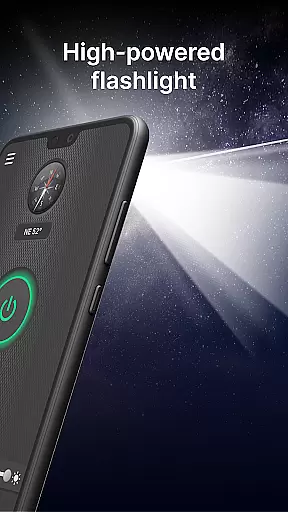
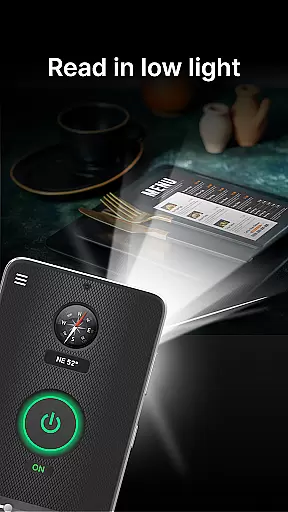
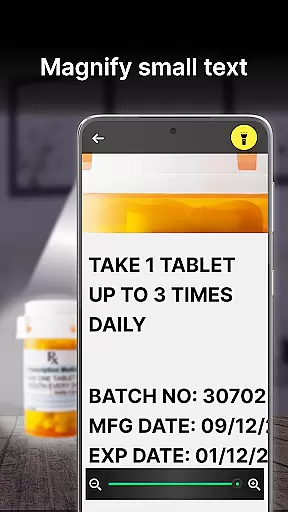
The app boasts an impressive array of features designed to enhance user convenience and safety. At its core is the brightest flashlight function, activated with a single tap, which provides powerful illumination for various situations. The integrated magnifier with adjustable zoom and lighting options makes reading small text or examining objects effortless, even in low-light conditions.
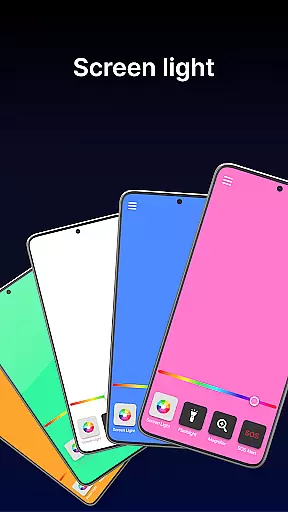
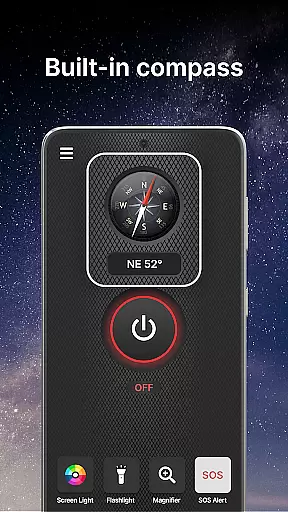
Unique to this flashlight app is its collection of safety features. The built-in compass ensures you'll never lose direction during outdoor adventures, while the SOS alert system can be a literal lifesaver in emergencies. The screen light function creatively utilizes your phone's display as an additional light source, perfect for reading in bed or finding items in the dark.
What truly distinguishes this app is its launcher capabilities. These include one-swipe access to essential tools, customizable home screen widgets showing time and weather, themed wallpapers, and multiple search points for apps and web content. This combination of practical utilities and smart launcher features creates a comprehensive tool that goes beyond basic flashlight functionality.
Flashlight Launcher excels in delivering core functionalities with precision and reliability. The app transforms your smartphone into a versatile tool, offering a powerful flashlight, magnifier, compass, SOS alerts, and screen light. Each feature is designed to provide maximum utility in various scenarios.
The flashlight functionality is engineered for optimal brightness, ensuring visibility in complete darkness. Whether you're navigating uneven sidewalks at night or searching for lost items, the app delivers consistent illumination. The magnifier feature combines with an adjustable light source, making it ideal for reading fine print on product labels or examining objects up close, even in dim lighting.
For outdoor enthusiasts, the built-in compass guarantees accurate navigation during hiking or camping trips. Meanwhile, the SOS alerts serve as a crucial safety feature, emitting a visible signal that can be recognized from a distance. This functionality could prove vital in emergency situations where immediate assistance is required.
Finally, the screen light option allows users to utilize their phone's display as a secondary light source, enhancing visibility in low-light conditions. These features collectively demonstrate Flashlight Launcher's commitment to providing practical, reliable tools that address everyday needs and emergencies alike.
Flashlight Launcher prioritizes user-friendly design through its intuitive interface and straightforward navigation. Upon installation, users will notice a revamped home screen layout that places essential tools within easy reach. This thoughtful arrangement ensures that critical functions like the flashlight, magnifier, and safety tools are accessible with minimal effort.
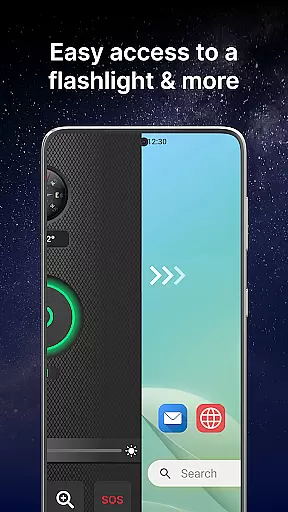
A standout feature is the one-swipe access functionality, allowing users to instantly reach the flashlight, magnifier, and other safety essentials by simply swiping right from the home screen. This seamless interaction reduces the time needed to activate important features, which is especially beneficial in urgent situations. Additionally, the home screen widget provides real-time information such as time and weather, further enhancing convenience without cluttering the interface.
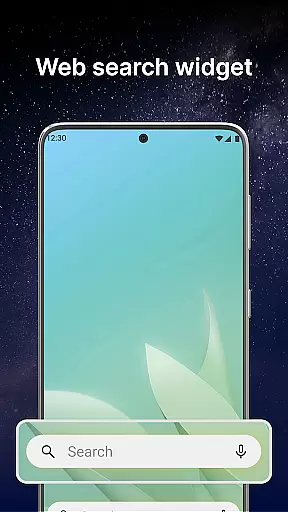
The app also offers customization options, including a selection of themed wallpapers and home screen shortcuts. These elements allow users to personalize their experience while maintaining ease of use. Multi-touchpoint search functionality simplifies finding installed apps or performing web searches, streamlining the overall user experience.
By combining essential tools with an intuitive layout, Flashlight Launcher ensures that users of all technical backgrounds can operate the app with confidence. Its design philosophy emphasizes accessibility and efficiency, making it a reliable companion for both everyday tasks and unexpected emergencies.
User-friendly interface
Multi-functional design
Instant tool access
Customizable options
Reliable performance
Home screen layout changes
Feature learning curve
Battery consumption
Requires permissions
Potential app relocation

Use your phone as a webcam on your computer over WiFi or USB.
 4.40
4.40
Canon PRINT is a companion app for your Canon printer.
4.60
App to pay for FUTO Keyboard
4.60
VESC Tool can monitor and configure VESC-compatible devices over BLE and Wifi
4.20
Best leveling tool for your Android device. Hang paintings like a pro.
4.90
Pro Emulator is an easy to use game console emulator for a range of consoles.
4.40
Fun lie-detection pranks for friends and parties.
3.80
Screen recorder with audio to record high-quality videos and take screenshots.
4.40
fast and easy mp3 music downloader
4.80
The Ultimate Flex Drivers Utility App - Convenient Tapping & Block Filters
4.70
Learn the vast amount of system information about device and monitor it's state
4.70
Creation, Learning, Entertainment & More — The All-in-One AI Search Engine
4.70
FV File Manager Pro, Fast and powerful file manager for Android
4.60
Planner and Tracker for Stardew Valley
4.60 4.50
4.50
Complete kernel toolbox with features to manage and tweak your rooted device
4.30
card-reader app
2.20
Transfer Files, APK from Phone to Watch & Install.
4.4
Unlock your Essential Key. Create custom shortcuts to your favorite apps!
4.5


User Reviews