
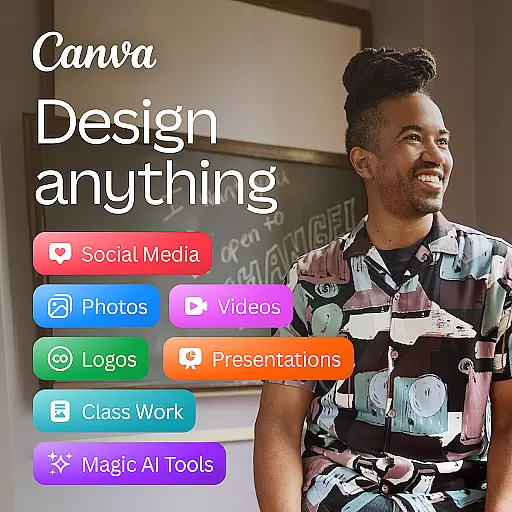
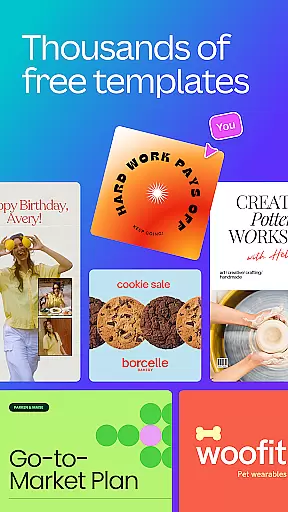
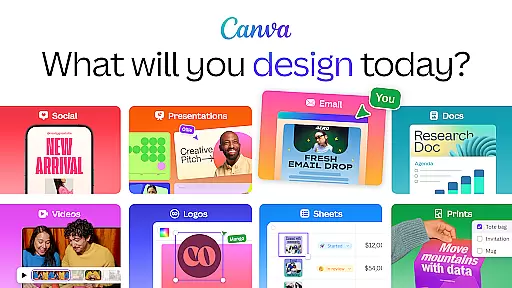
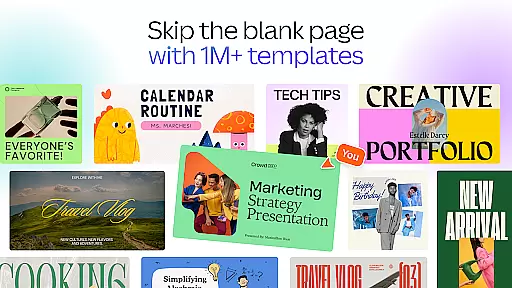
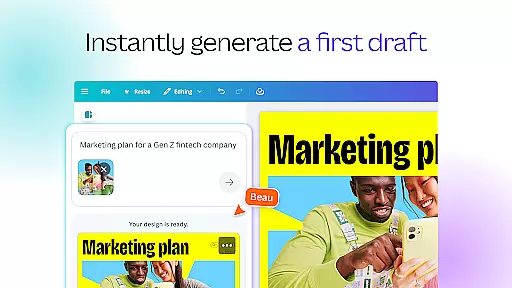
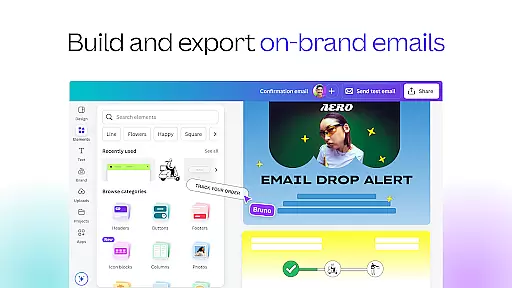
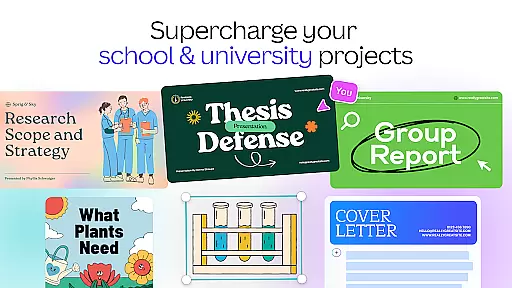
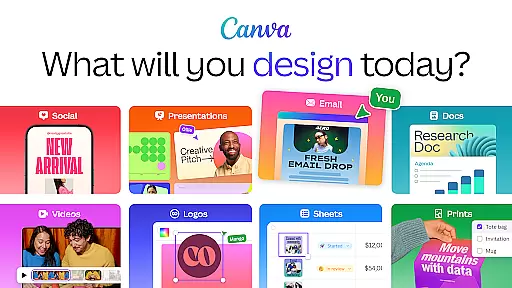
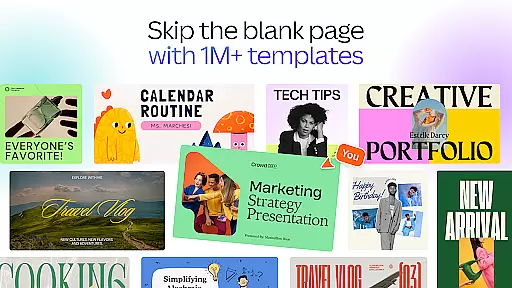
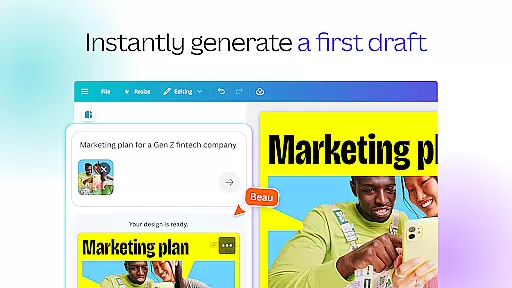
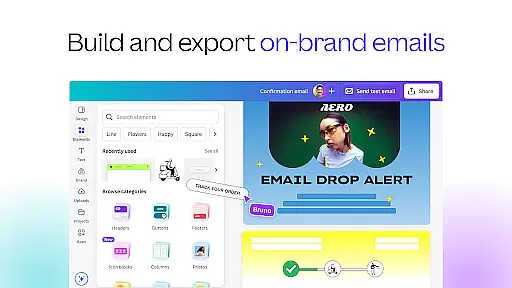
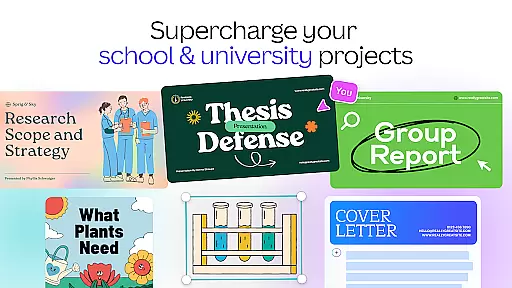
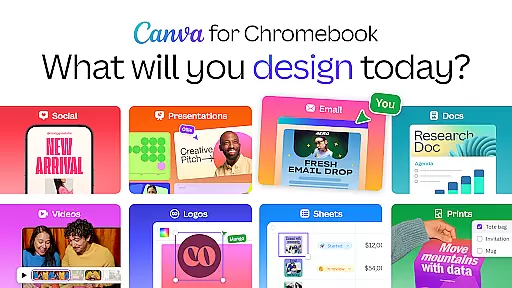
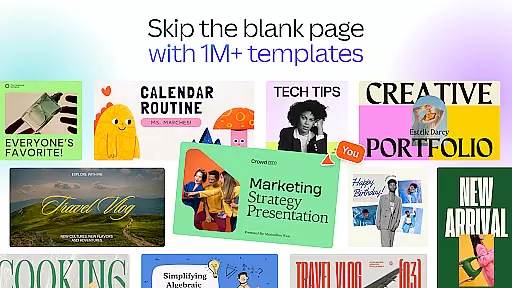
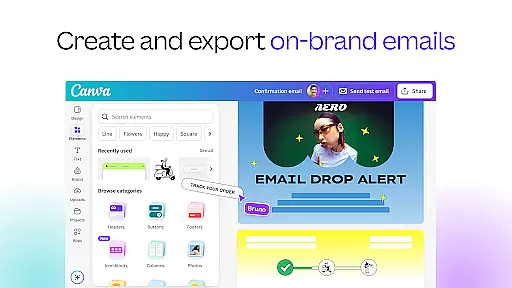
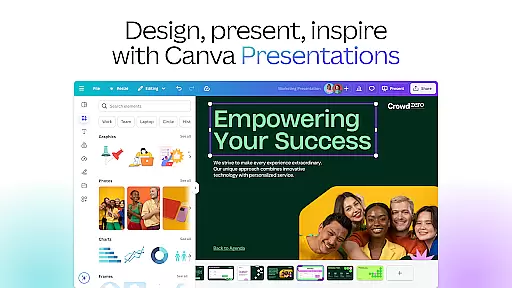
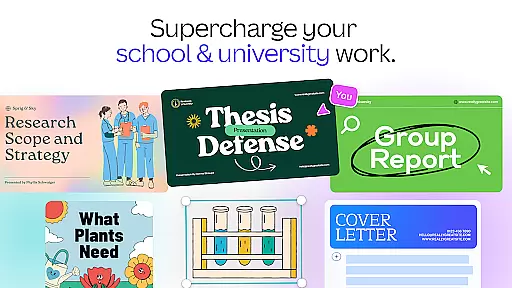
Canva is a comprehensive design application that combines photo editing, logo creation, collage making, and video editing into one powerful platform. The app features built-in AI tools, such as the AI image generator, which allows users to transform text into images quickly. With customizable templates, users can create stunning social media posts, presentations, flyers, logos, CVs, and more.
The app's versatility extends to its ability to serve various user groups, including personal users, entrepreneurs, students, teachers, and content creators. Whether you're designing digital art, editing photos, or creating videos, Canva provides an intuitive interface and robust features that cater to both beginners and professionals alike.
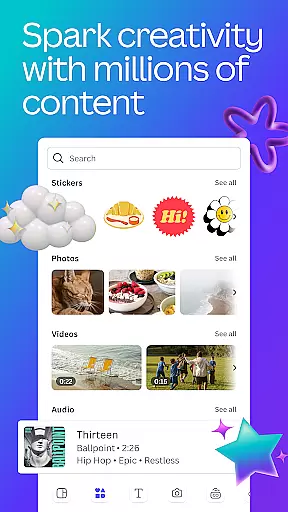
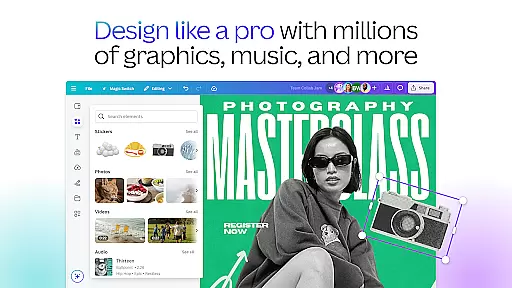
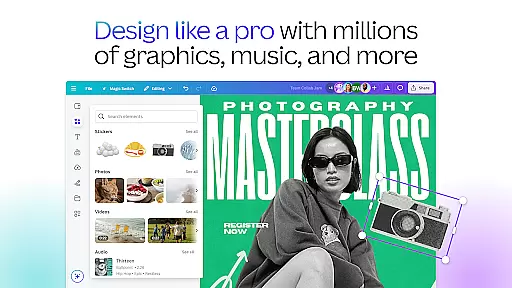
Canva's value lies in its all-in-one approach, offering users a free, ad-free, and watermark-free experience with access to over 2 million royalty-free assets, thousands of watermark-free videos, and 25,000+ pre-licensed audio tracks. This makes it an ideal choice for anyone looking to enhance their graphic design capabilities without the need for expensive software or extensive design knowledge.
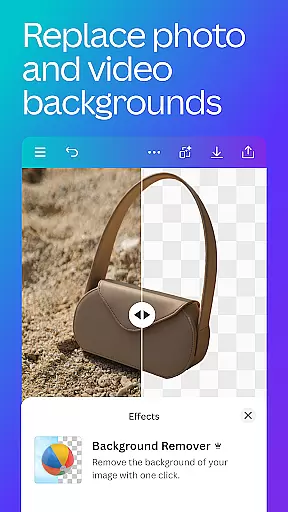
Canva boasts a wide array of features designed to streamline the creative process. One standout feature is the AI art generator, which includes tools for creating Facebook posts, Instagram layouts, banners, and professional invitations. The app also offers advanced photo editing capabilities, allowing users to crop, flip, adjust brightness, contrast, and saturation, and even remove backgrounds with ease.
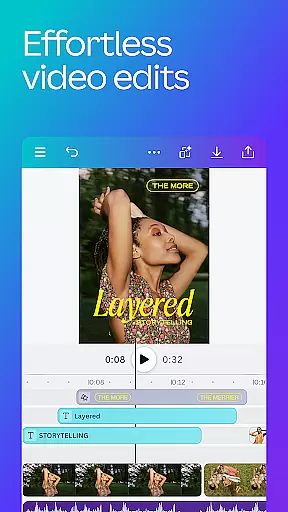
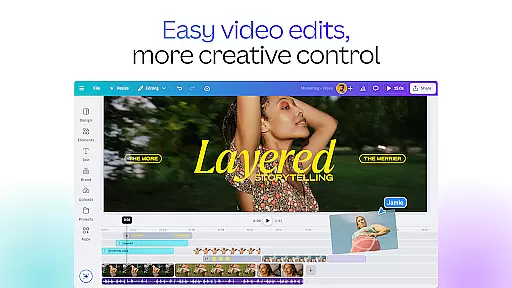
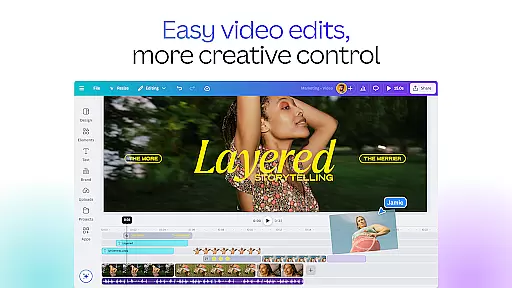
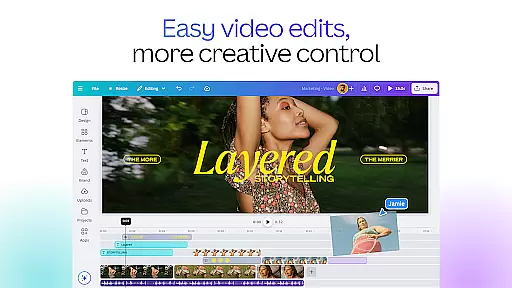
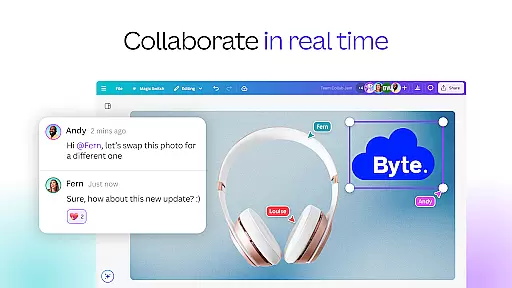
In addition to photo editing, Canva's video editor is a powerful tool for producing professional-quality videos. Users can leverage 5GB of cloud storage and real-time collaboration features to create engaging video content. The video editor supports cropping, resizing, flipping, and applying effects like slow motion and reverse playback. It also includes Beat Sync technology, which automatically syncs edits to music, and automatic caption translation into over 100 languages.
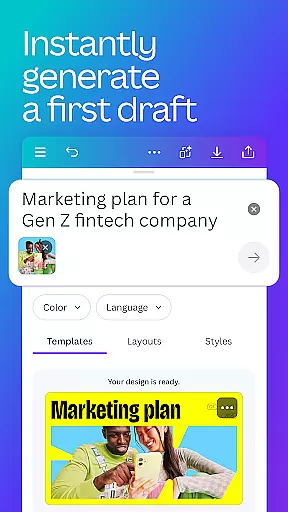
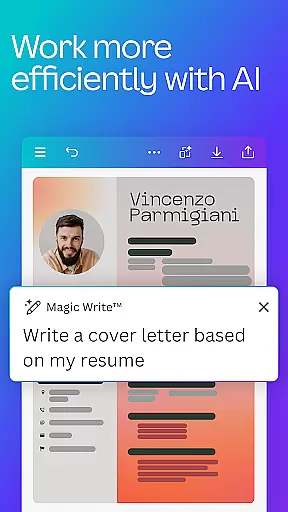
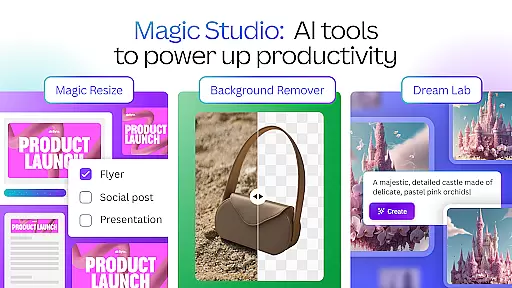
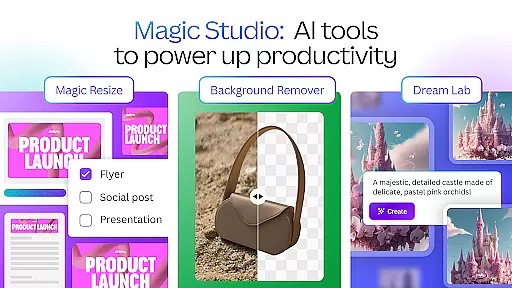
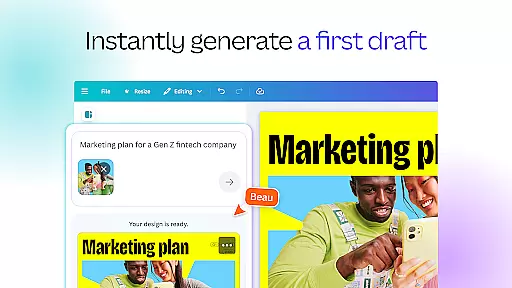
Another key feature is the AI-powered Magic Design tool, which generates designs based on uploaded images. Other notable features include Magic Edit for modifying existing images, automatic translation of designs into 100+ languages, and the Magic Eraser for removing unwanted objects from images. These innovative tools make Canva a versatile and indispensable resource for graphic designers of all skill levels.
In the realm of graphic design and content creation, having access to comprehensive creative tools is essential. Canva addresses this need by offering an extensive suite of features that cater to a wide array of design requirements. From its AI art generator and photo editor to its video maker capabilities, Canva provides users with everything they need to create compelling digital content.
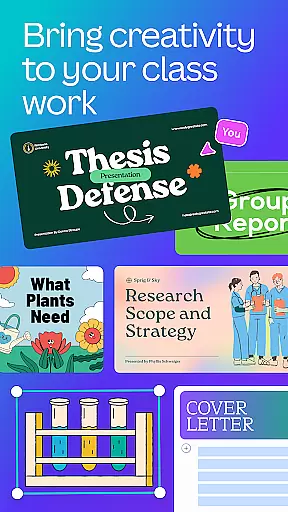
Canva's toolkit includes professional templates for social media posts, presentations, and even resume building. The platform also boasts an impressive library of over 2 million royalty-free images, thousands of watermark-free videos, and more than 25,000 pre-licensed audio tracks. This vast resource pool empowers users to produce high-quality designs without worrying about additional costs or copyright issues.
Moreover, Canva incorporates powerful AI-driven functionalities such as Magic Design, which generates design suggestions based on uploaded images, and Magic Edit, allowing for seamless object removal or addition within existing visuals. These innovative tools not only enhance creativity but also streamline the design process, making it accessible to both novices and professionals alike.
Flexibility in canvas size and format options is crucial for adapting designs to various platforms and mediums. Canva excels in this area by providing versatile canvas settings that accommodate different project needs. Whether you're designing for Instagram, creating a presentation, or developing marketing materials like flyers and banners, Canva's adaptable canvas ensures your work looks perfect across all formats.
The platform supports custom dimensions, enabling users to tailor their canvas precisely to specific requirements. Need a square format for social media posts or a widescreen layout for YouTube thumbnails? Canva has got you covered. Additionally, its intuitive interface makes resizing and adjusting formats straightforward, ensuring that your designs maintain their integrity regardless of where they will be displayed.
Furthermore, Canvau2019s flexibility extends beyond static images to include dynamic video editing capabilities. Users can easily switch between editing photos and videos, applying consistent styles and effects throughout their multimedia projects. This seamless transition between different media types enhances workflow efficiency and allows creators to focus on delivering impactful messages through their visual storytelling.
User-friendly interface
Extensive template library
Powerful AI tools
Versatile design options
Free version available
Limited offline functionality
Premium features require subscription
Some advanced tools locked behind paywall
Occasional lag with large projects
Learning curve for new users

AI Assistant, powered by ChatGPT GPT-4 & GPT-4o. Your intelligent companion.
 3.50
3.50
Your Essential Color Theory Guide: Red, Yellow, Blue (RYB)
4.0
Photo blender app to create overlay photos & double exposure.
4.40
Draw glowing spinners, relax, and spin your creative art
4.60
Turn your drawings into flipbook-style animations with simple creative tools
4.60
Turning simple sketches into captivating tales filled with life and motion
3.90
Create amazing pictures and unleash your creative genius with AR Drawing Sketch
4.40
Explore future self face age filter & remove background image for a unique look.
3.50
AI-powered photo & video creation—fast, fun, and effortless with Quick Actions
4.60
Image resizer to resize, crop, rotate, flip, change dpi photo or picture in bulk
4.60
Discover Cartoon Dream : Unleash Your Creativity with CuttingEdge AI
4.50
Stylish letters, Stylish Keyboard, Symbols, Emojis, Cool nickname
4.40
Beauty Camera - Selfie Camera is the ultimate beauty camera and selfie app
4.30
Paint with oils and sketch with natural tools on a realistic virtual canvas.
3.80
Powerful home decoration & house design that allows you to design dream home.
3.80
AI Art Generator transforms your words into AI generated art & paintings.
3.70
Art of Combination Wear OS Watch Faces
3.30
Create trending AI photos & videos with powerful effects and 3D styles.
3.20
Create stunning video, photo & magic from text with FlixAI GPT video generator.
3.10


User Reviews