
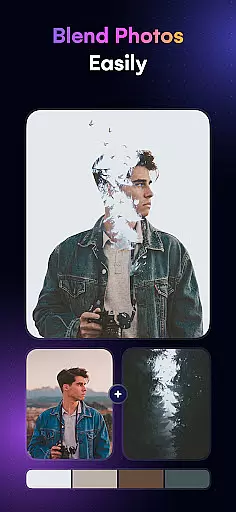
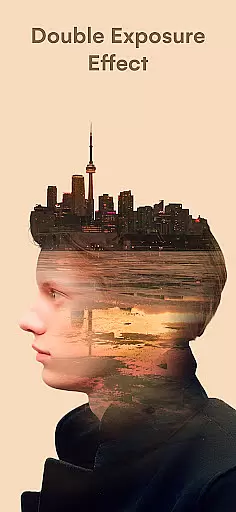
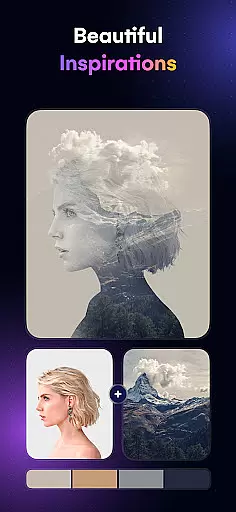
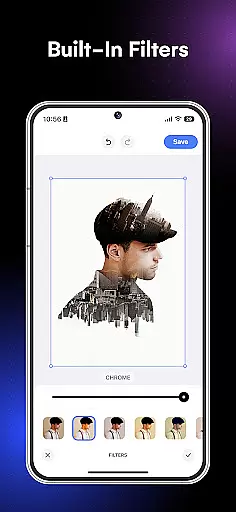
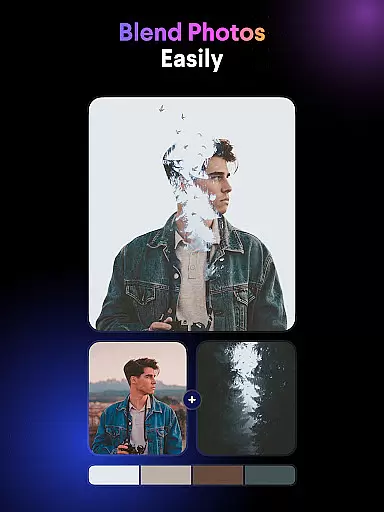
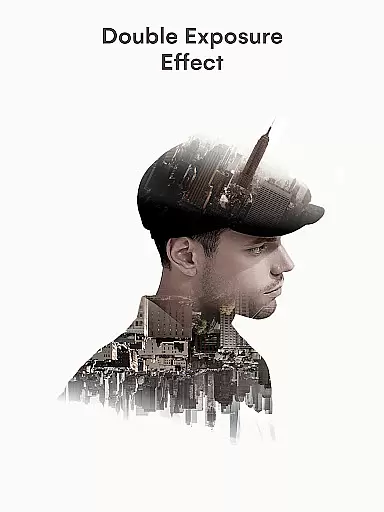
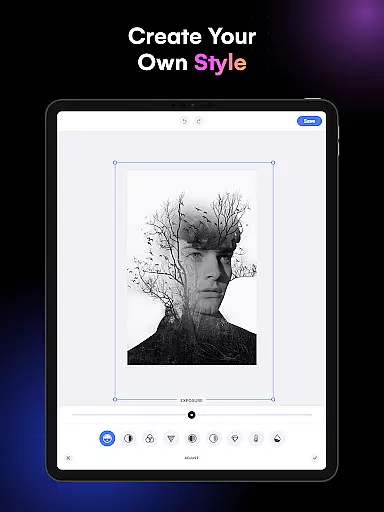
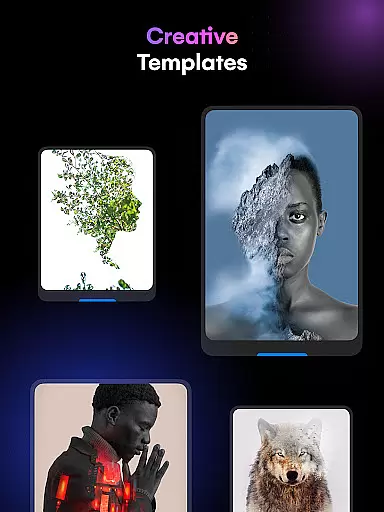
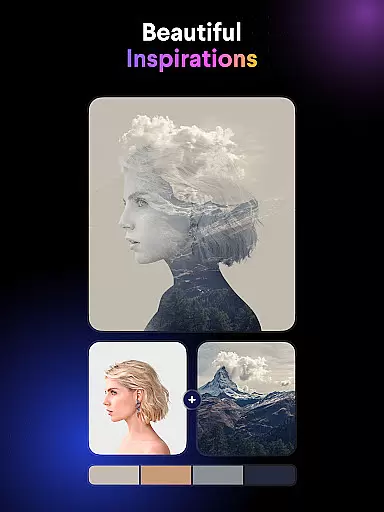
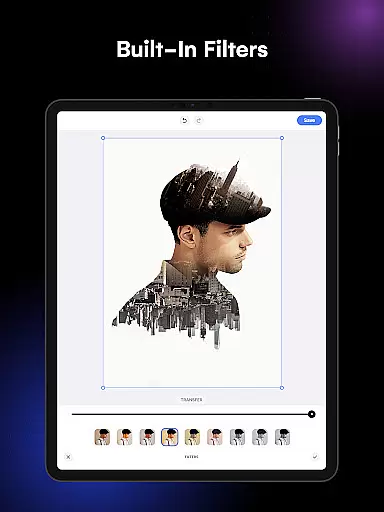
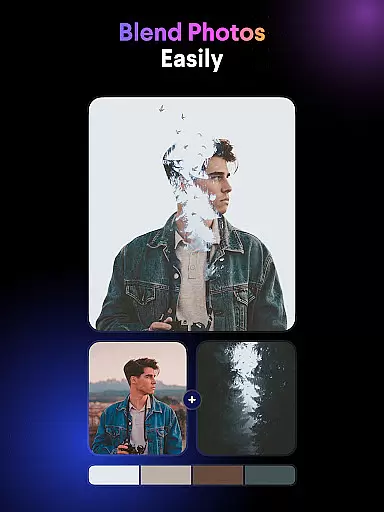
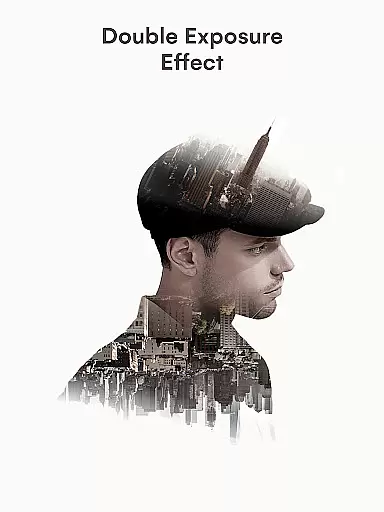
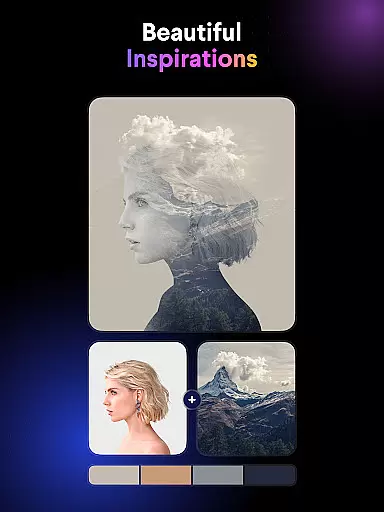
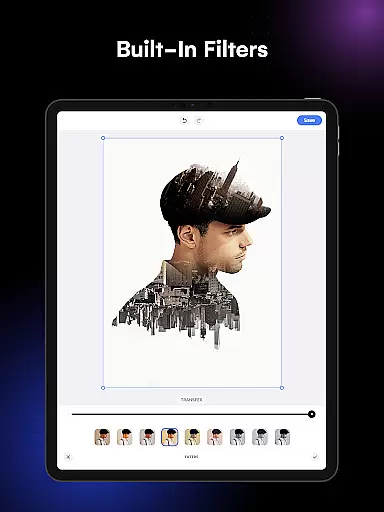
Blend Photos is an advanced photo editing application designed for users who want to create stunning double exposure images and picture overlays with ease. The app offers a comprehensive suite of photo blender features, ranging from basic tools like cropping and rotating to more sophisticated options such as gradient blends and automatic background removal.
With its smart AI technology, Blend Photos empowers users to produce professional-quality blend photos quickly and effortlessly. Whether you're looking to experiment with artistic effects or simply enhance your images, this app provides the tools necessary to unleash your creativity. Its intuitive interface ensures that both beginners and experienced editors can achieve impressive results without hassle.
The app's standout feature is its ability to make complex editing tasks accessible to everyone. By offering customizable templates, shape masks, and advanced adjustment options, Blend Photos caters to a wide range of creative needs. Additionally, users can save their creations in HD resolution and share them directly on social media platforms, making it an ideal tool for photographers, designers, and hobbyists alike.
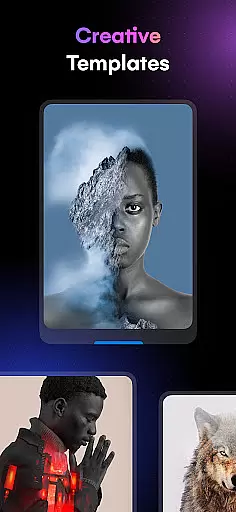
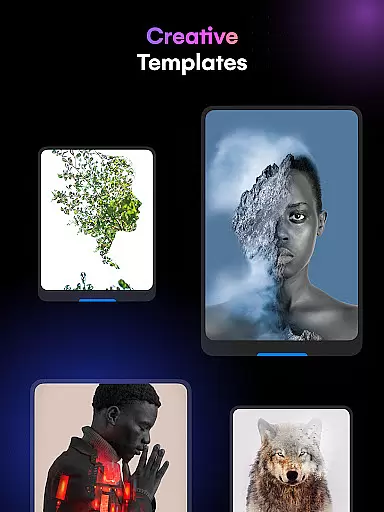
Blend Photos distinguishes itself through its rich set of features tailored for creative photo editing. One of its core strengths is the variety of photo blender templates available, which allow users to apply unique effects instantly. These templates are complemented by advanced tools such as automatic background removal and gradient blending, enabling seamless integration of multiple images into one cohesive artwork.
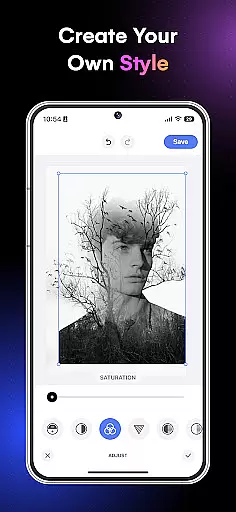
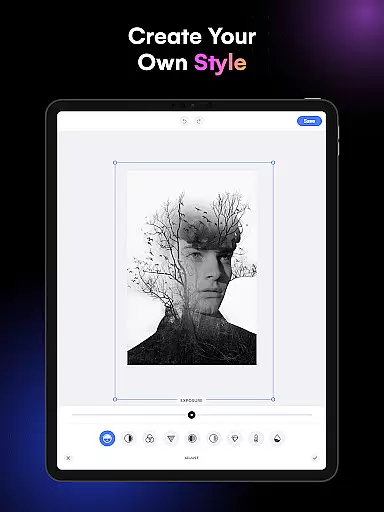
Another notable feature is the app's support for detailed adjustments, including brightness, contrast, and opacity controls. This ensures that every element in your composition aligns perfectly with your vision. For those seeking even more customization, Blend Photos includes shape masks and rotation tools that provide precise control over how images interact within the frame.
What truly sets Blend Photos apart is its user-friendly design combined with powerful AI-driven functionalities. From creating double exposure masterpieces to saving high-resolution files, the app streamlines the entire editing process while maintaining exceptional quality. Its clutter-free interface makes navigation intuitive, ensuring that users spend less time troubleshooting and more time crafting beautiful visuals.
Blend Photos offers a comprehensive suite of creative tools that cater to both novice and professional users. The app provides various photo blender templates, automatic background removal, and advanced adjustment features.
With functionalities ranging from basic editing like cropping and rotating to more sophisticated options such as creating double exposure effects and adding shape masks for picture overlays, the app ensures that all artistic needs are covered.
The inclusion of smart AI technology elevates the user experience by simplifying complex tasks, making it easy to craft professional-grade images with minimal effort.
Users can save and share their creations in HD resolution directly from the app, ensuring high-quality results every time they use these extensive creative tools.
Flexibility in canvas and format options is crucial for creative freedom, and Blend Photos excels in this area. The app allows users to create gradient blends and double exposures while offering precise control over image dimensions and resolutions.
Artists can crop and rotate images without losing quality, ensuring that their final piece fits perfectly within their envisioned design parameters. This level of precision empowers creators to experiment with different visual styles confidently.
Moreover, the ability to add shape masks for picture overlays adds another layer of customization, allowing for unique compositions not typically found in standard photo editing apps.
By supporting HD resolution saving and sharing, Blend Photos guarantees that artists' works retain clarity and detail across various platforms and devices.
User-friendly interface
Advanced AI technology
Customizable templates
HD resolution saving
Direct sharing options
Limited free features
Occasional ads
Premium subscription required
Steep learning curve
Resource-intensive

The ultimate tool for creating animations
 4.60
4.60
Draw on screen: FP sDraw is a simple and lightweight drawing app
4.70
Your Essential Color Theory Guide: Red, Yellow, Blue (RYB)
4.2
Design unique, funny and adorable cat stickers that reflect your own style!
3.80
Art of Combination Wear OS Watch Faces
3.30
Get an overview over all your embroidery threads, projects and more.
4.60
Everything you need to create hand drawn animation, anywhere you go!
4.40
Create and Design Custom Logos in Seconds with AI-Powered Tools!
4.40
Kling AI is an image and video generation and editing studio powered by AI.
4.50
Convert image to JPG PNG HEIC PDF, support almost all kinds of image formats
4.70
Digital illustration drawing & painting pad app to paint Anime and Manga art
4.50
Draw Trace image sketch by, AR art projector app, Easy to trace any image.
4.50
Painting, drawing, & sketching
4.50
AI Tattoo Generator: Create Tattoo Designs & Get Ideas! Ink & Stencil Maker
4.50
Stylish letters, Stylish Keyboard, Symbols, Emojis, Cool nickname
4.40
Sketch, plan, take notes and illustrate on an infinite canvas.
4.20
Create sweet, cool and unique couple avatars easily, in just a few steps!
3.40
Create trending AI photos & videos with powerful effects and 3D styles.
3.20
Art of Combination Wear OS Watch faces
4.0


User Reviews