
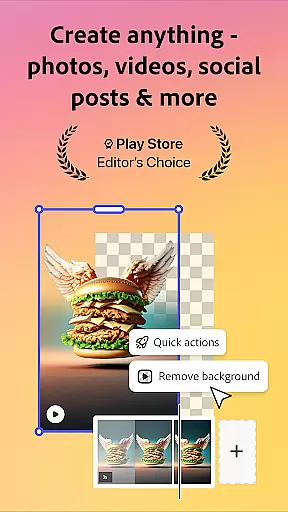
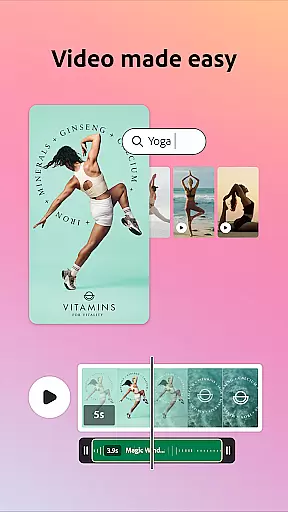
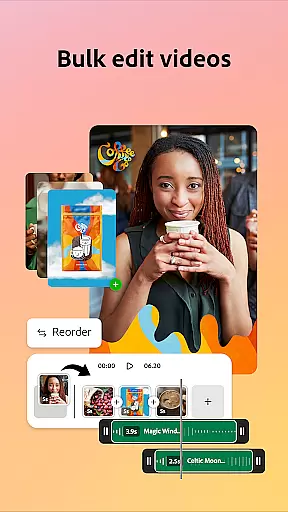
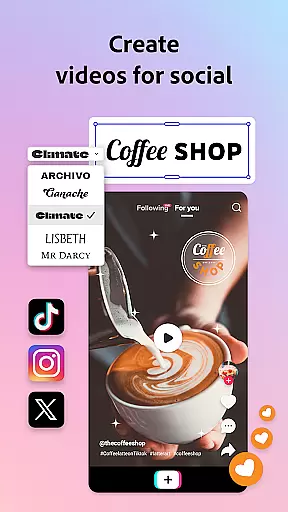

Adobe Express is a versatile design application that enables users to create professional-quality marketing materials while maintaining brand consistency. The app offers an array of features including video editing, photo enhancement, background removal, and QR code generation. With customizable templates and AI-powered tools, it caters to both beginners and experienced designers. Adobe Express ensures brand cohesion with brand kits and provides Quick Action tools for efficient content resizing and format conversion.
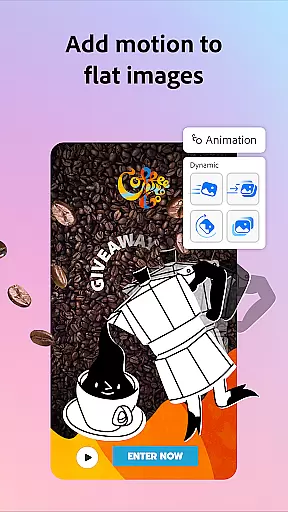
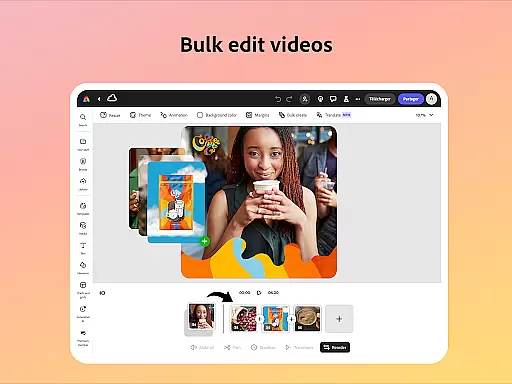
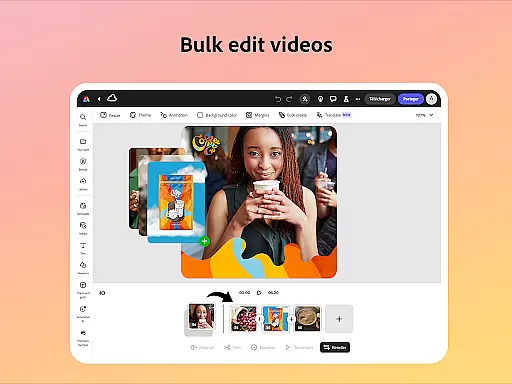
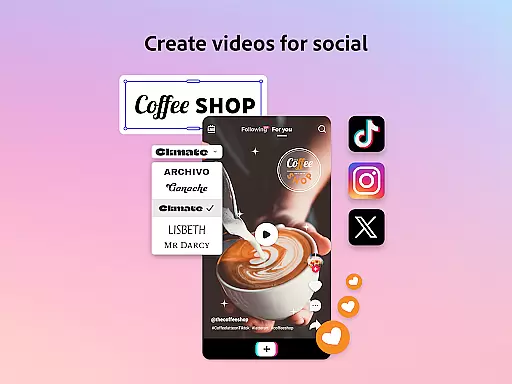
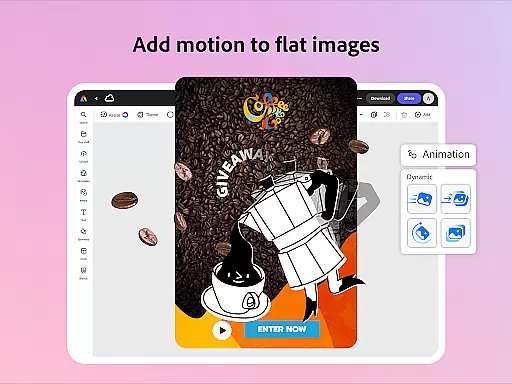
The app stands out with its ability to automatically add captions, reframe videos for social media, and remove background noise from audio tracks. Its intuitive interface allows users to trim and combine footage, apply transitions, and add sound effects effortlessly. Additionally, the app supports PDF editing, enabling users to update layouts, swap images, and refine documents with ease. Whether you need to animate characters, convert files to GIFs, or import PDFs, Adobe Express delivers a seamless experience across various devices.
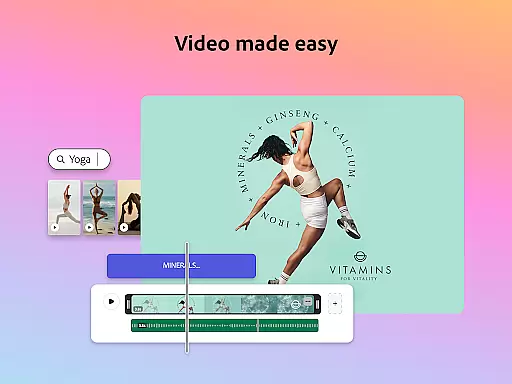
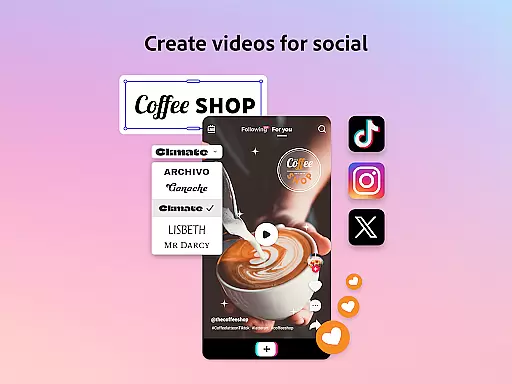
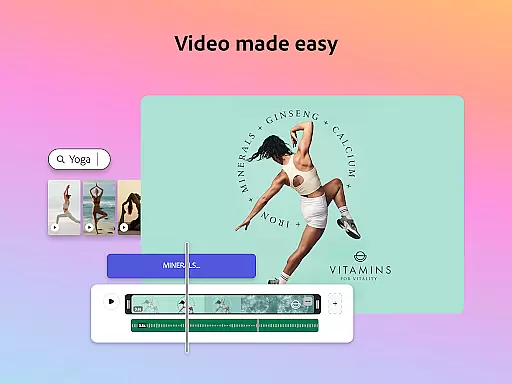
Adobe Express boasts an impressive range of features designed to streamline content creation. One standout capability is its video editing functionality, which includes customizable templates, automatic captioning, and tools for trimming, combining, and enhancing footage. Users can also add music, transitions, and sound effects, making it a comprehensive video editor suitable for creating engaging social media content.
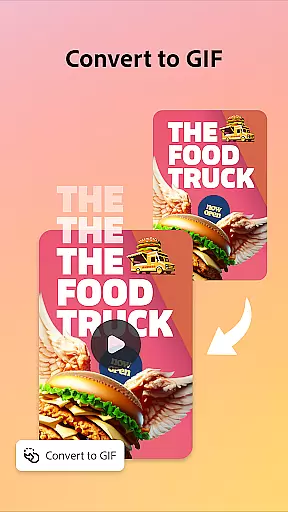
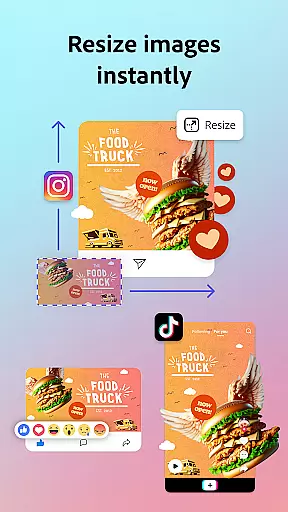
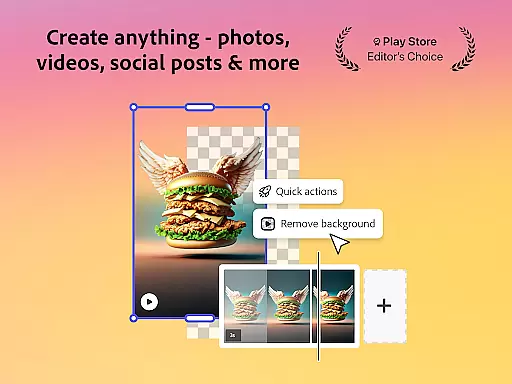
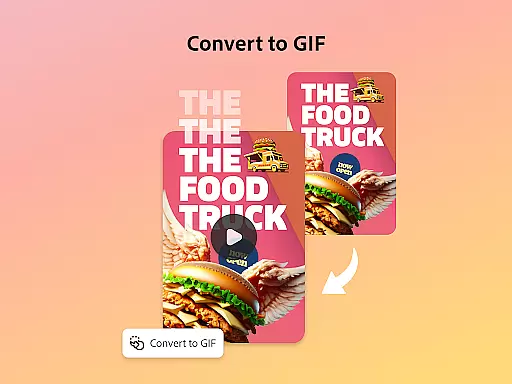
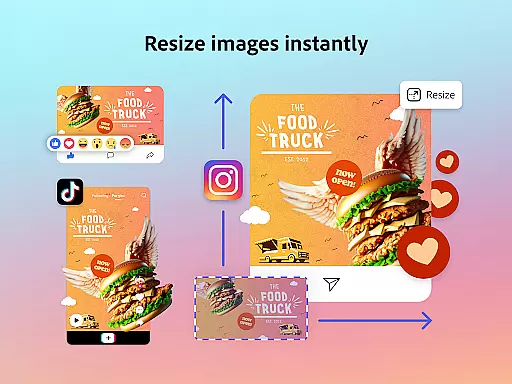
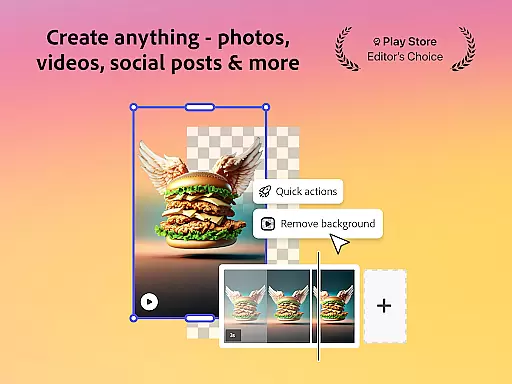
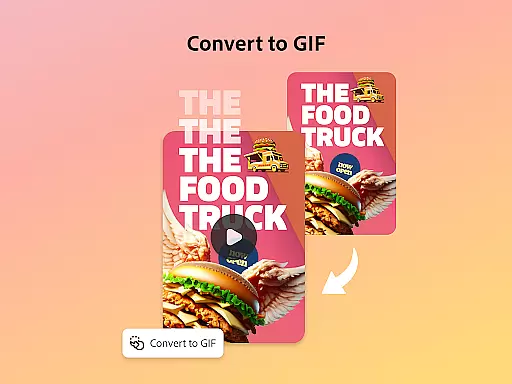
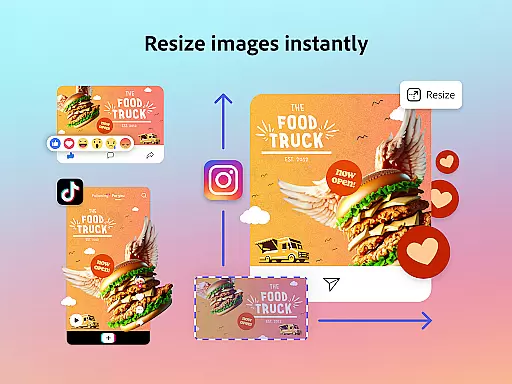
In addition to video, Adobe Express excels in photo editing. It leverages AI technology to help users add or remove objects, apply sophisticated filters, and generate unique photo art. The app's Quick Actions simplify tasks like removing backgrounds, converting images to GIFs, and resizing designs for different platforms. Furthermore, Adobe Express offers advanced PDF editing options, allowing users to modify layouts, replace images, and incorporate brand elements into documents quickly and efficiently.
Adobe Express offers a comprehensive suite of creative tools that cater to both beginners and seasoned creators. The app provides customizable templates for video editing, intuitive photo editing features powered by AI, and Quick Actions for effortless background removal and image resizing.
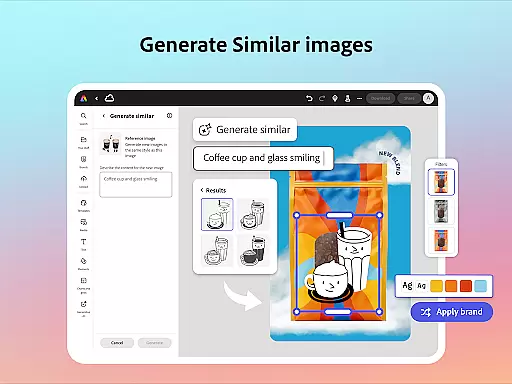
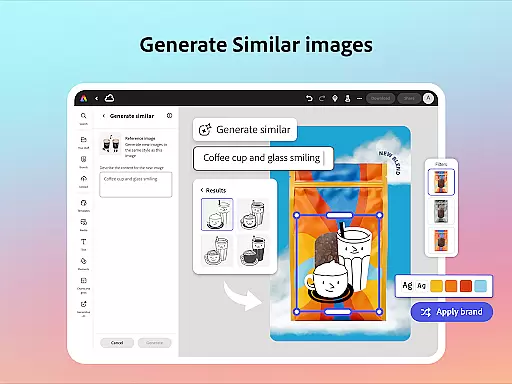
The inclusion of brand kits ensures that users can maintain brand consistency across all their designs. With features like Generate Similar, users can refine their designs while keeping a cohesive look. Additionally, the ability to edit PDFs quickly allows users to update content, swap images, and add brand elements with just a few clicks.
For those looking to expand their creative possibilities, Adobe Express Premium membership unlocks access to over 200 million royalty-free Adobe Stock assets, including photos, videos, music tracks, and fonts. This extensive library empowers users to create high-quality marketing and business materials without limitations.
Adobe Express stands out with its canvas and format flexibility, allowing users to create content tailored for any channel. The app supports trimming and resizing designs, cropping photos, and converting image files to various formats, ensuring that your creations are always optimized for their intended platform.
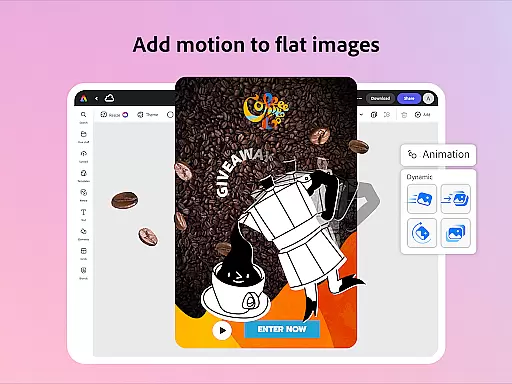
One of the key strengths of Adobe Express is its ability to convert content into GIFs from both images and videos, adding another layer of versatility. Users can also animate characters using voice commands, further expanding the creative potential of the app.
While not all features are available on every device currently, Adobe is committed to rolling out support for more devices over time. This ongoing development ensures that users will continue to have access to an ever-expanding set of flexible design options.
User-friendly interface
Extensive template library
Powerful AI capabilities
Brand consistency tools
Versatile content creation
Premium features locked
Limited free stock assets
Device compatibility issues
Occasional bugs reported
Subscription cost involved

Floor Plan Creator lets you create, edit and share floor plans.
 4.00
4.00
Art of Combination Wear OS Watch faces (for Wear OS 5+ devices)
3.00
AI Face Swap, Video Effects Editor, Realtime Morph, Funny Video FX,AI Filters
3.70
Text to Image, Image to Video & AI Chat
4.20
Digital, Abstract, Classic - all types of color wheels in one app!
4.60
Experience next-gen icons with a modern liquid glass look.
3.60
Create Logos, Tattoos, AI Art & more with our AI Photo Generator & Design Editor
4.20
Draw, make movies & animate cartoons easily with our 2D animation maker app
4.40
Sketch and paint on your device with the feel and freedom of drawing on paper
4.00
Create stunning art with AI.
4.80
Learn how to draw with step-by-step tutorials, fun lessons & multiplayer drawing
4.70
Your AI soulmate — meaningful chats, and unique emotional moments
4.70
Discover Cartoon Dream : Unleash Your Creativity with CuttingEdge AI
4.50
Share the joy of painting with ibis Paint! Drawing anime and manga art.
4.50
AI generated images & photos, turn your words into drawing, painting & pictures.
4.30
Trace, draw, and create art with AR - from memes to masterpieces!
4.30
Resize photos and print photos in exact size with our powerful photo printer!
3.80
Your homescreen as an elegant glass with customized blur, lighting, and visuals.
3.70
Pose and morph realistic male and female models! 3D poser app
3.00


User Reviews