

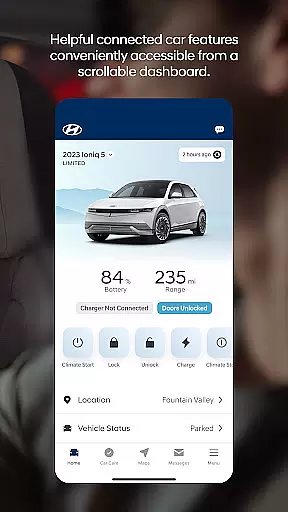
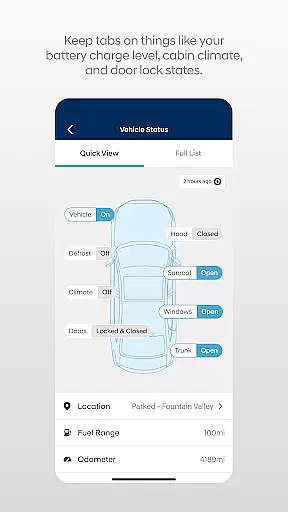

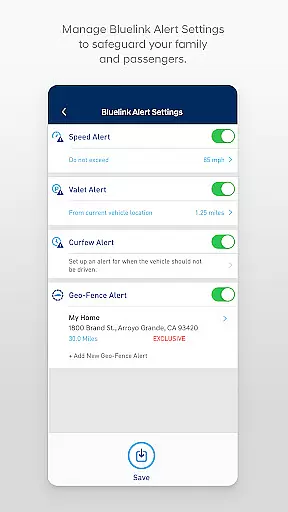
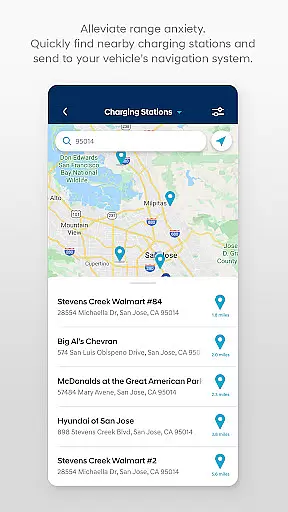
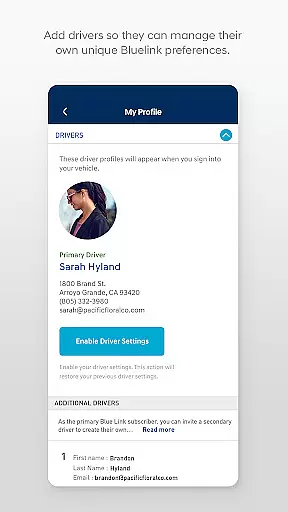
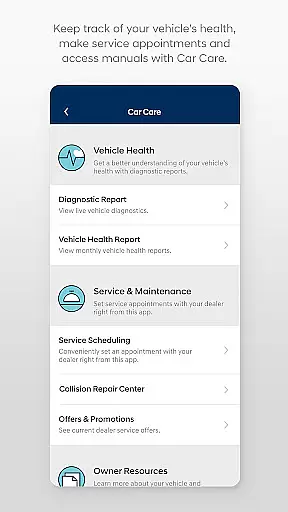
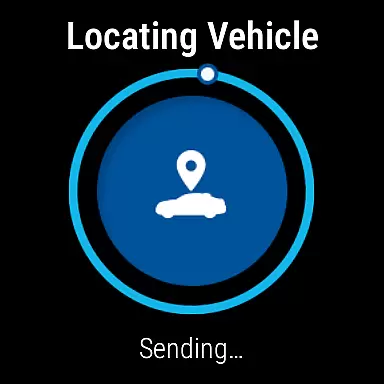
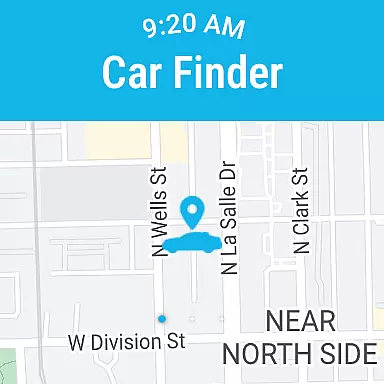
MyHyundai with Bluelink is a comprehensive vehicle management app designed specifically for Hyundai owners. This application allows users to remotely interact with their Bluelink-enabled vehicles, providing unprecedented convenience and control. Key functionalities include remote start, door lock/unlock, horn and light activation, and vehicle finder capabilities.
The app also offers advanced features for electric and plug-in hybrid vehicles, such as charging management and status monitoring. Users can access maintenance information, schedule service appointments, and explore Points of Interest directly from their mobile devices. The integration with Wear OS smartwatches extends these capabilities to wearable devices, making vehicle management even more accessible.
This app is particularly valuable for busy professionals who need to manage their vehicles while on the go. Whether you're at the office or away from home, MyHyundai with Bluelink provides instant access to essential vehicle functions and services, enhancing both convenience and peace of mind.
The MyHyundai app stands out with its comprehensive suite of remote vehicle management tools. The core feature set includes remote start functionality with customizable presets, allowing users to pre-condition their vehicles according to personal preferences. The remote lock/unlock capability provides enhanced security and convenience, especially in emergency situations.
For electric and hybrid vehicle owners, the app offers sophisticated charging management tools. Users can monitor charging status, set charging schedules, and adjust charging settings remotely. The vehicle finder feature uses GPS technology to help locate your car in crowded parking lots or unfamiliar areas.
Additional notable features include biometric authentication for secure access, integration with Wear OS smartwatches for hands-free operation, and comprehensive customer support resources. The app also provides maintenance tracking, user tutorials, and Point of Interest management, creating a complete ecosystem for vehicle ownership management.
Companion app integration is essential for users who want seamless connectivity between their smart devices and vehicles. The MyHyundai app excels in this area by offering a comprehensive suite of features that sync with your Bluelink-enabled Hyundai vehicle. This ensures that whether you are at home, in the office, or on the move, you can easily access and control your car's functionalities through your smartphone.
The app allows you to remotely start your vehicle, lock or unlock doors, activate the horn and lights, and even locate your car, all from your phone. These features are particularly beneficial for enhancing convenience and security. For electric and plug-in hybrid vehicles, you can also manage charging schedules and view the charging status, ensuring optimal energy usage.
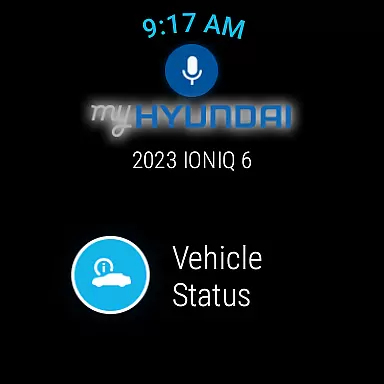
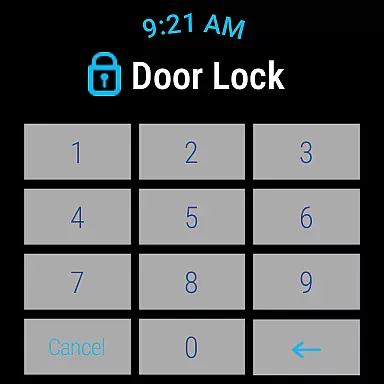
Additionally, the MyHyundai app supports Wear OS, extending its companion app capabilities to smartwatches. This means you can use voice commands or the smartwatch menu to perform key actions like starting the car, locking it, or activating the horn and lights. Such extensive integration empowers users by providing them with control over their vehicles anytime and anywhere, making daily commutes and vehicle management more efficient and hassle-free.
Wear OS and device compatibility is crucial for users who rely on smartwatches for managing their daily tasks and vehicle interactions. The MyHyundai app offers robust support for Wear OS, allowing users to leverage their smartwatches to interact with their Bluelink-equipped Hyundai vehicles seamlessly. This compatibility ensures that you can conveniently access essential vehicle functions without needing to reach for your phone.
With the MyHyundai app on Wear OS, you can remotely start your vehicle, lock or unlock the doors, activate the horn and lights, and find your car. These features are accessible via voice commands or the smartwatch menu, providing a hands-free and intuitive user experience. This level of integration is particularly useful when your hands are occupied or when you need quick access to vehicle controls.
Moreover, the app requests necessary device permissions such as location, notifications, and biometrics to enhance functionality and user experience. Location services enable map and location-based features, while notifications keep you informed about your vehicle's status and alerts. Biometric authentication adds an extra layer of security, ensuring that only authorized users can access the app's features. Overall, the MyHyundai app's compatibility with Wear OS devices significantly enhances user convenience and vehicle management efficiency.
User-friendly interface
Comprehensive feature set
Enhanced vehicle security
Remote management capabilities
Wear OS integration
Subscription required
Limited vehicle compatibility
Feature restrictions
Connectivity issues
Learning curve

Precision analog watch face with 7 complications and style options
 4.4
4.4
Snowflake Rose Gold Watch Face - Digital, modern, & sleek with GYRO effect.
4.10
Christmas is near, let's count together the days left until Santa comes
4.0
Digital watch face. For Wear OS devices.
4.40
Fitness interactive virtual pet super fighter boy watch face
4.4
Nutrition, Macro tracker: Food, fitness & healthy diet tracking for weight loss
4.60
The ultimate destination for kids ages 3-8 to explore the Marvel Universe!
4.30
To-Do List: daily schedule planner, task organizer, to do reminder app, calendar
4.60
Daily Weather forecast with 15 weather images for Day & Night plus Big Bold time
4.10
The Chevron App allows you to pay for fuel from the comfort of your car!
4.80
Walking app for weight loss: walk & step tracker, pedometer, indoor treadmill
4.60
MyNISSAN® lets you remotely control your car from your phone.*
4.50
Ideal for surviving in the wasteland left after nuclear fallout
4.50
Digital watch face with big numbers and many customization for Wear OS devices
4.40
A white realistic classic analog watch face with many customization options.
4.40
Animated video-game inspired “secret agent” simulation, right on your wrist!
4.20
Embrace the festive spirit with our Christmas Countdown watchface for Wear OS
4.10
sleep, alarm, snoring, stress, healing, focus, sound therapy, circadian rhythm
4.10
Hyper-Realistic Airplane Dashboard Watch Face With 10 Skins and Custom AOD
4.00


User Reviews