
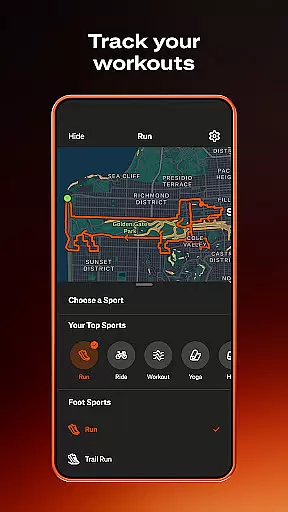
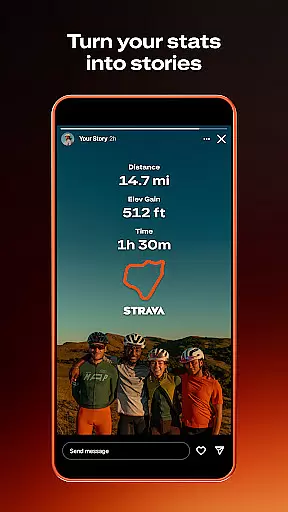
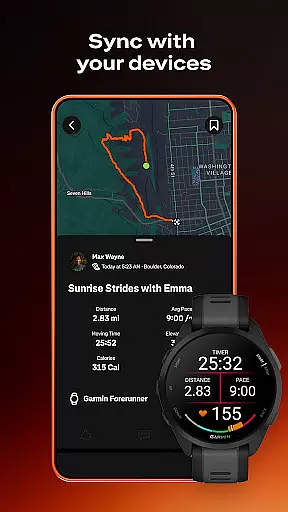
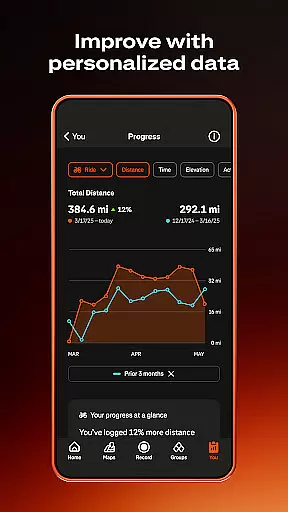
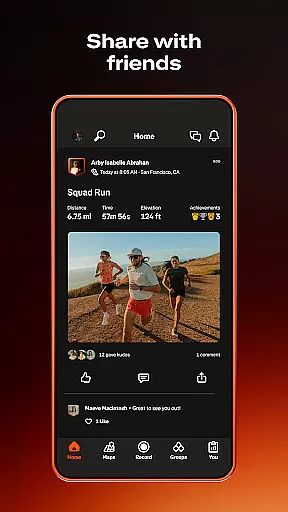

Strava is the ultimate fitness tracking app that combines community building with personal performance tracking. With over 180 million active users, it supports a wide range of activities including running, cycling, walking, hiking, and yoga, along with over 40 other sport types. The app syncs seamlessly with devices like Apple Watch, Garmin, Fitbit, and Peloton, offering detailed data insights to help you understand your progress over time.
Beyond just tracking, Strava fosters a sense of community by allowing users to join challenges, follow friends, and connect with local groups through its Clubs feature. Whether you're competing on segments or meeting up offline, Strava provides tools to keep you motivated and engaged. Its safety features, such as Beacon for real-time location sharing and customizable privacy settings, ensure you can focus on your fitness journey with peace of mind.
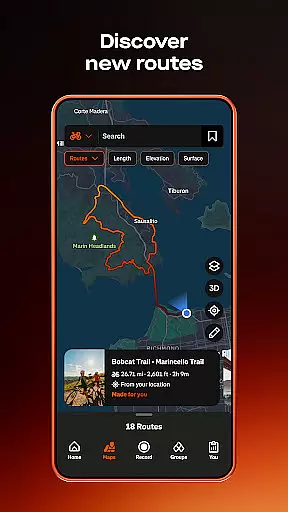
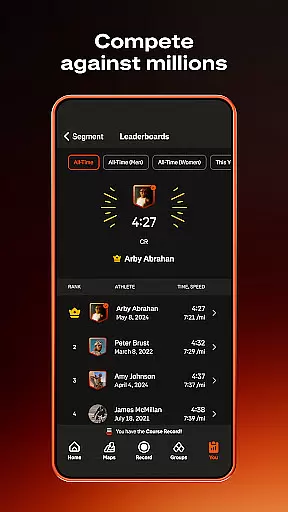
Strava offers an extensive set of features designed to enhance both individual and community fitness experiences. One standout feature is its ability to track over 40 different sport types, providing users with comprehensive activity recording options. By syncing with thousands of devices, including popular wearables like Apple Watch and Fitbit, Strava ensures accurate data collection and analysis. Users can compete on segments, access AI-driven insights, and even create custom routes using the intelligent Routes tool.
The app also emphasizes community engagement through its Clubs and Challenges features. Users can join local groups, participate in monthly challenges, and stay connected with friends and athletes worldwide. Safety is prioritized with features like Beacon, which allows users to share their real-time location with loved ones. Additionally, advanced privacy controls let users manage who sees their activities and personal data, ensuring a secure and personalized experience.
Companion app integration is essential for users who rely on multiple devices to track their fitness activities. Strava excels in this area by offering seamless connectivity with a wide range of devices, including the Apple Watch, Garmin, Fitbit, and Peloton. This ensures that no matter which device you use during your workout, your data can be effortlessly synced with Strava.
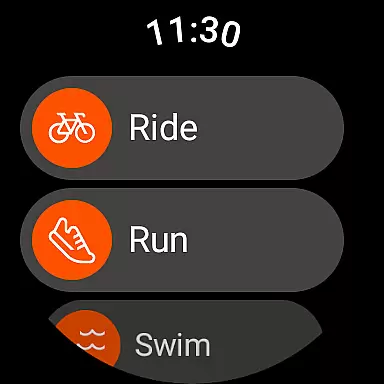
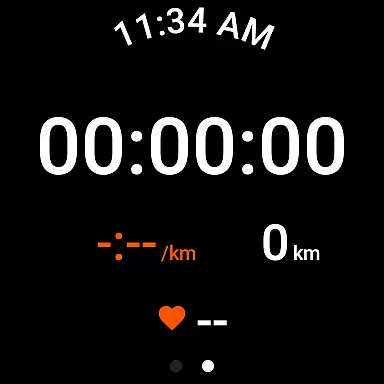
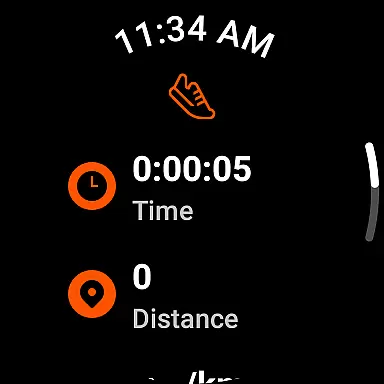
The Strava Wear OS app enhances this experience by providing a tile and a complication that allow users to quickly launch activities directly from their smartwatch interface. This immediate access streamlines the process of starting and stopping activity recordings, making it more convenient than ever to track your workouts.
By integrating with thousands of devices, Strava not only simplifies the recording process but also enriches the user's data insights. Users can view comprehensive analyses of their performance across different platforms, gaining a holistic view of their fitness journey. This interconnected ecosystem empowers athletes to make informed decisions about their training regimens.
Ultimately, the ability to connect various devices through Strava creates a unified and efficient tracking system. Whether you're cycling, running, or engaging in yoga, the companion app integration ensures that all your activities are recorded accurately and comprehensively, enhancing both convenience and data reliability for the user.
Device compatibility is crucial for ensuring that users can fully utilize the features of an application like Strava. With its robust support for Wear OS, Strava guarantees that users can enjoy a seamless experience across a variety of smartwatches and other wearable devices. This compatibility extends the app's functionality beyond smartphones, allowing users to track their activities directly from their wrists.
Stravau2019s compatibility with Wear OS includes optimized performance tailored specifically for wearable technology. The app takes advantage of the unique capabilities of these devices, such as heart rate monitoring and GPS tracking, to provide accurate and detailed activity records. This ensures that users receive precise data about their workouts without needing to carry additional equipment.
Beyond just basic tracking, Strava offers advanced features on Wear OS devices, such as real-time updates during popular segments and intelligent route recommendations. These features enhance the overall user experience by providing valuable insights and motivation right at the user's fingertips. Additionally, the appu2019s design for Wear OS ensures intuitive navigation and ease of use, even on smaller screens.
In summary, Stravau2019s commitment to Wear OS and device compatibility ensures that users can maximize their fitness tracking potential. By supporting a broad range of devices and offering specialized functionalities, Strava delivers a versatile and reliable tool for athletes looking to optimize their performance and achieve their fitness goals.
User-friendly interface
Extensive device compatibility
Comprehensive activity tracking
Strong community features
Advanced privacy controls
Premium subscription required
Occasional GPS issues
Limited free features
High battery consumption
Complex for beginners

A full-featured Amazon Alexa voice assistant that can show you things.
 3.70
3.70
Analog watch face with 8 complications and expedition styling
4.2
Contemporary digital watch face with five complications
4.2
Be an elegant and classy secret agent, with this carefully detailed watch face
4.70
Let's celebrate Thanksgiving - Wear Os watch face
4.20
Bold, Modern Hybrid Watch Face for Wear OS. 10 Colors, Rich Info Display.
4.30
Period, ovulation & pregnancy tracker. Fertility insights & menstrual calendar.
4.90
Daily Weather forecast with 15 weather images for Day & Night plus Big Bold time
4.10
From periods to pregnancy & perimenopause, Flo helps you track it all. Try now.
4.70
Retro digital watch face with customizable colors and a unique lighting effect
4.60
Monitor health with the stress test and pulse checker in the heart rate app.
4.60
A realistic hybrid watch face with many customization options.
4.60
Fast and smart typing with Emojis, GIFs, and more
4.50
Your local weather forecast, storm tracker, radar maps & live weather news
3.40
Precision analog watch face with 7 complications and style options
4.5
A Wintery Snow Globe on Your Wrist; now celebrating Christmas!
4.3
A heartwarming Christmas scene featuring a cute image of Santa and Rudolf
4.1
Simple Analog-Digital Watchface For Wear OS 3.0 and Up Smartwatches
4.3
Stylish digital watch face for Wear OS devices with customizable features
4.4


User Reviews