
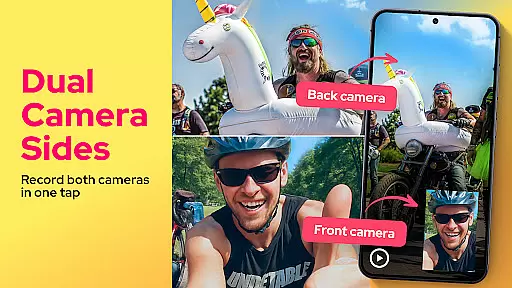
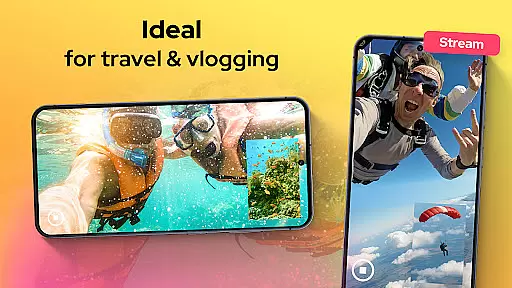
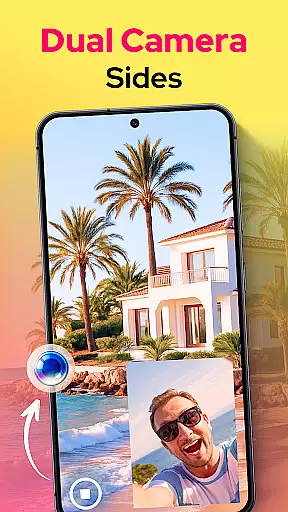
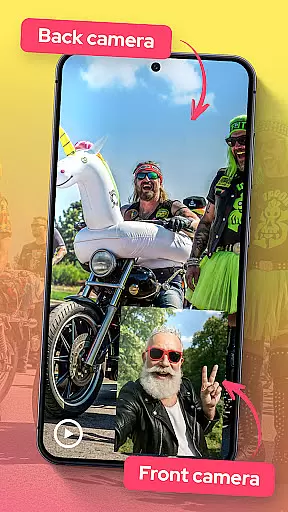

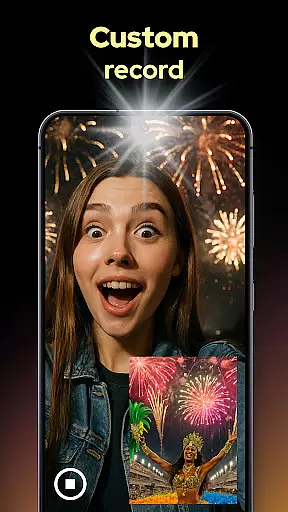
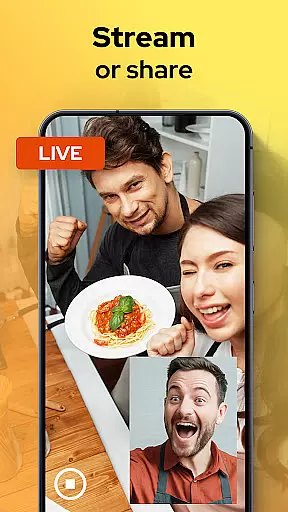
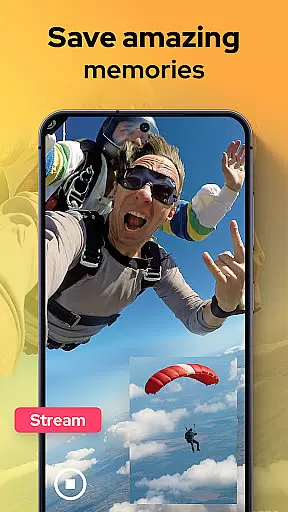
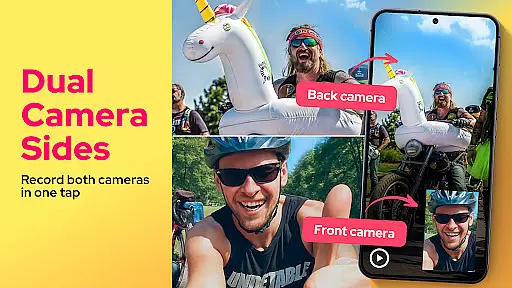
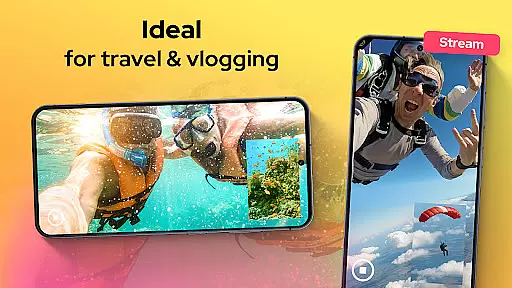
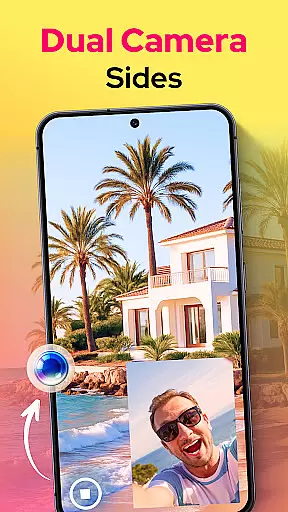
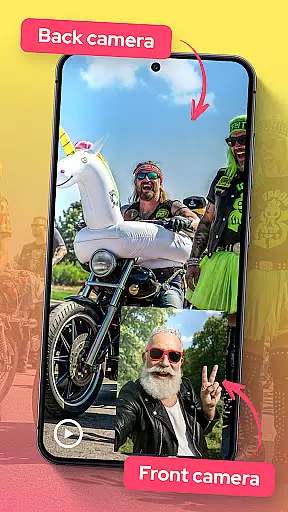

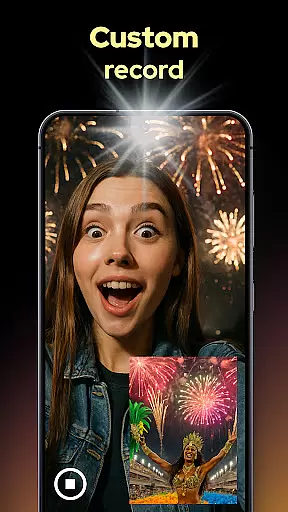
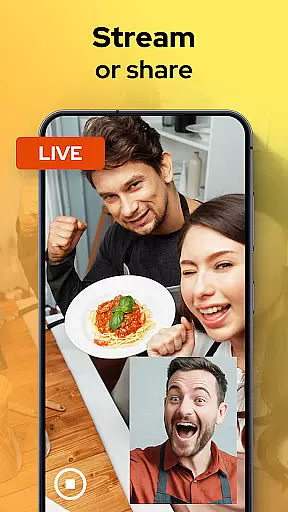
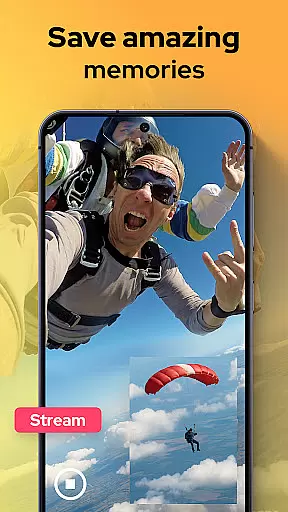
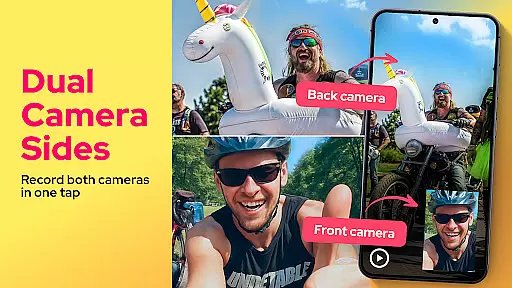
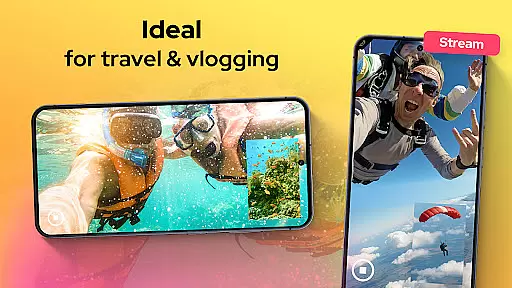
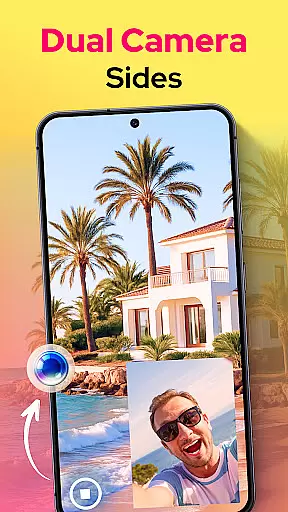
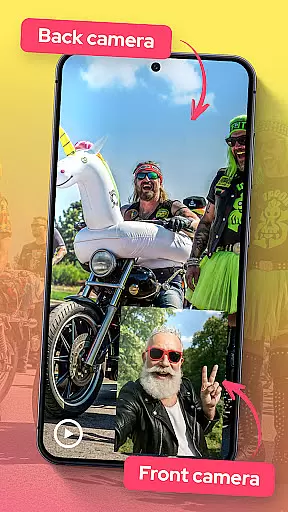

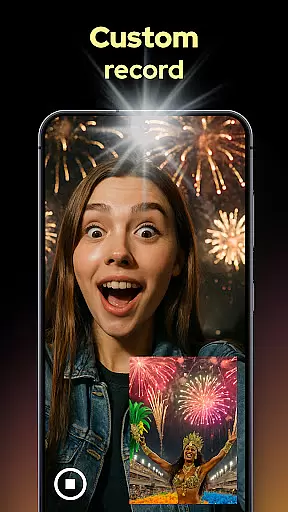
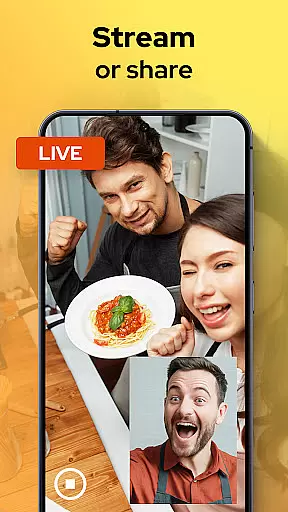
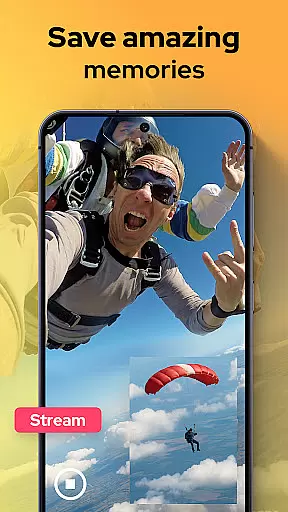
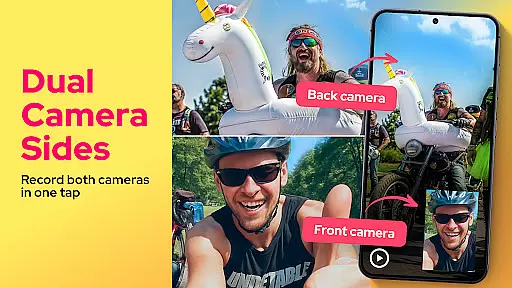
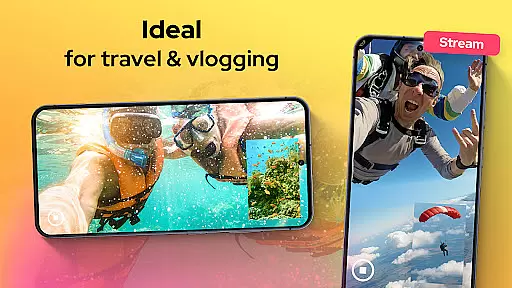
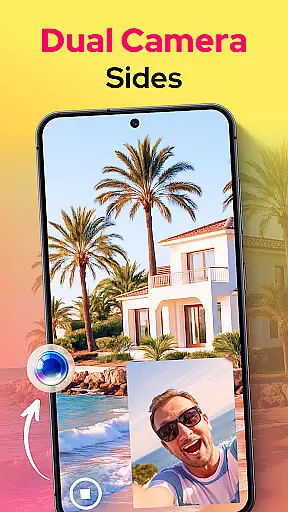
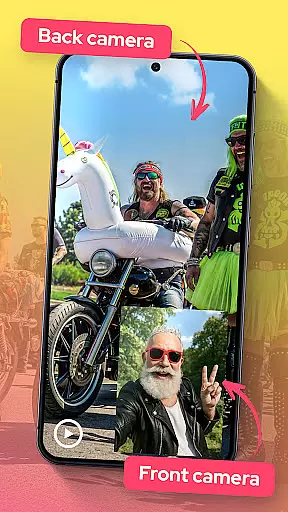

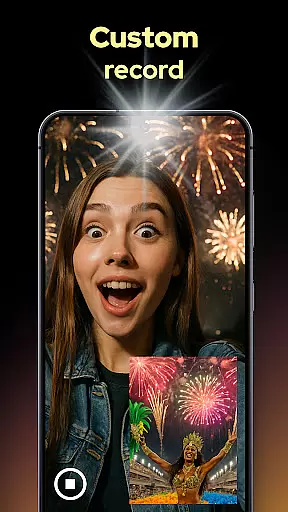
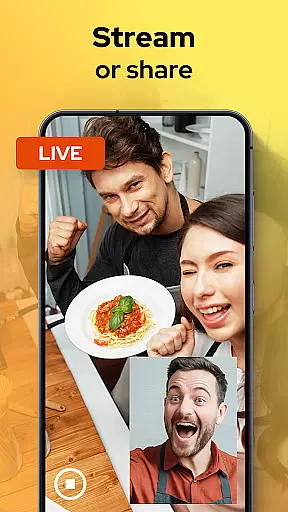
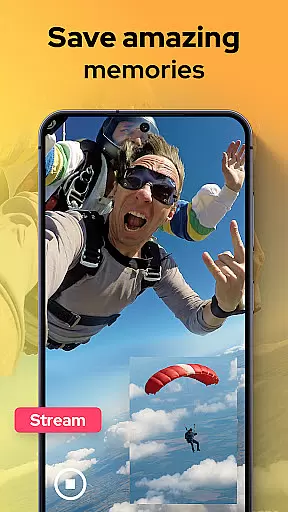
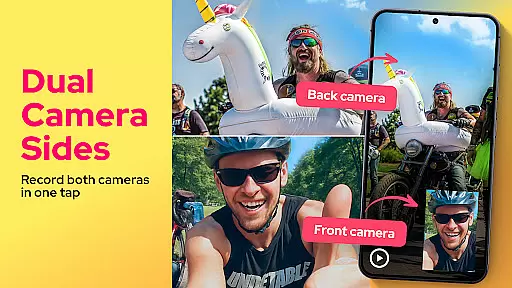
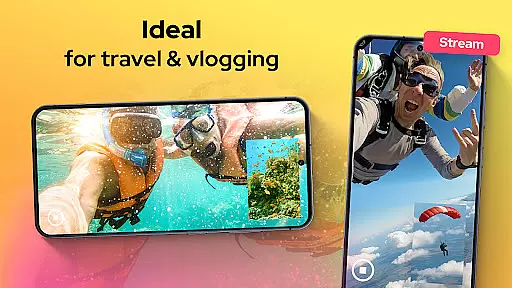
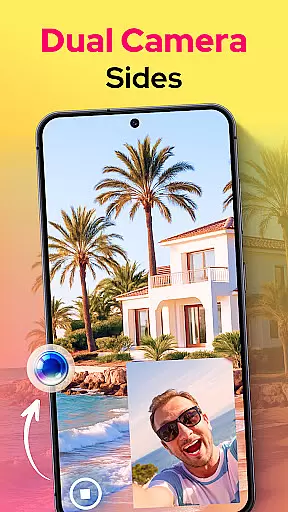
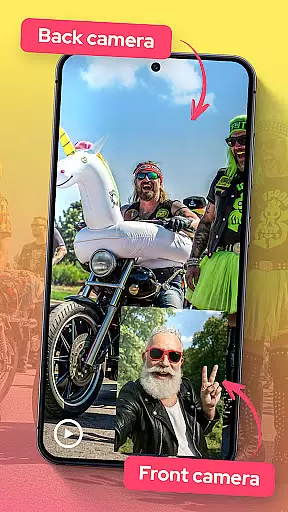

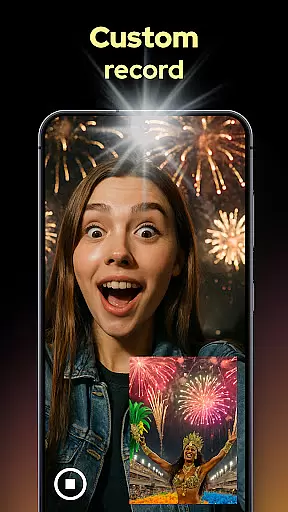
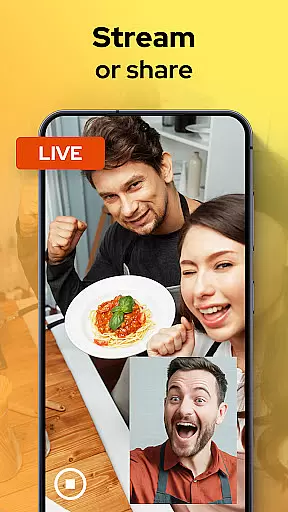
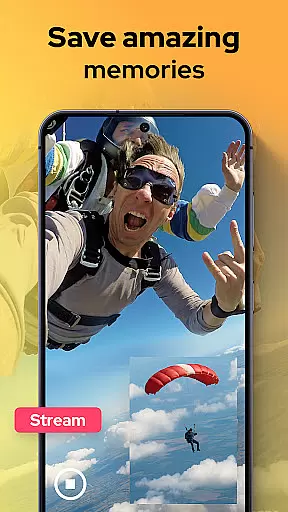
Dual Camera Sides is an innovative app in the Libraries & Demo category that allows users to record videos using both front and back cameras simultaneously. This feature is perfect for vloggers, storytellers, and anyone who wants to capture every angle of their moments.
The app offers multiple layout options such as picture-in-picture or split-screen, enabling creative storytelling. Users can also take quick Doubletake shots without pausing the video. With manual adjustments for focus, brightness, and exposure, Dual Camera Sides ensures professional-grade results while allowing background mode operation for uninterrupted recording.
One of the standout features of Dual Camera Sides is its ability to record from both the front and rear cameras at the same time. This dual capture functionality ensures no detail is missed, making it ideal for reaction clips, tutorials, and more.
Users can choose between different viewing modes like picture-in-picture or split-screen, offering flexibility in how they want to present their content. The app also allows for quick snapshots while recording and seamless angle switching without stopping the clip. Additionally, manual controls for focus, brightness, and exposure provide users with the tools needed for high-quality video production.
Another notable feature is the background mode, which lets the app continue recording even while users switch to other applications. This ensures continuity and convenience, especially when multitasking during a shoot.
In the realm of mobile applications, functionality completeness is paramount for user satisfaction. Dual Camera Sides offers a robust set of features that cater to diverse videography needs. With its ability to record from both front and rear cameras simultaneously, it ensures no moment is missed. This dual-camera functionality supports various shooting modes including picture-in-picture and split-screen, providing users with creative freedom.
The app's Doubletake feature allows users to capture stills without interrupting video recording, enhancing the content creation process. Additionally, manual adjustments for focus, brightness, and exposure give users professional-grade control over their recordings. These comprehensive features collectively ensure that Dual Camera Sides covers a wide range of use cases from casual videography to more complex storytelling projects.
For users, this means they can seamlessly switch between different shooting perspectives and styles without needing multiple apps or devices. The ability to export and share videos quickly further adds to the app's appeal, making it an all-in-one solution for capturing dynamic, multi-angle footage. Such extensive functionality coverage positions Dual Camera Sides as a versatile tool in the Libraries & Demo category.
Usability is a critical factor in determining an app's success, and Dual Camera Sides excels in providing a smooth operational experience. The app's interface is designed for simplicity and ease of use, allowing users to start recording with minimal setup. Its intuitive controls enable quick switching between different recording modes such as side-by-side, top-bottom, or floating window layouts, catering to varied creative preferences.
Operational smoothness is evident in how the app handles background tasks efficiently. Users can continue recording while multitasking, thanks to the background mode feature. This seamless performance ensures that users won't miss any crucial moments due to app limitations. Furthermore, the live preview provides clear visuals, helping users frame their shots accurately and make real-time adjustments.
Overall, Dual Camera Sides delivers a polished user experience by combining straightforward navigation with reliable performance. Its thoughtful design minimizes learning curves, making it accessible even for beginners while offering advanced features that satisfy seasoned creators. This balance of usability and operational efficiency enhances user engagement and satisfaction within the Libraries & Demo category.
User-friendly interface
High-quality dual recording
Flexible layout options
Manual camera controls
Background recording mode
Limited to specific devices
Higher battery consumption
Premium feature costs
Occasional glitches
Learning curve for new users

Demo for Key Attestation feature of the Android system.
 4.80
4.80
Block and secure the microphone and protect from secret listening and recording.
4.50
Popular mods fnaf mods for melon playground
4.50
Collection of Maps and Mods for Dmod
3.30
use your smartphone as Remote control drones .
4.20
Block, disable and secure phone camera from secretly taking photos by spyware.
4.50
Game booster GFX may reduce interruptions and improve gaming experience.
4.50
Manage apps & elevate your gaming experience with Game Launcher: Gaming Hub app.
4.30
Ps2 plugins for 64 bit artitechture
3.70
Tune your game graphics with our GFX optimizer for optimal gaming experience
4.50
MirrorLink for connecting your Android phone to your car’s infotainment screen.
4.50
Barcode scanning made simple!
4.40
Easily evaluate the performance of Scandit's barcode and ID scanning SDK
4.10
A Pydroid Quick Install repository provider.
4.00
Mirror link car connector to share your screen with car dashboard
3.80
With Endoscope Camera Connector you can connect your phone with endoscope cam
3.70
Experience virtual reality on your smartphone with Cardboard.
3.50
Endoscope camera an app to connect with endoscope cam or any device
3.30
If you are looking for melon playground mod that fun you deffinitely try our app
2.70


User Reviews