
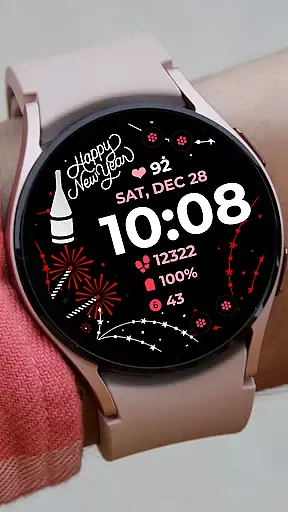
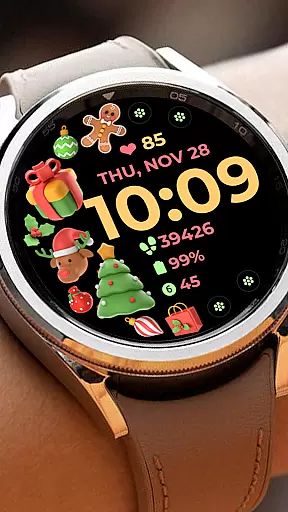
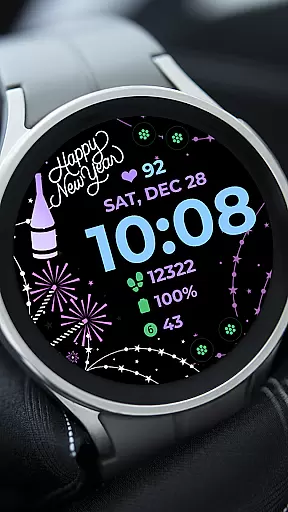
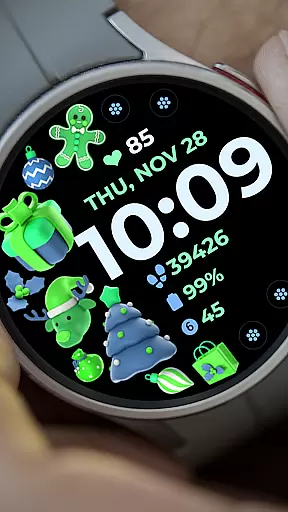
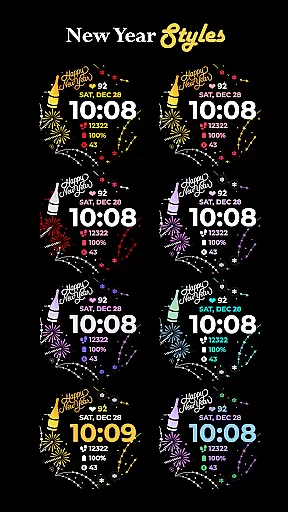
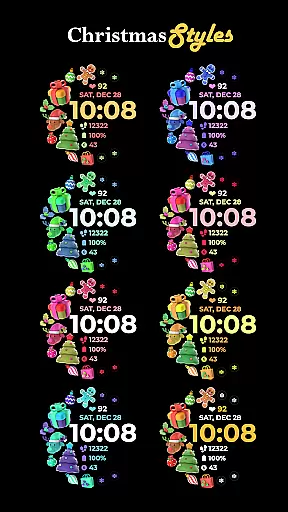
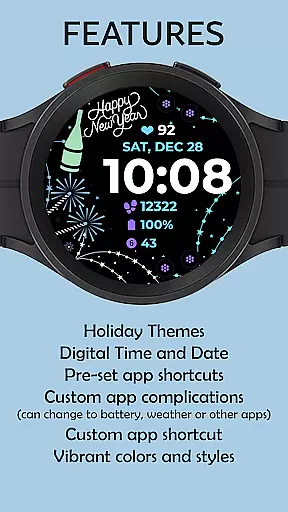
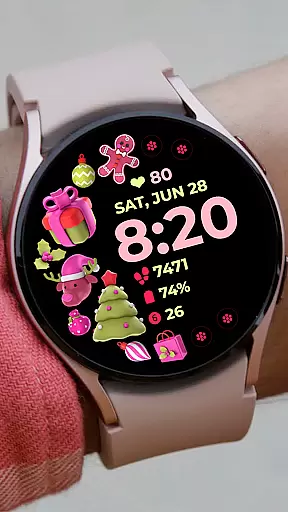
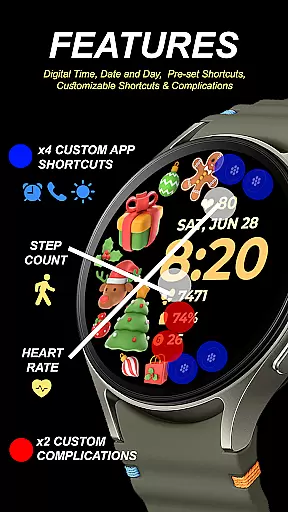
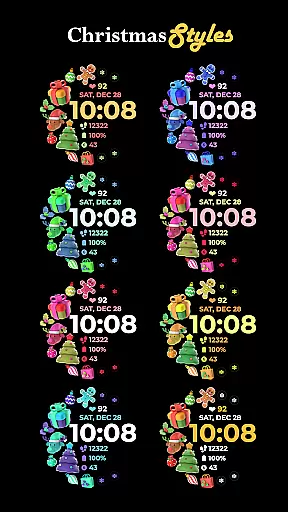
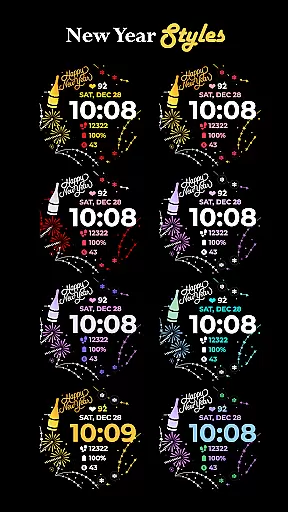
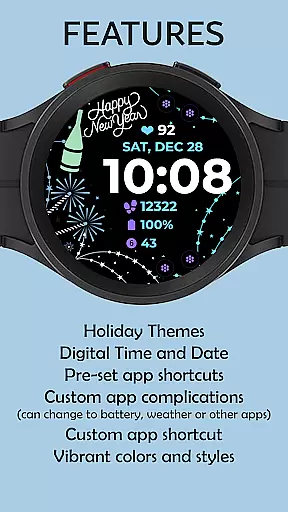
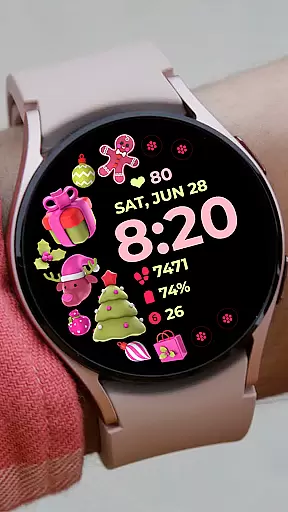
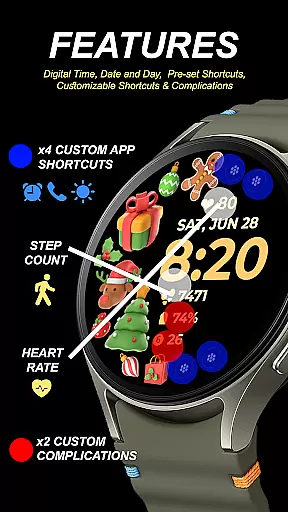
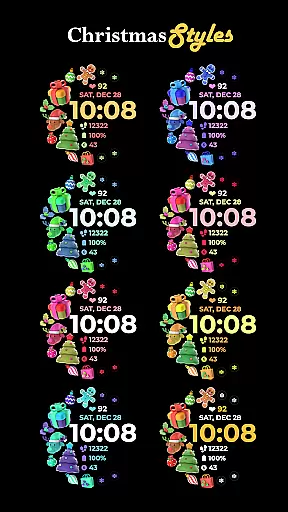
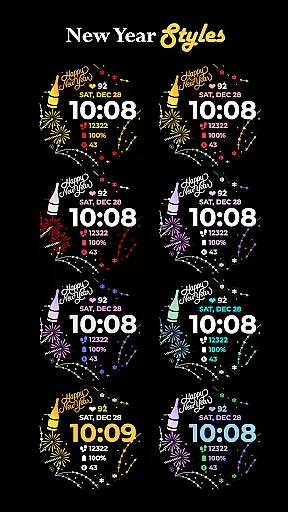
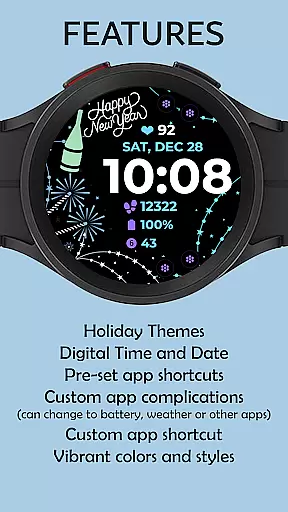
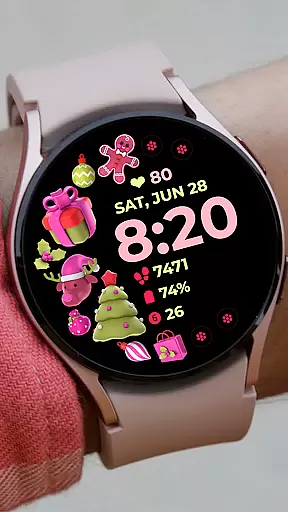
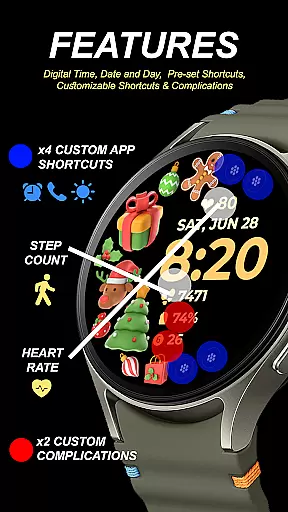
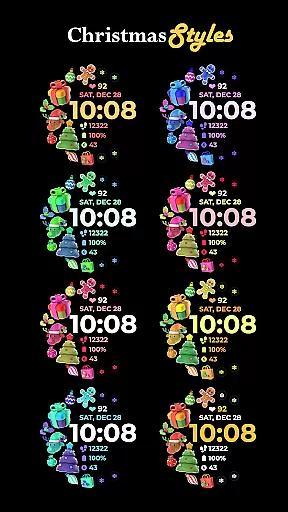
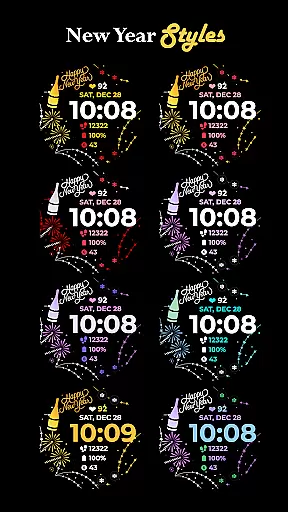
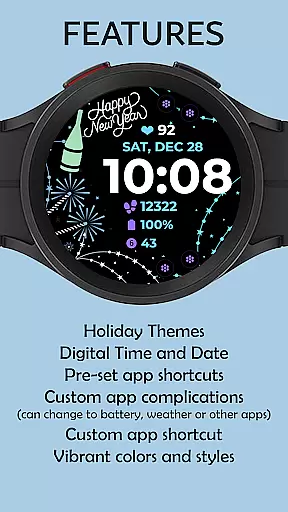
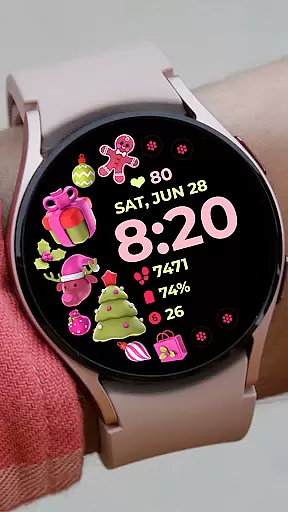
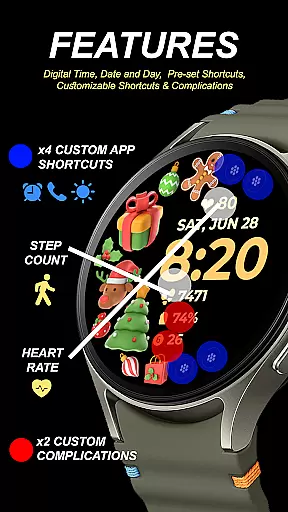
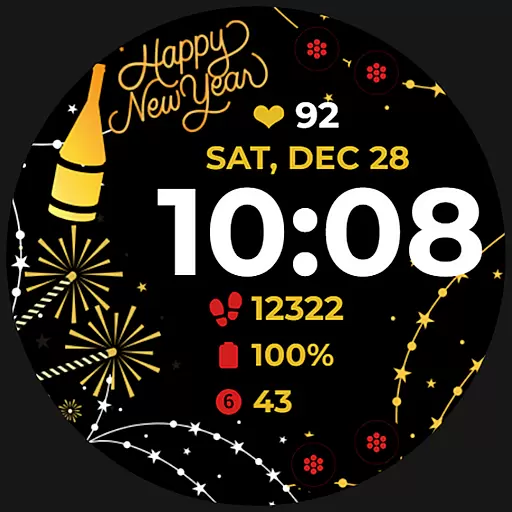
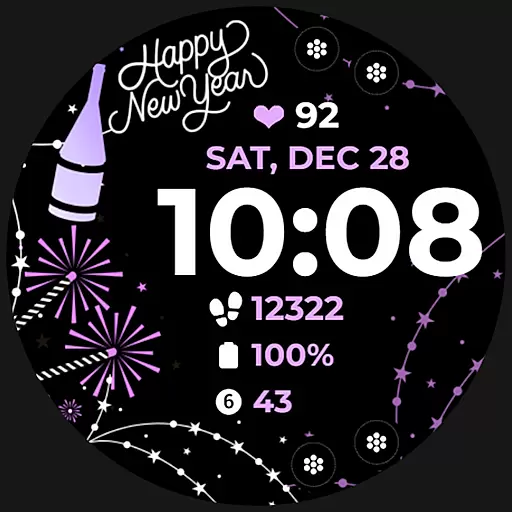
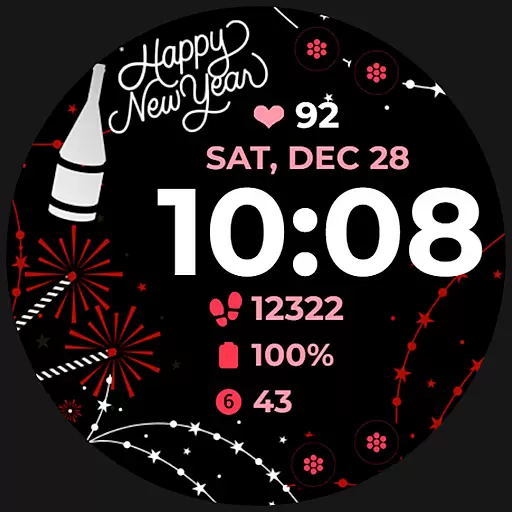
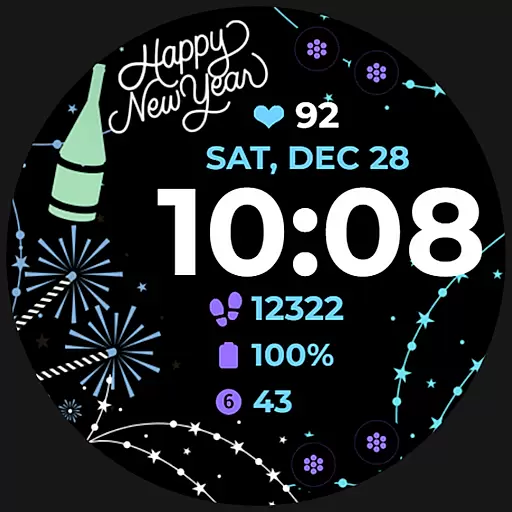
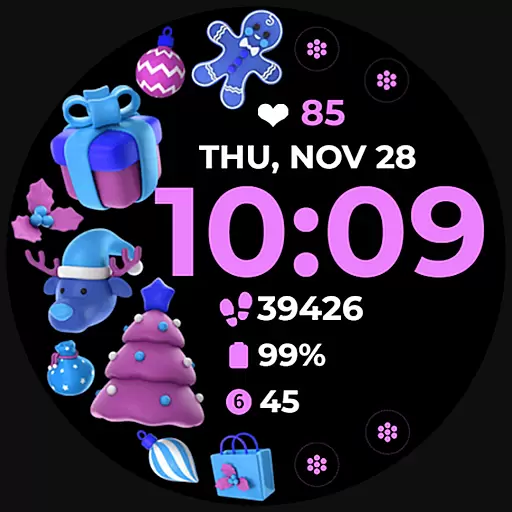
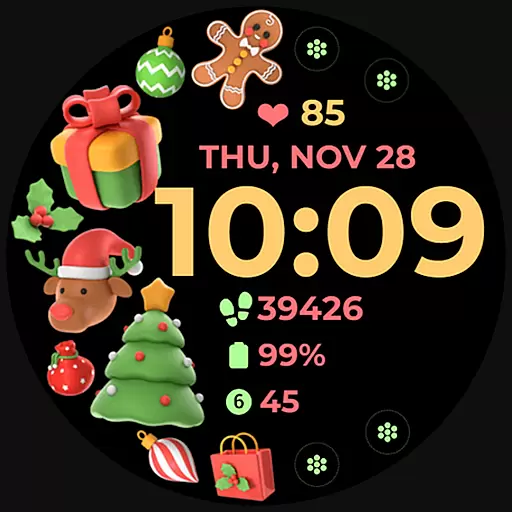
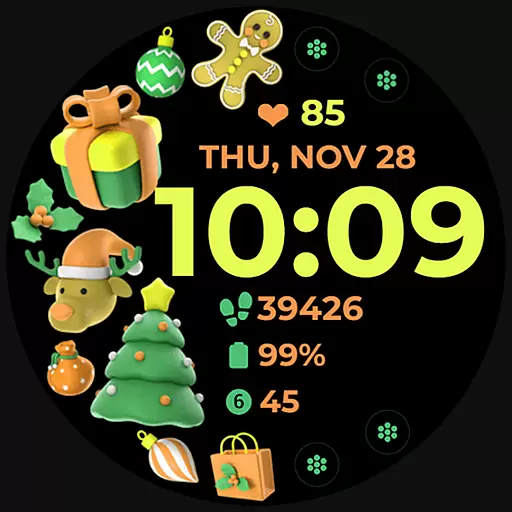
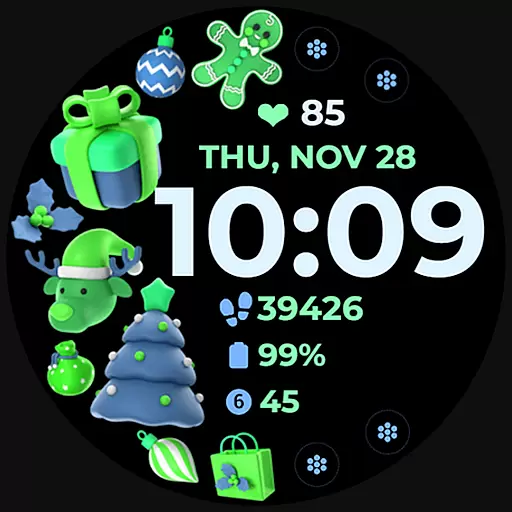
Holiday Art is a feature-rich watch face app designed specifically for Wear OS devices like Samsung Galaxy Watch 4. Developed using Samsung's "Watch Face Studio" tool, this app brings festive themes and essential timekeeping features to your smartwatch.
The app offers digital clock display, date and day information, always-on functionality (AOD), and customizable app shortcuts. Users can personalize their watch faces with different styles and color palettes, making it suitable for holiday seasons or special occasions.
Holiday Art stands out with its comprehensive set of customization options. The app provides users with digital clock displays that are easily readable, alongside date and day indicators for quick reference.
One of the key features is the Always-On Display (AOD) functionality, which allows users to view time and essential information without activating the screen. The app also supports both preset and customizable app shortcuts, giving users control over their most-used applications and complications.
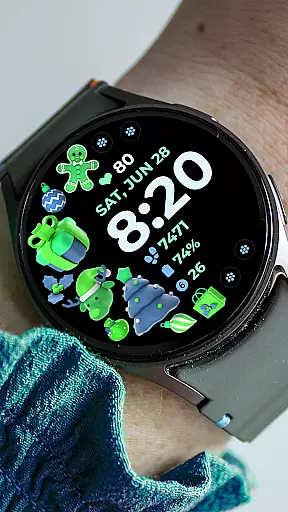
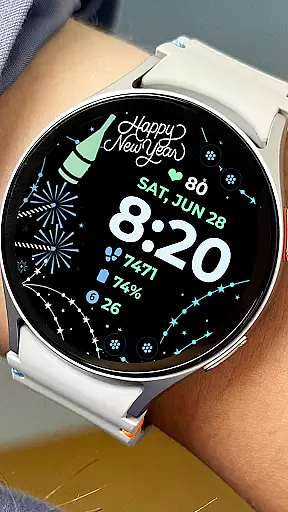
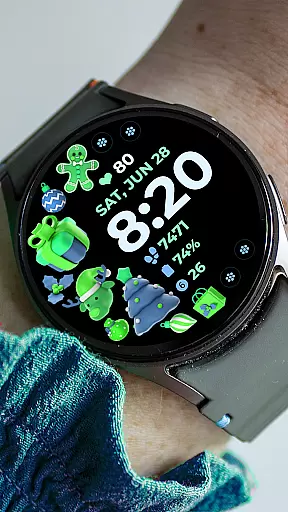
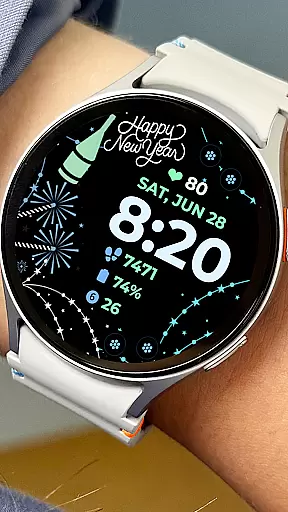
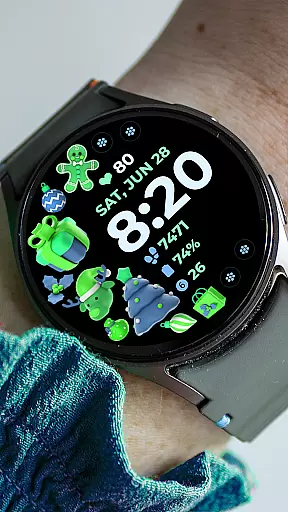
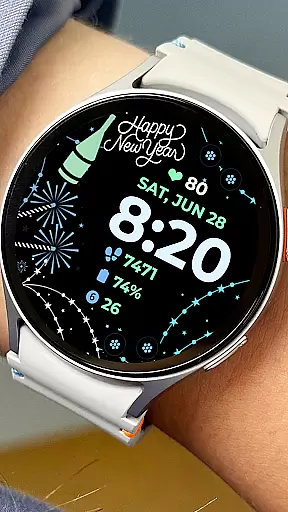
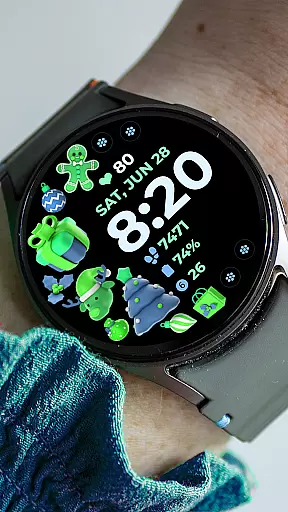
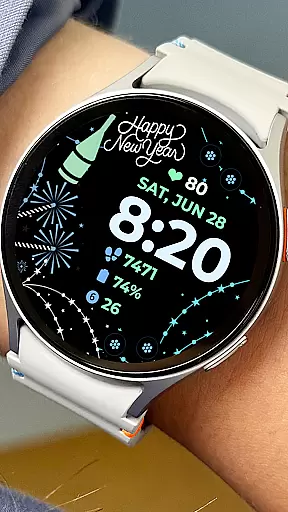
Additionally, Holiday Art offers changeable styles and color palettes, enabling users to match their watch face with their personal style or seasonal themes. These features collectively enhance both the aesthetic appeal and functionality of Wear OS devices.
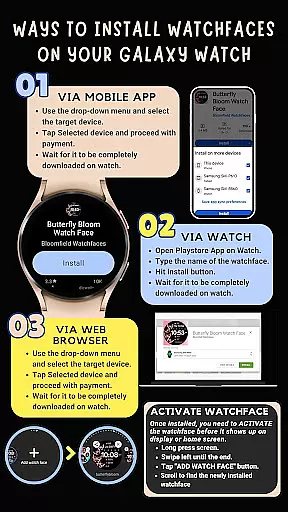
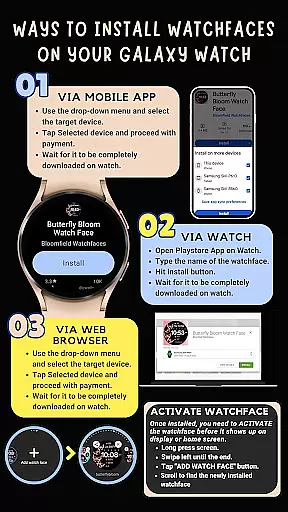
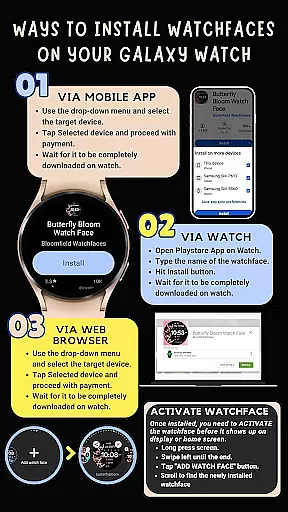
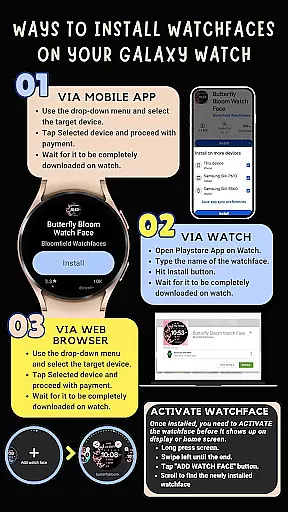
Companion app integration is essential for Android Wear applications as it ensures seamless synchronization between the wearable and its paired smartphone. Holiday Art watch face excels in this aspect by providing clear installation instructions and ensuring that all features are accessible through both devices.
The application automatically installs on the watch with a visible download icon during the process, while also prompting users to maintain a strong connection between the watch and phone via the same Wi-Fi network. This guarantees efficient data transfer and functionality.
Users benefit from the ability to manage settings directly from their phone, including enabling permissions and customizing app shortcuts. These features collectively enhance user experience by offering convenience and control over their smartwatch environment.
Compatibility with Wear OS and various devices is crucial for Android Wear apps like Holiday Art. Developed using Samsung's 'Watch Face Studio' tool, this watch face supports devices running on the new Wear OS Google/One UI Samsung operating system, such as the Samsung Galaxy Watch 4.
Holiday Art ensures broad device compatibility while offering features such as digital clock, date and day display, always-on (AOD) functionality, and customizable app shortcuts. These elements provide users with a versatile and personalized experience tailored to their specific device.
By adhering to strict testing protocols and receiving approval from the Google Play Store team, Holiday Art guarantees reliable performance across supported devices. Users can confidently enjoy a wide range of functionalities knowing they are optimized for their Wear OS-based smartwatches.
Wide customization options
User-friendly interface
Always-On Display support
Regular updates
Responsive customer support
Initial setup can be complex
Limited to Wear OS devices
Some features may not work on all watches
Requires strong Wi-Fi connection
Premium features need purchase

Diet tracker for weight loss - track calories, food and macros. Simple and easy!
 4.70
4.70
Watch the sharpness of the sky on your wrist..
3.70
Elegant animated Christmas tree with multiple customization options
4.20
Be an elegant and classy secret agent, with this carefully detailed watch face
4.70
Fitness interactive virtual pet super fighter boy watch face
4.1
sleep, alarm, snoring, stress, healing, focus, sound therapy, circadian rhythm
4.10
Locate your family members by GPS phone location tracker everywhere and anytime
4.30
The #1 source of faces for your smartwatch!
4.00
Hybrid watch face for Wear OS with customizable complications by Matteo Dini MD
4.70
Beautiful, colorful and practical watch face. For Wear OS devices.
5.00
The Chevron App allows you to pay for fuel from the comfort of your car!
4.80
Highly customizable hybrid watch face for Wear OS, perfect for everyday use.
4.60
To-Do List: daily schedule planner, task organizer, to do reminder app, calendar
4.60
A customizable Christmas watch face for Wear OS with a countdown.
4.20
Animated Watch Face and Customizable with 24 Backgrounds. Perfect for Christmas!
3.90
Structured watch face with seven complications and modular UI elements
3.90
Your local weather forecast, storm tracker, radar maps & live weather news
3.40
Artistic Digital Watchface
4.4
Simple Analog-Digital Watchface For Wear OS 3.0 and Up Smartwatches
4.0


User Reviews