
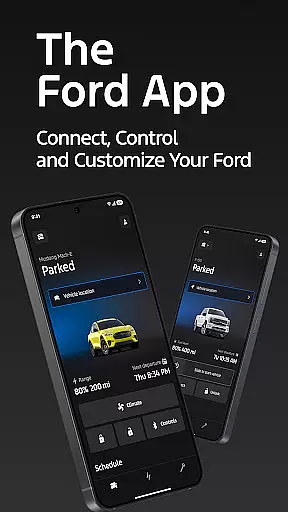
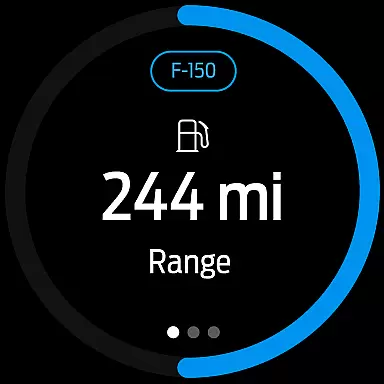
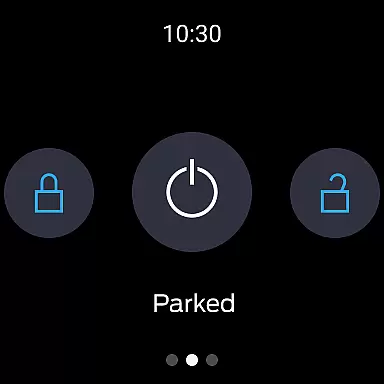
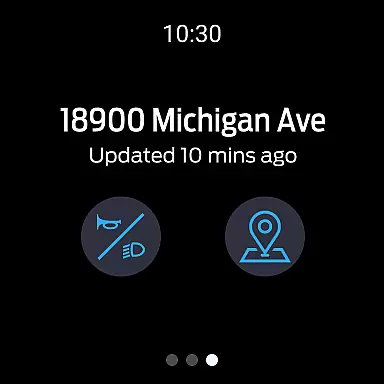
The Ford app is a comprehensive companion for Ford vehicle owners, designed to enhance the driving and ownership experience through smart connectivity. This application brings essential vehicle controls and services directly to your smartphone or Wear OS device.
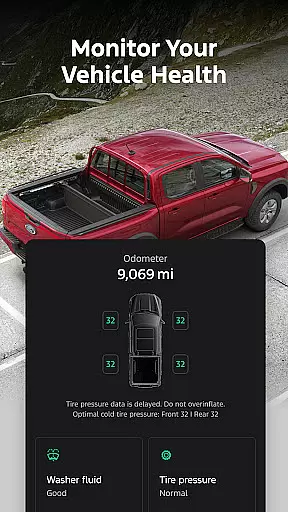
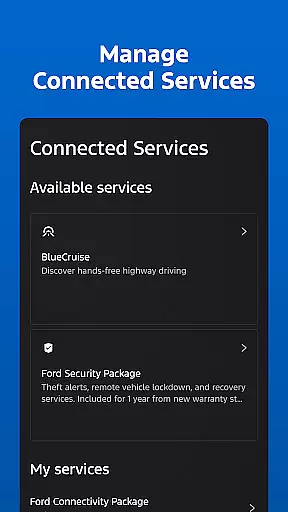
Core functionalities include remote start, lock and unlock features, vehicle status monitoring, and GPS tracking. Users can also manage electric vehicle settings, schedule maintenance, and access connected services like BlueCruise. The app serves as a command center that keeps you connected to your Ford vehicle anytime, anywhere.
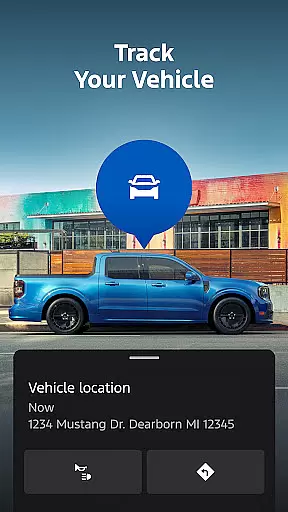
This app is particularly useful for busy professionals who need to manage their vehicles on the go. Whether it's pre-conditioning your car before leaving work or finding it in a crowded parking lot, the Ford app provides practical solutions for modern vehicle ownership.
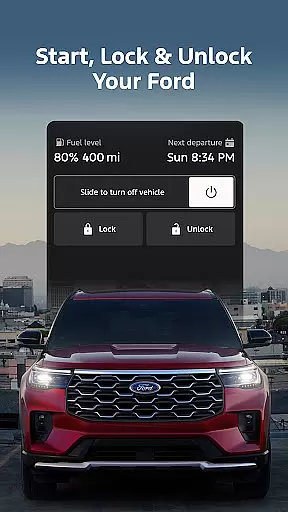
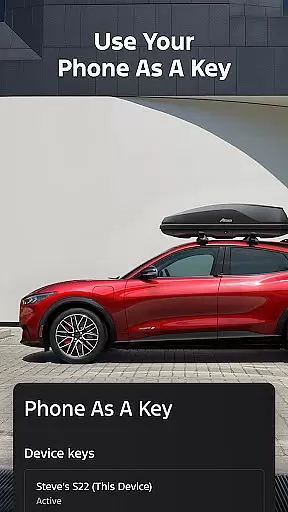
The Ford app stands out with its extensive feature set tailored for both traditional and electric vehicles. Remote functions allow users to start their car, lock and unlock doors, and even use their phone as a key through NFC technology.
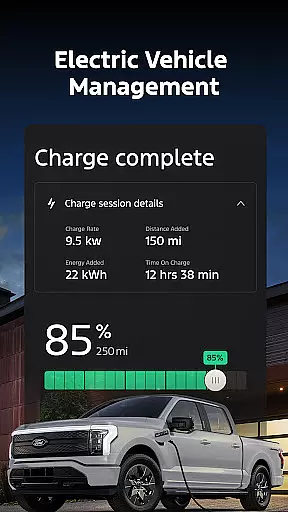
For electric vehicle owners, the app provides detailed battery management including charge level monitoring and preconditioning capabilities. The service scheduling feature streamlines vehicle maintenance by connecting owners with authorized dealerships.
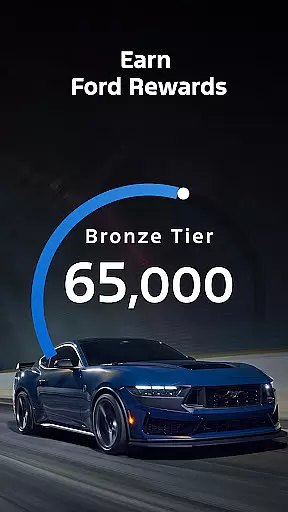
Innovative additions include integration with Wear OS devices for wrist-based controls, over-the-air software update management, and the Ford Rewards program. These features demonstrate Ford's commitment to creating a seamless ecosystem between vehicles and digital devices.
Companion app integration is essential for users who want seamless connectivity between their smartphones and wearable devices. The Ford app excels in this area by offering a comprehensive suite of features that sync effortlessly with Wear OS smartwatches.
Through the Ford app, users can send commands and check their vehicle status directly from their wrists. This includes remote start, lock and unlock functions, and real-time vehicle stats. Such integration ensures that you are always connected to your vehicle, no matter where you are.
The benefits of this integration are numerous. Users can enjoy the convenience of managing their Ford vehicles without needing to take out their phones. Whether it's checking fuel levels or locating the car via GPS tracking, all these actions can be performed on a Wear OS device.
This level of companion app integration not only enhances user experience but also adds a layer of safety and security. By having critical vehicle information at your fingertips, you can respond quickly to any situation, ensuring peace of mind and an elevated sense of control over your Ford journey.
Wear OS/device compatibility is crucial for ensuring that wearable technology works harmoniously with mobile applications. The Ford app supports a range of Wear OS smartwatches, providing users with versatile and reliable functionality.
With compatibility across select smartphone platforms, the Ford app allows users to access key features like remote start, lock and unlock, and vehicle status updates directly from their Wear OS devices. This broad compatibility ensures that most users can take advantage of these advanced capabilities.
Users benefit significantly from this compatibility as it streamlines their interaction with the Ford app. They can perform essential tasks such as scheduling service appointments, checking electric vehicle charge levels, and even managing connected services like BlueCruise right from their wrists.
By prioritizing Wear OS/device compatibility, the Ford app delivers a cohesive ecosystem where users can seamlessly transition between different devices while maintaining full control over their vehicles. This approach underscores Ford's commitment to integrating cutting-edge technology into everyday driving experiences.
User-friendly interface
Comprehensive vehicle control
Regular feature updates
Electric vehicle support
Wear OS integration
Limited vehicle compatibility
Requires active subscription
Occasional connectivity issues
Dependent on cellular network
Varied feature availability

Christmas and New Year - Themed Watchface
 4.4
4.4
an Analog Watch Face for winter season with freeze winter background for Wear OS
4.4
Find EV charging stations
4.30
Period, ovulation & pregnancy tracker. Fertility insights & menstrual calendar.
4.90
Real-time results, stats, schedules and player profiles for all leagues
4.60
Stay in touch with your friends and family using LINE!
3.40
Premium hybrid watch face with many customizations for Wear OS devices.
4.40
Your local weather forecast, storm tracker, radar maps & live weather news
3.40
Track airplanes and follow flights with our real-time flight tracker
4.50
Christmas Theme Watch Face for Wear Os
5.00
The Chevron App allows you to pay for fuel from the comfort of your car!
4.80
Your second brain for organizing your life: to-do, calendar, reminder.
4.70
Highly customizable hybrid watch face for Wear OS, perfect for everyday use.
4.60
MyNISSAN® lets you remotely control your car from your phone.*
4.50
Deck out your Wear OS Watch face with a beautifully decorated pine wreath!
4.50
Elegant animated Christmas tree with multiple customization options
4.20
sleep, alarm, snoring, stress, healing, focus, sound therapy, circadian rhythm
4.10
Daily Weather forecast with 15 weather images for Day & Night plus Big Bold time
4.10
A heartwarming Christmas scene featuring a cute image of Santa and Rudolf
4.4


User Reviews