
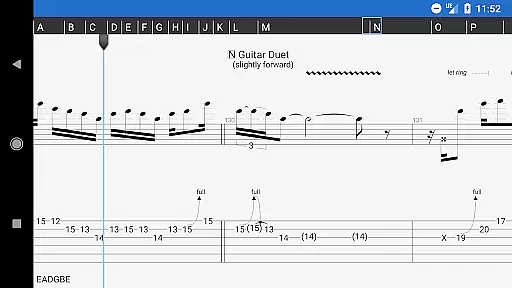
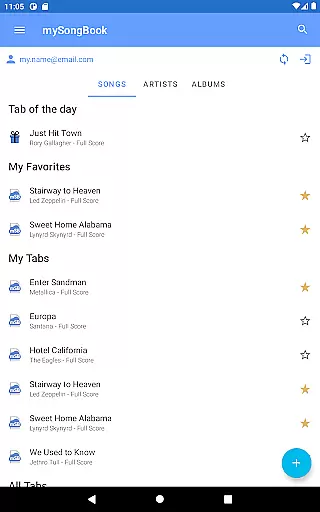
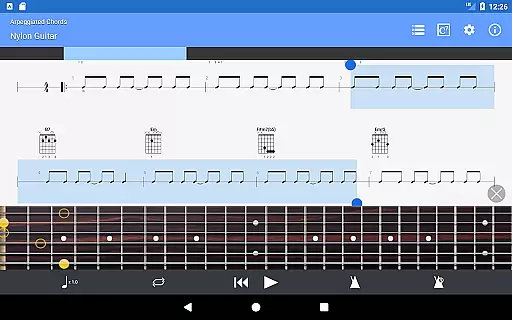
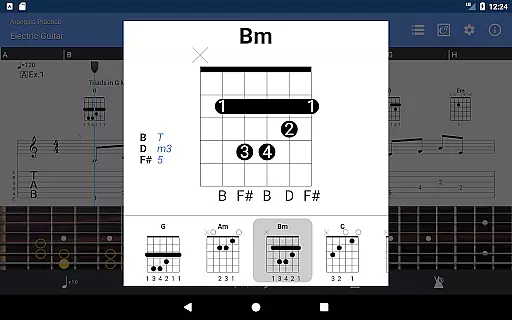
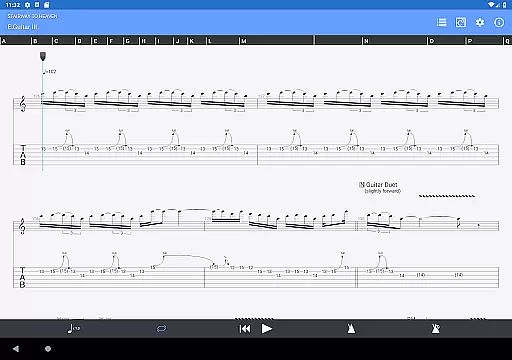
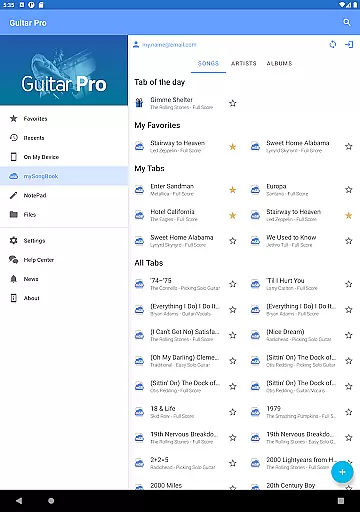
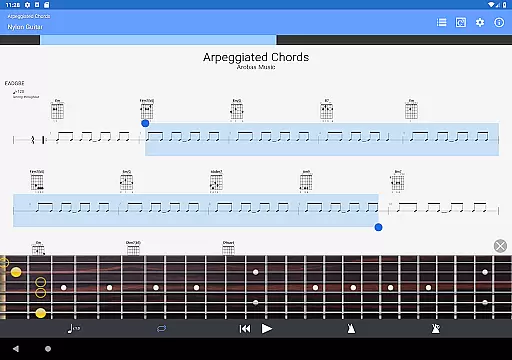
Guitar Pro is a comprehensive mobile application designed for guitarists and musicians who want to view, play, and write tablature directly from their mobile devices. This app supports GP3/4/5/6/7/8 file formats, allowing users to access a wide range of tablature files. It features a powerful score player with multitrack playback, metronome, tempo control, and global transposing capabilities. The integrated sheet-music library provides search, filters, and favorites options, making it easy to organize and find your music.
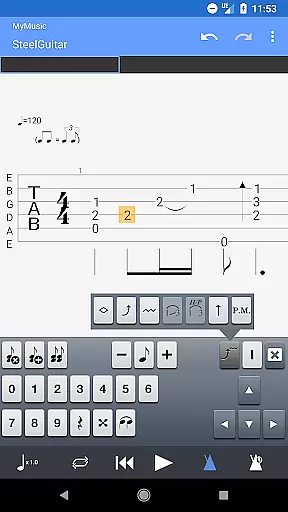
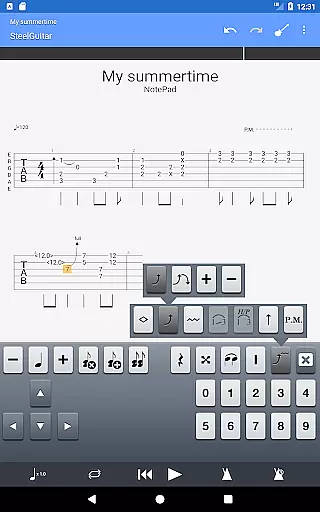
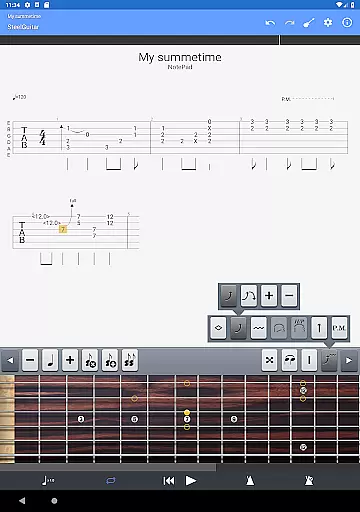
One of the standout features of Guitar Pro is its NotePad tool, which allows users to create single-track tablatures for various stringed instruments like guitar, bass, banjo, ukulele, and mandolin. With customizable tuning, tempo settings, and 19 built-in sounds, musicians can quickly capture their musical ideas on the go. The app also enables exporting these ideas into Guitar Pro desktop formats, facilitating further composition work on larger platforms. Whether you're practicing your favorite songs or jotting down new riffs, Guitar Pro offers an ideal companion for all your musical needs.
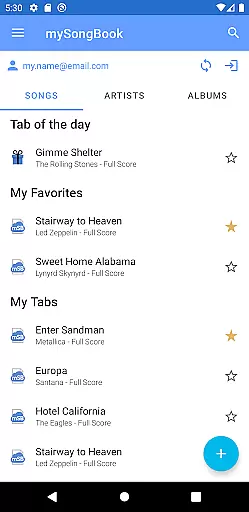
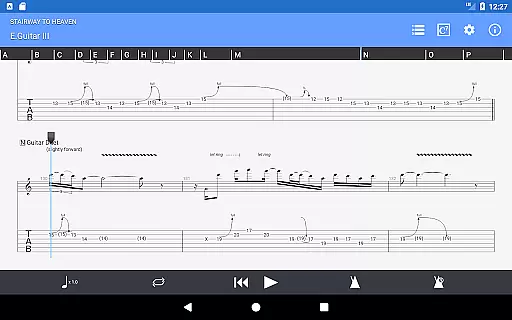
Guitar Pro stands out with its robust feature set tailored specifically for musicians. The app supports multiple file formats including GP3/4/5/6/7/8, enabling seamless compatibility with existing tablature files. Its powerful score player includes functionalities such as tab notation with rhythms, slash notations, standard notations, and compatibility with the mySongBook portal (excluding subscription). Users can load files via WiFi, web browser, and email, ensuring flexibility in accessing their music library.
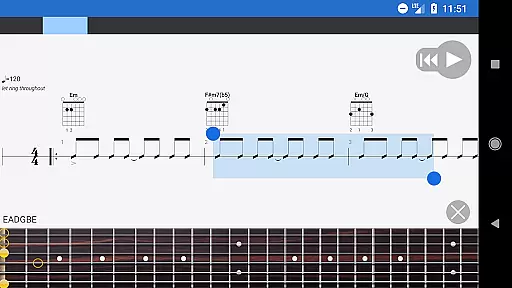
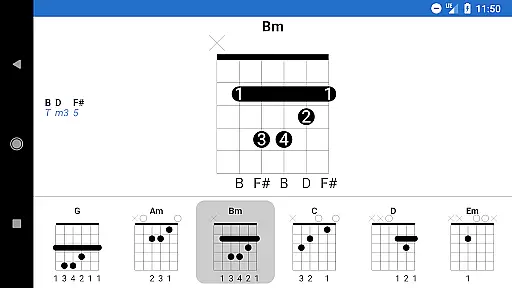
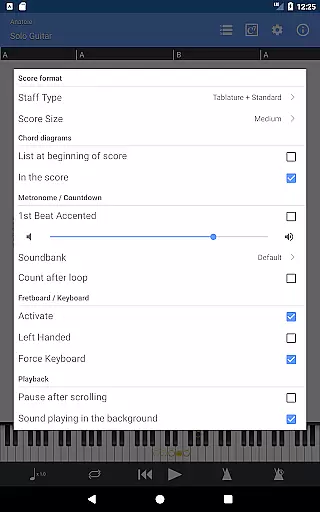
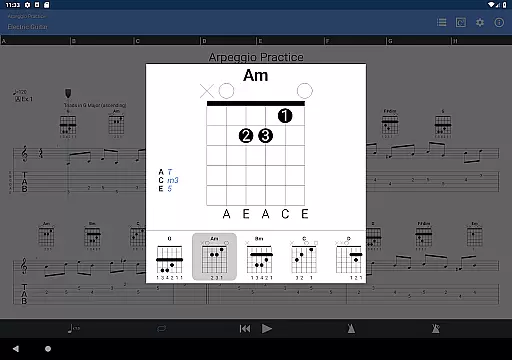
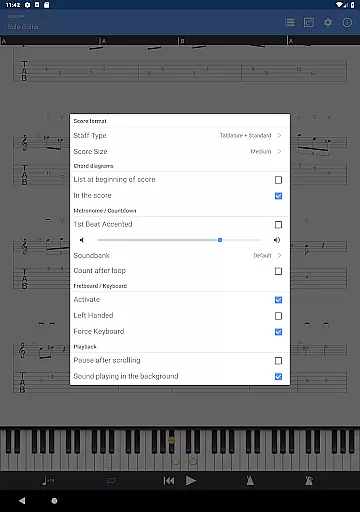
The NotePad tool within Guitar Pro allows users to edit single-track tablatures for various stringed instruments. It supports 4- to 8-string instruments and offers customizable tuning and tempo settings. Additionally, the app provides a fretboard view for both right- and left-handed players, along with a virtual keyboard. Features like on-the-fly tempo changes, global transposing by half-tones, and playing selections in loops enhance practice sessions. Simplified navigation between sections and e-mailing files directly from the app add convenience to sharing and managing compositions.
When it comes to music creation and editing applications like Guitar Pro, the size and authenticity of the music library are crucial factors. A comprehensive music library ensures that users have access to a wide variety of musical pieces, from classical compositions to modern hits.
Guitar Pro offers an extensive library through its compatibility with the mySongBook portal, which provides a vast collection of sheet music. Although a monthly subscription is required for full access, this feature enriches the user's experience by providing legal and authentic content that has been vetted for copyright compliance.
The app supports GP3/4/5/6/7/8 file formats, allowing musicians to load, play, and share their favorite songs easily. This versatility not only enhances practice sessions but also enables collaboration with other musicians who use different versions of the software.
By ensuring that all content is legally obtained and copyright-authenticated, Guitar Pro maintains industry standards and fosters a trustworthy environment for musicians to learn and create music.
Audio quality is paramount in music applications, especially for tools designed for professional musicians and composers. The ability to produce high-fidelity sound can significantly impact the user's satisfaction and the app's effectiveness in music education and composition.
Guitar Pro includes 19 built-in sounds within its NotePad tool, catering to various string instruments such as guitar, bass, banjo, ukulele, and mandolin. These sounds are customizable, allowing users to adjust tuning and tempo to fit their specific needs.
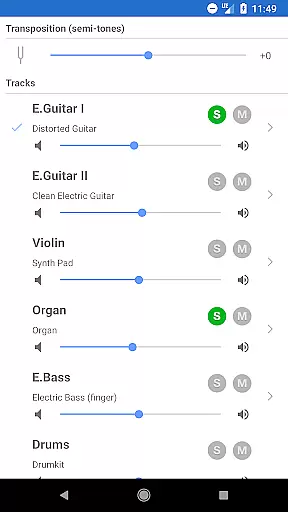
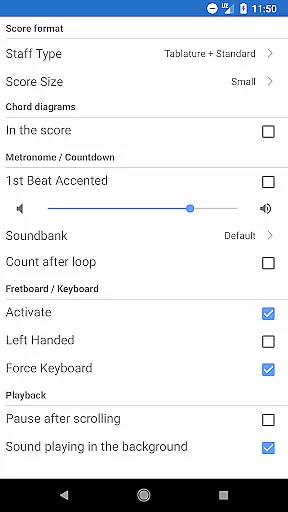
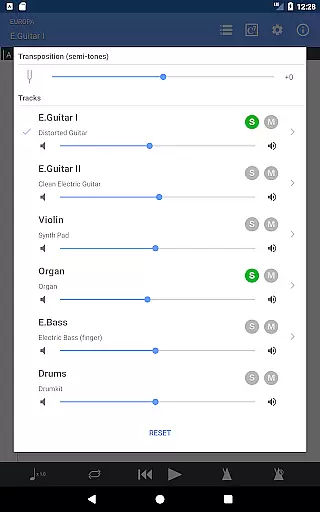
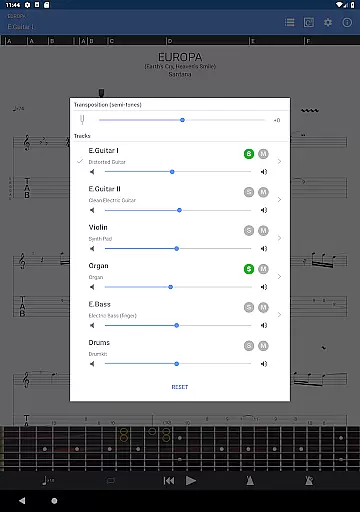
Moreover, the app features a multitrack player with a soundboard, offering controls for volume, solo-mute functions, and soundbank selections. This level of customization ensures that each instrument's audio output meets the user's expectations and requirements.
While the mobile version does not support the audio track feature available in the desktop versions, it still delivers a robust audio experience that supports musicians in composing and practicing their pieces effectively.
User-friendly interface
Wide format support
Powerful score player
Integrated sheet-music library
NotePad tool for quick edits
No audio track editing
Limited to single-track tablature
Monthly subscription excluded
Notation changes unavailable
Drum track editing absent

Full-featured, High-Quality Groovebox Workstation, perfect for Live Performance!
 4.80
4.80
DJ Music Mixer - DJ Remix: remix songs, make beat music & record mix of DJ.
4.40
Enhance the sound quality of your devices, listen to what you want
4.50
Slow music down without changing pitch.
3.70
Turn your Android phone into a professional audio analyser with up to 120 bands.
4.00
The iconic iOS metronome app is now on Android.
3.70
MilkDrop for Android TV
3.00
Offline Tunes, Unlimited Vibes
3.90
Customize Your Favorite Songs and Videos with booster.
4.70
Voice recorder - Audio recorder. Best recorder for recording
4.90
Brian Eno and Peter Chilvers’ acclaimed music app Bloom, radically reinvented.
4.80
Formerly known as Spotistats! View your top tracks, artists, albums and more!
4.40
Equalizer, Bass Booster and Volume Booster (Eq & Bass) improve sound quality
4.30
The Music Journey in Your Hands
4.30
Advanced 10-Band Audio Graphic Equalizer Sound Booster Pro
4.30
Bass Booster Pro takes auto-equalizing to the next level!
4.30
A sleek, no-frills player designed for true music lovers.
4.20
Versatile MP3 recorder with auto-backup to Dropbox and Google Drive
4.10
Simply convert wav to mp3. Clear. Reliable. Safe.
4.0


User Reviews