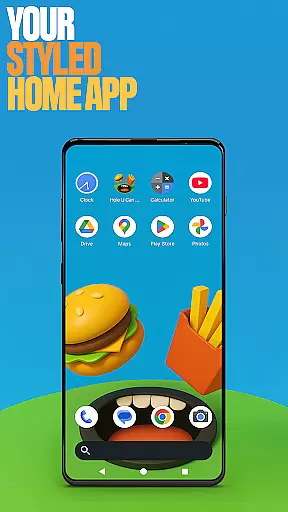
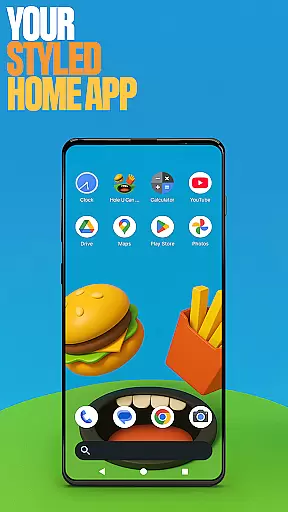
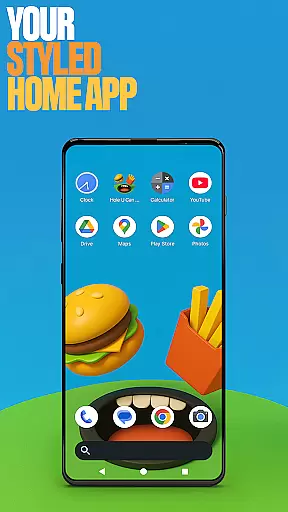
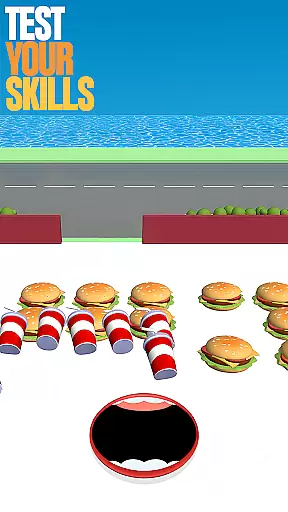
Hole U Can Eat Home App is a highly customizable launcher designed to give users complete control over their device's appearance and functionality. With features like flexible layouts, custom icon shapes, and game-style wallpapers, this app allows for extensive personalization.
Users can tailor their home screen experience with unique gestures, hidden apps, and accent color options. Whether you're looking to streamline your daily usage or simply want a more exciting interface, this app offers the tools to make it happen.
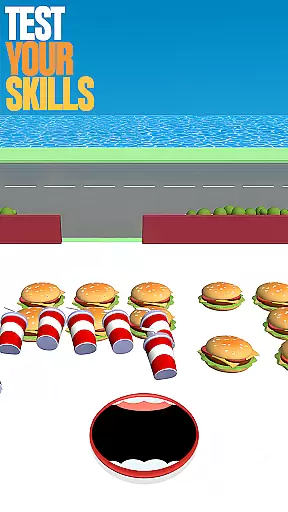
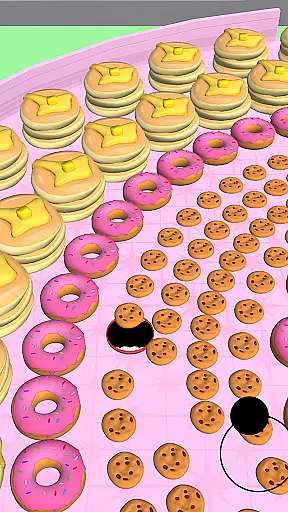
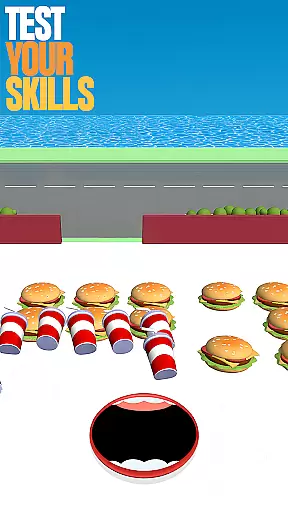
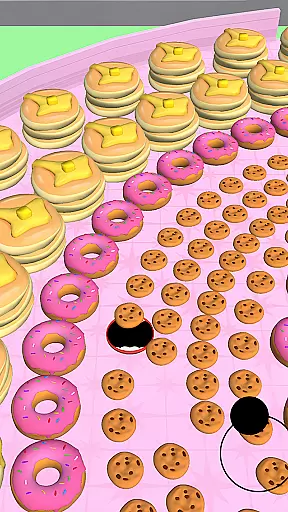
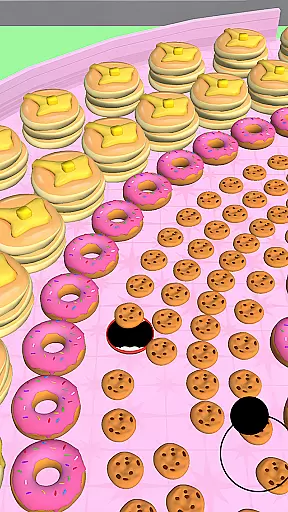
The app also integrates elements from the popular game Hole U Can Eat, providing an engaging and playful user experience that keeps things fresh and enjoyable.
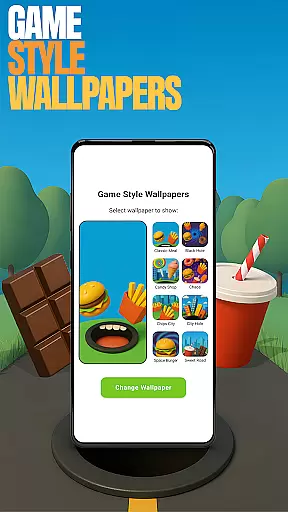
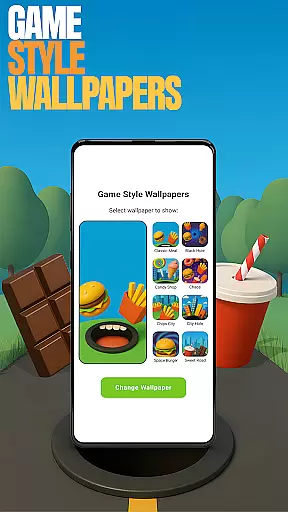
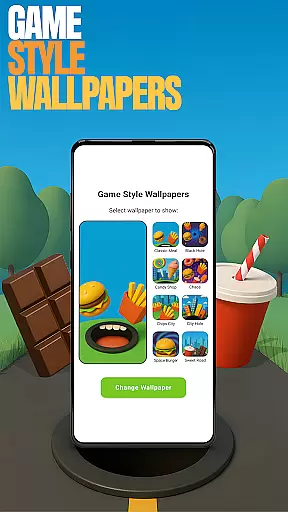
This launcher stands out with its diverse customization options. The Game Style Wallpapers feature lets users apply dynamic, game-inspired designs to their home screen by simply long-pressing on an empty area.
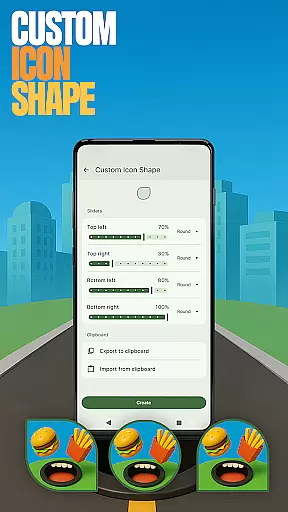
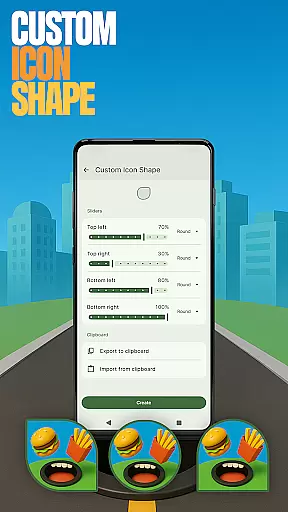
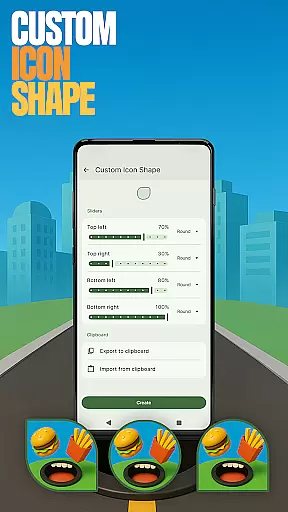
For those who want to personalize their app icons, the Custom Icon Shape function offers various styles to choose from. Users can also create custom gestures for quick access to frequently used apps or settings through the Gestures menu.
Privacy-conscious users will appreciate the Hide Apps feature, while the Accent Color option allows for complete color scheme customization. These features collectively provide a level of personalization that goes beyond basic launcher functionality.
Customization is at the heart of Hole U Can Eat Home App, offering users a wide array of personalization options to truly make their device their own. With features like custom icon shapes, accent color settings, and game-style wallpapers, this app allows for an unprecedented level of personal style expression on your home screen.
The app provides unique customization capabilities such as gesture controls that let you define specific swipes or taps to open apps or settings quickly. This flexibility ensures that your device can be tailored to fit your workflow and preferences, enhancing both aesthetics and functionality.
Users benefit from the ability to hide apps, keeping their home screens clutter-free and private. Whether it's for aesthetic reasons or privacy concerns, the option to conceal certain apps adds another layer of personal control over the device's appearance and accessibility.
Hole U Can Eat Home App excels in theme compatibility, ensuring that all customizations, from icon shapes to accent colors, integrate seamlessly with your deviceu2019s existing design language. This compatibility means that every change you make not only reflects your personal style but also maintains a cohesive look across your device.
The app supports various themes and allows users to switch between them effortlessly. Whether you prefer a dark mode for reduced eye strain or vibrant themes that reflect your mood, the app ensures that transitions are smooth and visually appealing without compromising performance.
By focusing on compatibility, the app guarantees that any theme-related changes you apply will not disrupt the usability of your device. Instead, they enhance the overall user experience by providing a personalized yet consistent interface that aligns with individual preferences while maintaining optimal functionality.
Highly customizable
Game-style themes
Intuitive gestures
Privacy protection
Vivid color options
May overwhelm beginners
Consumes more resources
Some features are complex
Limited default options
Not for stock Android

A light in the dark, a unique style and an andless cutomization!
 4.30
4.30
A launcher for Samsung Good Lock and Good Guardians modules without ads
4.70
Dark icon pack based on One 8
4.80
Try creating your own keyboard with "Keyboard theme for android" app now!
4.50
Zip lock screen with magic wallpaper to decorate your phone with fun zipper lock
4.60 4.50
4.50
Vibrant Adaptive Icons with Material You and Enhanced Monet Colors.
4.50
Stylish Pink Cute Hippo keyboard with 10000+ customized keyboard themes!
4.60
Emoji Maker app - Design custom emojis and effortlessly blend them with Mixer
3.80
Sparkle your screen with Glitter Wallpapers For Girls and Cute Backgrounds!
4.80
300+ Stunning and well-designed widgets inspired by NOTHING.
4.70
Make your phone look simple & luxury, like iDevice
4.60
Unique Android Launcher
4.60
Add cute Shimeji pets to screen, interact with them and relax with cute motions
4.60
3D, live, and moving wallpapers & themes in 4K and HD for your device.
4.50
Transform your phone with Launcher iOS 26 - Smooth & elegant iOS experience
4.50 4.50
4.50
Themes - Widget & Wallpaper: Customize home screen, icon changer w unique themes
4.30
Romantic Kiss Stickers App. Start romantic messaging now!
4.30


User Reviews