
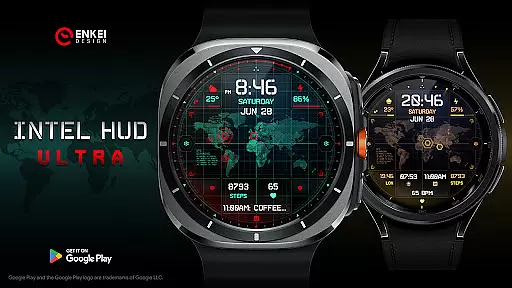
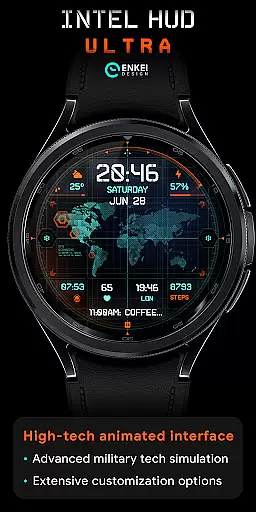
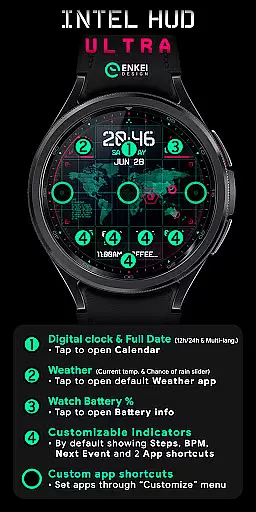
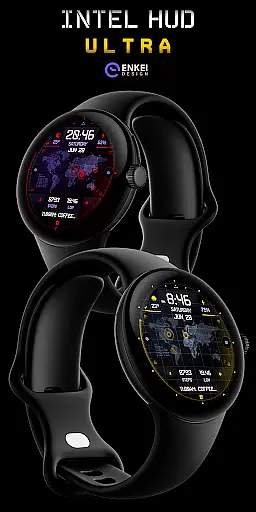
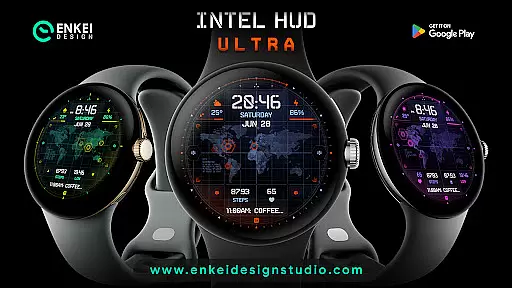
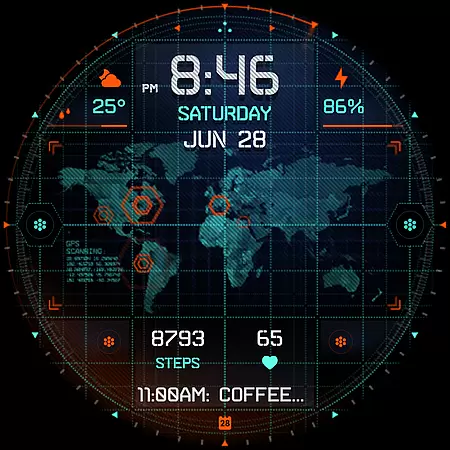
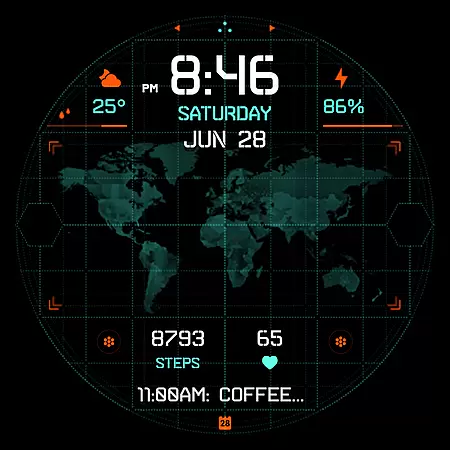
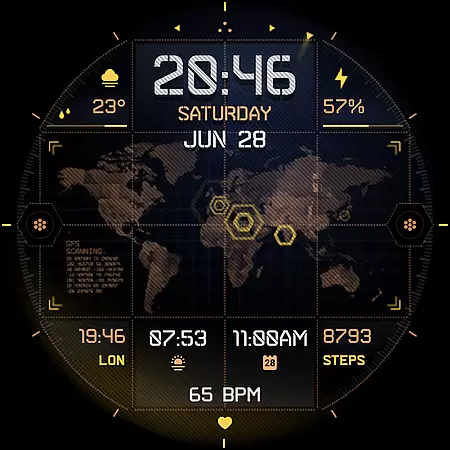
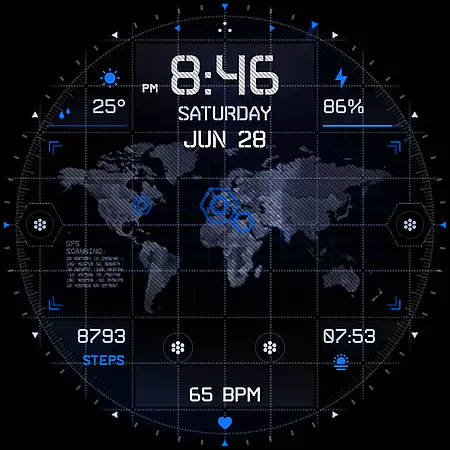
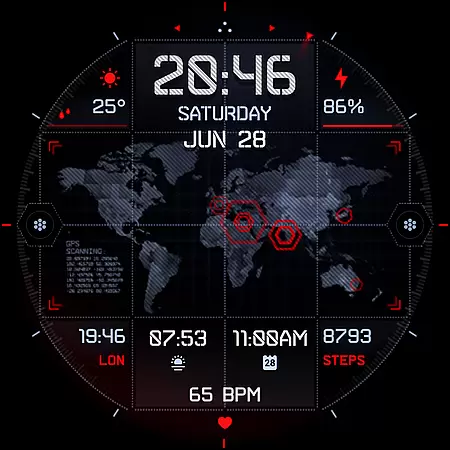
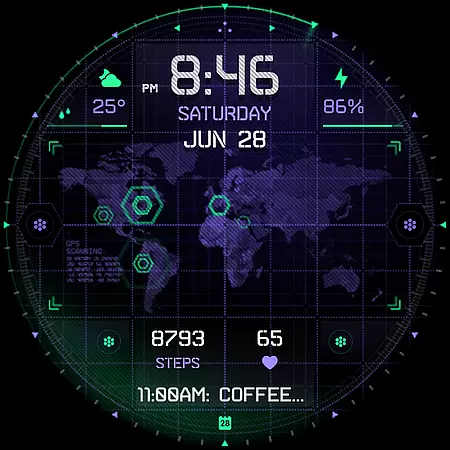
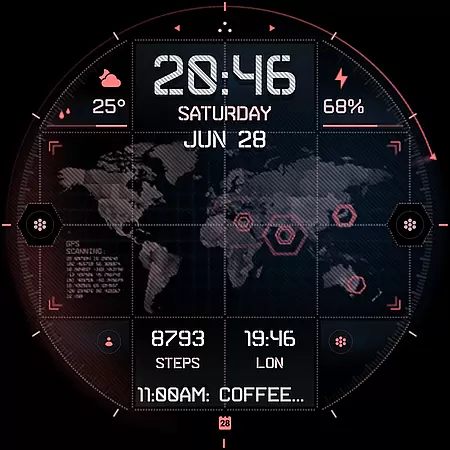
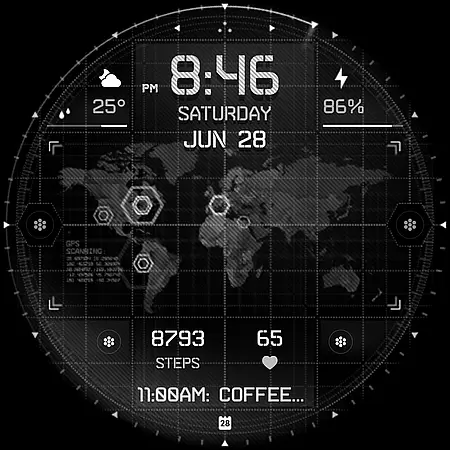
INTEL HUD Ultra is a high-tech digital watch face designed for smartwatches running Wear OS 5.0 and newer versions. This animated interface combines advanced military-inspired design with practical functionality, offering users an optimized experience that minimizes battery consumption while maximizing visual appeal.
The watch face features extensive customization options, allowing users to personalize their layout by adjusting indicators, colors, and other visual elements. With support for weather updates, app shortcuts, and health metrics like heart rate and step count, it serves as a versatile tool for both productivity and fitness tracking.
Ideal for tech-savvy users who value both aesthetics and utility, INTEL HUD Ultra enhances the wearable experience by delivering critical information in a sleek, customizable format. Its tap-to-open functionalities provide quick access to essential apps, making daily tasks more efficient.
INTEL HUD Ultra stands out with its feature-rich design tailored for smartwatch users. The digital clock supports both 12h and 24h formats and includes tap functionality to open the calendar app. Additional elements such as weekday, month, date, and weather updates are presented with multi-language support, ensuring global accessibility.
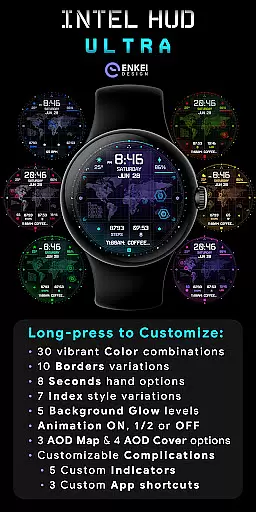
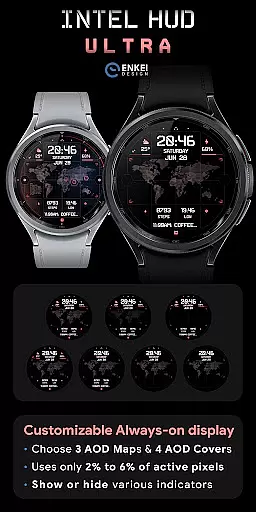
Customization is at the core of this watch face, offering users the ability to adjust everything from color schemes to battery-efficient Always-On Display (AOD) settings. Users can personalize up to four short-text indicators, one long-text indicator, and three app shortcuts, creating a layout that suits their specific needs.
Performance optimization is another key feature, with animations that can be fully or partially disabled to conserve battery life. The long-press customize menu provides granular control over design elements, including borders, seconds display, and background glow, ensuring a tailored experience for every user.
Companion app integration is a crucial feature for Android Wear applications like INTEL HUD Ultra. This functionality ensures seamless synchronization between the watch face and its companion app on your phone.
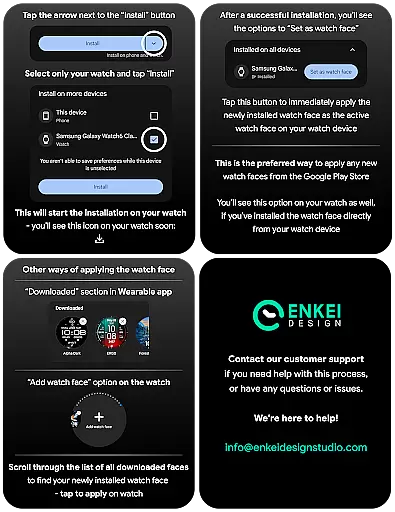
The companion app of INTEL HUD Ultra serves as a bridge to facilitate direct installation to your watch device. By doing so, it simplifies the setup process and enhances user experience by reducing potential technical hurdles.
Users benefit from this integration through effortless access to additional features and settings. For instance, customization options can be easily managed via the phone app, which then applies these preferences to the watch face in real-time.
This cohesive ecosystem not only streamlines the installation process but also enriches the overall utility of INTEL HUD Ultra by ensuring that all devices work harmoniously together.
Ensuring compatibility with Wear OS and various devices is essential for any Android Wear application. INTEL HUD Ultra is specifically optimized for devices running Wear OS 5.0 and newer versions (API 34+).
This compatibility guarantees that users experience the full range of features without performance issues. The high-tech animated interface, extensive customization options, and battery-efficient AOD are all designed to function seamlessly on supported devices.
By focusing on Wear OS 5.0 and above, INTEL HUD Ultra leverages the latest advancements in technology to deliver an enhanced user experience. This includes improved processing power, better energy management, and access to expanded features offered by the updated operating system.
Device compatibility also extends to ensuring that the application runs smoothly across different hardware configurations. This dedication to compatibility highlights the developer's commitment to providing a reliable and cutting-edge product tailored for modern smartwatches.
Highly customizable
Battery efficient
Advanced animations
Multi-language support
Tap-to-open functionality
Wear OS 5.0 required
Complex for beginners
Limited phone features
Premium pricing
Installation not direct

Walking app for weight loss: walk & step tracker, pedometer, indoor treadmill
 4.60
4.60
Rose gold watch face with festive lights & customizable features.
4.60
A heartwarming Christmas scene featuring a cute image of Santa and Rudolf
4.5
Digital watch face. For Wear OS devices.
4.40
Reliable phone calls with spam protection, caller ID and more helpful features
4.40
The Chevron App allows you to pay for fuel from the comfort of your car!
4.80
Hyper-Realistic Airplane Dashboard Watch Face With 10 Skins and Custom AOD
4.00
Fitbit is dedicated to helping people lead healthier, more active lives.
4.10
Start and succeed with PAP
4.10
Beautiful, colorful and practical watch face. For Wear OS devices.
5.00
Diet tracker for weight loss - track calories, food and macros. Simple and easy!
4.70
Easy Voice Recorder is your everyday companion to record important moments.
4.70
The ultimate destination for kids ages 3-8 to explore the Marvel Universe!
4.30
Let's celebrate Thanksgiving - Wear Os watch face
4.20
Watch face designed for Thanksgiving Day. 7 Background Styles included.
3.20
Christmas and New Year - Themed Watchface
4.5
A Wintery Snow Globe on Your Wrist; now celebrating Christmas!
4.3
A watch face that fuses motorsport precision with contemporary smartwatch design
4.4
Sleek, highly customizable watch face inspired by Galaxy Watch Circle Dashboard.
4.1


User Reviews