
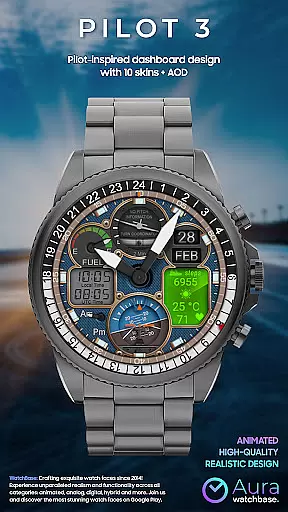
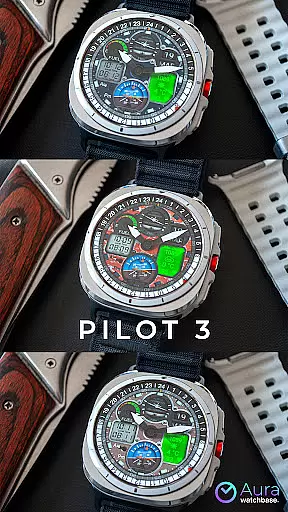
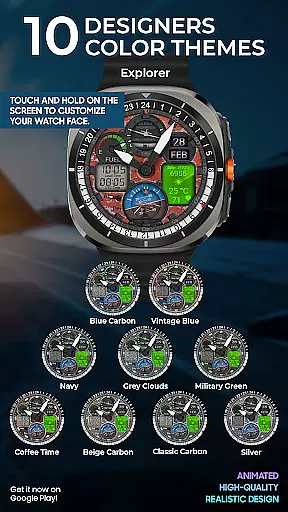
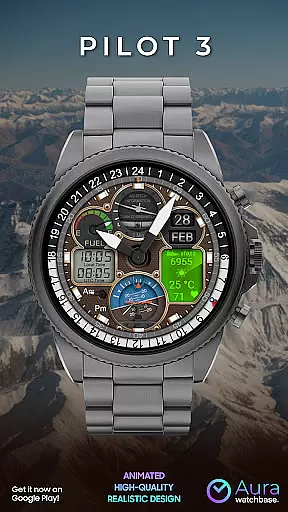
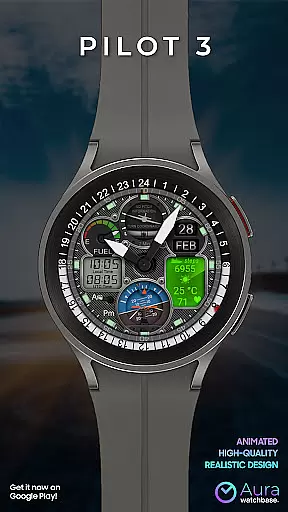
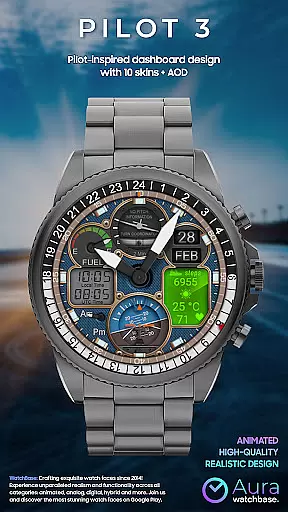
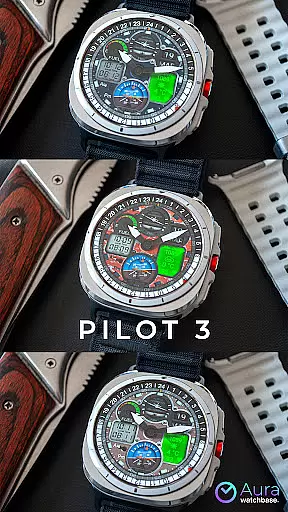
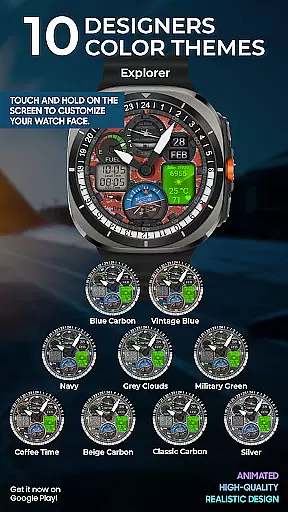
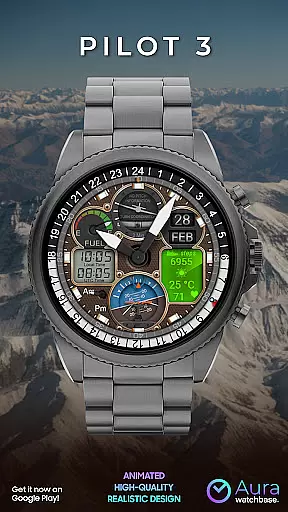
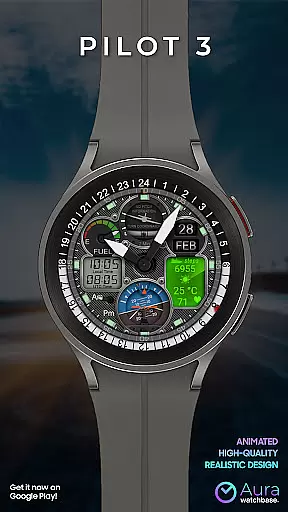
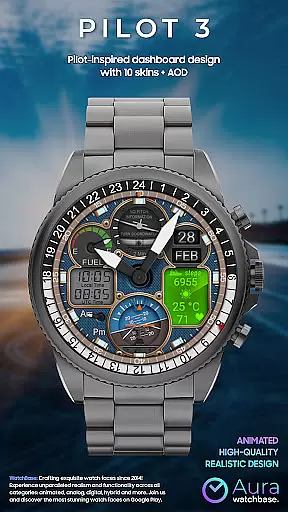
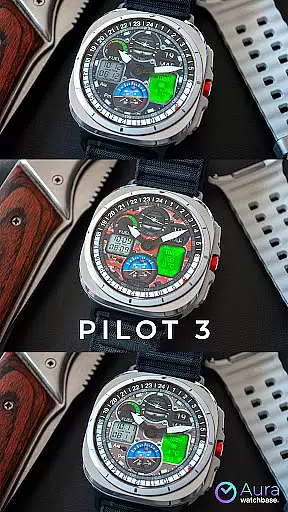
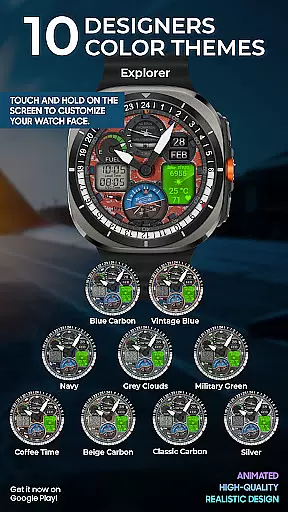
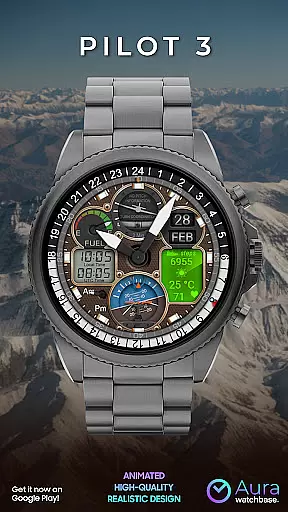
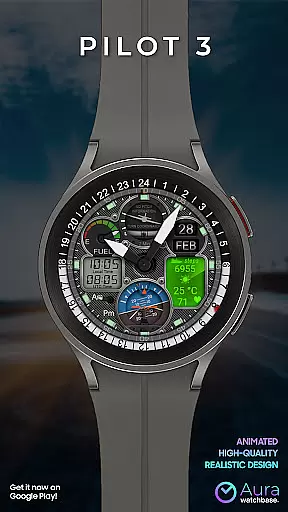
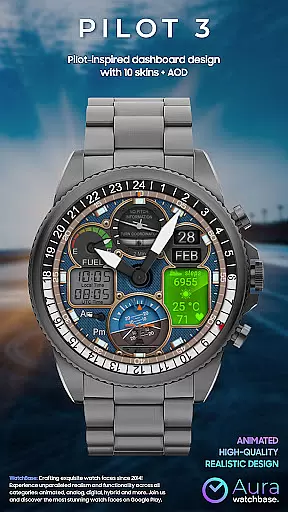
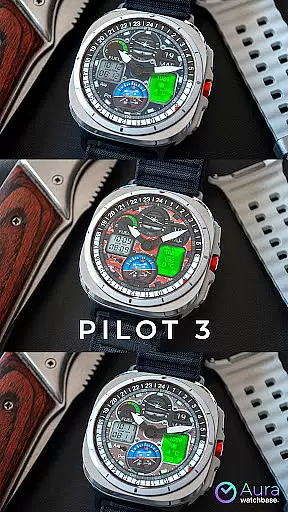
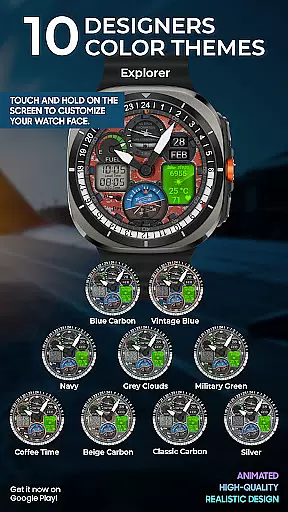
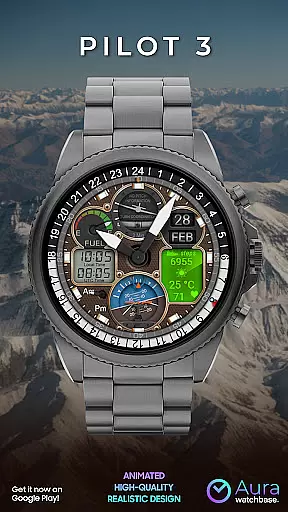
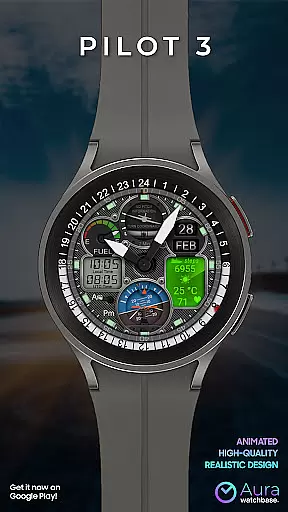
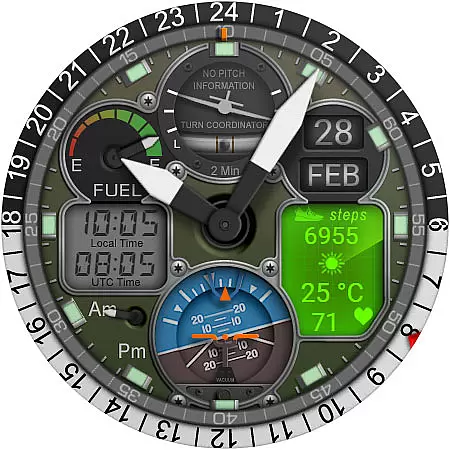
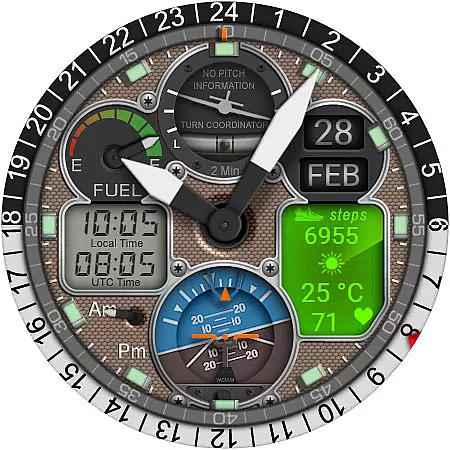
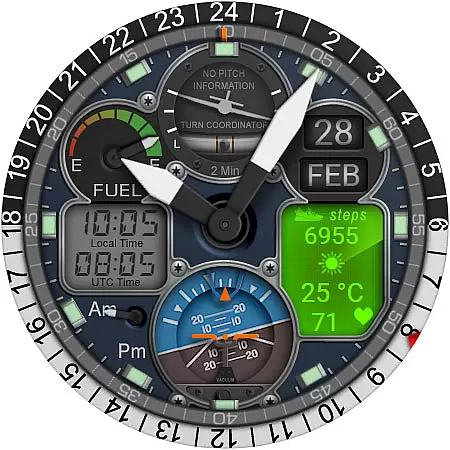
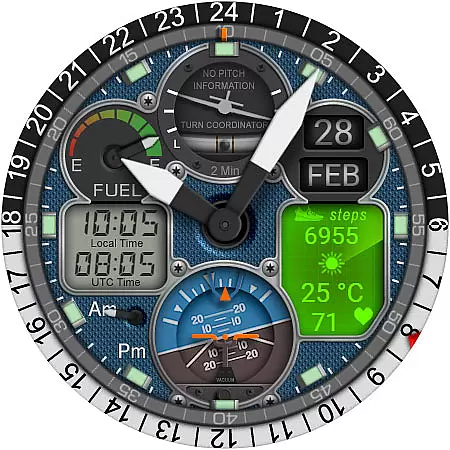
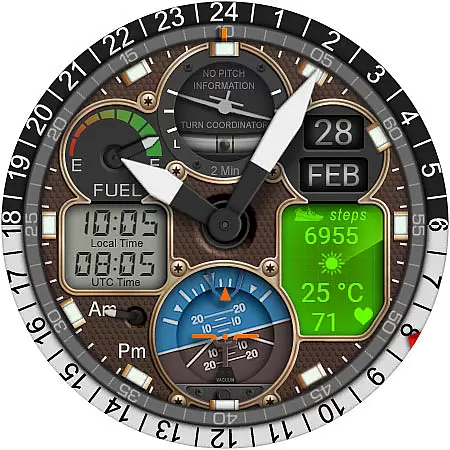
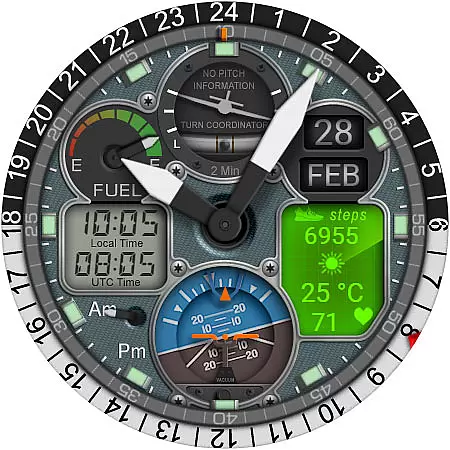
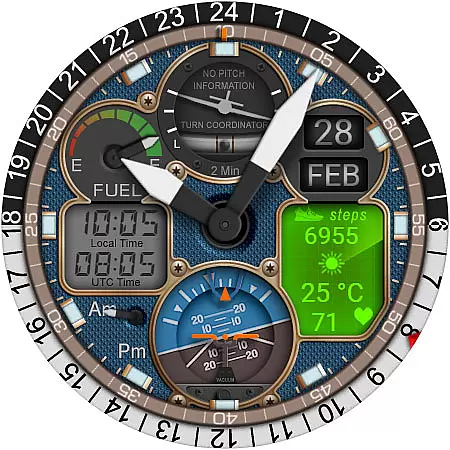
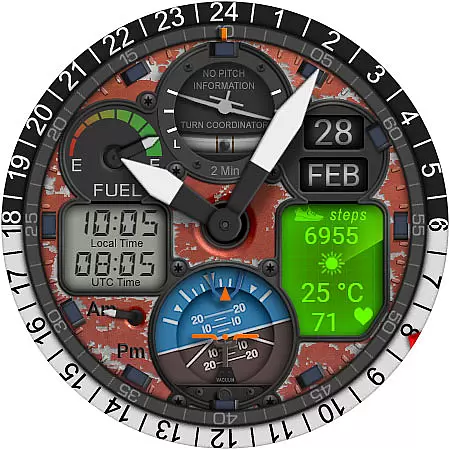
WB PILOT 3 Animated Watch Face is a premium watch face designed exclusively for Wear OS devices running version 5 and higher. This hybrid smartwatch interface combines digital and analog timekeeping with aviation-inspired graphics, offering users an immersive cockpit experience right on their wrist.
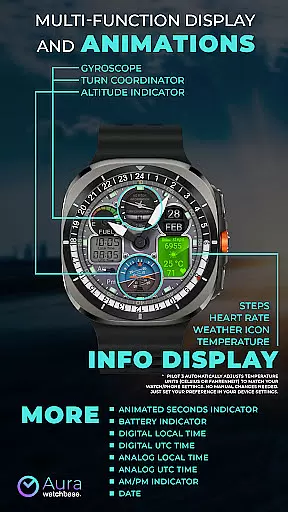
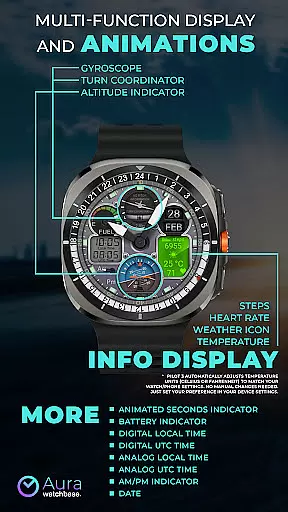
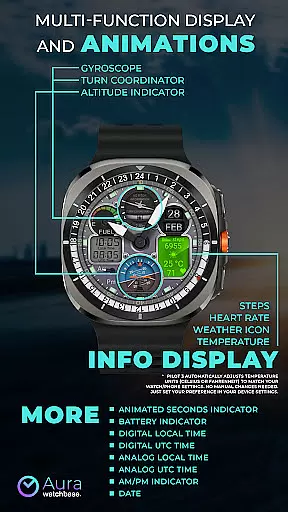
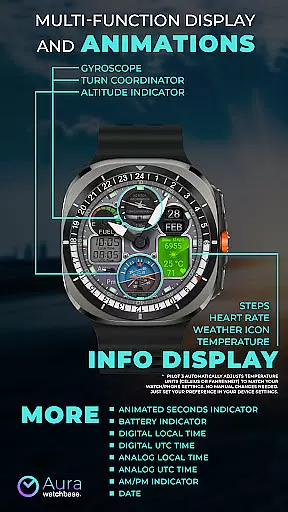
The watch face features 10 customizable skins, animated elements including Turn Coordinator and Altitude Indicator, and multiple time display options. Users can view both local and UTC time in either analog or digital formats, while enjoying practical information such as battery level, date, steps, heart rate, and weather conditions through its informative display system.
Ideal for aviation enthusiasts and professionals who appreciate sophisticated design, this watch face brings both functionality and style to your daily wear. The automatic temperature unit adjustment and intuitive customization process make it particularly appealing for those who value convenience alongside aesthetic appeal.
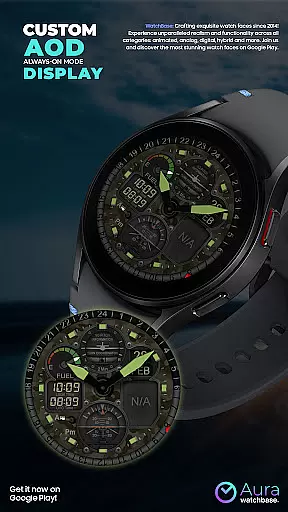
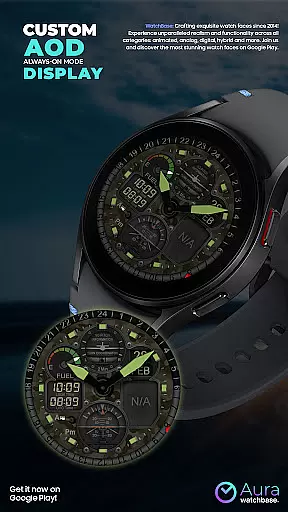
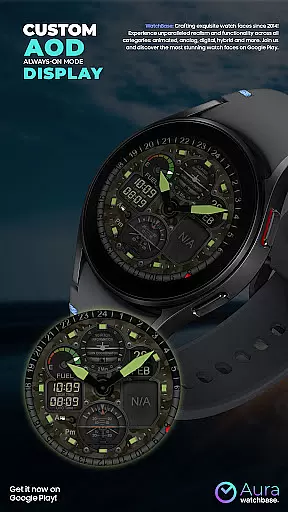
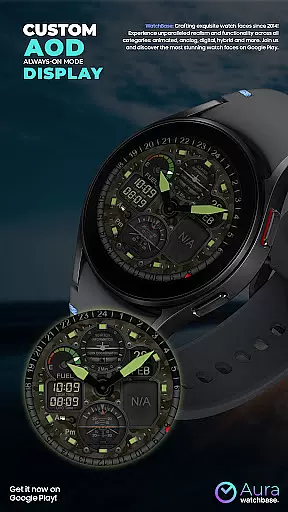
WB PILOT 3 stands out with its comprehensive feature set tailored for both practical use and visual enjoyment. The watch face incorporates 10 unique skins that allow for personalization according to individual preferences, while the Always-On Display (AOD) ensures essential information remains accessible at a glance without unnecessary battery drain.
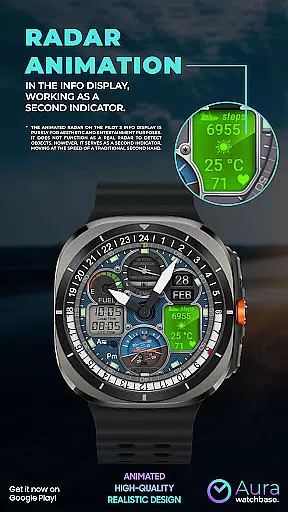
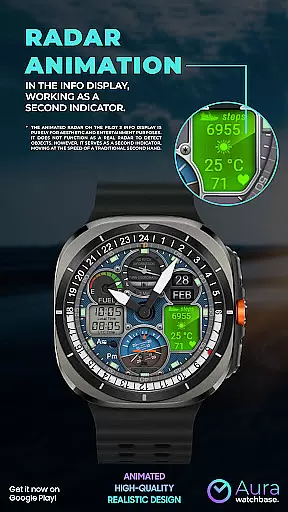
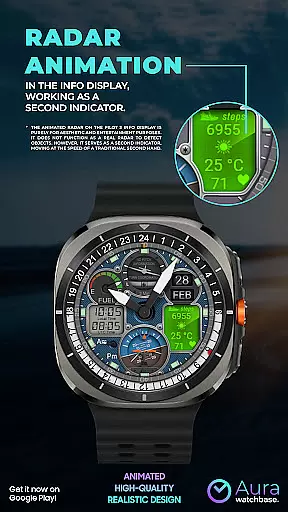
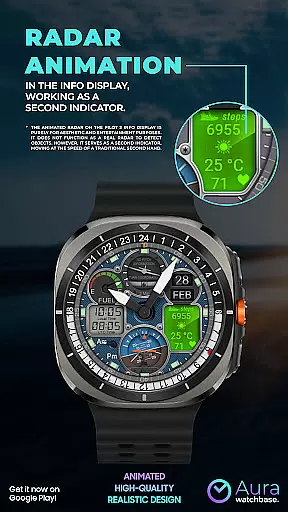
Among its most distinctive characteristics are the animated elements that simulate real cockpit instruments. These include a functional turn coordinator, altitude indicator, and gyroscope animation that doubles as a second hand. The hybrid time display presents both analog and digital formats simultaneously, catering to different reading preferences while maintaining the aviation theme.
Additional practical features include dual time zone support, AM/PM indicators, and an information display panel showing fitness data (steps, heart rate) along with current weather conditions and temperature. The automatic synchronization of temperature units with device settings demonstrates attention to user convenience, while the companion app streamlines installation and configuration across devices.
Companion app integration is a crucial feature for smartwatch applications as it enhances the overall user experience by enabling seamless interaction between the wearable and smartphone. This functionality allows users to manage settings, receive notifications, and access additional features directly from their phone.
In the case of WB PILOT 3 Animated Watch Face, the companion app plays a vital role in simplifying the installation process. After purchasing the watch face, users can tap the install button within the phone app, which triggers the installation on the paired smartwatch. This ensures that the watch face is correctly applied without requiring complex manual steps.
The companion app also helps address common synchronization issues. For instance, if users encounter prompts to repurchase the watch face on their smartwatch, they can rest assured that no double charges will occur. Such situations typically resolve themselves after a short wait or device restart, demonstrating the importance of reliable companion app integration.
This integration ultimately saves users time and effort while providing peace of mind during the setup process. By streamlining these essential functions, WB PILOT 3 ensures a hassle-free experience for aviation enthusiasts looking to enjoy their premium cockpit-inspired watch face.
Device compatibility is a fundamental aspect of any Wear OS application, determining which smartwatches can successfully run the software. For WB PILOT 3 Animated Watch Face, compatibility is specifically optimized for devices running Wear OS 5 and higher, ensuring access to advanced features and animations.
This version requirement enables the watch face to leverage modern hardware capabilities, delivering stunning graphics and smooth animations that bring the cockpit experience to life. Elements like the animated Turn Coordinator, Altitude Indicator, and Gyroscope function seamlessly on supported devices, creating an immersive pilot-like environment.
Furthermore, the watch face automatically adjusts to user preferences set in device settings, such as temperature units (Celsius or Fahrenheit). This intelligent adaptation demonstrates how thoughtful compatibility implementation can enhance usability across different regions and personal preferences.
By focusing on Wear OS 5 and above, WB PILOT 3 ensures optimal performance while maintaining stability and reliability. This strategic compatibility choice guarantees that users with compatible devices can fully enjoy the hybrid digital-analog time display and other sophisticated features without technical limitations.
Stunning aviation-themed design
Extensive customization options
Accurate dual-time zone display
Intuitive companion app integration
Automatic unit synchronization
Wear OS 5+ requirement
Premium price point
Complex installation process
Limited device compatibility
Battery consumption concerns

Christmas Theme Watch Face for Wear Os
 5.00
5.00
Embrace the holiday spirit with this magical animated watch face!
4.40
Precision analog watch face with 7 complications and style options
4.2
Stylish digital watch face for Wear OS devices with customizable features
4.3
Gym & home workout plans with strength training, exercise tracking, HIIT & more.
4.60
Bold weather Digital watchface with forecast & optional animated background
4.40
Premium hybrid watch face with many customizations for Wear OS devices.
4.40
Track your active life in one place and share the journey with friends.
4.40
Start and succeed with PAP
4.10
Christmas - Festive - Christmas Village - Winter - Christmas lights
5.00
Period, ovulation & pregnancy tracker. Fertility insights & menstrual calendar.
4.90
The Chevron App allows you to pay for fuel from the comfort of your car!
4.80
Christmas watch face. For Wear OS devices.
4.30
Daily Weather forecast with 15 weather images for Day & Night plus Big Bold time
4.10
Your local weather forecast, storm tracker, radar maps & live weather news
3.40
A Wintery Snow Globe on Your Wrist; now celebrating Christmas!
4.4
A heartwarming Christmas scene featuring a cute image of Santa and Rudolf
4.5
Sleek, highly customizable watch face inspired by Galaxy Watch Circle Dashboard.
4.3
3 Complications. All shadow on/off. 30 Themes color palette...
4.3


User Reviews