
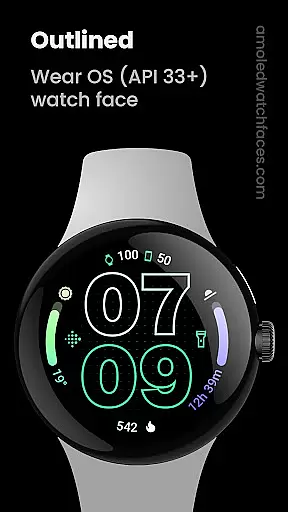
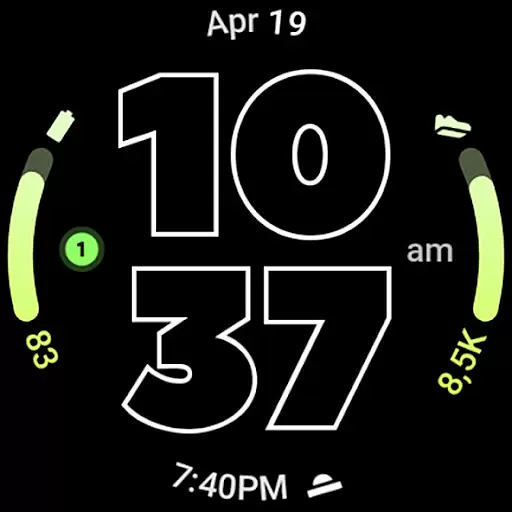
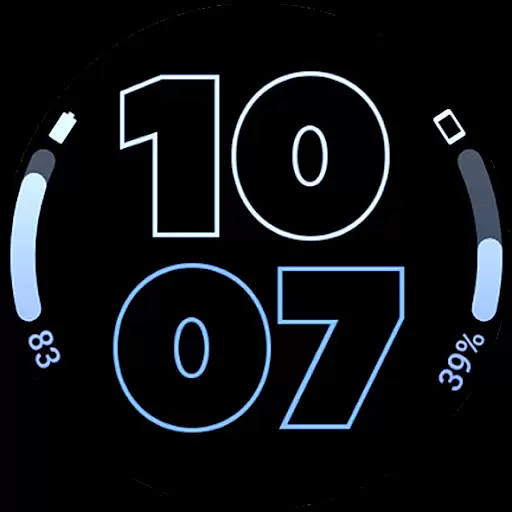
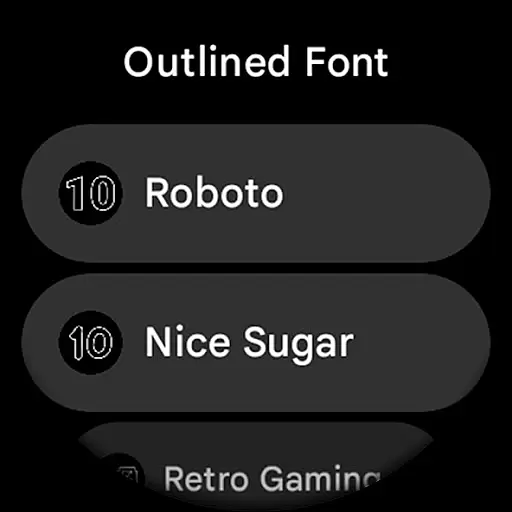
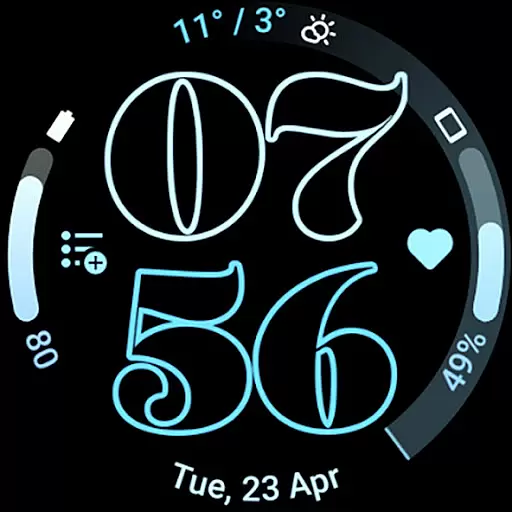
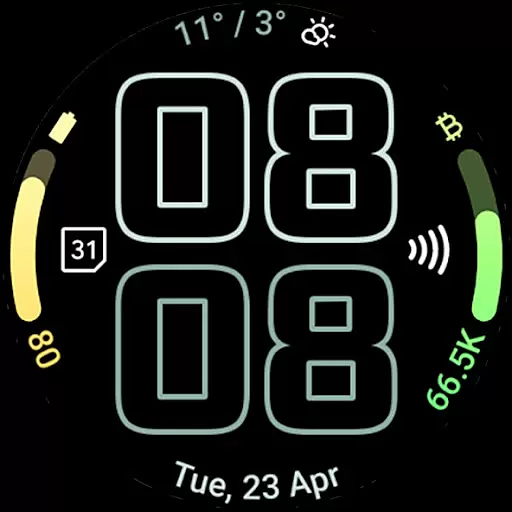
Outlined Watch Face is a premium design for Wear OS 4+ devices, offering a unique and customizable watch face experience. It features two gradient arc complication slots and supports combined watch/phone battery complications.
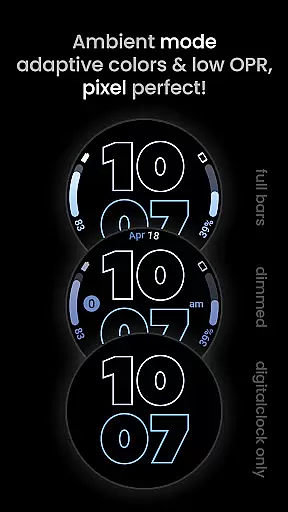
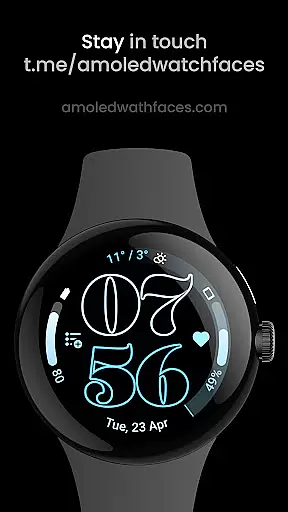
The watch face stands out with its selectable outlined digital clock fonts, true black background, and battery-friendly design. Compatible with Pixel Watch 2 and Galaxy Watch6, it allows individual customization of progress bar gradients and offers three Always-On Display (AOD) styles.
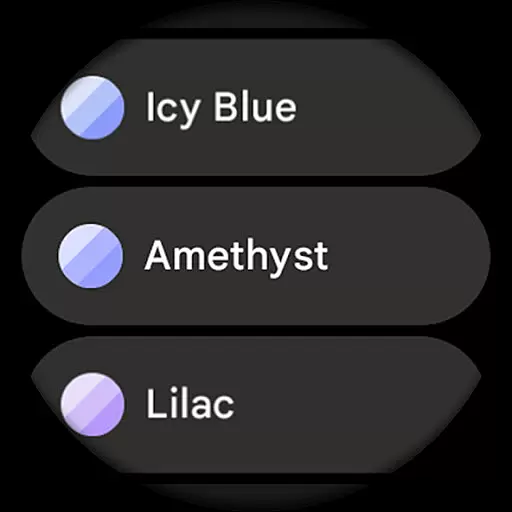
This Art & Design app enables users to create their unique daily companion through various settings and customization options. The optional wave-styled seconds indicator and sixty-plus material themes make it a versatile choice for personalization enthusiasts.
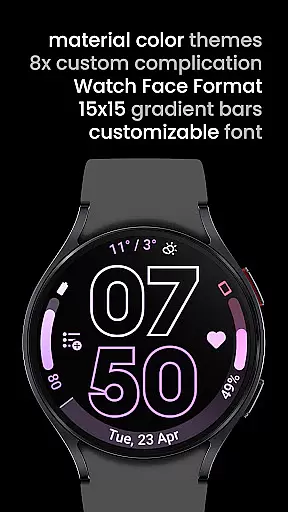
Outlined Watch Face showcases an impressive array of features tailored for wearable device customization. It utilizes the Watch Face Format and offers high-resolution design with unique material color themes.
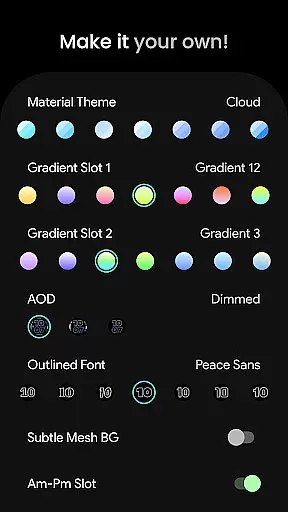
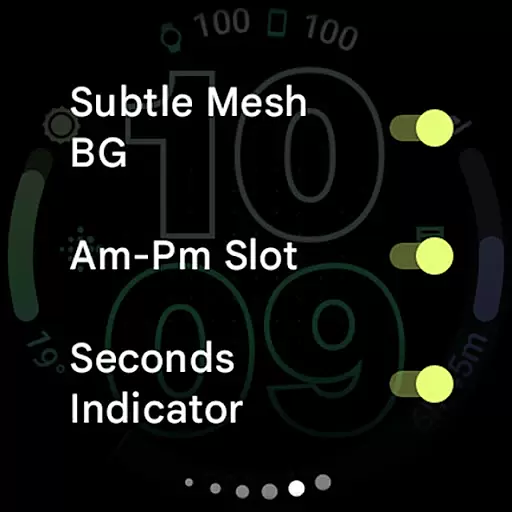
Users can customize each element, from gradient slots to AOD styles. The watch face supports custom complications including eight app shortcuts, and provides options like subtle mesh background and tinted icons.
The implementation of burn-in protection and optional MCU offloading for Digital Clock in AOD mode demonstrates its focus on both aesthetics and device longevity. These features collectively deliver a personalized and optimized wearable experience.
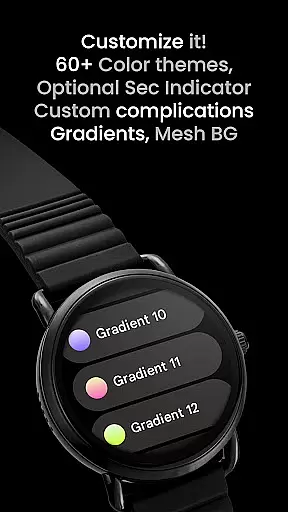
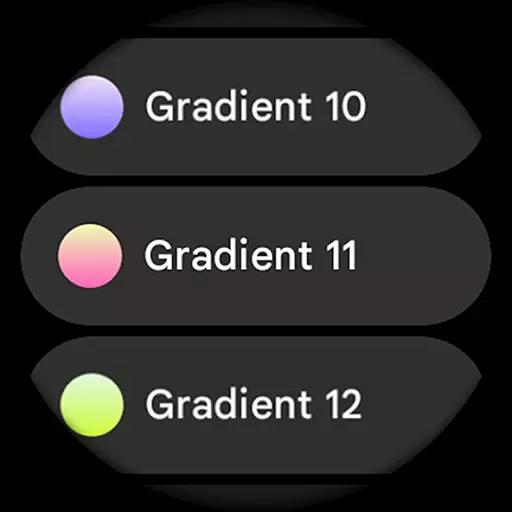
In the realm of digital art and design, having a comprehensive suite of creative tools is paramount. Outlined Watch Face offers an extensive array of features that cater to both amateur designers and professional artists. With over 60 material themes and 19 gradient options, users can customize their watch faces with precision and flair.
The application supports unique outlined digital clock fonts and allows for individual customization of each progress bar gradient when using ranged value complications. This level of detail empowers users to craft visually stunning designs that are truly their own. Additionally, the inclusion of high-res design elements ensures that every creation remains sharp and vibrant on any Wear OS 4+ device.
Moreover, Outlined Watch Face provides three Always-On Display (AOD) styles and optional wave-styled seconds indicators, enhancing personalization possibilities. These versatile tools enable designers to push the boundaries of creativity while maintaining full control over their artistic vision.
Flexibility in canvas and format options is crucial for unleashing creativity without constraints. Outlined Watch Face excels in this area by offering adaptable design settings that cater to various preferences and needs. Users can choose from multiple AOD styles or opt for a fully offloaded Digital Clock mode to conserve battery life, demonstrating the app's commitment to both form and function.
The ability to toggle features such as subtle mesh backgrounds, AM-PM slots, and tinted icons adds another layer of customization. This flexibility allows users to tailor their watch faces precisely how they envision, whether it be minimalist or richly detailed. Furthermore, compatibility with Pixel Watch 2 & Galaxy Watch6 guarantees a seamless experience across different devices.
With support for two custom app shortcuts and combined watch/phone battery complications, Outlined Watch Face ensures that users have all necessary tools at their disposal. Such comprehensive flexibility not only enhances usability but also inspires innovation, making it an indispensable asset for anyone passionate about art and design.
User-friendly interface
Highly customizable
Battery efficient
Modern design
Wide compatibility
Not for rectangular watches
Premium cost
Wear OS 4+ only
Complex for beginners
Limited free options

Create trending AI photos & videos with powerful effects and 3D styles.
 3.20
3.20
Text to Image, Image to Video & AI Chat
4.20
Draw beautiful mandala's very easily
4.60
Powerful home decoration & house design that allows you to design dream home.
3.80
Art of Combination Wear OS Watch Faces
3.30
Your homescreen as an elegant glass with customized blur, lighting, and visuals.
3.70
Unleash the artist in you with our AR drawing and tracing tool for photo drawing
4.10
Draw, make movies & animate cartoons easily with our 2D animation maker app
4.40
Explore future self face age filter & remove background image for a unique look.
3.50
Logo Generator powered by AI: Create stunning logos effortlessly!
4.70
The ultimate tool for creating animations
4.60
Get an overview over all your embroidery threads, projects and more.
4.60
Unleash your drawing and painting potential
4.50
800+ Drawing, Painting Lessons App to Practice, Sketch & Paint Art.
4.30
Digital Drawing: Draw & Paint
4.10
Unleash Your Creativity with Draw Cartoon - AR Drawing App
4.10
Floor Plan Creator lets you create, edit and share floor plans.
4.00
Paint with oils and sketch with natural tools on a realistic virtual canvas.
3.80
AI Face Swap, Video Effects Editor, Realtime Morph, Funny Video FX,AI Filters
3.70


User Reviews