
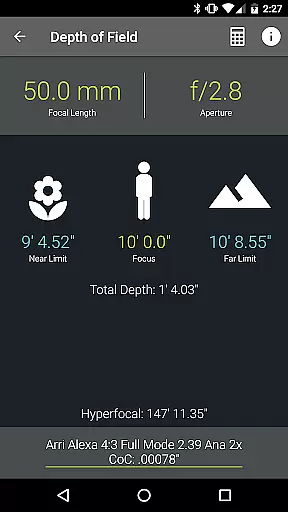
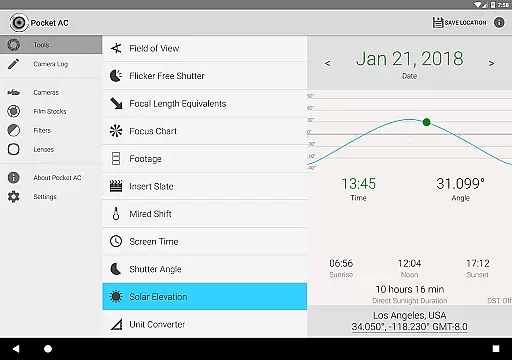
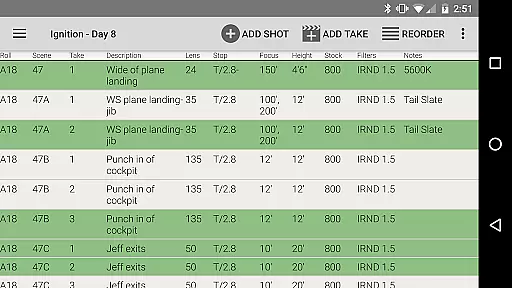
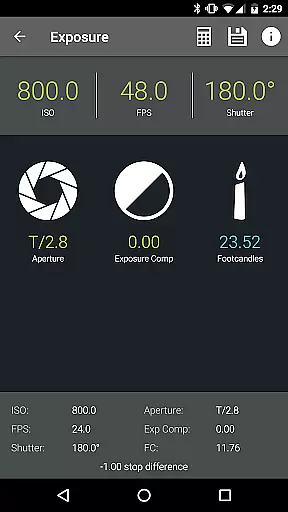
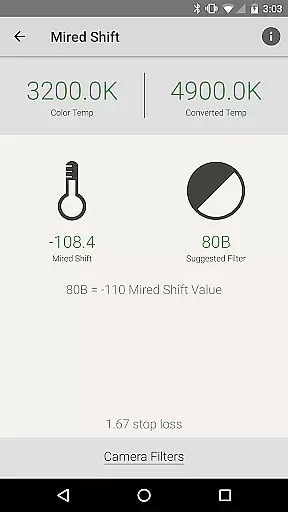
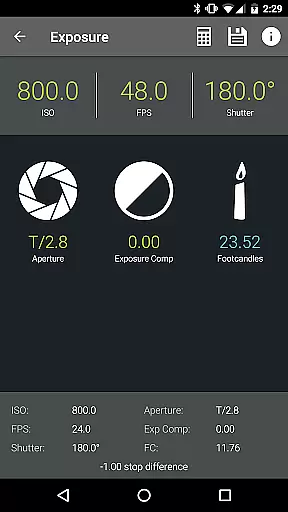
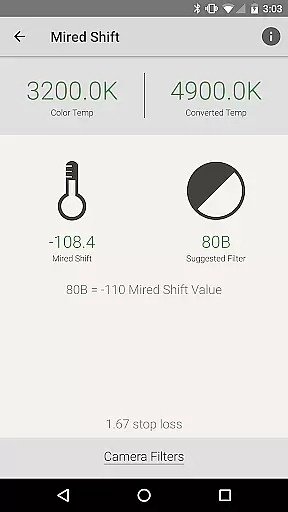
Pocket AC is an essential mobile application tailored for cinematographers and videographers, providing a comprehensive suite of tools and reference materials. This app features various calculators and charts that assist in pre-production planning and on-set execution, ensuring smooth and efficient production processes.
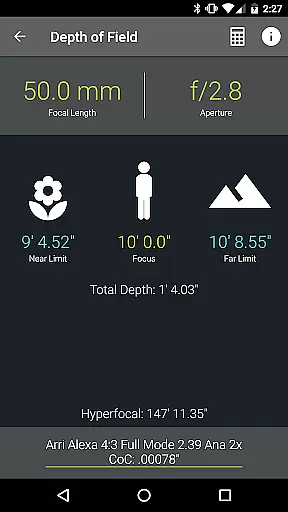
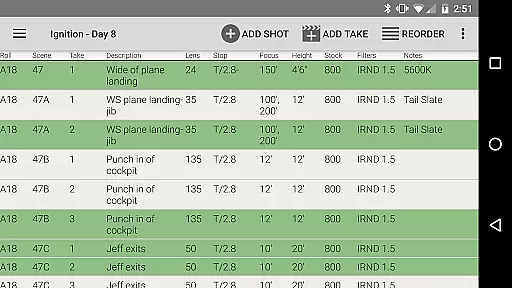
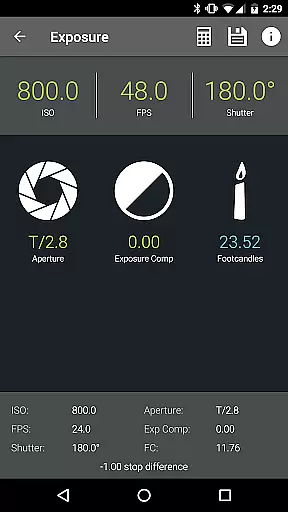
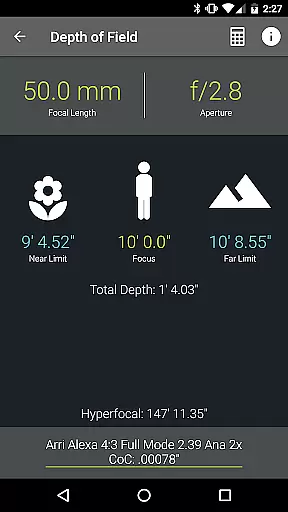
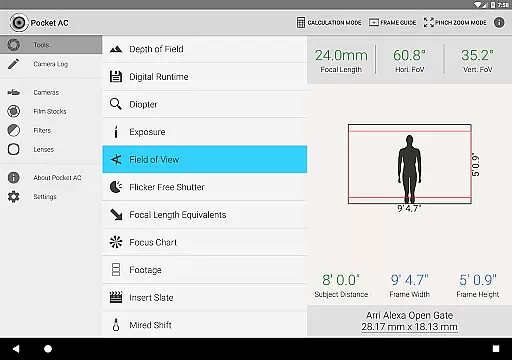
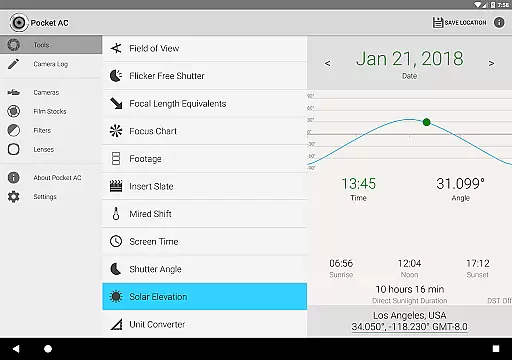
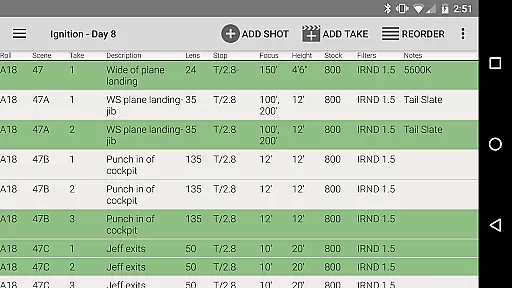
With specialized functionalities such as Depth of Field calculators, Exposure settings, and Flicker Free Shutter options, Pocket AC supports professionals in achieving precise visual results. Additionally, the camera log feature allows users to quickly document shots and share daily setups via email, enhancing collaboration and organization on set.
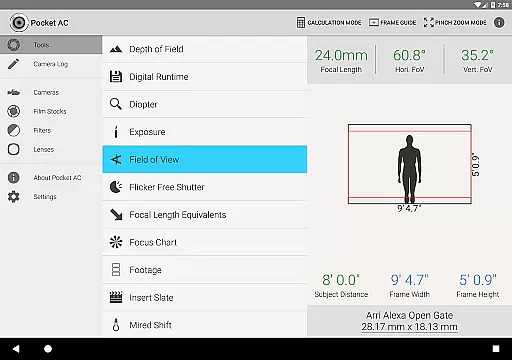
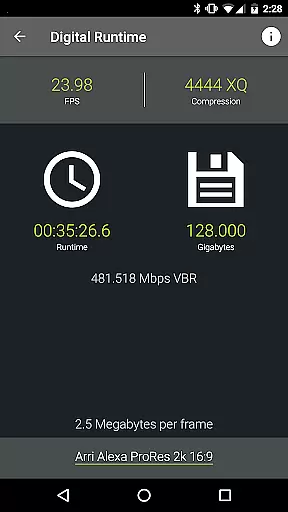
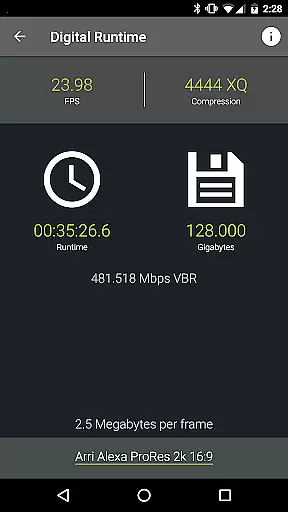
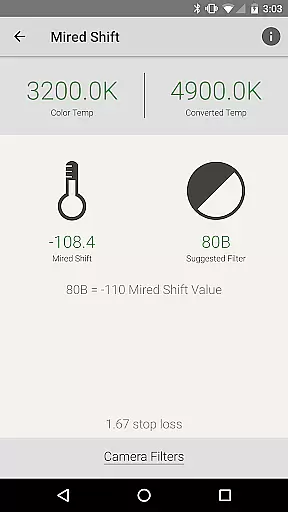
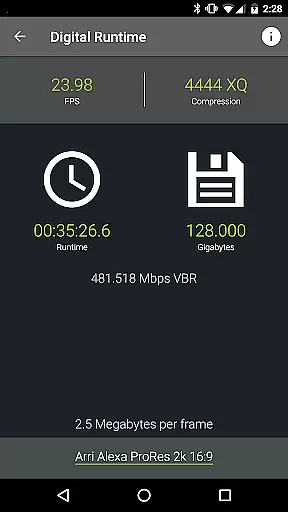
The app boasts an extensive range of features designed to meet the needs of modern cinematographers. Tools like the Digital Runtime Calculator, Field of View preview, and Mired Shift with Filter Suggestions provide practical solutions for complex production challenges.
Reference tables covering over 140 camera specifications and more than 2000 lenses offer valuable insights and data at your fingertips. The real-time collaboration feature in the Camera Log ensures seamless teamwork, while multiple export formats including PDF and CSV make sharing production details effortless and versatile.
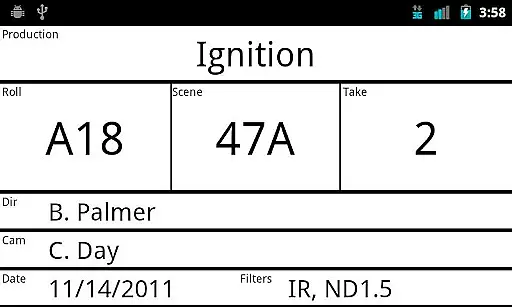
Real-time capture and preview functionality is essential for professional photographers and videographers who need to ensure their shots are perfectly framed and exposed before committing to a full take. Pocket AC offers an advanced Insert Slate feature with sync beep in beta, allowing users to synchronize audio and visual elements seamlessly.
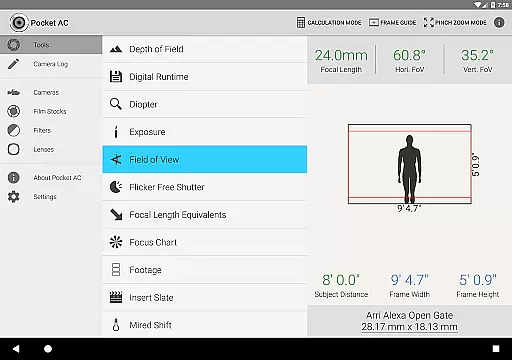
The application's Field of View calculator with preview capabilities provides users with a real-time estimation of what the camera will capture, including support for focal reducers like Speed Boosters. This ensures that cinematographers can make precise adjustments to achieve the desired composition without guesswork.
With its comprehensive set of tools, Pocket AC enables users to log shots quickly and review setups instantly. The ability to email daily logs as PDFs or export them in various formats enhances workflow efficiency by providing immediate access to production details.
By integrating real-time collaboration features, Pocket AC allows multiple users to work on the same camera log simultaneously. This innovative approach streamlines communication between team members, ensuring everyone is aligned and informed throughout the production process.
While primarily focused on professional cinematography tools, Pocket AC also incorporates features that enhance image quality through calculated settings rather than traditional AI beauty enhancements. The Mired Shift and Filter Suggestions tool helps users adjust color temperatures naturally, avoiding artificial-looking results.
Pocket AC includes a variety of calculators such as Exposure and Shutter Angle calculations that contribute to natural-looking footage. These tools help maintain authenticity in visual storytelling by ensuring technical aspects support artistic intentions without introducing artificial enhancements.
The application's extensive reference tables, including over 140 camera specifications and more than 2000 lenses, provide users with accurate data to make informed decisions about their equipment choices. This emphasis on authentic data supports natural image enhancement rather than relying on post-processing effects.
Although not featuring conventional AI-powered beauty tools, Pocket AC's sophisticated collection of calculators and charts empowers users to achieve optimal results while maintaining the integrity of their original footage. The focus remains on technical precision and creative control rather than automated enhancement features.
User-friendly interface
Comprehensive toolset
Real-time collaboration
Wide camera support
Export flexibility
Complex for beginners
Occasional bugs
Limited free features
Heavy on storage
Requires constant updates

Create funny photos and videos with the popular Time Warp Scan filter.
 4.90
4.90
Create Business Headshots, Polaroid Filter, Retake Photos,Profile Pics,AI Photos
4.50
Photo Exif Editor allows to view, add and modify EXIF data of multiple photos
4.50
HD Camera Pro with HD Video shooting, Panorama, Photo editor , Beauty Camera.
4.50
Gallery Slideshow is slideshow maker app for slideshow from your gallery photos.
3.90
Create AI photos & videos with Enhancer; restore, fix, beautify, enhance photos
4.50
Easily create custom gifts, cards, photo books & more on the Shutterfly app!
4.60
Discover & download millions of art for The Frame TV or Hisense CanvasTV
4.60
Welcome to ProShot, the most powerful camera app on Android.
4.20
Gallery show photo, video, slideshow, is perfect 3D effect private photo albums.
4.80
Take videos and pictures with the popular TikTok TIME WARP SCAN filter.
4.60
AI photo editor with hair editor, retouch tools, hair color changer & filters!
4.50
All-in-One Editor & AI Photo Enhancer, Beautify & Retouch, Collage, Cartoonify
4.20
Virtual makeup, hair filters & body tuner—edit from face to full body!
4.20
AI-powered video creator by MiniMax - Where ideas meet cinema
4.20
Create & Edit with AI: AI Remove, Enhance, Retouch, Filter
4.10
Transform Photos: Edit, Beautify and Craft Memories & Make Collages!
4.10
Photo editor: face & body editor, beauty cam, filters and quality enhancer.
4.00
Raw Image Viewer. Gallery with support of raw images (.cr3, .cr2, .nef, .raf).
2.00


User Reviews