
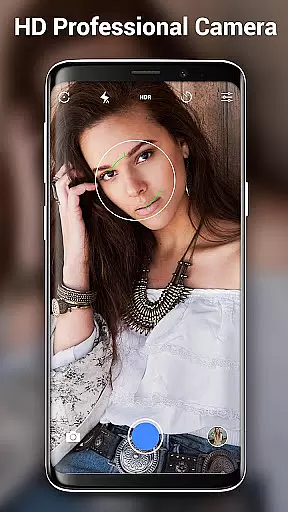
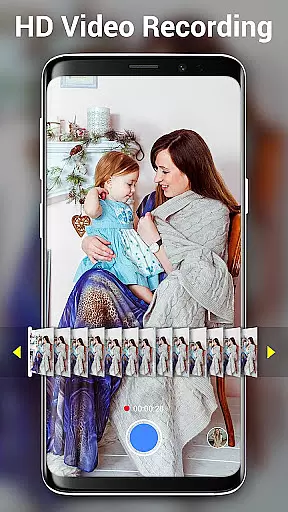

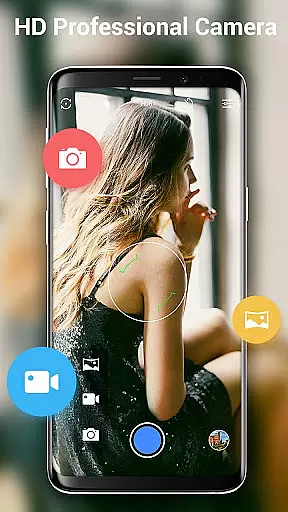
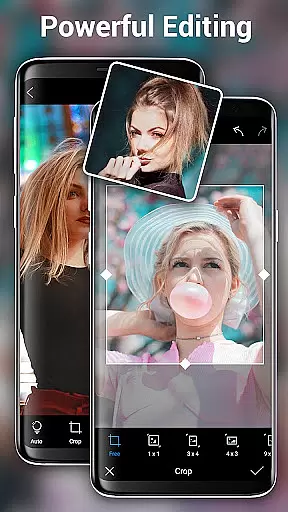
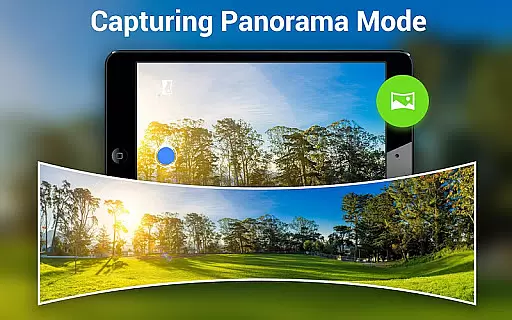
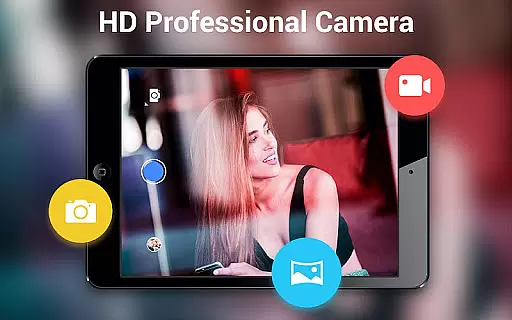
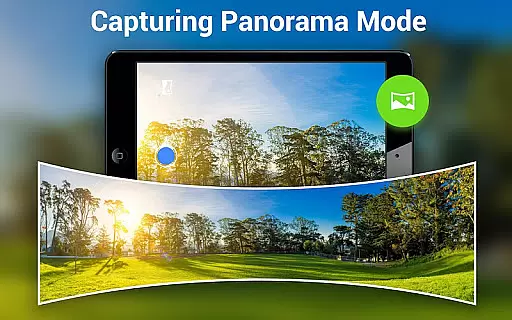
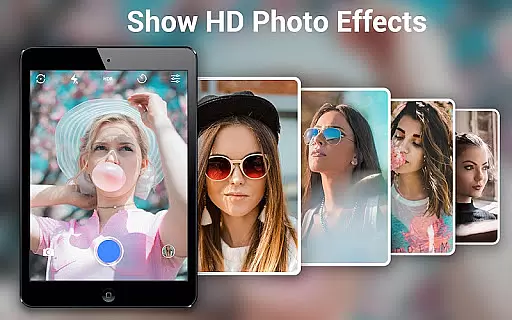
HD Camera Pro Edition is a premium photography app designed for Android users who demand professional-grade features without interruptions from advertisements. This app offers an extensive range of functionalities including high-definition photo and video capture, creative panorama modes, and advanced photo editing tools.
With its intuitive interface and powerful capabilities, HD Camera Pro caters to both amateur photographers looking to enhance their mobile photography skills and professionals needing a reliable camera app on the go. The app supports various shooting modes such as Photo Sphere, HD video recording, and time-lapse photography, making it versatile for different scenarios.
Whether capturing spontaneous moments or meticulously planned shots, this app ensures that every image is crisp and vibrant. Its compatibility with a wide array of Android devices guarantees that users can leverage their phone's full potential, turning everyday scenes into stunning visual stories.
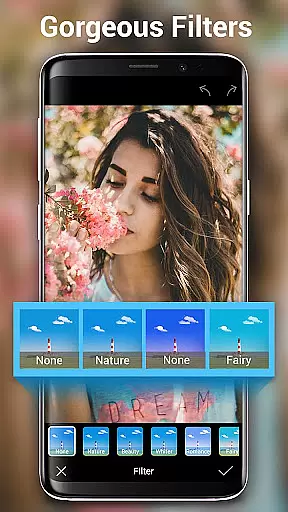
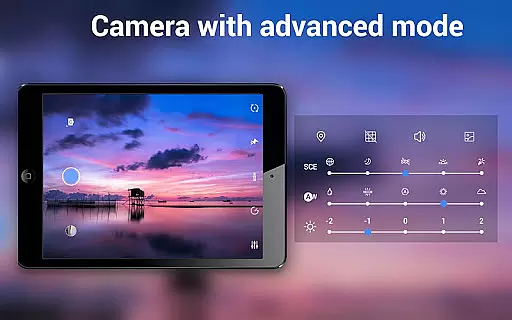
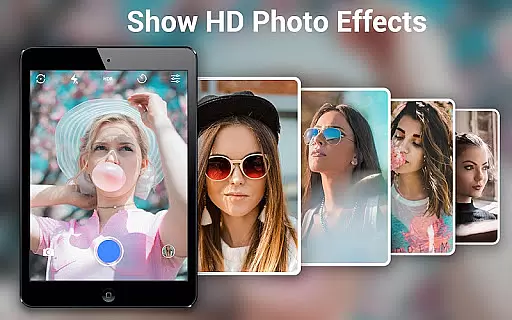
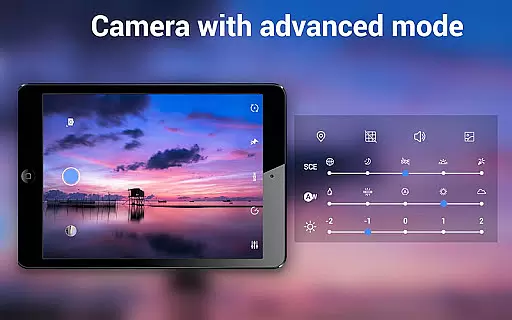
HD Camera Pro stands out with its comprehensive suite of features tailored for photography enthusiasts. It includes professional settings like white balance adjustments, optical and digital zoom, and tap-to-focus functionality, ensuring precision in every shot. The app also provides creative filters and panorama options, allowing users to experiment with their photography style.
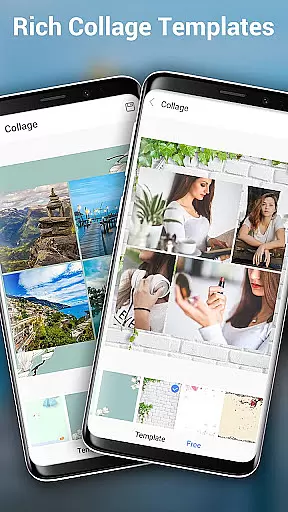
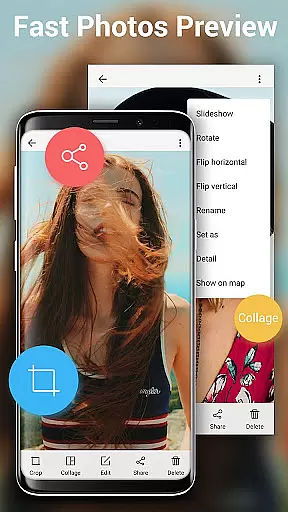
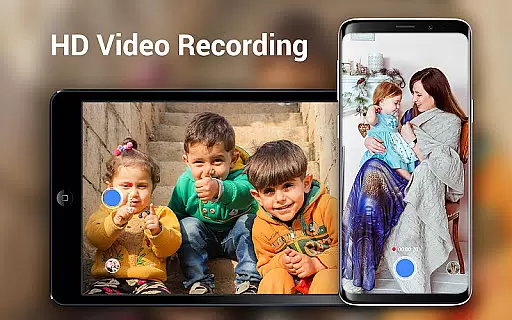
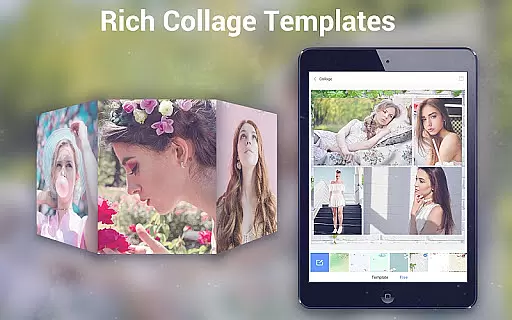
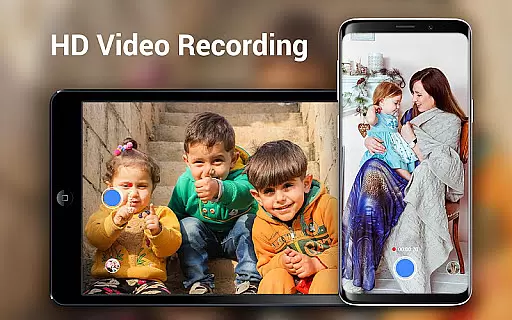
One of the key highlights is its ability to shoot high-quality HD videos with additional modes such as pause and resume during recording. Users can also take advantage of the built-in photo editor to crop, collage, and apply effects to their images. These robust features make it not just a camera app but a complete mobile photography studio.
The app further enhances user experience by offering specialized modes like Beauty Cam for selfies and low-light performance enhancements for night or party scenes. With its quick snap feature and easy-to-use interface, HD Camera Pro ensures that you never miss a moment, whether you're at a family gathering or exploring the outdoors.
Real-time capture and preview functionality is essential for ensuring that every photo or video taken with HD Camera Pro Edition meets the user's expectations. This feature allows users to see exactly what the camera sees, in real time, before they take a shot. The importance of this cannot be overstated, as it ensures that users can make necessary adjustments to composition, lighting, and focus before capturing a moment.
HD Camera Pro Edition leverages the full potential of your device's camera hardware to provide an accurate and responsive real-time preview. With features like optical and digital zoom, tap to focus, and focus halo display, users have complete control over their photography experience. These functionalities ensure that whether you're shooting a landscape or a close-up portrait, the camera app provides the tools needed to capture the perfect image.
The benefits of using HD Camera Pro Edition for real-time capture are numerous. Users can enjoy high-quality, AD-free photography with features such as professional HD video recording, panorama mode, and various filters. This means that not only can users capture moments as they happen, but they can also apply creative touches to enhance their photos and videos instantly.
Ultimately, the real-time capture and preview capabilities of HD Camera Pro Edition empower users to take professional-grade photos and videos with ease. Whether you're an amateur photographer looking to improve your skills or a seasoned pro wanting a reliable mobile camera app, this tool offers the precision and quality needed to capture life's best moments.
AI Beauty and Enhancement features in photography apps like HD Camera Pro Edition play a crucial role in delivering natural-looking enhancements to selfies and portraits. This technology intelligently identifies facial features and applies enhancements that preserve the authenticity of the subject while smoothing out imperfections. The significance of maintaining natural beauty in photographs cannot be understated, as it ensures that images remain true to life.
HD Camera Pro Edition employs advanced AI algorithms to offer beautification options that are both subtle and effective. From skin smoothing to blemish removal, the app provides users with tools to enhance their natural beauty without over-processing. This approach respects the individuality of each user, allowing them to highlight their best features while keeping edits undetectable to the untrained eye.
Users benefit greatly from the AI Beauty features in HD Camera Pro Edition. Not only do these enhancements save time in post-processing, but they also enable users to achieve professional-quality results directly from their mobile devices. With options like white balance adjustment, timer settings, and various photo modes, users can customize their photography experience to suit their unique preferences.
In summary, the AI Beauty and Enhancement capabilities of HD Camera Pro Edition represent a significant advancement in mobile photography. By focusing on naturalness and authenticity, the app delivers a user-friendly experience that empowers individuals to capture stunning, lifelike images that reflect their true selves.
AD-free experience
High-definition output
Versatile shooting modes
Intuitive user interface
Comprehensive editing tools
Premium price point
Feature overload for beginners
Occasional performance lags
Limited device compatibility
No cloud backup option

Easily stitch panoramas from multiple photos or video.
 4.40
4.40
Create amazing frames with up to five photos. Rounded corners, effects and more!
3.60
Fit multiple photos on one post. Create carousels & scroll layouts for Instagram
4.50
Turn photos into cartoons & avatars! - Photo Editor, Cartoon Face!
3.90
A light meter for true photographers.
4.20
Unlock the full potential of your DJI drone with Litchi
4.50
A unique animation app. Powerful, easy to use, and lots of fun.
4.30
Solocator stamps photos you take with GPS location, Compass Direction, Date/Time
3.80
Edit photos with the picture generator: PS2 & AI Clay filters, cartoon effects.
4.50
Collage your moments in one tap: 1000+ layouts, filters, stickers, and texts.
4.90
Photo editor: AI filters, photo enhancer, pic collage maker, AI art generator.
4.80
PhotoSync Bundle Add-On License. Enables all features and services in PhotoSync.
4.60
Create collages easily! Nice pic collage maker & background eraser for Instagram
4.50
AI photo enhancer with Sora 2! Enhance, descratch, and colorize your old photos.
4.50
Use AI Video Generator to turn your words to ai generated videos.
4.50
A reflected light meter with spot metering and incident light metering.
4.40
Photo editor: face & body editor, beauty cam, filters and quality enhancer.
4.00
Be your best in every shot! Fix, edit and retouch your face in selfies & photos.
3.70
Over 800 film simulation recipes for Fujifilm. Black Friday Offer!
4.3


User Reviews