
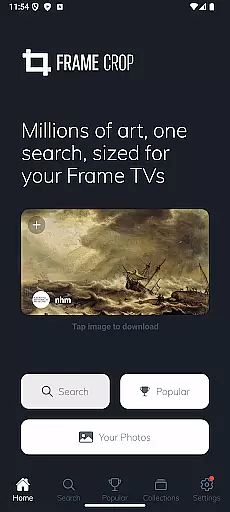
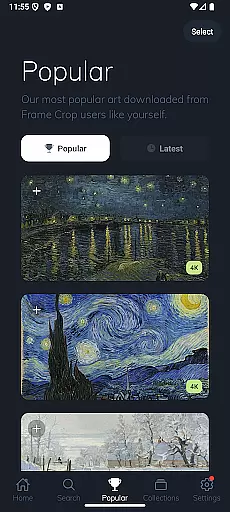
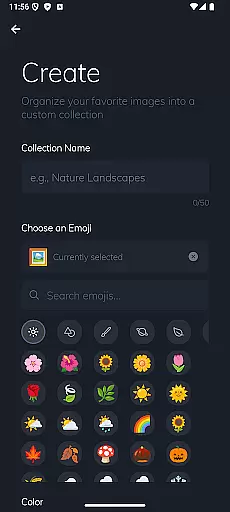
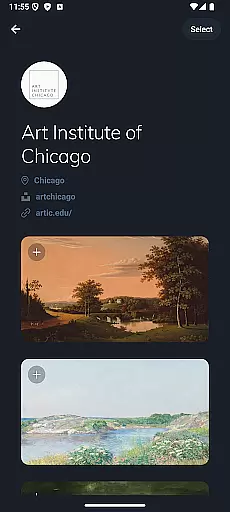
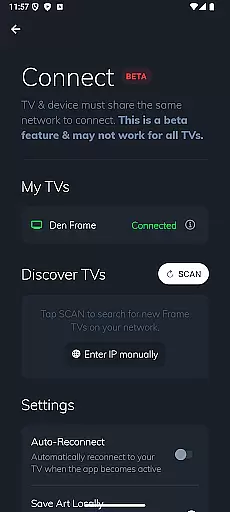
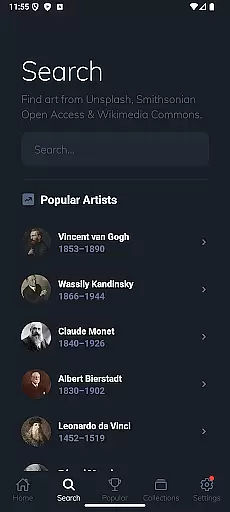
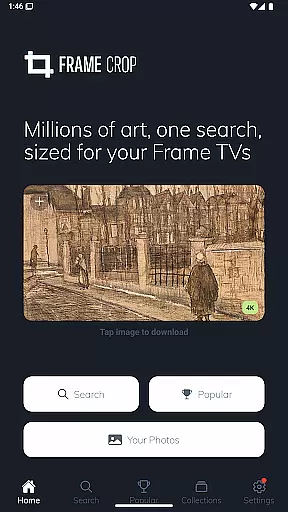
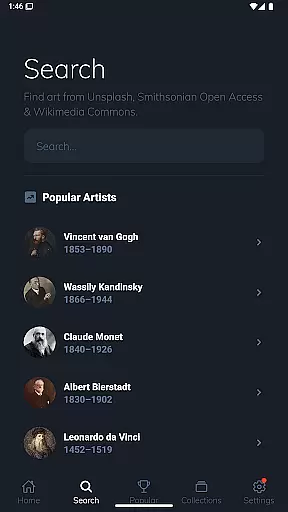
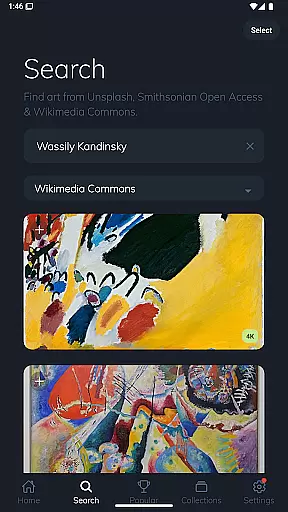
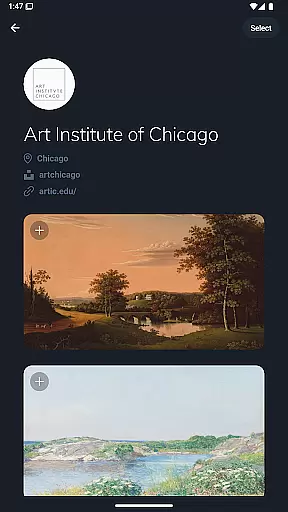
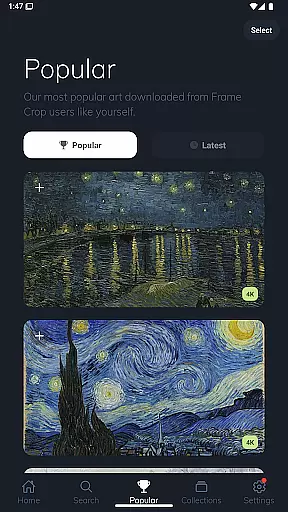
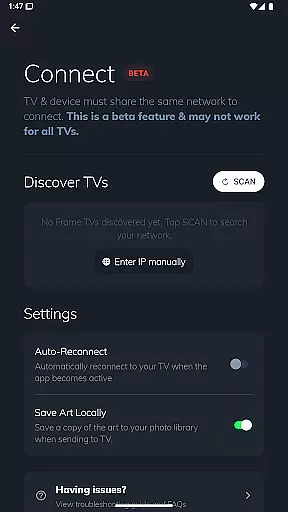
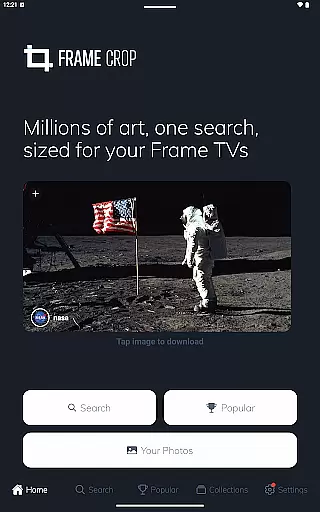
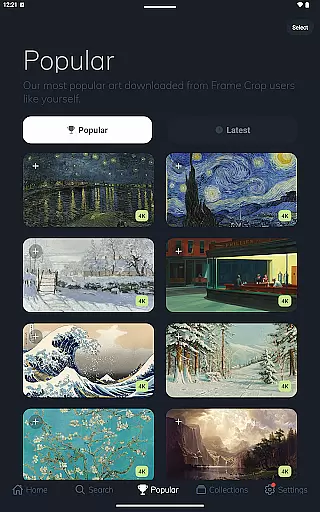
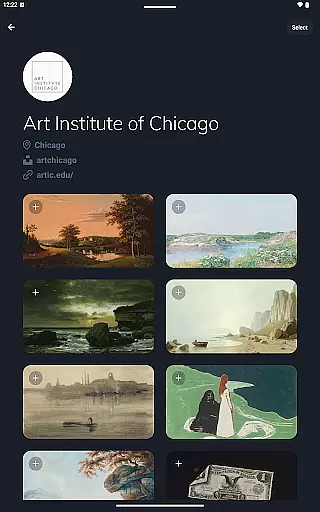
Frame Crop is a specialized application designed for Samsung Frame TV and Hisense CanvasTV owners who wish to enhance their viewing experience with personalized artwork. This app allows users to browse, crop, and download high-quality images from renowned libraries such as Smithsonian Open Access, Unsplash, and Wikimedia Commons. With its intuitive cropping tools, users can effortlessly adjust photos to fit the unique borderless display of their TVs.
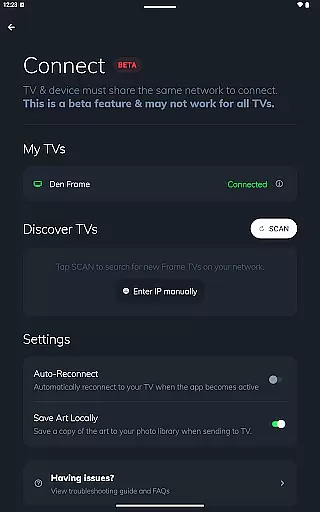
The app's standout feature is its ability to support both landscape and portrait orientations, making it versatile for different types of artwork and photography. Whether you want to showcase cherished memories, breathtaking landscapes, or professional art pieces, Frame Crop ensures that every image looks stunning on your TV. Its seamless integration with SmartThings further enhances user convenience by allowing easy switching of displayed art.
By matching your mood or home decor, Frame Crop transforms your living space into an elegant art gallery. The app caters to those who appreciate aesthetics and seek to personalize their entertainment systems with minimal effort.
Frame Crop offers a comprehensive suite of features tailored for art enthusiasts and photography lovers. One of its primary capabilities is the advanced photo cropping tool, which enables users to precisely adjust images to fit the unique aspect ratio of Samsung Frame TVs and Hisense CanvasTVs. This ensures that every piece of art or photograph is displayed without any distortion or loss of detail.
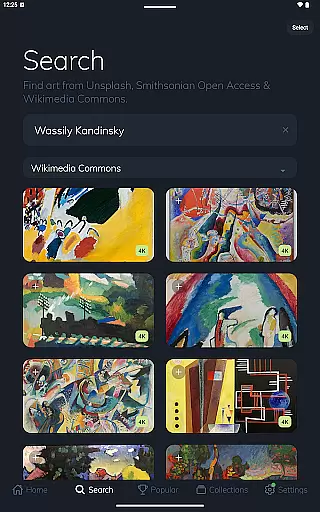
In addition to its powerful cropping functionality, Frame Crop provides access to an extensive library of high-resolution images sourced from prestigious institutions like the Smithsonian and popular platforms such as Unsplash and Wikimedia Commons. Users can explore thousands of artworks, landscapes, animals, and more, ensuring there's always something new to discover and display.
Another notable feature is the app's compatibility with portrait-mounted Frame TVs, offering greater flexibility in how art is presented. By leveraging these robust features, users can create a dynamic and ever-changing art gallery within their homes, enhancing both ambiance and personal expression.
Real-time capture and preview functionality is essential for photography apps like Frame Crop, allowing users to see exactly how their selected artwork or photos will appear on their Samsung Frame TV or Hisense CanvasTV. This feature ensures that the images fit perfectly within the borderless display, maintaining aspect ratios and visual appeal.
Frame Crop offers intuitive cropping tools that provide a live preview of how the image will look when displayed. Users can adjust the framing and composition in real time, ensuring that every piece of art or photo aligns with their vision and the unique dimensions of their TV. This immediate feedback loop enhances user satisfaction by eliminating guesswork.
The app's support for portrait-mounted TVs further exemplifies its commitment to real-time functionality. By offering a dynamic preview that adapts to different orientations, users can confidently prepare images knowing they will look perfect whether their TV is mounted vertically or horizontally. This flexibility caters to diverse home decor needs and artistic expressions.
Ultimately, real-time capture and preview empower users to make precise adjustments, transforming their TVs into personalized art displays. With access to thousands of high-resolution images from integrated libraries, this feature ensures that every piece of art matches the user's mood and interior design, providing an unparalleled viewing experience.
AI beauty and enhancement features are pivotal in modern photography apps, aiming to improve image quality while maintaining natural aesthetics. For Frame Crop, these enhancements allow users to optimize artwork and photos specifically for their Samsung Frame TV or Hisense CanvasTV, ensuring stunning visuals without compromising authenticity.
Frame Crop leverages advanced AI algorithms to enhance colors, contrast, and sharpness, making each image pop on screen. The app carefully balances these enhancements to preserve the original intent of the artwork or photograph, avoiding over-processing that could detract from its natural beauty. This approach respects both professional pieces from Smithsonian Open Access and personal travel snapshots alike.
Users benefit from AI-driven tools that automatically adjust settings based on the content typeu2014whether itu2019s landscapes, portraits, or abstract art. These intelligent enhancements ensure that every image looks vibrant and true-to-life, seamlessly blending with various home decors and moods. Such precision creates a harmonious viewing experience tailored to individual preferences.
By focusing on natural enhancement rather than artificial alteration, Frame Crop delivers a refined yet genuine presentation of art and memories. This dedication not only elevates the aesthetic value but also enriches the emotional connection users have with their displayed images, turning any living space into a gallery-worthy showcase.
User-friendly interface
Extensive art library
Advanced cropping tools
Portrait mode support
SmartThings integration
Limited to specific TV models
Requires internet connection
Premium content may cost extra
Occasional bugs reported
No offline functionality

A collection of tools and reference tables for DPs, ACs, DITs and Operators.
 4.70
4.70
Trendy TikTok time warp scan funny filter app brings you unique photos & videos.
4.40
Perfect body tune & face app - photo retouch, makeup, slim body & beautify face.
4.80
Over 800 film simulation recipes for Fujifilm. Black Friday Offer!
4.2
Cartoon and artistic effects for your photos and videos
4.70
Raw Image Viewer. Gallery with support of raw images (.cr3, .cr2, .nef, .raf).
2.00
See your baby AI baby face generator AI baby maker Face generator babymaker fun!
4.70
Easily view, share, delete photos with Gallery.
4.70
Photo & Video Gallery app to manage albums and save WA Status easily.
4.70
Automatically backup your photos and videos to computer, NAS and Cloud services
4.60
PhotoSync Bundle Add-On License. Enables all features and services in PhotoSync.
4.60
Safe & smart flight with Go Fly drone controller for 40+ drone camera, zone map
4.50
Cut and paste photo editor & eraser to customize photos easy and swap faces fun
4.50
HD Camera Pro with HD Video shooting, Panorama, Photo editor , Beauty Camera.
4.50
RAW video capture with advanced controls
4.40
Virtual makeup, hair filters & body tuner—edit from face to full body!
4.20
Create & Edit with AI: AI Remove, Enhance, Retouch, Filter
4.10
Superimpose one photo on top of another using the original Superimpose app!
3.20
Application for remote controlling DSLR
3.00


User Reviews